When Empty Chairs Cost More Than Bad Coffee
Let's set the scene: It's Tuesday afternoon, your 2:00 PM patient just cancelled with 45 minutes' notice, your hygienist is staring at the ceiling, and your front desk staff is attempting — bravely, I'll give them that — to work through a callback list while simultaneously checking in a new patient, answering the phone, and explaining to someone why their insurance doesn't cover what they thought it covered. The empty chair isn't just a scheduling inconvenience. It's a revenue leak, a morale dampener, and a logistical puzzle that most dental offices solve the same way they've always solved it: frantically.
The average no-show or last-minute cancellation costs a dental practice between $150 and $400 per appointment slot, and practices typically lose anywhere from 5% to 20% of their scheduled appointments to cancellations and no-shows each month. Multiply that out over a year, and you're looking at a number that would make your accountant reach for antacids. The good news? Filling those slots doesn't have to be a manual scramble. With the right systems in place, it can be almost entirely automatic — and surprisingly painless.
Building a Cancellation Recovery System That Actually Works
Stop Reacting and Start Anticipating
The first mindset shift every dental office needs to make is moving from reactive to proactive. Most practices treat cancellations like surprise weather events — unexpected, disruptive, and something you deal with after the fact. But cancellations are not surprise events. They are statistically predictable, and that means you can build systems to absorb them before they become crises.
Start by analyzing your own cancellation data. Which days of the week have the highest cancellation rates? Which times of day? Which patient demographics cancel most frequently? Once you know your patterns, you can build buffer strategies around them — like deliberately overbooking certain high-cancellation slots, or scheduling shorter hygiene recalls during times when longer appointments historically fall through. Data isn't glamorous, but it's a lot more reliable than hoping this Thursday is different from every other Thursday.
Maintain a Real Waitlist — And Actually Use It
A waitlist is only valuable if it's current, organized, and actionable. A sticky note on the front desk with three names and a phone number from six weeks ago is not a waitlist. It's a relic. Your waitlist should be a living document (or, better yet, a CRM-managed contact list) that tracks which patients want to come in sooner, what procedures they need, how long their appointments would take, and what times work for them.
When a cancellation opens up, you want to be able to search that list in seconds — not minutes — and match the open slot to the right patient. Time is the enemy here. A 90-minute opening needs to be filled by a patient who needs roughly 90 minutes of work, is available on short notice, and will actually answer their phone. Cross-referencing all of that manually is tedious. Automating it is smart.
Use Automated Outreach the Moment a Slot Opens
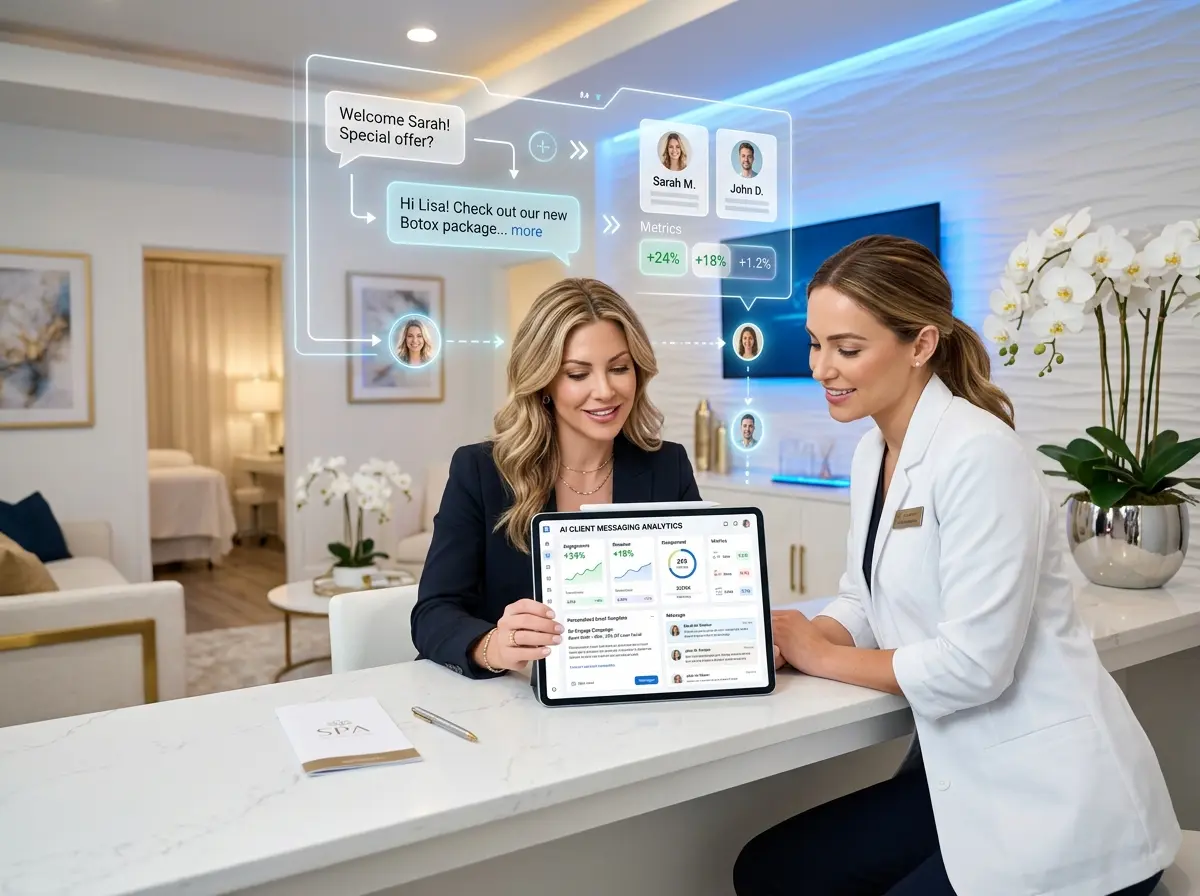
When a patient cancels, every minute you wait to contact your waitlist is a minute closer to that chair sitting empty. Automated outreach — via text message, email, or both — can trigger the instant a cancellation is logged in your scheduling system. A simple, friendly message like "Hey, we just had an opening tomorrow at 2:00 PM — want to grab it?" sent to your top five waitlist candidates simultaneously is dramatically more effective than one staff member making phone calls one by one between other tasks.
Most modern practice management platforms support some form of automated messaging. If yours doesn't, dedicated tools like NexHealth, Weave, or Birdeye can integrate with your existing system to automate these touchpoints. The goal is simple: the patient who's been waiting for an earlier appointment should hear from you before they even have time to think about it.
How Smarter Front-Desk Tools Change the Game
Let Technology Handle the Tedious Parts
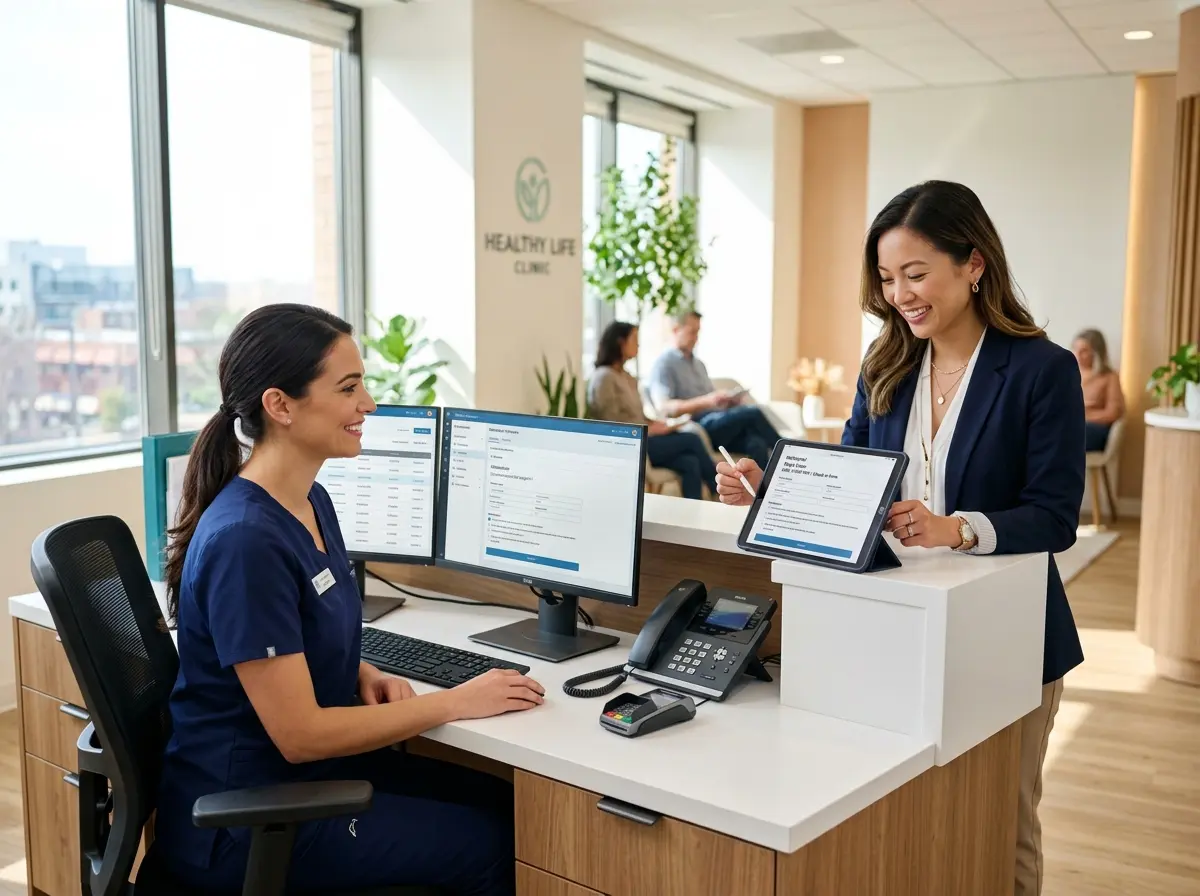
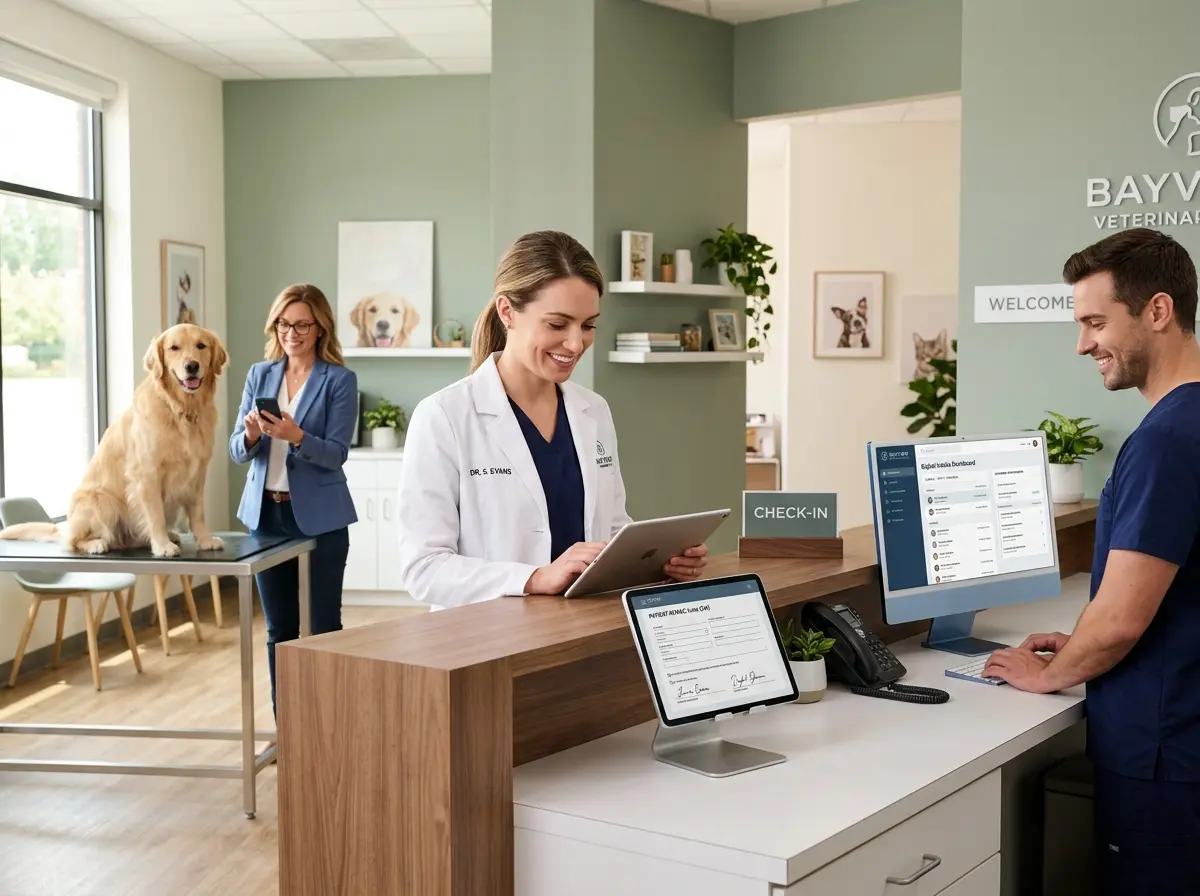
Your front desk team is talented, overworked, and probably handling about four things at once right now. Asking them to also manage a real-time cancellation response system on top of everything else is a tall order. This is exactly where AI-powered tools start pulling their weight.
Stella, the AI robot employee and phone receptionist, is built for exactly this kind of constant, reliable front-line communication. She answers phone calls around the clock, so when a patient calls to cancel at 7:30 AM before your office opens, Stella doesn't let that call go to voicemail and sit unaddressed until someone checks messages at 9:00 AM. She handles the interaction, captures the reason for cancellation, logs it, and can immediately trigger outreach workflows — all without waking anyone up. Her built-in CRM and intake form tools also make it easy to keep waitlist information accurate and up to date, so when that slot opens, your team isn't guessing who to call first. For dental offices with a physical location, Stella's in-office kiosk presence means she can even engage walk-in patients about available appointments while your staff focuses on clinical care.
Reducing Cancellations Before They Happen
Reminders Are Not Optional — They're Infrastructure
The single most effective way to fill cancelled slots is to have fewer cancellations in the first place. And the single most effective way to reduce cancellations is robust, multi-touch appointment reminders. The data here is not subtle: practices that send reminders via text, email, and phone see no-show rates drop by as much as 30% to 40% compared to those relying on a single reminder channel.
Best practice is a three-touch approach: a reminder one week out, another two to three days before, and a final nudge the morning of the appointment. Each reminder should include the date, time, provider name, and a simple way for the patient to confirm or request a reschedule — ideally with a single tap or click. The easier you make it to respond, the more responses you'll get, and the more advance notice you'll have when someone can't make it.
Make Rescheduling Effortless, Not Embarrassing
Here's something practices don't always consider: some patients cancel because they're embarrassed to call and admit they forgot, can't make it, or just aren't ready. Others procrastinate cancelling because they don't want to inconvenience anyone. Both groups end up as no-shows — which is worse than a cancellation because it gives you zero time to fill the slot.
Reducing that friction matters. Offer online rescheduling, allow text-based cancellations, and make sure your messaging is warm and non-judgmental. A patient who can text "need to reschedule" and immediately receive a link to pick a new time is far more likely to actually reschedule than one who dreads making a phone call during office hours. The goal isn't to make cancelling easy for the sake of it — it's to maximize your advance notice so your recovery system has time to do its job.
Implement a Thoughtful Cancellation Policy
This is the part where dental offices get nervous, but hear it out. A clearly communicated, fairly enforced cancellation policy isn't about punishing patients — it's about setting professional expectations and creating a gentle financial incentive for follow-through. A 24 or 48-hour notice requirement, with a modest fee for late cancellations or no-shows after the first offense, tells patients that your time has value. Most patients respect that. And the few who don't? Well, those probably aren't the patients who were helping your practice thrive anyway.
The key is consistent, transparent communication. The policy should be covered during new patient onboarding, included in appointment reminders, and handled with empathy when enforced. Done right, a cancellation policy doesn't alienate patients — it attracts the kind of patients who show up.
A Quick Reminder About Stella
Stella is an AI robot employee and phone receptionist designed to give businesses a reliable, professional front-line presence without the overhead of additional staffing. She answers calls 24/7, manages customer interactions with built-in CRM tools, and works for just $99 a month with no upfront hardware costs. For dental offices tired of missed calls, outdated waitlists, and overloaded staff, she's worth a serious look.
Your Next Steps Start Today
Cancelled appointments will always be part of running a dental practice. Patients get sick, schedules change, and life generally refuses to cooperate with your booking software. But the difference between a practice that loses thousands of dollars a month to empty chairs and one that recovers most of those slots automatically comes down to systems — not effort, not luck, and definitely not more heroic manual effort from your front desk team.
Here's where to start this week: pull your last three months of cancellation data and identify your highest-risk patterns. Audit your current waitlist and update it so it's actually usable. Review your reminder cadence and add a channel if you're only using one. Check whether your scheduling platform supports automated outreach, and if it doesn't, explore integrations that can fill that gap. Finally, draft a simple, respectful cancellation policy if you don't already have one — and make sure your team knows how to communicate it warmly.
Empty chairs don't have to be an accepted cost of doing business. With the right automation, the right data, and the right tools answering your phones at all hours, your practice can turn cancellations from revenue losses into minor scheduling puzzles — the kind that basically solve themselves.