Because "I Forgot" Is Not a Business Strategy
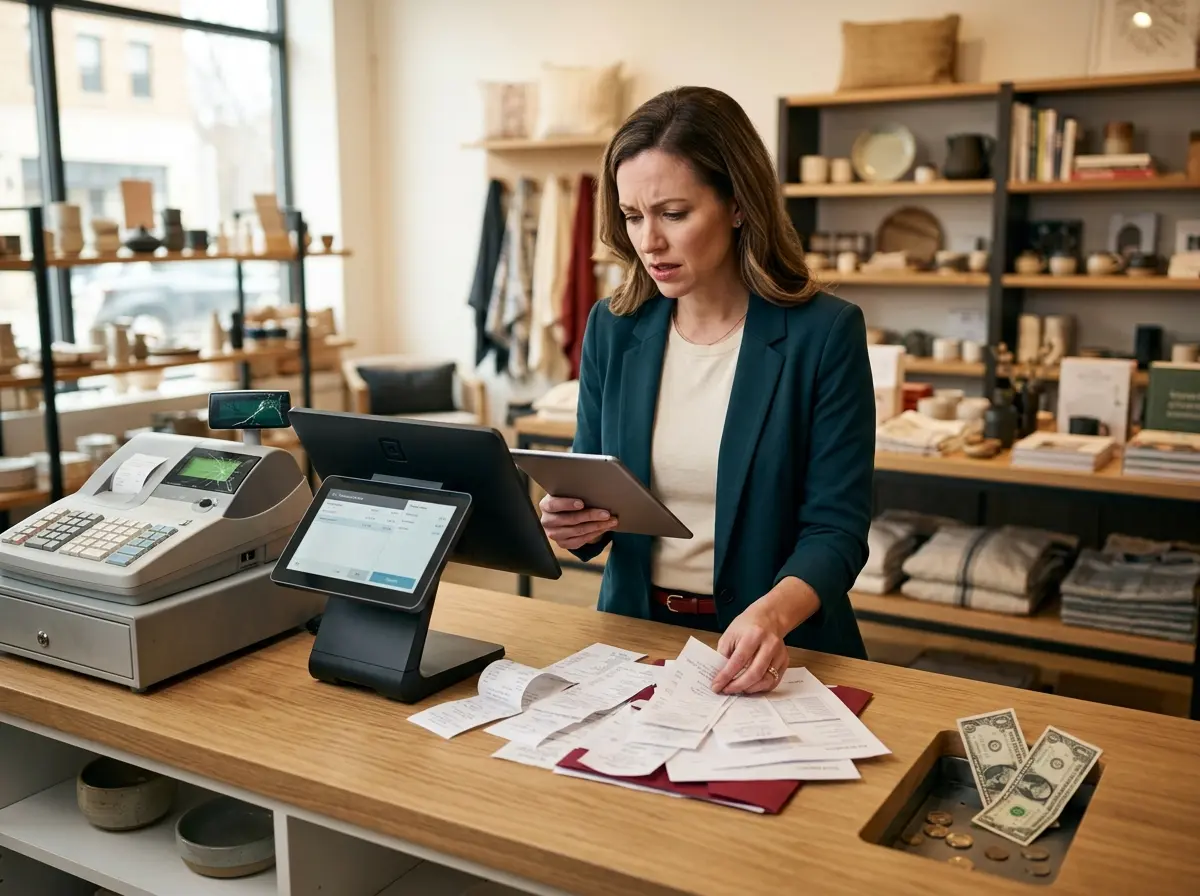
Let's paint a picture. You've got a 2:00 PM appointment on the books. You prepped, you scheduled staff accordingly, maybe you even turned away a walk-in to protect that slot. Then 2:15 rolls around, and... nothing. No client, no call, no courtesy text. Just you, your overhead costs, and a quiet, simmering frustration.
No-shows are one of the most quietly devastating problems in appointment-based businesses. Studies suggest that no-show rates across industries range from 10% to as high as 30%, and in healthcare alone, the cost to the U.S. system is estimated at over $150 billion annually. For a small business, even two or three missed appointments a week can represent thousands of dollars in lost revenue each month.
The good news? Most no-shows are not malicious. People are forgetful, busy, and often just need a gentle nudge in the right direction. A well-designed appointment reminder system can cut your no-show rate dramatically — and setting one up doesn't require a degree in software engineering or a dedicated IT department. Let's walk through how to actually do it right.
Building the Foundation of Your Reminder System
Choose the Right Channels (Hint: Use More Than One)
Email reminders alone used to be enough. That was before the average person started receiving 121 emails per day. Today, a strong reminder strategy uses multiple channels to reach customers where they actually pay attention. The winning combination for most businesses is email, SMS text, and a phone call — each serving a slightly different purpose in your communication timeline.
SMS is king for urgency. Text messages have an open rate of around 98%, compared to roughly 20% for email. If someone is going to remember their appointment, a well-timed text is your best bet. Email is better for detailed confirmations — it gives you room to include location info, parking instructions, what to bring, and cancellation policies. A phone call, especially the day before, adds a personal touch that high-value appointments genuinely benefit from.
Don't be afraid to use all three. Customers rarely complain about being reminded too much when it's handled professionally and spaced appropriately. What they do complain about is missing an appointment they forgot about.
Get Your Timing Right
Timing is everything in reminder systems. Send too early and it's forgotten. Send too late and there's no time to reschedule. A solid framework looks something like this:
- Immediately upon booking: Send a confirmation with all appointment details. This is also a great opportunity to include a cancellation policy reminder.
- 48–72 hours before: A longer-lead reminder, ideally by email, that gives customers enough time to reschedule if something has come up.
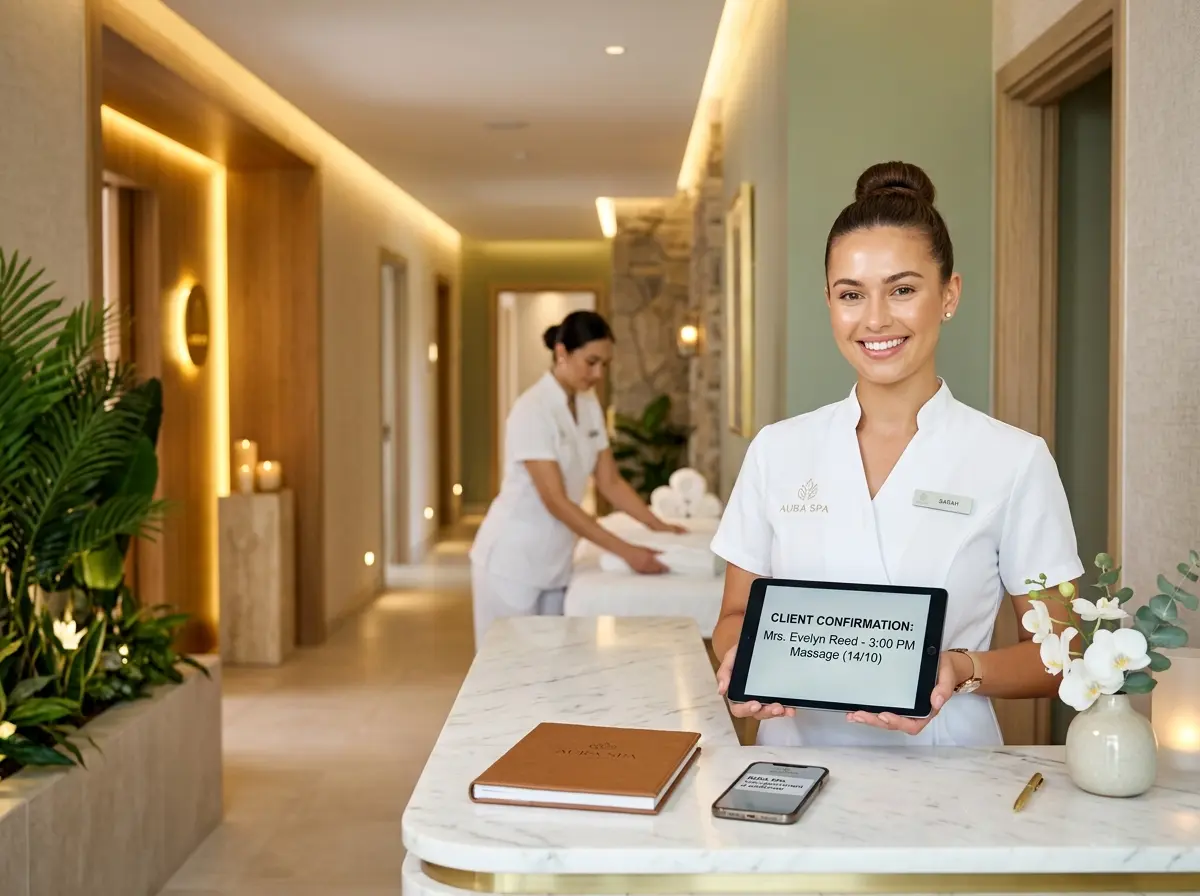
- 24 hours before: An SMS reminder with a simple confirmation prompt — something like "Reply YES to confirm or CANCEL to reschedule."
- 2 hours before (optional): A final SMS nudge for same-day appointments or high-value bookings where a no-show is especially costly.
The two-way confirmation step — where the customer actively confirms — is particularly powerful. It transforms a passive reminder into an engagement point and gives you advance warning if someone isn't coming, so you can fill the slot or adjust staffing.
Don't Forget the Human Element in Your Messaging
There's a difference between a reminder that feels like a DMV notice and one that feels like a helpful heads-up from a business that actually cares. Your reminder messages should reflect your brand voice, include the customer's name, and provide all the relevant details without making them scroll through a novel to find their appointment time.
Keep SMS messages under 160 characters when possible. Make your calls-to-action crystal clear. And if you're personalizing at scale, make sure your system is pulling accurate data — nothing erodes trust faster than a reminder that gets the customer's name wrong or lists the wrong service.
Tools and Technology That Can Help
Automate Without Losing the Personal Touch
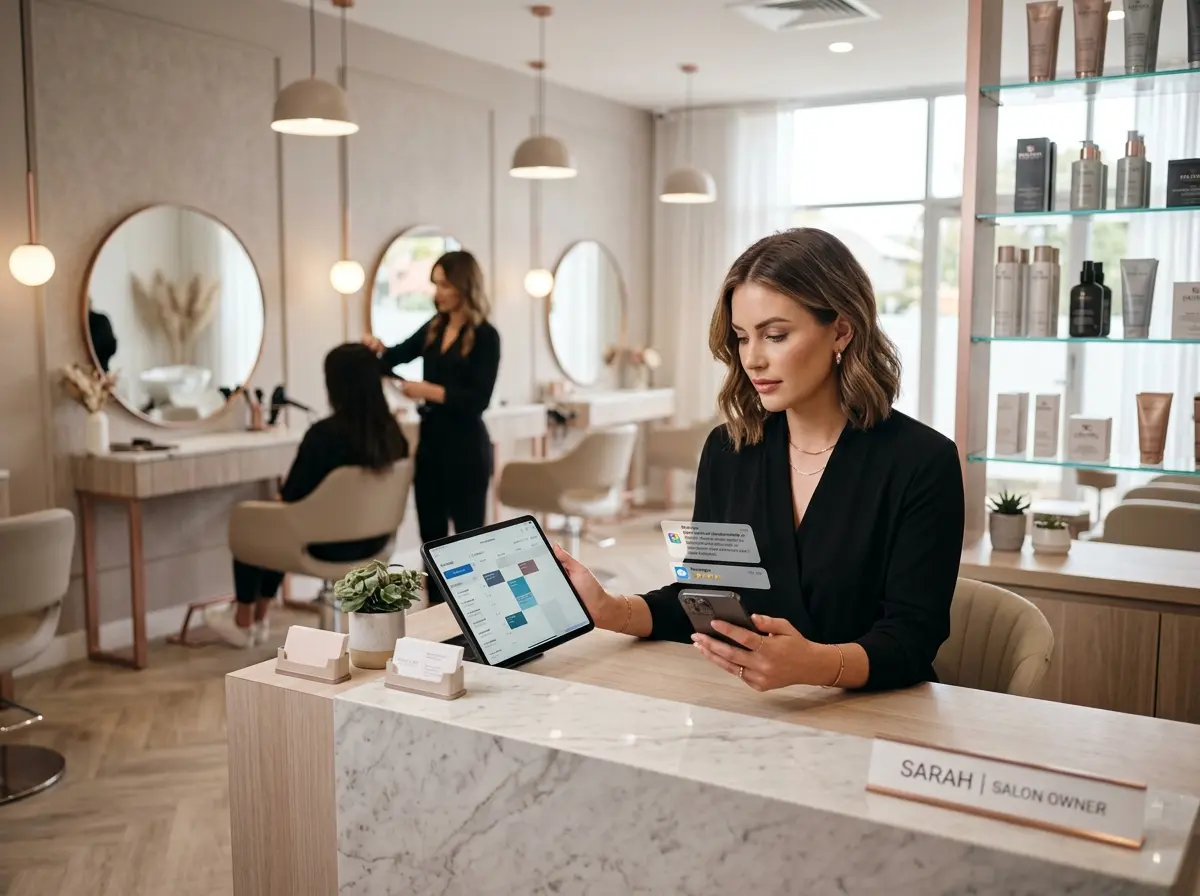
Modern scheduling software — tools like Acuity Scheduling, Calendly, Jane App, or industry-specific platforms — come with built-in reminder features that can handle much of the heavy lifting automatically. The key is configuring them thoughtfully rather than leaving everything on default settings and hoping for the best.
For businesses that also rely on phone communication to manage bookings or follow up with clients, Stella is worth knowing about. Stella is an AI phone receptionist that answers calls 24/7, collects customer information through conversational intake forms, and manages contacts through a built-in CRM with custom fields, tags, and AI-generated profiles. For businesses with a physical location, she also functions as a friendly in-store kiosk that greets customers and handles inquiries in person. If you're fielding appointment calls at odd hours or losing potential bookings because no one picked up, Stella can close that gap without adding headcount.
Handling Cancellations and Last-Minute Changes Gracefully
Make It Easy to Reschedule (Seriously, Make It Easy)
Here's a counterintuitive truth: making it easy for customers to cancel or reschedule actually reduces your no-show rate. When rescheduling feels like a hassle — calling during business hours, waiting on hold, navigating a clunky website — people take the path of least resistance. And sometimes that path is simply not showing up.
Offer self-service rescheduling links directly in your reminder messages. Let customers reschedule with a single click rather than requiring a phone call during your busiest hours. The goal isn't to make it easy to bail on you — it's to make it easy to communicate, so you're not left holding an empty calendar slot with no warning.
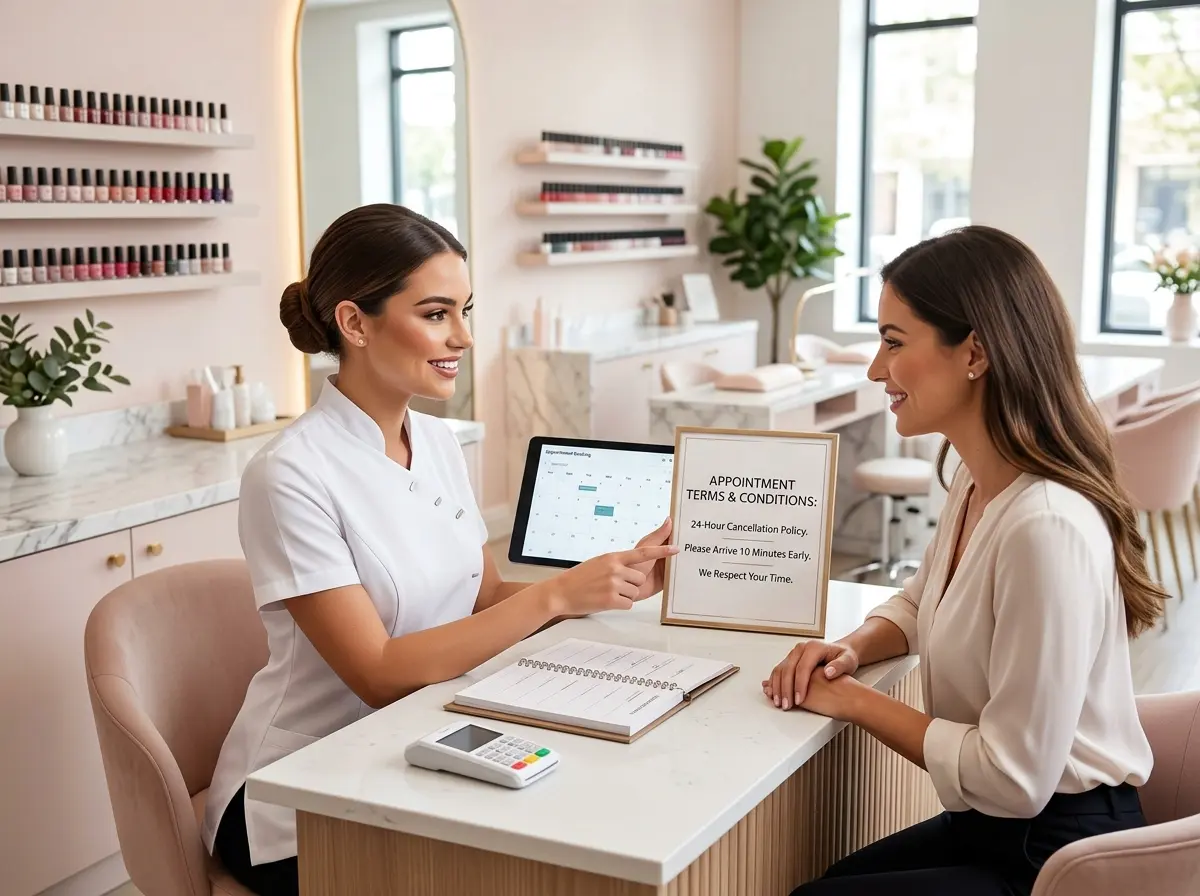
A solid cancellation policy with a fair, clearly communicated fee for late cancellations is also a reasonable deterrent. Just make sure that policy is front and center at the time of booking, not buried in the confirmation email footer where no one will read it.
Use No-Shows as Data, Not Just Disappointments
Every no-show is a data point. Are certain appointment types or time slots more prone to no-shows? Are particular customer segments consistently problematic? Are no-shows higher for appointments booked far in advance versus last-minute bookings? Tracking this information over time helps you identify patterns and adjust your reminder strategy accordingly.
Some businesses add a "high-risk" tag to repeat no-show clients in their CRM and require a deposit or pre-payment before booking. Others call these clients personally rather than relying solely on automated reminders. Neither approach is punitive when handled professionally — it's just smart resource management.
Train Your Team on the Follow-Up Process
Automation handles the bulk of your reminder workload, but your human staff still plays a role — particularly in following up after a no-show occurs. A brief, friendly call or message after a missed appointment can accomplish two things: it gives the customer a chance to explain or reschedule, and it signals that you noticed and that their business matters to you. Many clients who no-show once and receive a gracious follow-up feel enough accountability to show up reliably going forward.
Document your follow-up process and make sure it's consistent across your team. Ad hoc, inconsistent follow-up is almost as bad as no follow-up at all.
Quick Reminder About Stella
Stella is an AI robot employee and phone receptionist designed for businesses of all types — from salons and medical offices to gyms, law firms, and online-only service providers. She answers phone calls around the clock, collects client information, manages your CRM, and for businesses with a physical location, greets customers as a friendly in-store kiosk. At just $99/month with no upfront hardware costs, she's one of the more practical ways to make sure your business never misses a call — or a booking opportunity.
Start Reducing No-Shows This Week
No-shows will never be completely eliminated — life happens, and sometimes people just flake. But there's a significant difference between a business that loses 25% of its appointments to no-shows and one that loses 5%. That difference is almost always a well-designed, consistently executed reminder system.
Here's where to start: audit your current reminder process honestly. How many touchpoints do you have? Are they automated? Are they personalized? Is your cancellation policy clearly communicated? If the answer to any of those questions makes you uncomfortable, that's your starting point.
From there, pick a scheduling or communication tool that supports multi-channel reminders, configure your timing sequence, write messaging that actually sounds like your brand, and make rescheduling as frictionless as possible. Then track your no-show rate month over month and adjust as needed.
Your calendar — and your bottom line — will thank you.