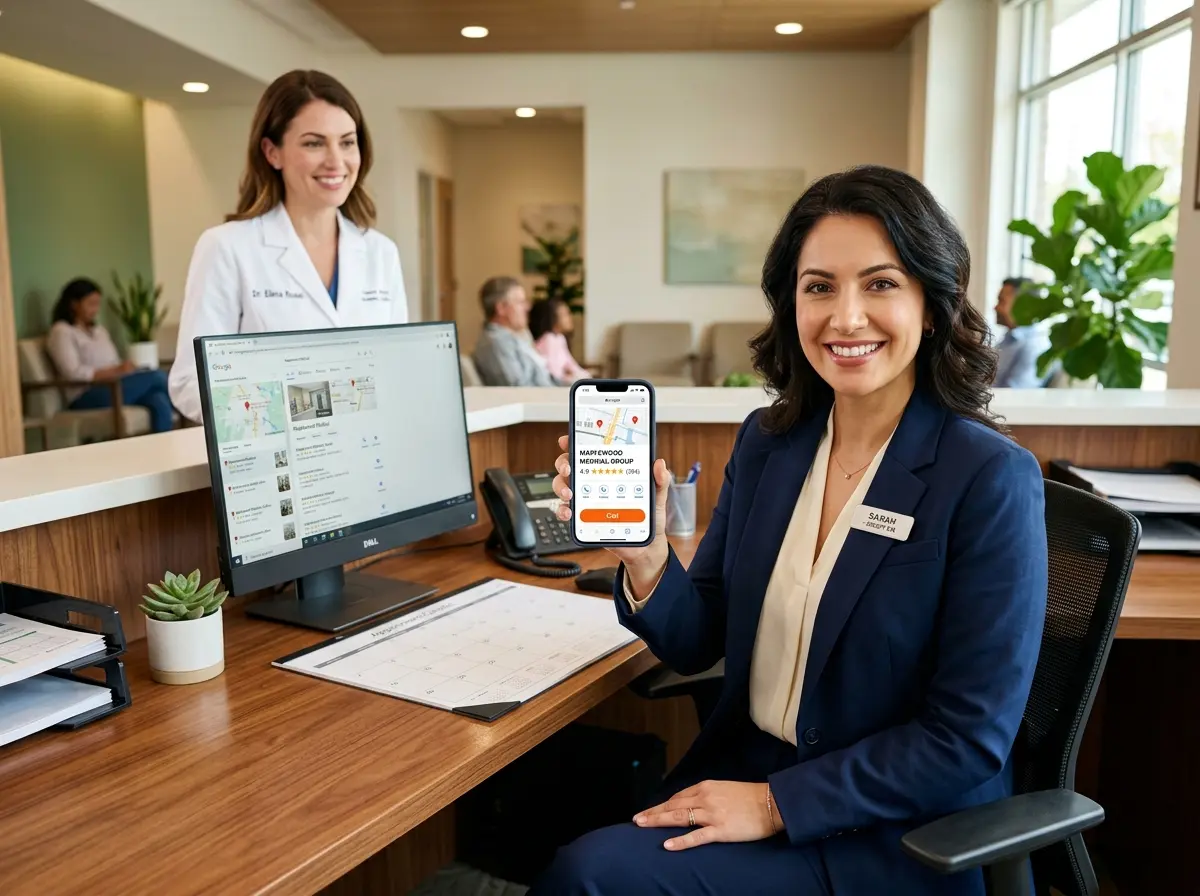
Your Google Business Profile Is Either Working for You or Against You
Let's be honest — when was the last time you actually looked at your Google Business Profile? If your answer is "I set it up in 2019 and haven't touched it since," you're leaving a genuinely embarrassing amount of money on the table. Your Google Business Profile (GBP) is often the very first thing a potential patient or client sees when they search for your practice. It shows up before your website, before your social media, and before any ad you've ever paid for. And yet, most business owners treat it like a dusty filing cabinet — technically there, but not doing much.
Here's the good news: optimizing your Google Business Profile to drive more calls and booked appointments isn't rocket science. It's a series of deliberate, consistent actions that compound over time. This guide will walk you through exactly what to do, why it matters, and how to make sure that when someone finds you on Google, they don't just scroll past — they pick up the phone or book an appointment on the spot.
Optimizing Your Profile to Get Found (and Chosen)
Before anyone can call you or book an appointment, they have to find you. And before they choose you over the competitor two blocks away, your profile has to actually be compelling. These two things — visibility and conversion — are the twin engines of a high-performing Google Business Profile.
Nail the Basics Before Anything Else
It sounds obvious, but you'd be amazed how many practices have incomplete or inconsistent information on their GBP. Google rewards completeness. A fully filled-out profile is significantly more likely to appear in local search results than one with missing fields. Start with the fundamentals: make sure your business name, address, phone number, and website are accurate and exactly consistent with how they appear everywhere else online. Even small discrepancies — "St." vs. "Street," for example — can confuse Google's algorithm and hurt your local ranking.
Beyond the basics, choose your primary and secondary business categories carefully. This is one of the most impactful decisions you'll make on your profile, because Google uses categories to determine when to show your listing. If you're a medical spa, for instance, don't just select "Medical Spa" — also consider adding "Skin Care Clinic" or "Beauty Salon" as secondary categories if they apply. And don't overlook your business description. You have 750 characters — use them to speak directly to what your ideal client is searching for, and naturally include keywords like your service type and city.
Use Photos Like You Mean It
According to Google, businesses with photos receive 42% more requests for directions and 35% more clicks to their websites than businesses without photos. That's not a marginal difference — that's the difference between a profile that converts and one that gets skipped. Upload high-quality photos of your exterior, interior, team, and services regularly. Aim to add new photos at least once or twice a month to signal to Google that your profile is active.
For practices specifically — whether you're a dental office, a chiropractic clinic, a law firm, or a med spa — showing the inside of your space helps potential clients visualize themselves there. It reduces anxiety and builds trust before they've ever walked through the door or dialed your number.
Leverage Google Posts and Q&A Strategically
Google Posts are essentially free advertising space directly on your listing, and most businesses ignore them entirely. You can use Posts to promote limited-time offers, announce new services, highlight upcoming events, or share helpful tips. Each Post can include a call-to-action button — "Book," "Call now," "Learn more" — which makes them a direct pipeline from a Google search to an appointment on your calendar.
Similarly, the Q&A section of your profile is a goldmine that most business owners never touch. Anyone can ask a question on your listing — and anyone can answer it, including random strangers. Take control by proactively populating this section with the questions your clients ask most often, and answer them yourself with accurate, helpful information. Think: "Do you accept insurance?" "Is parking available?" "How long is a typical appointment?" Done well, this section can resolve objections before a potential client even thinks to call.
Turning Profile Views Into Actual Calls and Bookings
Getting found is step one. But what happens after someone finds your profile? This is where most practices fumble — the traffic is there, but the conversion isn't. The goal is to make it as easy and frictionless as possible for someone to take action the moment they land on your listing.
Make Calling You the Path of Least Resistance
Your phone number should be prominent, click-to-call enabled on mobile, and — this is the part people overlook — answered reliably. A surprising number of practices lose leads simply because nobody picked up the phone. According to a BrightLocal survey, 60% of consumers prefer to contact local businesses by phone, and a missed call is often a permanently lost customer who just calls your competitor instead.
This is where Stella, the AI robot employee and phone receptionist, can quietly become one of your best front-desk investments. Stella answers every call, 24/7, with the same knowledge she'd use greeting a customer in person at your kiosk — no hold music, no voicemail black holes, no "we'll call you back" promises that don't get kept. She can collect intake information conversationally, answer common questions about your services, hours, and policies, and even flag urgent calls for your human staff. When someone finds your GBP at 9pm on a Tuesday and calls to ask about booking a consultation, Stella is there. Her built-in CRM and conversational intake forms also mean that caller's information doesn't get lost — it gets captured, organized, and ready for your team the next morning.
Using Reviews to Drive More Appointments
If your Google Business Profile is the storefront, reviews are the word-of-mouth reputation that either draws people in or sends them walking. They influence both your ranking in local search results and the likelihood that a stranger will actually trust you enough to book. Practices with a consistent stream of positive, recent reviews simply win more business — full stop.
Build a Review Generation System, Not a One-Time Ask
The mistake most businesses make is asking for reviews sporadically — after a particularly good appointment, or when they remember to. What actually works is having a repeatable system. After every appointment or service, send a follow-up text or email with a direct link to your Google review page. Make it one tap. Make it easy. The businesses that dominate their local search results aren't necessarily the best in the area — they're often just the most consistent about collecting social proof.
Aim for a steady cadence of new reviews rather than a burst of 30 in one week followed by nothing for six months. Google's algorithm notices recency and consistency, and so do potential clients reading through your reviews. Even two or three new reviews per month, sustained over time, will outperform a one-time campaign.
Respond to Every Review — Yes, Including the Bad Ones
Responding to reviews is one of those things that feels optional until you realize that 45% of consumers say they're more likely to visit a business that responds to negative reviews. How you handle criticism publicly is a preview of how you handle problems privately. A calm, professional, empathetic response to a one-star review can actually build more trust than a page full of five-star ratings with zero engagement from the owner.
Keep your responses to positive reviews warm but brief — a generic "Thanks for the kind words!" copy-pasted 200 times looks exactly as lazy as it is. Personalize when you can. For negative reviews, acknowledge the concern, apologize where appropriate, and invite the conversation offline. Never get defensive in public. Your future clients are reading every word.
A Quick Reminder About Stella
Stella is an AI robot employee and phone receptionist built for businesses exactly like yours — whether you have a physical location, operate entirely by phone, or both. She greets walk-in customers in person at her kiosk, answers calls around the clock, promotes your current offers, and manages customer information through her built-in CRM. At $99/month with no upfront hardware costs, she's the kind of front-desk team member who never calls in sick and never puts a client on hold indefinitely.
What to Do This Week
You don't need to overhaul everything at once. Start with a profile audit: log into your Google Business Profile, check every field for accuracy, and upload at least five new photos if you haven't recently. Then create your first Google Post with a clear call-to-action tied to your most popular service or a current promotion. Set up a review request process — even a simple text message template you send manually is better than nothing.
From there, build the habit. Weekly Posts, monthly photo updates, prompt review responses, and a reliable phone presence will compound into a measurable increase in calls and booked appointments over the next 90 days. Your Google Business Profile isn't a set-it-and-forget-it asset — it's a living, working part of your marketing engine. Treat it that way, and it will reward you accordingly.
The practices winning in local search right now aren't necessarily spending more on ads or doing anything exotic. They're doing the fundamentals consistently, and they've made sure that when someone is ready to reach out, there's always someone — or something — ready to receive them.