So, You Want to Host a Livestream Shopping Event? Bless Your Heart.
Let’s be honest. You’ve seen them. Those impossibly cheerful boutique owners on your Instagram feed, holding up a sequined top to their phone camera while a flurry of “SOLD!” comments rolls in. You’ve watched them, a glass of wine in hand, thinking, “I could do that.” Then, the cold sweat kicks in. What if the WiFi dies? What if nobody shows up? What if I trip over a mannequin and create a viral blooper reel for the ages?
Deep breaths. While diving into livestreaming can feel like learning a new language, it’s really just a digital version of what you already do best: building relationships and showing off your incredible products. It’s personal, it’s engaging, and according to Coresight Research, it’s a market that’s exploding. So, let’s put the panic aside and walk through how to pull off your first event without having a complete meltdown. This is your no-fluff, slightly-caffeinated guide to getting it done.
Prepping for Primetime (Without Losing Your Mind)
The success of your livestream is determined long before you hit that intimidating “Go Live” button. A little bit of planning here will save you a world of frantic, on-camera chaos later. Think of it as setting the stage—if you do it right, the performance itself is the easy part. Mostly.
Choosing Your Platform and Gear (Hint: It's Probably in Your Pocket)
First things first, you do not need a Hollywood production studio. Let me repeat that for the people in the back: you don't need a crew, a sound guy named Mitch, or a camera that costs more than your car. Your customers want authenticity, not a Michael Bay film.
- Platform: Stick with what you know. If you have an engaged audience on Instagram, use Instagram Live. If your community lives on Facebook, go with Facebook Live. They are free, easy to use, and your customers are already there. Don't overcomplicate it.
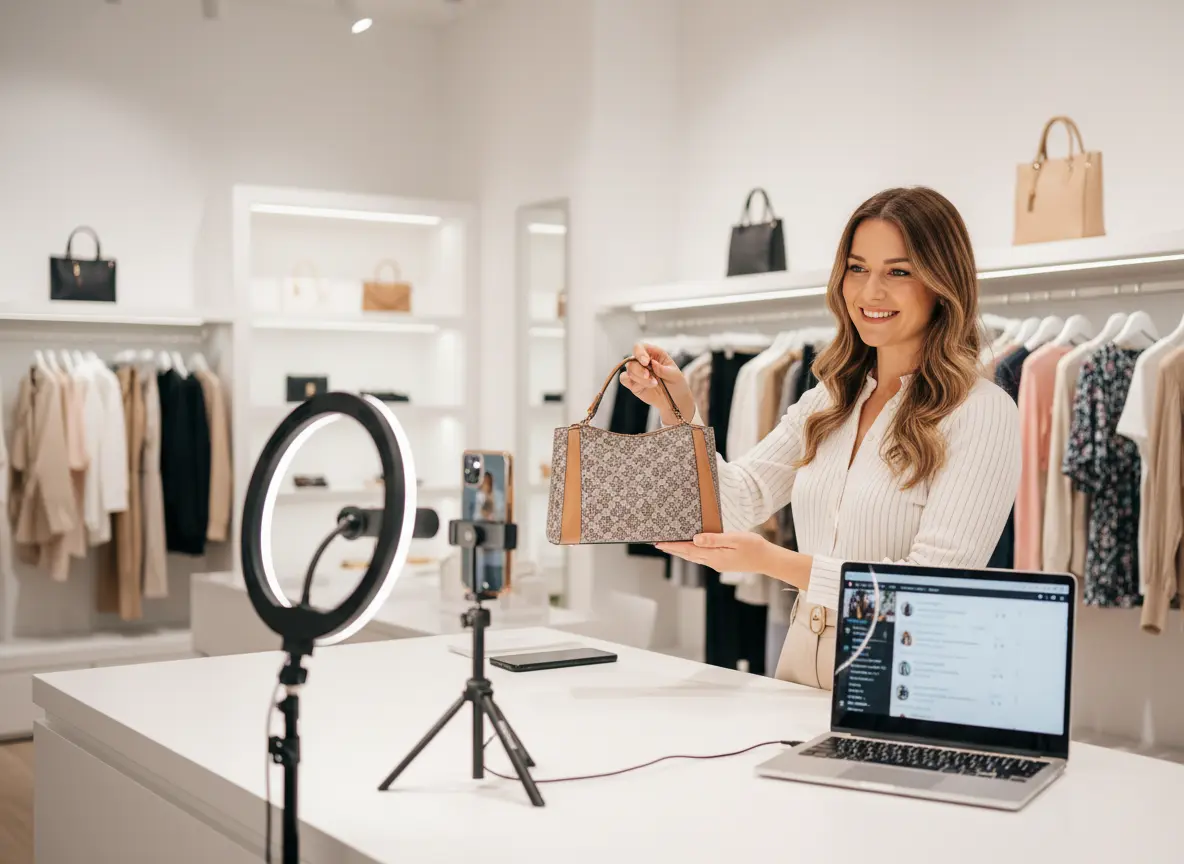
- Gear: Your modern smartphone is your new best friend. The camera quality is more than sufficient. The two non-negotiables?
- A Tripod: A shaky camera is nauseating. Invest $25 in a basic tripod. Your viewers will thank you.
- Good Lighting: Natural light is your best option, but if you're hosting at night, a simple ring light will make you and your products look fantastic. No one wants to buy a dress they can barely see.
That’s it. You’re practically a tech genius already.
Planning Your Content: What on Earth Will You Talk About?
Please, for the love of all that is retail, do not just turn on the camera and “wing it.” That’s a recipe for awkward silences and rambling. A little structure goes a long way. Decide on a theme for your first event. Is it a “New Arrivals” showcase? A “Staff Picks” special? A “Flash Sale on Everything That’s Been Here Too Long”?
Create a simple run-of-show. This can be a piece of paper taped to the wall behind your phone. List the items you’ll feature in order. To make checkout easier for everyone, give each item a number. For example: "Okay everyone, this is item #5, the ‘I’m Not Lazy, I’m in Energy-Saving Mode’ sweatshirt. It’s $45. To claim it, comment SOLD 5 with your size!" This simple system prevents chaos in the comments and makes invoicing 100 times easier.
Promotion: How to Get People to Actually Show Up
You can have the most amazing products and the most charming host (that’s you!), but it means nothing if you’re broadcasting to an audience of three people (one of whom is your mom). Promote your event like you’d promote your biggest sale of the year.
Start hyping it up at least 3-5 days in advance.
- Use email newsletters and all your social media channels.
- Create countdowns in your Instagram Stories.
- Offer an exclusive incentive for live viewers, like a 15% discount or a free gift with purchase. Scarcity is a powerful motivator.
Announce the date and time clearly and repeatedly. People are busy. They need reminders. Don’t be shy about it.
Leveraging Your Secret In-Store Weapon
While you're building a digital audience, don't forget about the real, live human beings walking into your physical store every day. They are your most loyal customers and your most likely livestream viewers. You need to bridge the gap between your brick-and-mortar and your online presence, and that starts with turning your store into a promotional machine.
Turning Your Store into a Stage
Your store is the perfect, authentic backdrop for your livestream. But it's also your #1 marketing tool in the days leading up to it. Put up signs at the cash wrap and on the front door. Have your staff mention the upcoming event to every customer they help. You want to create a buzz that extends beyond the screen.
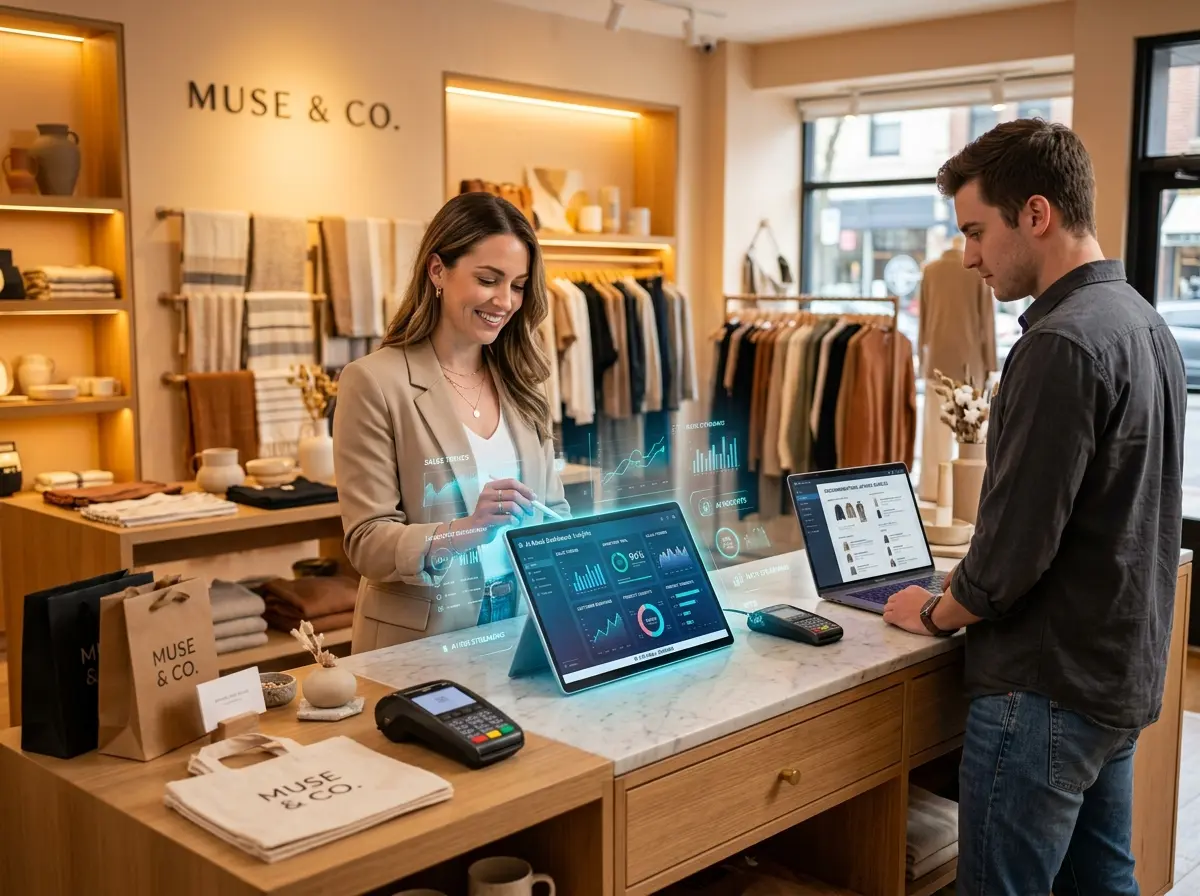
This is where an automated assistant can work wonders. Imagine having a team member whose sole job is to promote your big event to every single person who walks in. That's where a tool like Stella becomes your secret weapon. She can be programmed to greet customers with a friendly, "Welcome in! Just so you know, we're hosting a special livestream sale on Thursday night with deals you won't find in-store. Follow us on Instagram to join in!" Stella ensures that not a single shopper misses the memo, driving your in-store traffic directly to your online event without your staff having to repeat themselves a thousand times.
Go Live! (And What to Do After the Curtain Falls)
The big day is here. Your hair looks great, your products are lined up, and your palms are only slightly sweaty. It's time to shine. Just remember, it’s a conversation, not a presentation. Energy is everything.
Showtime: Engaging Your Audience Like a Pro
When you hit that live button, take a deep breath and smile. Start with high energy! Welcome people by their usernames as they join the stream. It makes them feel seen and appreciated. The single most important tip for a smooth event is to have a helper. Trying to showcase products, read comments, and answer questions all by yourself is a comedy of errors waiting to happen. Designate one person to be the "comment wrangler" who can respond to questions and keep track of the "SOLD" comments. This allows you to stay focused on being the star of the show.
Interact, interact, interact. Ask your audience where they’re watching from. Run a quick poll. If someone asks to see a dress up close, show it to them! The more you treat it like a group of friends shopping together, the more successful it will be.
The Art of the Follow-Up: Cashing In
Congratulations, you survived! But the work isn't over yet. The post-show hustle is where you actually make your money. You need a clear and efficient system for invoicing.
- Invoice Immediately: Don't wait until the next day. Send out invoices via your chosen method (Shopify, CommentSold, PayPal, etc.) within an hour or two of the event ending. You want to capitalize on that "must-have-it-now" excitement before buyer's remorse has a chance to set in.
- Set a Payment Deadline: Clearly state that invoices must be paid within a certain timeframe (e.g., 12 or 24 hours) or the item will go to the next person in line. This creates urgency and prevents you from holding inventory for non-committal buyers.
- Post the Replay: Save your live video and post it to your feed or stories. You can still rack up sales for the next 24 hours from people who couldn't make it to the live event. Just tell them to comment "SOLD REPLAY" to claim items.
A Quick Reminder About Your In-Store All-Star
While you’re mastering the digital world with livestreams, don’t forget about perfecting the in-store experience. Stella, our AI retail assistant, greets every customer, promotes your latest deals (like that upcoming livestream!), and answers common questions, freeing up your team to provide the high-touch service that sets you apart.
Conclusion: Your Homework Assignment
Look at you, a future livestreaming superstar. We've covered the tech, the plan, the promotion, and the follow-up. It might seem like a lot, but it all boils down to four simple steps: Plan, Promote, Engage, and Invoice.
Your first livestream won't be perfect. You might forget what you were saying mid-sentence or hold a sweater up backward. Who cares? Authenticity trumps perfection every single time. Your customers love you and your unique point of view. A livestream is just one more way to share it with them.
So here's your homework: Pick a date. Right now. Open your calendar and circle a day two weeks from now. Tell one person you’re doing it. Now you’re accountable. You’ve got this. Go forth and conquer the internet—or at least, your little corner of it.