When You're the Lawyer, the Receptionist, and the Entire Support Staff
Let's paint a picture. It's 9:47 PM on a Tuesday. You just finished reviewing a contract, your dinner is cold, and your phone is ringing — again. On the other end? A potential client with a "quick question" that turns into a 20-minute intake call you'll have to manually log into your CRM at midnight. Welcome to the glamorous life of a solo attorney.
Running a one-person law firm is, in the most respectful way possible, a logistical nightmare. You didn't go to law school to spend your afternoons playing phone tag, manually scheduling consultations, and sending reminder emails to clients who will forget the appointment anyway. And yet, here we are.
The good news? AI has made it genuinely possible for solo attorneys to operate with the systems and professionalism of a much larger firm — without hiring a full-time receptionist, a scheduling coordinator, and a follow-up specialist. This post walks through exactly how one solo attorney restructured her intake, scheduling, and follow-up process using AI tools, and what you can take away for your own practice.
The Three-Headed Monster: Intake, Scheduling, and Follow-Ups
Intake: The First Impression You're Too Busy to Make
Client intake is the first touchpoint in any legal relationship, and it sets the tone for everything that follows. It's also, frankly, one of the most time-consuming administrative tasks a solo attorney faces. Every new inquiry requires gathering the same foundational information — name, contact details, case type, timeline, opposing parties, prior representation — before you can even determine if the case is a good fit.
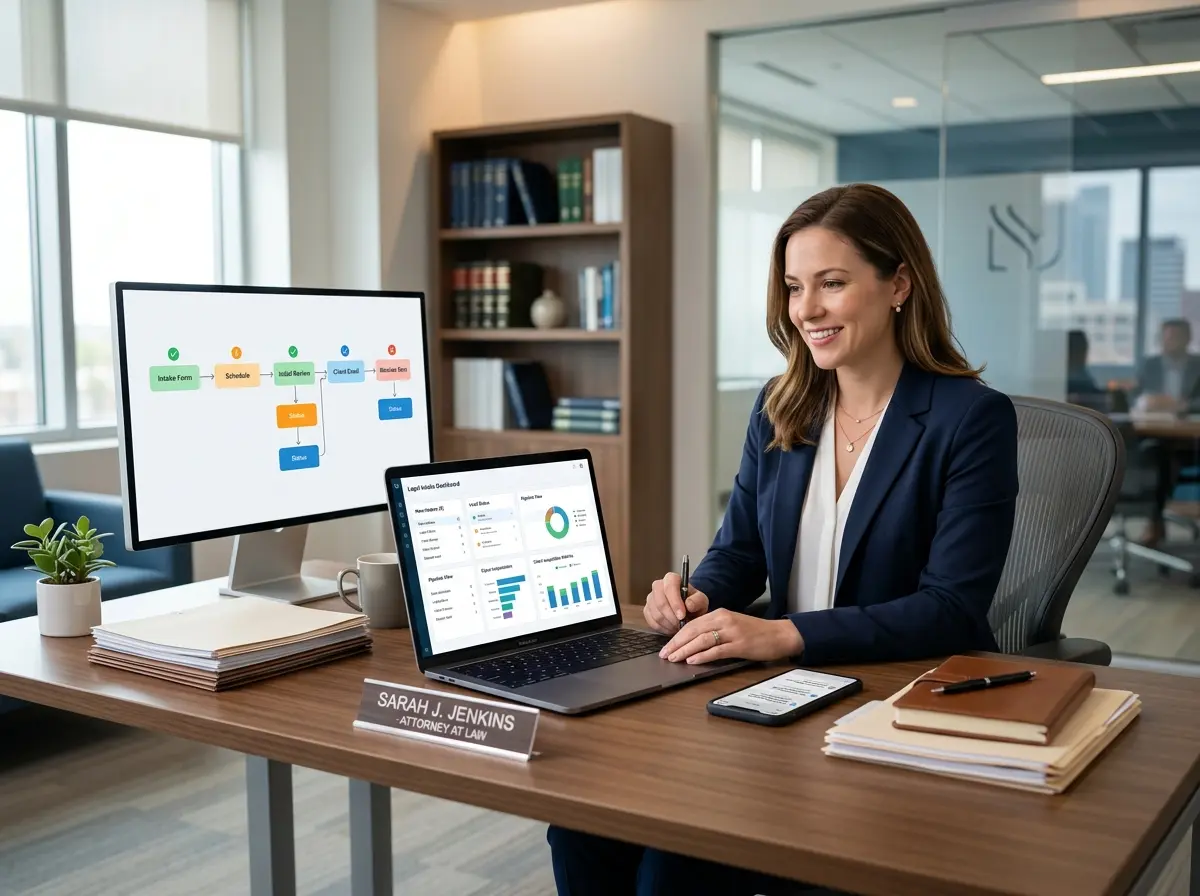
For solo attorney Maya Chen (a composite based on real patterns we've seen), this process was eating up nearly 6–8 hours per week. She was conducting full intake conversations over the phone before she even knew whether the caller was a viable client. That's not client service — that's volunteer consulting.
The fix was deploying a conversational AI intake system that engaged callers immediately, asked structured qualifying questions in a natural, friendly tone, and fed the results directly into her case management software. Callers weren't greeted by a cold form or a voicemail box — they had a real conversation. And by the time Maya reviewed the summary, she already knew the case type, urgency, budget range, and contact information. Her actual consultation calls went from 45 minutes to about 15.
Scheduling: The Calendar Chaos No One Talks About
According to a study by Calendly, 80% of professionals say that scheduling back-and-forth wastes significant time each week. For solo attorneys, this isn't just annoying — it's billable time evaporating into thin air.
Maya's previous process involved emailing available times, waiting for responses, sending calendar invites, and then chasing confirmations. She estimated spending 45 minutes a day just on scheduling logistics. When she integrated AI-assisted scheduling — allowing qualified leads to book directly after completing intake — that number dropped to near zero. The system handled timezone adjustments, sent confirmation emails automatically, and flagged any conflicts before they became problems.
The result wasn't just time saved. It was a significantly better client experience. Prospects could book a consultation at 11 PM if that's when they finally had a moment to think about their legal situation — without waiting until business hours to interact with a human.
Follow-Ups: The Revenue That Slips Through the Cracks
Here's an uncomfortable truth: most solo attorneys lose potential clients not because of bad lawyering, but because of slow or inconsistent follow-up. Research from the Legal Trends Report by Clio found that law firms that respond to inquiries within an hour are significantly more likely to convert leads than those who respond the next day — let alone a week later.
Maya had a graveyard of "warm leads" in her inbox that had simply gone cold because life got in the way. Once she set up automated follow-up sequences — a confirmation immediately after intake, a reminder 24 hours before the consultation, and a post-consultation check-in — her conversion rate from inquiry to retained client improved noticeably. Not because she became a better lawyer. Because she stopped accidentally ghosting people.
How AI Handles the Front Desk (So You Don't Have To)
Always-On Availability Without the Overhead
One of the most practical ways solo attorneys can leverage AI is through an intelligent phone receptionist that works around the clock. Stella, an AI robot employee and phone receptionist, handles incoming calls with natural conversation — answering questions about your services, walking callers through intake forms, and capturing lead information even when you're in court, in a deposition, or simply asleep like a normal human being.
For law firms with a physical office, Stella also operates as an in-person kiosk presence — greeting walk-in clients, providing information, and keeping things professional even when the front desk is unmanned. Her built-in CRM stores every interaction with custom fields, tags, and AI-generated client profiles, so your intake data is organized and accessible without any manual data entry on your part. It's the kind of front-office infrastructure that used to require a full-time hire.
Building a System That Actually Scales
Start With Your Bottlenecks, Not the Technology
The most common mistake attorneys make when adopting AI tools is starting with the tool and working backward. They sign up for something shiny, realize it doesn't quite fit their workflow, and conclude that "AI isn't for my practice." The better approach is to map your current process first.
Write down every administrative task you do in a week. Estimate the time each one takes. Circle the ones that are repetitive, don't require your legal expertise, and happen before you've even determined if a client is worth taking on. Those are your targets. For most solo attorneys, the top three will be intake calls, scheduling, and follow-up communication — which is exactly why this article exists.
Automation With a Human Touch
There's a persistent fear that automating client communication will make a law firm feel cold or impersonal. This concern is understandable but largely outdated. The key is designing your automated touchpoints to sound like you — using your tone, your language, and your values.
Maya's follow-up emails weren't generic templates. They referenced the specific case type, used warm and approachable language consistent with her brand, and included a direct line to reach her if anything urgent came up. Clients consistently told her they felt well taken care of — not realizing that the initial communication had been triggered automatically. That's not deception. That's smart design.
Measure, Adjust, and Don't Overcomplicate It
Once your systems are running, resist the temptation to set it and forget it entirely. Review your intake completion rates — are prospects dropping off at a certain question? Check your show rates for consultations — are reminder sequences actually reducing no-shows? Look at your lead-to-client conversion timeline — is it getting shorter?
The data will tell you where friction still exists. Small adjustments — moving a scheduling link earlier in the intake flow, changing the timing of a follow-up message — can have outsized effects on your conversion rate and client experience. You don't need to be a tech expert. You need to be willing to look at the numbers once a month and ask whether the system is working.
A Quick Reminder About Stella
Stella is an AI robot employee and phone receptionist designed to help businesses — including solo law firms — handle calls, intake, and client communication without additional staff. She answers phones 24/7, manages a built-in CRM with intake forms and AI-generated contact profiles, and can operate as a physical in-office kiosk for walk-in clients. At $99/month with no upfront hardware costs, she's one of the more practical investments a solo attorney can make in their front-office operations.
Your Practice Deserves Better Systems
If you took nothing else from this post, take this: the bottlenecks killing your solo practice almost certainly aren't legal ones. They're operational. They're the phone tag, the manual intake, the forgotten follow-ups, and the leads that go cold while you're doing actual legal work. These are solvable problems — and in 2024, they're more solvable than ever.
Here's where to start:
- Audit your week. Track every non-legal task you perform for five business days. You'll probably be horrified by what you find.
- Identify your highest-volume, lowest-complexity tasks. These are your automation candidates.
- Implement one system at a time. Start with intake or scheduling — whichever causes you more pain — before layering in additional tools.
- Review your results after 30 days. Conversion rate, time saved, client satisfaction. Adjust accordingly.
- Build from there. Once one system runs smoothly, you'll have the confidence and bandwidth to optimize the next one.
You started your firm to practice law. The good news is that the administrative infrastructure that used to require a full team can now be handled largely by well-designed AI systems — giving you more time to do the work you actually trained for. Maya didn't hire a receptionist, a scheduler, or a follow-up coordinator. She built systems. And her practice — and her Tuesday evenings — are significantly better for it.