Your Law Firm Deserves Better Than a Voicemail Black Hole
Let's be honest: your front desk situation probably isn't winning any awards. Between missed calls during depositions, lunch breaks that somehow stretch to 90 minutes, and the eternal question of "did anyone call back that potential client from Tuesday?" — the intake process at most law firms is, charitably speaking, a work in progress.
Here's the uncomfortable truth: studies show that 42% of law firms never respond to initial inquiries at all, and those that do take an average of several hours to call back. In a world where a prospective client has five other tabs open and zero patience, that delay is as good as a rejection. You worked hard to get that website traffic, those referrals, those Google reviews — and then the phone rings into the void.
The good news? Setting up an AI receptionist for your law firm is no longer a six-month IT project requiring a dedicated budget committee and three vendor meetings. In fact, you can have a polished, professional, always-available phone presence up and running in under a week. Here's exactly how to do it.
Before You Set Anything Up: Know What You Actually Need
Map Your Current Intake Process (Yes, Even the Messy Parts)
Before you hand the phones over to an AI, you need to understand what those phones are actually doing. Spend a day or two auditing your current call flow. Who answers? What questions do callers typically ask? Which calls need to go immediately to an attorney, and which ones are essentially FAQ sessions that eat up your paralegal's afternoon? You might be surprised how many calls are fielded just to explain your consultation fees or confirm your office hours — information that requires zero legal expertise and a lot of repetitive energy.
Document the top 10–15 questions your firm receives by phone. These will become the foundation of your AI receptionist's knowledge base. Common ones for law firms include: Do you handle [specific case type]? What's your consultation fee? Are you taking new clients? What documents should I bring? The more specific you get here, the better your AI will perform out of the gate.
Define Your Call Routing Rules
Not every call is created equal. A panicked client who just received a court summons needs a human, fast. A caller asking about your parking situation does not. Part of setting up an AI receptionist well is defining clear routing logic upfront — essentially teaching it when to handle things independently and when to escalate.
Think in terms of urgency and complexity. Urgent calls (existing clients with active matters, calls mentioning court dates or emergencies) should trigger immediate forwarding to a staff member or attorney. Routine inquiry calls — new leads, general questions, appointment requests — are prime candidates for AI handling. Write these rules down in plain language before you start any configuration. The cleaner your logic, the smoother your setup.
How an AI Receptionist Fits Into a Law Firm
Handling Intake Without Losing the Human Touch
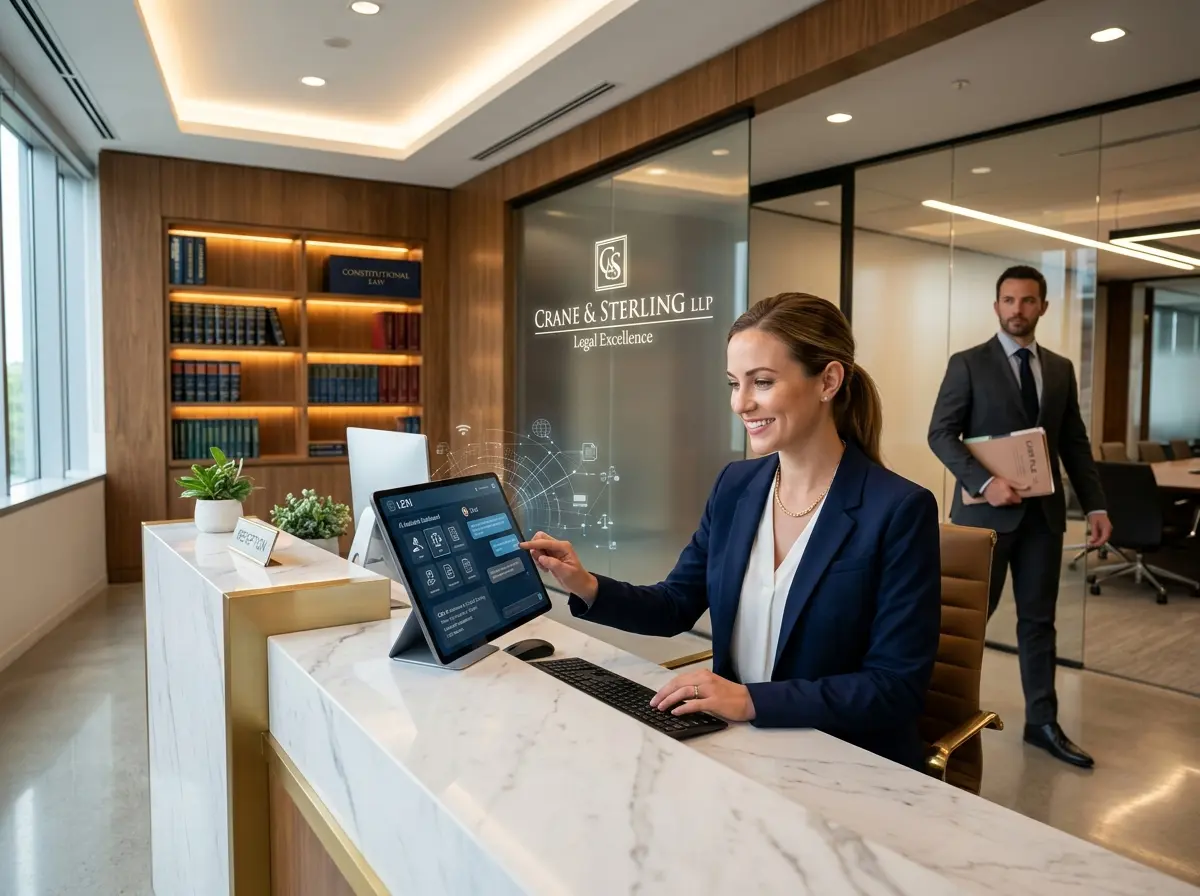
Law is a relationship-driven business, and many attorneys worry that automating their phones will feel cold or off-brand. This is a fair concern — and entirely avoidable. The key is positioning your AI receptionist as a capable first point of contact, not a replacement for genuine attorney-client relationships. Think of it like a well-trained junior staff member: warm, knowledgeable, and smart enough to know when to hand things off.
Stella, the AI robot employee and phone receptionist, is purpose-built for exactly this kind of scenario. She answers calls 24/7 with the same business knowledge she'd use in person, collects caller information through conversational intake forms, and forwards calls to human staff based on your configurable conditions. For law firms, this means prospective clients get an immediate, professional response at 10pm on a Friday — rather than voicemail purgatory — while your attorneys stay protected from interruption during the hours that matter. Stella also includes a built-in CRM with AI-generated contact profiles, custom fields, and tags, so every interaction is logged and your team walks into Monday with a clean, organized pipeline instead of a stack of sticky notes.
The Week-by-Week Setup Plan
Days 1–2: Build Your Knowledge Base and Script Your Responses
This is the most important step and the one most people rush. Your AI receptionist is only as good as the information you give it. Start by compiling everything a knowledgeable front desk employee would need to know: your practice areas, consultation process, fee structure, office hours, parking and location details, what happens after someone submits an inquiry, and any common objections or concerns you hear from prospective clients.
Write your responses in a natural, conversational tone — not legalese. Remember, the people calling haven't hired you yet. They're nervous, often in a difficult situation, and deciding whether they trust you in the first 60 seconds of contact. Your AI's language should be warm, clear, and reassuring. Once you have your knowledge base drafted, read it out loud. If it sounds like a terms-of-service document, revise it.
Days 3–4: Configure Call Flows, Routing, and Intake Forms
With your knowledge base ready, it's time to build your call flow. Map out the conversation paths: how the AI greets callers, what it asks to understand why they're calling, how it collects contact information, and the conditions under which it transfers to a live person or takes a voicemail. For law firms, a useful intake form might capture the caller's name, contact number, a brief description of their legal issue, and their preferred callback time.
Test your call flow by calling in yourself and roleplaying as several different caller types — the panicked first-timer, the existing client with a quick question, the wrong-number caller, and the person who just won't stop talking. Each scenario reveals gaps you'll want to address before going live. This is also the time to configure your voicemail settings, push notification preferences, and CRM tagging rules so nothing falls through the cracks.
Days 5–7: Test, Refine, and Go Live
Before you flip the switch for real, run a structured testing phase with your staff. Have two or three people call in blind — without knowing the exact setup — and then debrief on what felt natural, what was confusing, and what questions the AI couldn't answer well. Use this feedback to tighten up your knowledge base and adjust any awkward phrasing in the call flow.
Once you're satisfied, go live. Announce the change to your team so no one is caught off guard, and monitor the first week's interactions closely. Most AI receptionist platforms provide call logs, transcripts, and summaries — review these daily in week one. You'll almost certainly find a few questions you didn't anticipate, and you'll want to add those to your knowledge base while they're fresh. After the first week, you can shift to a weekly review cadence and enjoy the quiet.
A Quick Reminder About Stella
Stella is an AI robot employee and phone receptionist built for businesses of all kinds — including law firms ready to stop losing clients to voicemail. She answers calls 24/7, collects intake information, manages your contacts through a built-in CRM, and keeps your team focused on the work that actually requires a law degree. At $99/month with no upfront hardware costs, she's probably the most low-drama hire you'll ever make.
Your Next Steps Start Today
Setting up an AI receptionist for your law firm isn't a moonshot project. It's a focused, week-long effort that pays dividends in recovered leads, reduced staff interruptions, and a front-of-house presence that doesn't call in sick or forget to follow up. The firms that move on this now will have a meaningful competitive advantage over the ones still debating it next year.
Here's your action plan:
- This week: Audit your current call volume and document your top 15 most common caller questions.
- Next week: Draft your knowledge base and define your call routing rules in plain language.
- Week three: Configure, test, and launch your AI receptionist — then monitor closely for the first seven days.
- Ongoing: Review weekly summaries, update your knowledge base as your services evolve, and watch your intake process quietly become one of your firm's strongest assets.
Your prospective clients are calling right now. The only question is whether someone — or something — is ready to answer.