Introduction: Your Business Is a Circus, and You're the Only Clown
Let's paint a familiar picture: three jobs running simultaneously, a subcontractor who "forgot" about Tuesday, a client calling every four hours for updates, and a stack of paper invoices that's somehow breeding on your desk. Welcome to the glamorous life of running a contractor business — where every day is an adventure and "organized chaos" is just what you call chaos when you're trying to sound optimistic.
Here's the truth: most contractor businesses don't fail because of bad workmanship. They fail because of bad management. According to a study by the Construction Industry Institute, poor project management contributes to cost overruns on over 65% of construction projects. That's not a skills problem — that's a systems problem. And the good news is that systems can be fixed.
A solid project management system (PMS) transforms your business from a reactive scramble into a proactive, professional operation. It keeps your team aligned, your clients informed, and your sanity more or less intact. In this post, we'll break down why you need one, what to look for, and which platforms are worth your time — so you can spend less time firefighting and more time actually building things.
Why Project Management Systems Are Non-Negotiable for Contractors
The Real Cost of "Winging It"
There's a certain breed of contractor who wears their lack of systems like a badge of honor. "I keep it all up here," they say, tapping their temple confidently. And maybe they do — right up until the moment they don't. Missed deadlines, double-booked crews, uninvoiced work, and forgotten material orders are not just inconveniences. They are profit leaks, and they add up fast.
When you don't have a centralized system, every project lives in a different place — a text thread here, a sticky note there, a spreadsheet that was last updated in March. Your team makes decisions based on incomplete information, your clients feel ignored, and you end up doing administrative work at 11 PM because there was no other time for it. That's not running a business; that's surviving one.
What a Good System Actually Does for You
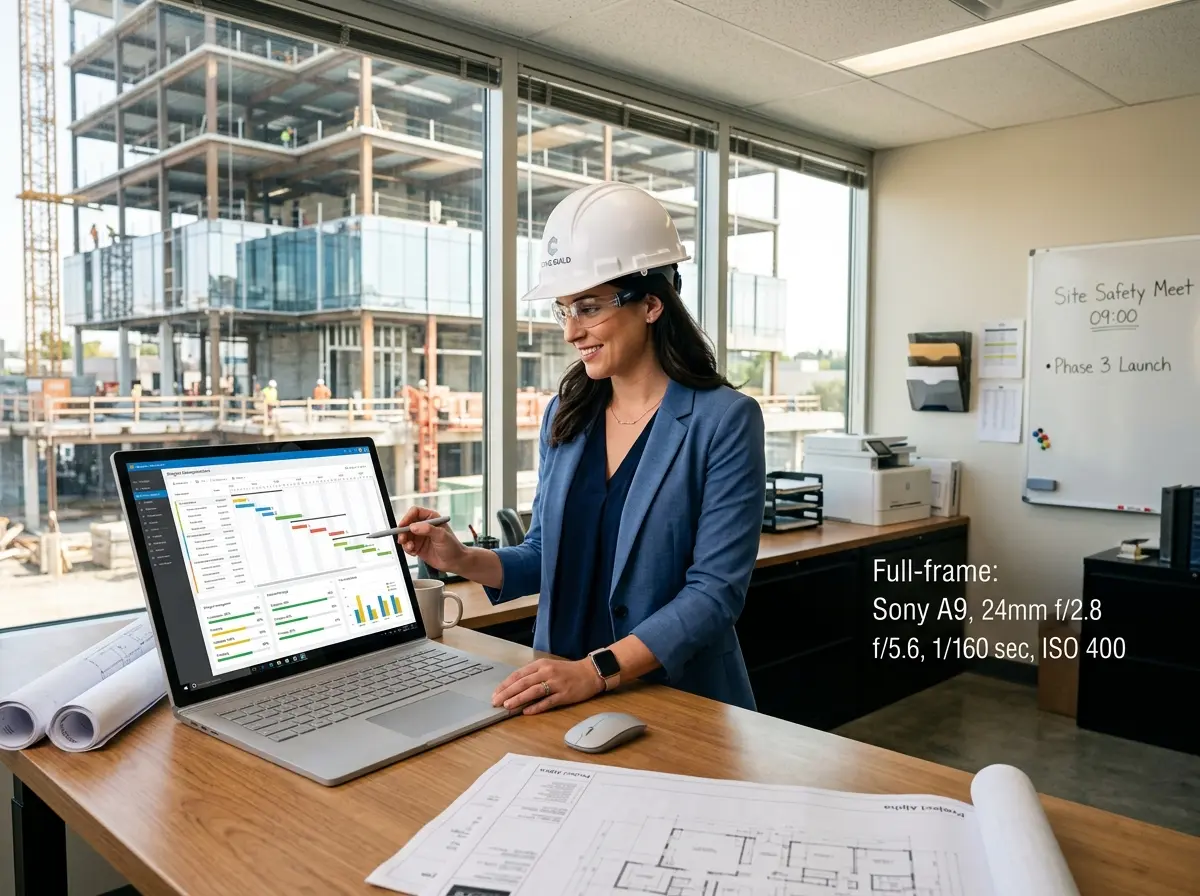
A project management system isn't just a fancy to-do list. When properly implemented, it becomes the central nervous system of your operation. It handles task assignment and tracking, scheduling and resource allocation, client communication logs, document and photo storage, budget tracking, and progress reporting — all in one place.
The operational benefits are tangible. Crews show up knowing exactly what's expected of them. Clients can check progress without calling you. Invoices go out on time because the system reminds you. Change orders are documented before the work begins, not argued about after. In short, a good PMS makes you look like you have your act together — even on the days when you don't.
The Communication Problem No One Talks About
One of the most underappreciated functions of a project management system is what it does for client communication. Contractors consistently rank "keeping clients informed" as one of their biggest challenges, and clients consistently rank "not hearing from their contractor" as their biggest complaint. That gap — small as it sounds — is where trust erodes, disputes start, and bad reviews are born.
When your PMS sends automated progress updates, stores all communication in one thread, and gives clients a portal to check in on their own timeline, you've essentially removed the anxiety from the client relationship. Happy clients refer other clients. It's not rocket science, but it does require a system.
Don't Let the Front Door Fall Apart While You're Managing the Job Site
Your Business Still Needs to Answer the Phone
Here's something project management software won't handle for you: the phone ringing while you're knee-deep in a job site walkthrough. Missed calls from potential customers are missed revenue, full stop. In fact, studies show that nearly 80% of callers won't leave a voicemail — they'll just call your competitor instead. That's a painful statistic for any contractor trying to grow.
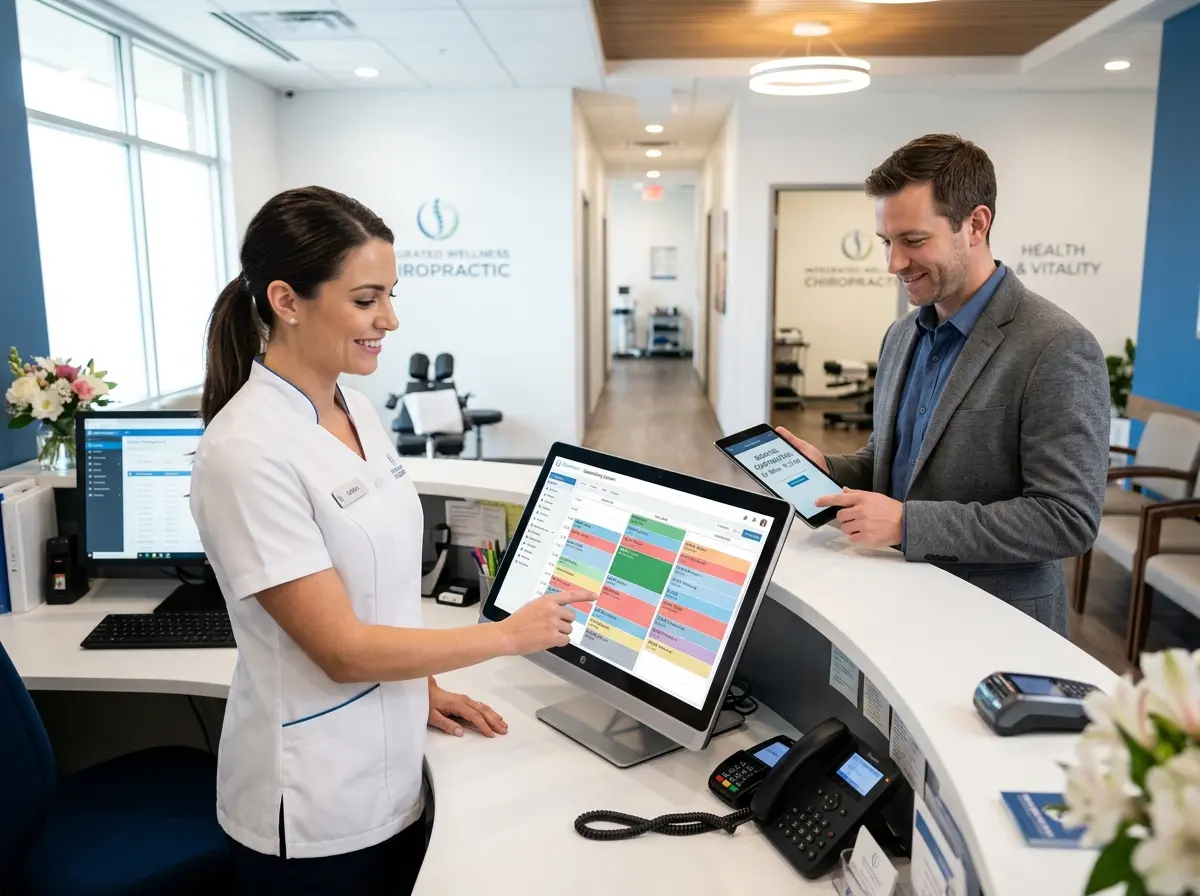
That's where Stella comes in. Stella is an AI robot employee and phone receptionist that answers your calls 24/7 with the same knowledge a trained staff member would have. She handles incoming inquiries, collects customer information through conversational intake forms, and forwards calls to human staff when the situation calls for it. For contractors with a physical showroom or office location, she also works as an in-store kiosk — greeting walk-in customers, answering questions about services, and promoting current offerings without requiring anyone on your payroll to stop what they're doing. Think of her as the front-office staff you always needed but couldn't justify hiring full-time.
Choosing the Right Project Management Platform for Your Contracting Business
The Top Contenders Worth Looking At
Not all project management platforms are built with contractors in mind, so it's worth focusing on tools designed for the trades or at least built to handle field-based, client-facing work. Here are some of the strongest options on the market:
- Buildertrend — A heavy hitter for residential contractors and home builders. It covers scheduling, budgeting, client portals, change orders, and daily logs. It's feature-rich, which means there's a learning curve, but the depth of functionality is hard to beat for larger operations.
- CoConstruct — Especially popular with custom home builders and remodelers. Known for its client communication tools and selection management features. It integrates well with QuickBooks, which is a big plus.
- Jobber — A favorite among service-based contractors (HVAC, plumbing, electrical, landscaping). It's cleaner and simpler than Buildertrend, with strong scheduling, quoting, and invoicing tools. A great choice if you're running a high-volume service operation.
- Procore — Enterprise-level power for larger commercial contractors. It's comprehensive and integrates with nearly everything, but it's priced accordingly. If your projects regularly exceed $1M, Procore earns its cost.
- monday.com / Asana / ClickUp — General project management tools that can be configured for contracting work. Less industry-specific but highly flexible and often more affordable. Good for smaller operations or solopreneurs who need structure without complexity.
What to Look for Before You Commit
Before you pull out the credit card, run any platform through this practical checklist. First, ask whether it handles your specific workflow — a painting contractor has different needs than a commercial GC. Second, check the mobile experience. If your team is in the field, the app needs to work as well as the desktop version. Third, look at client-facing features. A client portal is a competitive differentiator; not every platform has a good one. Fourth, consider integrations. Your PMS should talk to your accounting software, ideally without a complicated workaround. Finally, evaluate the onboarding support. A tool your team doesn't use is worse than no tool at all — make sure the vendor actually helps you get set up.
Implementation Tips That Most People Skip
Buying the software is the easy part. Actually embedding it into how your business operates is where most contractors stall out. A few principles that make implementation stick: start with one project rather than migrating your entire operation overnight. Get one or two team members invested early — internal champions matter more than you'd think. Set a 90-day review point to assess what's working and what needs adjustment. And resist the urge to customize everything before you've even used the default setup. Learn the tool first, then bend it to your needs.
The contractors who get the most out of their project management systems are not the ones who bought the most expensive platform. They're the ones who committed to using it consistently and trained their teams to do the same. Consistency beats complexity every time.
Quick Reminder About Stella
While you're building a more organized operation on the job management side, don't overlook the customer-facing side of your business. Stella is an AI robot employee and phone receptionist that keeps your business responsive around the clock — answering calls, collecting lead information, managing customer contacts through a built-in CRM, and even greeting visitors at your physical location. At $99/month with no hardware costs, she's the easiest hire you'll ever make.
Conclusion: Stop Managing Projects From Memory and Start Managing Them From a System
The contractor businesses that scale successfully — the ones that grow from two-person operations into respected, multi-crew companies — almost universally have one thing in common: they built systems early. They didn't wait until the chaos became unmanageable. They made the investment in structure when it felt like a luxury, and it paid off when it became a necessity.
Your action plan is straightforward. First, identify your biggest operational pain point right now — is it scheduling, client communication, billing, or task tracking? Let that pain point guide your platform choice. Second, pick one of the platforms listed above that fits your business size and workflow, and sign up for a free trial. Most offer 14 to 30 days with no commitment. Third, run one active project through the platform before deciding whether it's a fit. Real usage tells you far more than a demo video. Fourth, involve your team from day one — adoption is a people problem as much as a technology problem.
The goal isn't to turn you into a software enthusiast. The goal is to give you back your evenings, reduce your stress, impress your clients, and help your business grow without requiring you to personally hold every detail in your head. That's what a good project management system does. And combined with tools like Stella handling your front-line customer interactions, you'll have the kind of business infrastructure that actually lets you breathe.
Now put down the sticky notes, step away from the overflowing email inbox, and go pick a platform. Your future self — the one sleeping past 6 AM on a Saturday — will thank you.