So, You Want to Compete with the Internet? Bless Your Heart.
Let’s set a scene. It’s 3:15 PM on a Saturday. A customer, let's call him Dave, is halfway through building a deck that his spouse has been “gently reminding” him about since last fall. He’s just realized he’s short one box of 3-inch galvanized deck screws. The nearest big-box store is a 25-minute drive away, and the thought of abandoning his project, getting in his truck, and wandering through 20 sprawling aisles makes him want to just tear the whole thing down.
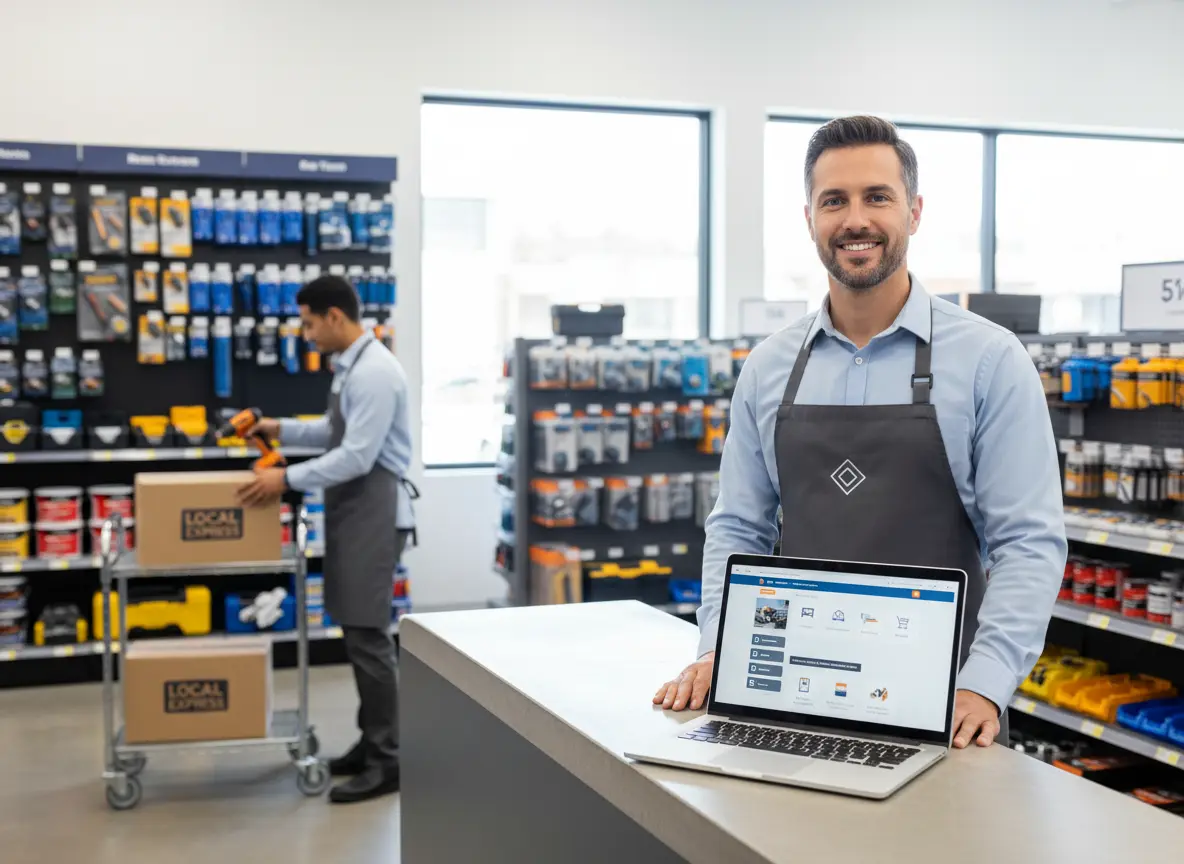
This is where you, the savvy local hardware store owner, come in. Or… where you could come in. Right now, Dave is probably sighing, putting on his least-paint-stained shirt, and preparing for the pilgrimage. But what if he could pull out his phone, visit your website, see that you have the exact screws he needs, and have them delivered to his doorstep in an hour? Dave would be a hero. And you? You’d be his savior. And his go-to for every project thereafter.
Adding an online store with local delivery sounds like a monumental task, akin to trying to assemble a gas grill using only the tiny included wrench. But it's more achievable than you think. You don't need a Silicon Valley budget; you just need a smart blueprint. Let’s build one.
Laying the Foundation: Your Online Store Blueprint
Before you can start slinging bags of concrete mix into the back of a delivery van, you need a digital storefront. This isn’t just a website; it’s a new, digital aisle for your store. Getting the foundation right is critical, otherwise the whole thing will be about as stable as a ladder on a patch of ice.
Choosing Your Platform: The Right Tool for the Job
You wouldn't use a screwdriver to drive a nail, and you shouldn't pick an e-commerce platform that makes your life harder. Your main options are like the power tools of the internet:
- Shopify: This is the all-in-one, battery-powered cordless drill. It’s incredibly easy to set up, has a clean interface, and includes everything you need right out of the box for a monthly fee. It’s perfect if your primary goal is to get online quickly without needing a degree in computer science.
- WooCommerce (for WordPress): This is the build-your-own-workbench option. If you already have a WordPress site, this is a free plugin that adds robust e-commerce capabilities. It's infinitely customizable but requires more hands-on management. You’re responsible for your own hosting, security, and updates. It’s powerful, but be prepared to get your hands dirty.
- BigCommerce: Think of this as the heavy-duty impact driver. It's built to handle huge inventories and complex product variations, which might be overkill for starting out but is great if you have tens of thousands of SKUs you want online eventually.
The best choice? The one that integrates seamlessly with your Point of Sale (POS) system. The last thing you need is two separate inventories to manage.
Inventory Management: Don't Sell a 2x4 You Don't Have
This is, without a doubt, the most crucial bolt in the entire assembly. Selling an item online that you just sold to a customer in-store is the fastest way to create a customer service nightmare. Real-time inventory syncing isn't a luxury; it's a necessity.
Your POS system (like Square, Lightspeed, or Clover) should be the single source of truth. When an item is sold in-store, it should instantly update the stock count on your website, and vice versa. According to research, 69% of shoppers are less likely to shop with a retailer in the future if an item they purchased is out of stock. You can’t afford that kind of reputational hit.
Actionable Tip: Don't try to upload your entire 40,000-item inventory on day one. Start with a "greatest hits" collection. Pick your 100-200 top-selling products or focus on a specific, high-demand category like "Lawn & Garden" in the spring or "Ice Melt & Shovels" in the winter. Prove the concept, work out the kinks, and then expand.
Product Pages That Actually Sell
Simply listing "Hex Bolt - M6 x 1.0" with a price of $0.45 isn't going to cut it. Your online product page needs to be as helpful as your most experienced employee.
- Good Photos Are Non-Negotiable: You don't need a professional photographer. Your smartphone, a well-lit spot near a window, and a simple white background (a sheet of drywall works great!) are all you need. Take pictures from multiple angles. Show the scale. If it's a tool, show it in someone's hand.
- Write Descriptions for Humans: Think about the questions customers ask in the aisle. Is this rated for outdoor use? What kind of wood is it best for? Do I need to pre-drill a hole? Answer these questions in your description. Add key specs like dimensions, material, and grade. You are the expert; let it shine through online.
Bridging the Gap: Connecting Your Digital and Physical Aisles
You’ve built this shiny new digital wing for your store. Fantastic. Now, how do you get people to walk through the virtual doors? The best marketing tool you have is the physical store they already know and trust. You need to make sure your in-store experience constantly points to your new online convenience.
Promoting Your New Digital Service
Your online store won't promote itself. You need to shout about it from the (physical and digital) rooftops. Place signs at the checkout counter and at the end of aisles: "Can't carry it all? Order online for home delivery!" Send an email to your customer list announcing the new service. But your most consistent and effective promoter can be right at the front door.
This is an area where an in-store assistant like Stella can be a game-changer. While your team is busy cutting keys and mixing paint, she can greet every single customer with a relevant message. Imagine a shopper walks in, and Stella says, “Welcome to Bob’s Hardware! Just a heads-up, if you’re in the middle of a project and need something in a hurry, you can now order from our website for same-day local delivery!” She tirelessly promotes your new e-commerce channel, educates customers on the convenience you offer, and ensures that your investment in an online store actually pays off by driving awareness and adoption.
The Nuts and Bolts of Local Delivery
Okay, the customer has placed an order. The digital cash register has chimed. Now for the hard part: getting a 50-pound bag of mulch from your store to their freshly manicured lawn without losing your shirt on the delivery cost.
Defining Your Delivery Zone & Fees
First rule of local delivery: know your limits. You are not a national logistics company. Your goal is to serve your immediate community. Use your e-commerce platform’s tools to draw a clear delivery radius, maybe 5 or 10 miles from your storefront. Be strict about it.
Next, figure out your pricing. You have a few options:
- Flat Fee: Simple and easy. For example, a $9.99 delivery fee for any order within a 5-mile radius.
- Tiered Fee: A bit more complex, but fair. Maybe $7 for under 3 miles and $12 for 3-7 miles.
- Free Delivery Threshold: This is a powerful psychological tool. "Free delivery on all orders over $75!" This encourages customers to add that extra bag of soil or pack of batteries to their cart to avoid the delivery fee, boosting your average order value.
Whatever you choose, be transparent. Nothing sours a customer experience faster than a surprise fee at checkout.
The Last Mile: Who's Driving the Truck?
You have two main paths for the physical delivery:
1. In-House Delivery: You use your own people and your own vehicle. This gives you complete control over the customer experience. Your trusted employee shows up at their door, offering a friendly, familiar face. The downside? It requires resources. You need a reliable vehicle, proper insurance, and an employee who can be pulled away from in-store tasks. It's often best to start by scheduling deliveries for a specific block of time each day, like between 2 PM and 4 PM when the store is typically quieter.
2. Third-Party Services: Companies like DoorDash and Uber have expanded into retail delivery (often called DoorDash Drive or Uber Direct). You pack the order, and they send a driver to pick it up and deliver it. It’s fast and requires no investment in vehicles or driver staff. The trade-off is cost (they take a cut) and a loss of control over that final customer touchpoint.
A hybrid model often works best. Use your own team for large or sensitive orders and a third-party service for small, quick deliveries.
The Order Fulfillment Workflow: From 'Click' to Doorstep
A smooth process prevents chaos. When an online order comes in, everyone on your team should know exactly what happens next.
- Alert: A dedicated tablet or computer should make a distinct sound when a new order arrives.
- Pick: A designated employee grabs a printed pick ticket (or uses a mobile app) and a specific bin or cart to gather the items from the shelves. -
- Pack: The order is checked for accuracy and packaged securely. Remember, a single can of spray paint needs to be treated differently than a pane of glass.
- Stage & Schedule: The packed order is moved to a designated "delivery pickup" area. You then schedule the delivery, whether with your driver or a third-party service.
- Communicate: An automated email or text should tell the customer their order is on its way. This small touch makes a huge difference.
A Quick Reminder About Stella
As you're busy building your digital empire, don't let the in-store experience lag. While you and your staff are managing a new stream of online orders, Stella, our AI retail assistant, can be on the floor greeting customers, answering common questions, and promoting your new delivery service. She ensures your physical store runs smoothly, even as you expand into the digital world.
Conclusion: Your Next Project Is Digital
Let’s be honest. Building an online store is not about trying to out-Amazon Amazon. It's about hyper-serving your local community. It's about providing a level of convenience the big-box stores can't match. You have the products, you have the expertise, and you have the local trust. An online store with local delivery is simply the modern-day version of the service counter—a way to help your customers get exactly what they need, when they need it.
Stop thinking about it as some insurmountable tech challenge. It's just another project. And you're good at projects. Here are your first steps:
- This Week: Pick one e-commerce platform (like Shopify) and watch a 10-minute demo video.
- Next Week: Make a list of your top 50 selling items. These will be the first products you list online.
- By Next Month: Settle on a delivery radius and a simple fee structure.
You’ve built a successful business with your own two hands. Adding a digital layer is the next logical step. Now go get to it.