Your Phone Is Ringing. Your Website Is Just Sitting There.
Let's set the scene: You've got a great local service business. You're good at what you do. Customers love you. Word of mouth is doing something. But your website? It's basically a digital business card collecting dust in a corner of the internet, politely waiting for someone to notice it.
Here's the hard truth — most local service business websites are built to look nice, not to convert visitors into leads. And if your website isn't actively capturing contact information from the people who visit it, you're leaving money on the table every single day. Real money. From real people who were already interested enough to Google you.
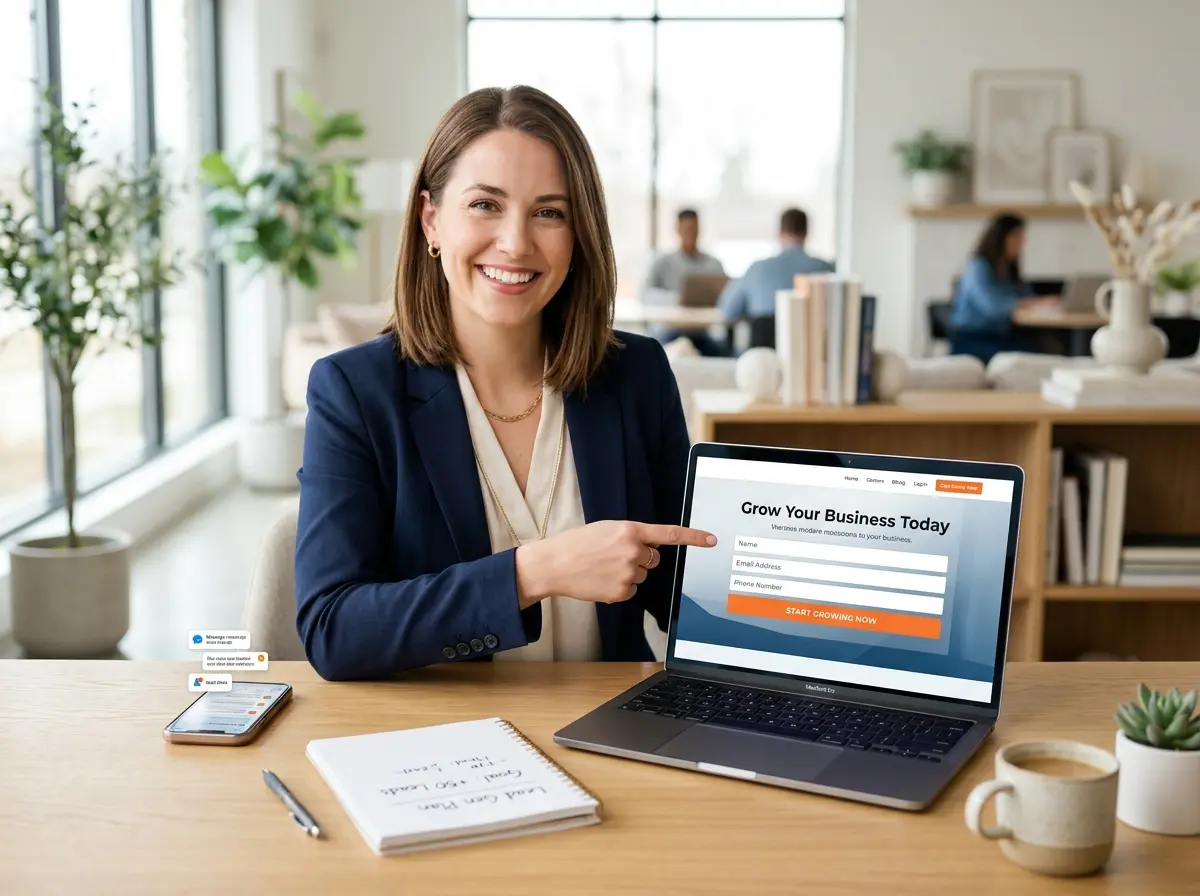
A well-built lead capture landing page changes that. It gives visitors a reason to raise their hand, hand over their information, and start a conversation with your business — even at 11 PM on a Sunday when you're asleep and not thinking about work (as you should be). This guide will walk you through exactly how to build one that actually works, without needing a computer science degree or a marketing agency on retainer.
The Anatomy of a High-Converting Landing Page
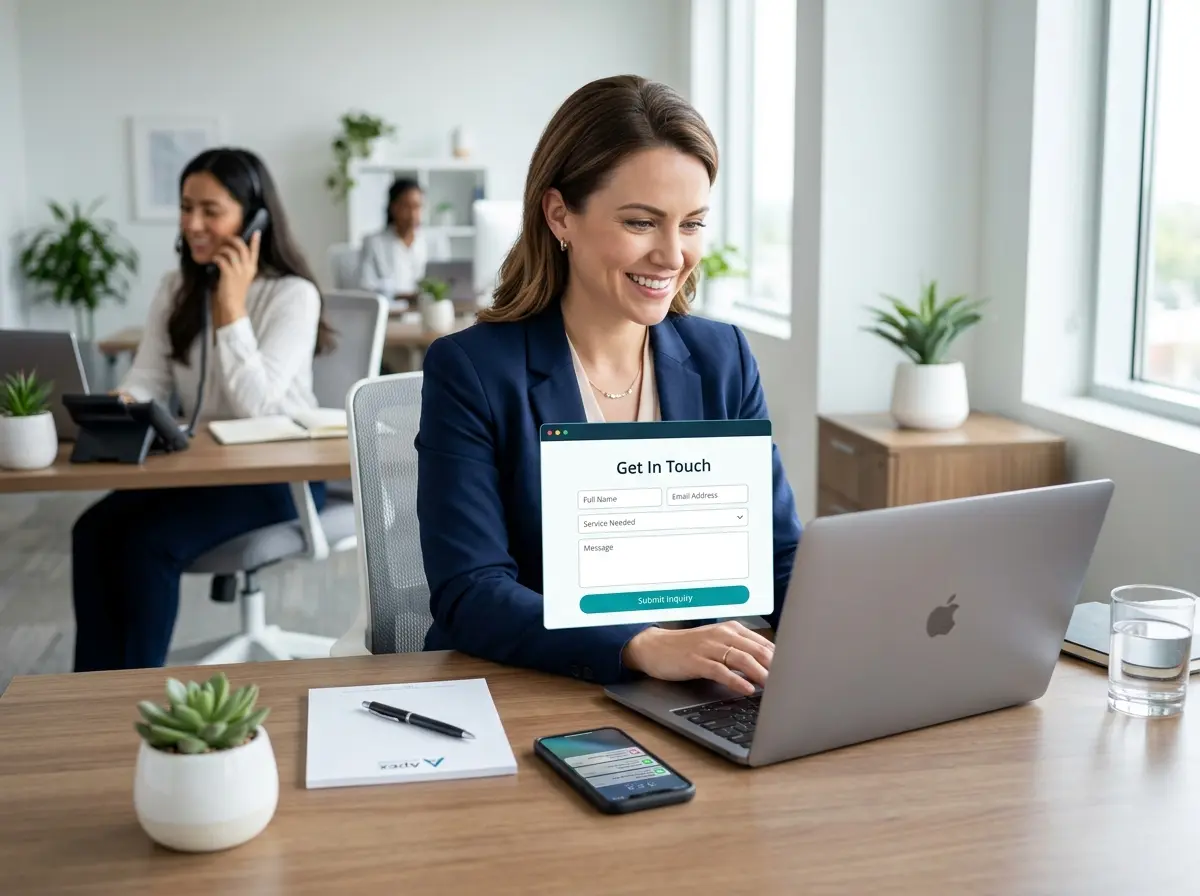
A lead capture landing page isn't just a webpage with a form slapped onto it. It's a carefully constructed experience designed to do one thing: convince a visitor that handing over their name, email, or phone number is absolutely worth their while. Every element on the page either supports that goal or distracts from it. There is no neutral.
A Headline That Does the Heavy Lifting
Your headline is the first thing visitors see, and you have roughly three seconds before they decide whether to keep reading or bounce back to Google and click on your competitor. Three. Seconds. No pressure.
A strong headline speaks directly to the visitor's problem or desire. For a local HVAC company, something like "Get Your Home's AC Inspection Done Before the Summer Rush — Book Your Free Quote Today" is infinitely more compelling than "Welcome to Smith HVAC Services." One of those headlines makes someone feel seen. The other makes them feel like they accidentally opened a brochure from 1997.
Your headline should be specific, benefit-driven, and ideally include a time-sensitive or local element that reminds visitors this offer is relevant to them. Add a supporting subheadline beneath it to elaborate on the value without burying the lead.
An Irresistible Offer (Not Just a Contact Form)
Nobody wakes up excited to "submit their information." They do, however, wake up excited about free things, discounts, convenience, and solving their problems faster. Your lead magnet — the thing you're offering in exchange for their contact info — needs to feel like a genuine win for the visitor.
For local service businesses, effective offers include free consultations, free estimates, a first-visit discount, a downloadable checklist (e.g., "5 Signs Your Roof Needs Attention Before Winter"), or priority scheduling. The key is that the offer should feel low risk and high value. The lower the perceived commitment, the higher your conversion rate will be. A free quote is much easier to say yes to than "schedule a call with our sales team." Same outcome, wildly different framing.
Social Proof That Isn't Just Your Mom's Opinion
People trust other people far more than they trust businesses, which is simultaneously humbling and useful. Including real testimonials, star ratings, review counts, or trust badges (like "Google Guaranteed" or "A+ BBB Rating") near your form can significantly boost conversions. According to BrightLocal, 98% of consumers read online reviews for local businesses — so if you've got them, show them off proudly on your landing page. If you don't have them yet, that's a separate problem worth solving, but let's stay on topic.
Keep testimonials short, specific, and believable. "Great service!" is forgettable. "They fixed our plumbing issue in under two hours and charged exactly what they quoted — will never call anyone else" is a testimonial that does real work.
Let Technology Handle the Follow-Up You'll Forget to Do
Here's where most local service businesses drop the ball: a visitor fills out your form at 9:30 PM, and by the time someone remembers to follow up, it's Tuesday afternoon and the lead has already booked with someone else. Speed-to-contact matters enormously. Studies show that the odds of reaching a lead drop by over 10 times if you wait longer than five minutes to follow up. Five minutes! That's barely enough time to finish your coffee.
Automate Your First Response, Then Make It Personal
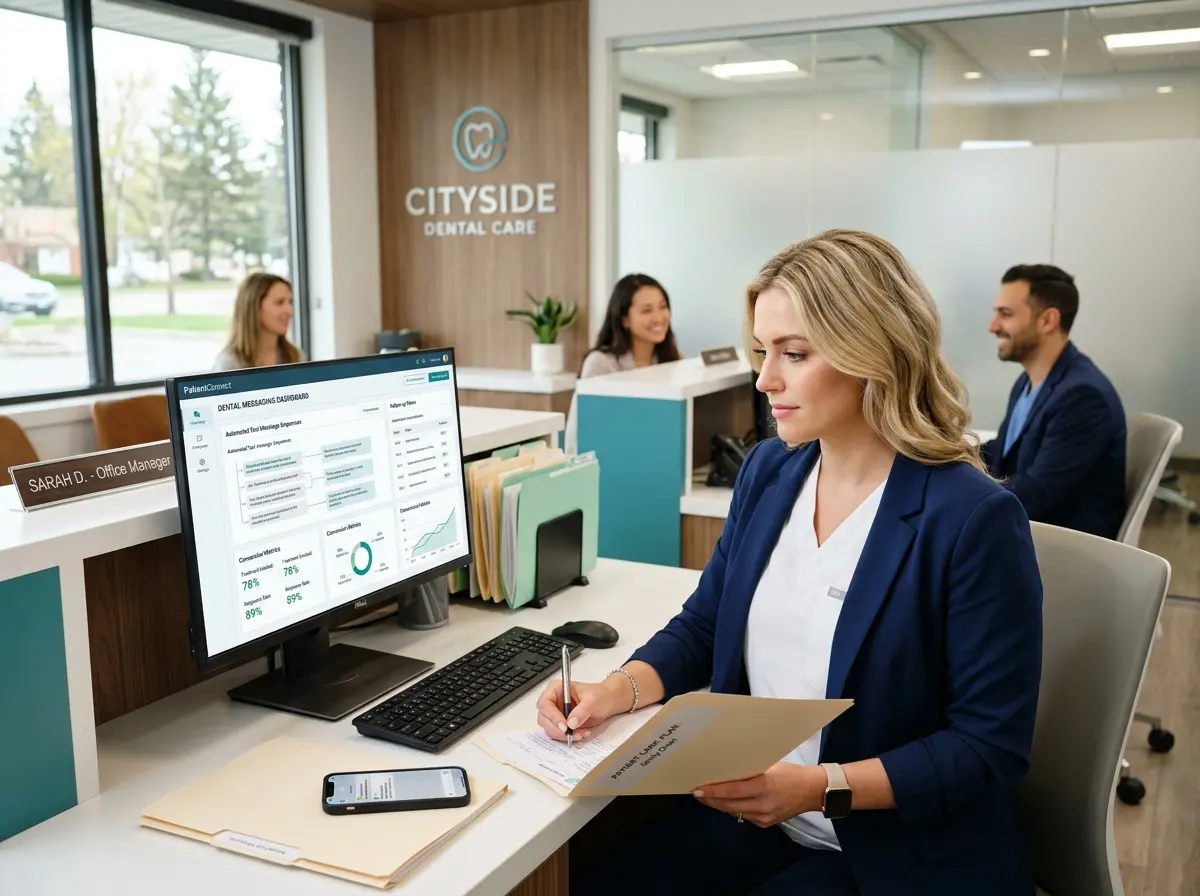
The moment someone submits your landing page form, they should receive an automatic confirmation — via email, text, or both. This confirmation should thank them, set expectations for when they'll hear back, and ideally include something of immediate value like a link to your service FAQ, a calendar booking link, or the downloadable resource you promised. Automation tools like Zapier, Mailchimp, or built-in CRM workflows can handle this without any manual effort on your part.
Once the auto-response is handled, your team follows up with the human touch that closes deals. The automation buys you time and keeps the lead warm. The personal follow-up is what wins the business.
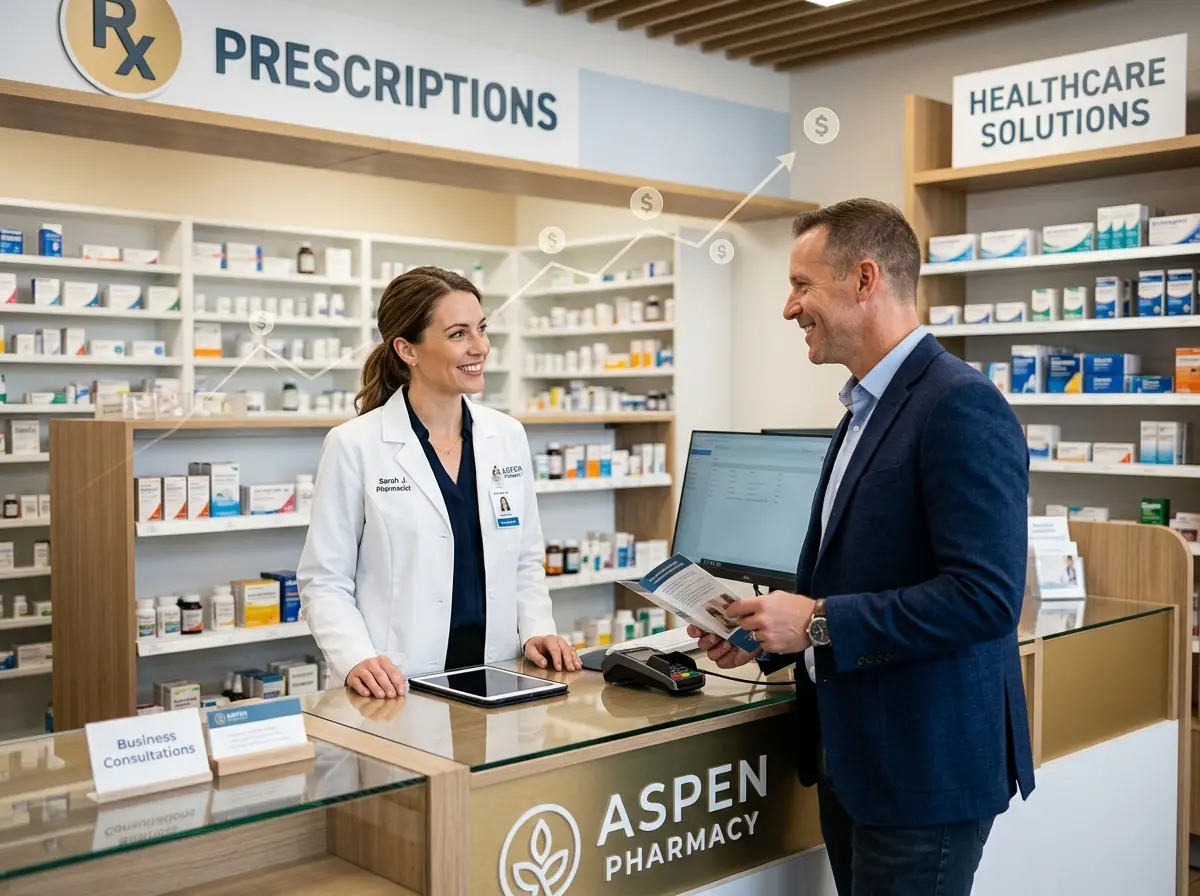
This is also a great place for Stella, the AI robot employee and phone receptionist, to shine. While your landing page is capturing leads online, Stella is answering every incoming call to your business 24/7 — gathering caller information through conversational intake forms, logging contacts directly into her built-in CRM, and making sure no inquiry slips through the cracks whether it comes in by phone or by web. For businesses with a physical location, she's also greeting walk-in customers at the kiosk and collecting information there too — all feeding into the same organized, searchable customer database.
Optimizing Your Landing Page for Local Search and Conversions
Building a beautiful landing page is step one. Making sure the right people actually find it is step two — and step two is where a lot of business owners shrug and walk away. Don't be that business owner.
Local SEO Basics That Actually Move the Needle
Your landing page needs to speak Google's language if you want it to show up when someone nearby searches for your service. This means including your city or region naturally throughout the page copy, in the page title, and in the meta description. If you serve multiple areas, consider building separate landing pages for each location — a bit more work upfront, but significantly better for local search visibility.
Make sure your business name, address, and phone number (NAP) are consistent across your landing page, your Google Business Profile, and any directories where you're listed. Inconsistency confuses search engines and quietly tanks your local rankings. Also ensure your page loads fast on mobile — over 60% of local searches happen on mobile devices, and Google will penalize slow pages by ranking them lower. A pretty page that loads in six seconds is a pretty page that nobody sees.
A/B Testing: Because Guessing Is a Bad Business Strategy
Once your landing page is live, the work isn't over — it's just beginning. A/B testing means creating two versions of a page element (a headline, a button color, a form length, an image) and seeing which one performs better with real visitors. This sounds fancy and technical, but tools like Google Optimize, Unbounce, or even simple built-in testing features in landing page builders make it accessible to anyone.
Start with the highest-impact elements: your headline, your call-to-action button text, and the number of fields in your form. Shorter forms almost always convert better — every additional field you require reduces conversions. Ask yourself what information you actually need to follow up effectively, and cut everything else. You can gather the rest later, once you've earned a bit of trust.
Tracking What Actually Matters
Set up conversion tracking from day one. Connect your landing page to Google Analytics 4 and define a "thank you" page or event as your conversion goal. This tells you not just how many people visited your page, but how many of them actually took action — which is the only number that matters. Over time, you'll start to see which traffic sources (Google Ads, organic search, social media, direct) send you visitors who actually convert, and you can invest your marketing budget accordingly instead of spreading it thin across everything and hoping for the best.
Quick Reminder About Stella
Stella is an AI robot employee and phone receptionist that works 24/7 for local service businesses — answering calls, greeting walk-in customers at an in-store kiosk, collecting lead information through conversational intake forms, and managing contacts through a built-in CRM. She's available for $99/month with no upfront hardware costs and no sick days. While you're busy perfecting your landing page, she's busy making sure every inquiry — phone, walk-in, or web — is captured and organized without you lifting a finger.
Now Go Build the Thing
A lead capture landing page isn't a luxury for local service businesses — it's table stakes in a world where your competitors are one Google search away. The good news is that you don't need to build something perfect on the first try. You need to build something good enough to launch, then improve it using real data from real visitors.
Here's your action plan to get started:
- Define your offer. What will you give visitors in exchange for their contact information? Make it specific and genuinely valuable.
- Write a headline that speaks to a real problem or desire. Test it on someone who doesn't know your business. If they immediately understand the value, you're on the right track.
- Build the page. Tools like Unbounce, Leadpages, or even a simple WordPress page with a form plugin will do the job. Keep it clean, focused, and mobile-friendly.
- Set up your automated follow-up. Make sure every form submission triggers an immediate confirmation and routes the contact into your CRM or email list.
- Add tracking. Connect Google Analytics, set up your conversion goal, and start collecting data from day one.
- Test, improve, repeat. Change one element at a time and let the data tell you what's working.
Your website should be your hardest-working employee — one that never takes a lunch break, never calls in sick, and never forgets to ask for the lead. Build it that way, and it will pay dividends long after you've forgotten you set it up. And if you want equally reliable help handling the calls and walk-ins that come in once your marketing starts working? Well, you know who to call — or rather, who'll answer when they call you.