Let's Talk About the Appointment No-Show Problem (And How to Actually Fix It)
You blocked off the time. You prepped your staff. You maybe even turned away another client to hold that slot. And then... nothing. Crickets. A ghost. Your 2:00 PM appointment has apparently vanished into thin air, leaving you staring at an empty chair and a revenue gap where a paying customer used to be.
No-shows are one of the most frustrating and costly problems for appointment-based businesses. Studies suggest that no-show rates across industries average between 10% and 30%, with some sectors like healthcare and salons sitting at the higher end. That's not just an inconvenience — that's real money walking out the door before it ever walked in.
The good news? Most no-shows aren't malicious. People forget. Life gets busy. A well-designed appointment reminder system can dramatically cut your no-show rate — often by 50% or more. The even better news is that setting one up doesn't require a dedicated operations team or a computer science degree. Let's walk through how to actually build a system that works.
Building the Foundation: What a Good Reminder System Actually Looks Like
Before you start firing off reminder texts at random, it's worth understanding what separates a reminder system that works from one that just annoys people. Spoiler: it's not about sending more messages. It's about sending the right messages at the right time through the right channels.
Timing Is Everything: The Multi-Touch Reminder Sequence
A single reminder the day before is better than nothing, but it's not a strategy — it's a prayer. A proper reminder sequence uses multiple touchpoints leading up to the appointment to keep it top of mind without becoming a nuisance.
A proven sequence looks something like this: send a confirmation immediately after booking (this doubles as a reminder and sets expectations), follow up with a reminder 48–72 hours before the appointment, send a final reminder the morning of, and optionally send a last-minute nudge one hour before for higher-stakes appointments like consultations, procedures, or premium services.
This multi-touch approach works because it catches people at different stages of their week. The 48-hour reminder hits when they're still planning their schedule. The morning-of reminder catches them before their day gets derailed. It's not nagging — it's good customer service. There's a difference, and your clients know it too.
Channel Strategy: Meet Customers Where They Actually Are
SMS text messages have an open rate of around 98%, compared to email's average of roughly 20–30%. If you're relying solely on email reminders, you're essentially whispering into the void and hoping for the best. Text messages should be your primary reminder channel, with email as a backup for clients who prefer it or for confirmations that include detailed instructions or forms.
Phone call reminders still have a place — particularly for older demographics or high-value appointments where the personal touch matters. The challenge is that manual phone calls are time-consuming and often go to voicemail anyway. Automated voice call reminders can bridge this gap, delivering a friendly, professional message without tying up your staff.
What to Include in Your Reminders
Your reminder needs to do three things: tell clients when their appointment is, tell them where or how to show up, and make it easy for them to confirm, reschedule, or cancel. That last point is crucial. When clients have an easy, frictionless way to cancel or reschedule, they'll actually do it — giving you time to fill the slot. When canceling feels like a hassle, they'll just... not show up. Make it easy to communicate with you, and most people will.
Always include: the date and time, the location or a video call link if virtual, a brief note about what to bring or prepare, and a one-tap reply option to confirm or reschedule. Keep it short. A reminder message is not the place for your full company newsletter.
How Smart Tools (Like Stella) Can Take the Burden Off Your Team
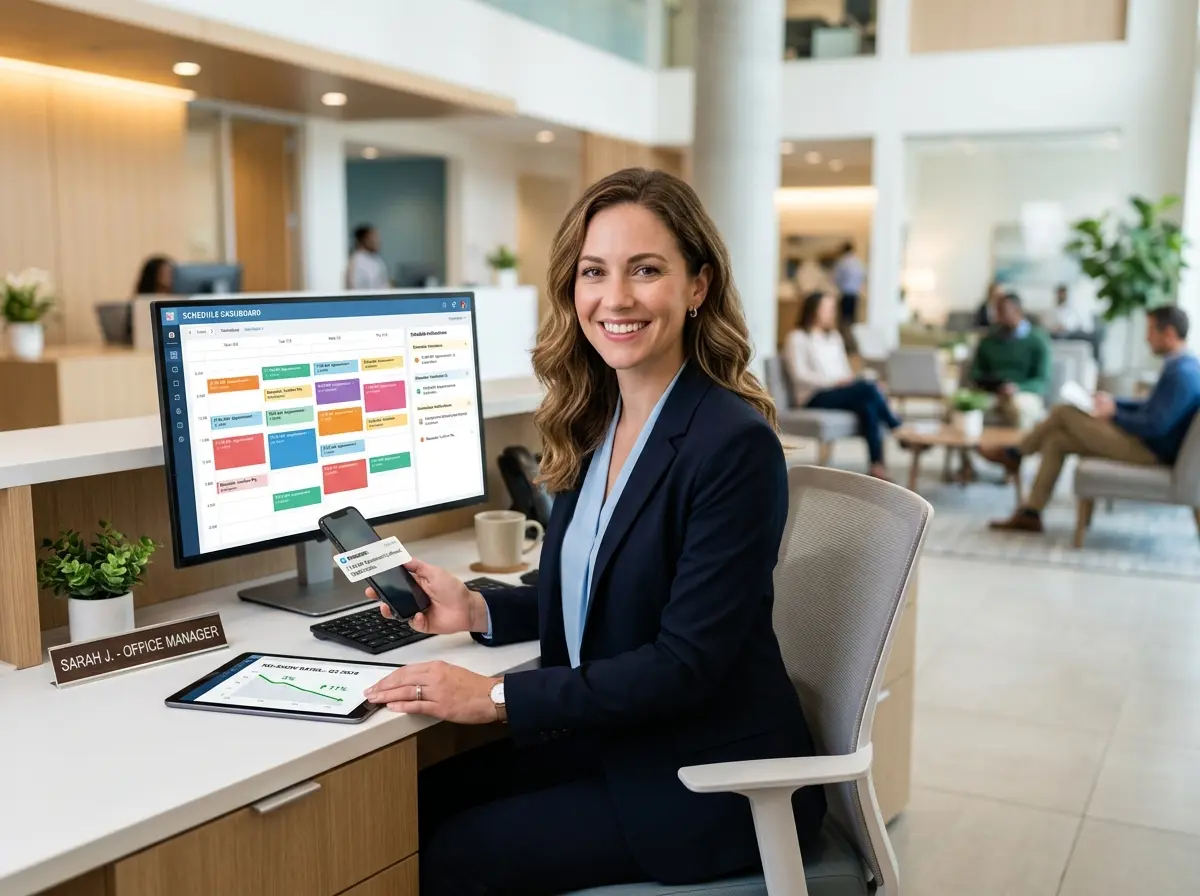
Here's the reality: manually managing a reminder system is a full-time job in disguise. Between booking appointments, sending confirmations, following up, and fielding reschedule requests, your front desk or reception staff can end up spending a significant chunk of their day on appointment logistics rather than actually serving customers who are right in front of them.
Automating Intake and Communication With an AI Receptionist
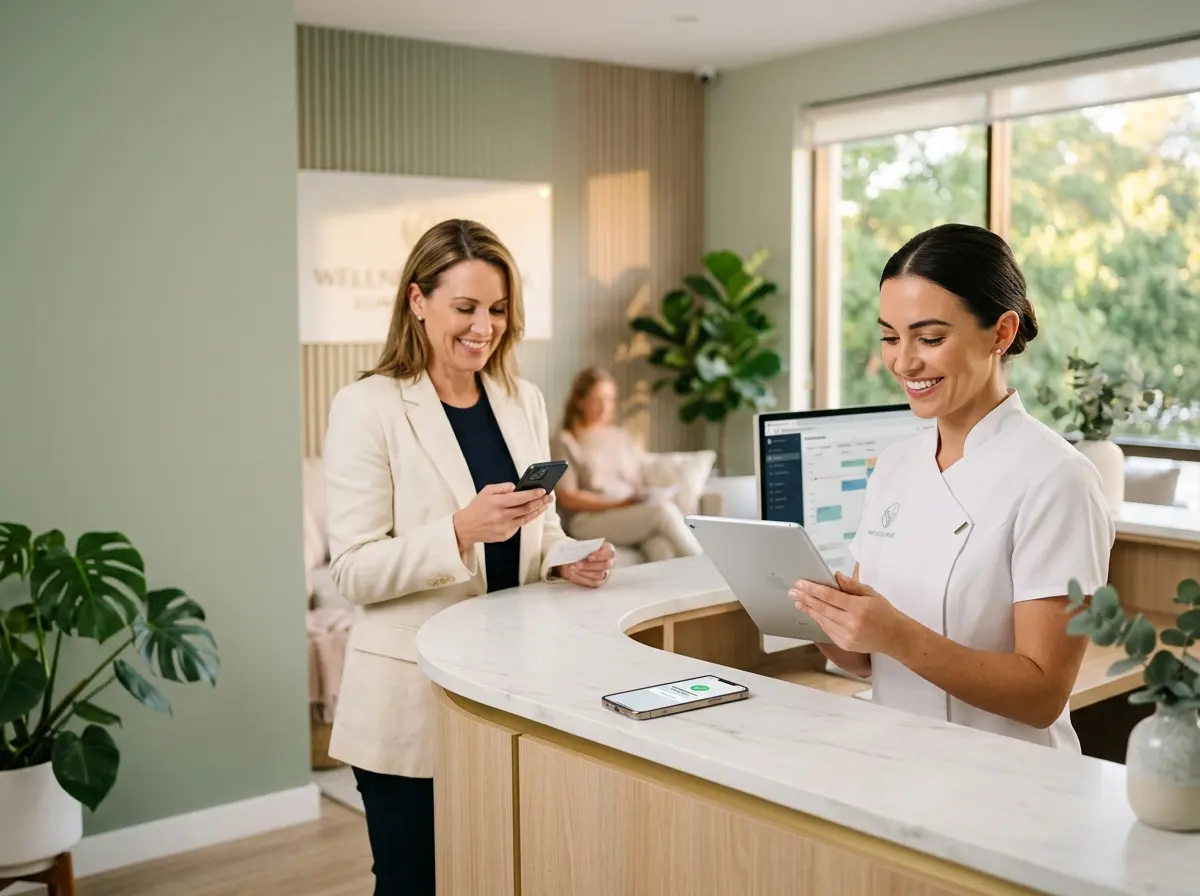
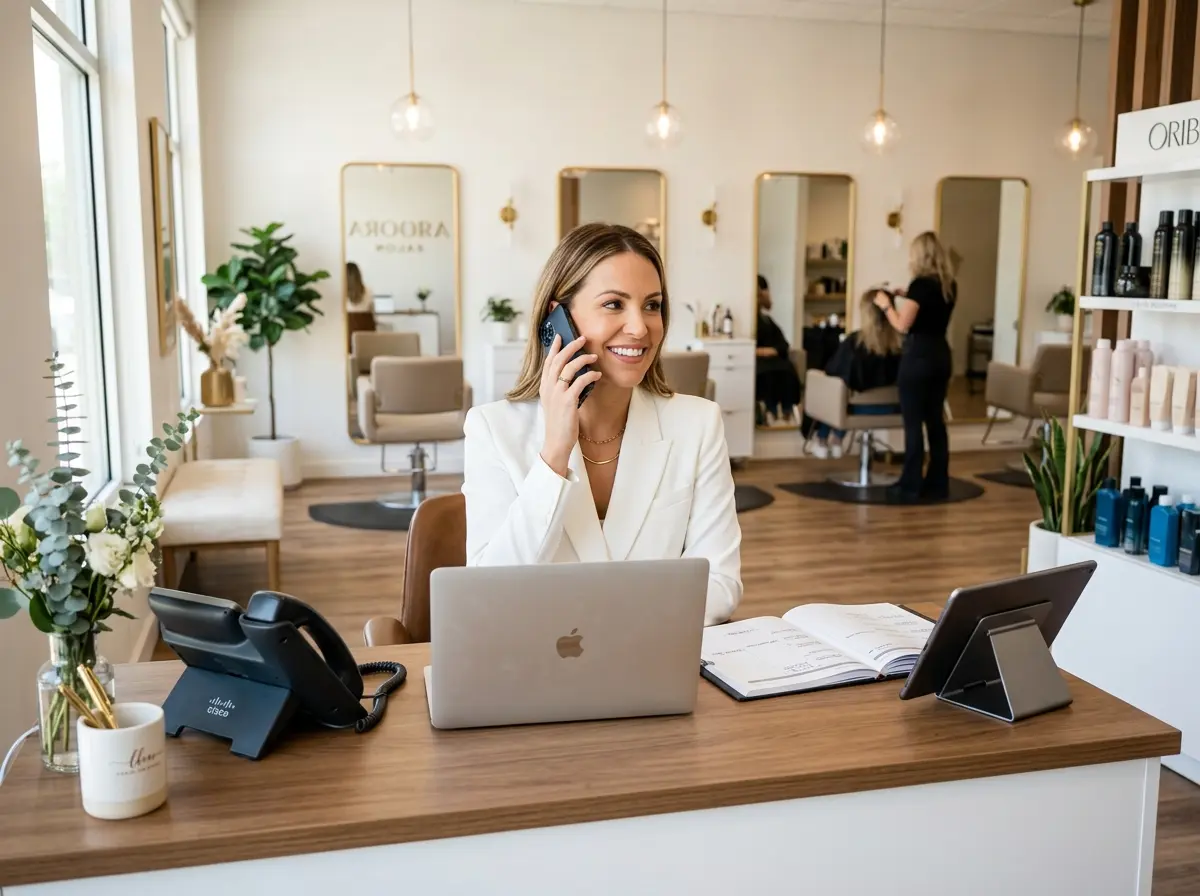
This is where tools like Stella can make a real difference. Stella is an AI robot employee and phone receptionist that handles customer communication around the clock — including collecting customer information through conversational intake forms during phone calls, on the web, or at an in-store kiosk. That means when someone calls to book an appointment after hours, Stella answers, gathers the necessary information, and logs it all into her built-in CRM — complete with AI-generated customer profiles, custom fields, tags, and notes. No missed calls, no incomplete intake forms scribbled on sticky notes, and no morning pile of voicemails to sort through before your first client arrives.
For businesses with a physical location, Stella's in-store kiosk presence means she can also greet walk-in clients, answer questions about services, and flag staff when a scheduled appointment has arrived — reducing the front-desk scramble that often leads to poor first impressions. It's a small but meaningful upgrade to how your business feels from the moment a client walks in.
Reducing No-Shows Beyond Reminders: The Human (and Policy) Side of the Equation
Reminders are powerful, but they're not magic. If your no-show rate remains stubbornly high even with a solid reminder system in place, it's worth examining a few additional levers you can pull.
Implement a Cancellation and No-Show Policy (And Actually Enforce It)
A clearly communicated cancellation policy does two things: it sets expectations, and it creates a small but meaningful consequence for last-minute drops. A common approach is to require 24–48 hours notice for cancellations and charge a flat fee or a percentage of the service cost for no-shows or late cancellations without notice.
The key is to communicate this policy at the time of booking — not buried in a confirmation email nobody reads. Mention it verbally, include it in your booking confirmation, and reiterate it in your reminder messages. Most clients will respect a fair policy when it's clearly explained upfront. And for the small percentage who don't, at least you're partially compensated for the lost time. Require a credit card on file at booking if your industry and software support it — it dramatically reduces no-shows without requiring you to actually charge anyone most of the time.
Make Rescheduling Stupidly Easy
No-shows often happen not because clients don't want to come, but because life happened and they didn't know how to reschedule quickly enough. If your rescheduling process involves calling during business hours, waiting on hold, and hoping someone picks up — you've essentially designed a system that encourages ghosting.
Offer self-service rescheduling through your booking software, your website, or a link in your reminder messages. Let clients reschedule via text reply if possible. The easier it is to move an appointment, the more likely they are to stay in your pipeline rather than disappearing entirely. A rescheduled appointment is infinitely better than a no-show and a frustrated former client who quietly never comes back.
Build a Waitlist to Fill Cancellation Gaps
Even with the best reminder system in the world, some cancellations will happen. A waitlist turns that problem into an opportunity. When a slot opens up, you should be able to notify the next person in line within minutes. Many scheduling tools support automated waitlist notifications, so you don't have to manually manage a spreadsheet of hopeful clients. Done well, a waitlist means that a last-minute cancellation barely costs you anything — because someone who actually wanted that slot steps right in.
Quick Reminder About Stella
Stella is an AI robot employee and phone receptionist designed for businesses of all types — from salons and medical offices to law firms and gyms. She answers calls 24/7, greets in-store customers, manages intake and CRM data, and keeps your business running professionally without breaks or turnover. At $99/month with no upfront hardware costs, she's built to be accessible for small and mid-sized businesses that want enterprise-level front-desk coverage without the enterprise-level overhead.
Your Action Plan: Start Reducing No-Shows This Week
Here's the thing about no-show reduction — it's not a mystery. The businesses that dramatically lower their no-show rates aren't doing anything exotic. They're sending timely reminders across multiple channels, making it easy to reschedule, setting clear expectations with a cancellation policy, and using smart tools to handle the logistics automatically. That's it. There's no secret handshake.
To get started, audit your current system this week. Ask yourself: Do we send more than one reminder? Are we using SMS? Do we make rescheduling easy? Do we have a cancellation policy we actually communicate? If the answer to any of these is no, you've found your starting point.
Then automate as much of it as you reasonably can. Your front desk team's time is better spent building relationships with clients who are actually there — not chasing down people who forgot they booked three weeks ago. Set up your reminder sequences, get your cancellation policy documented and communicated, build a waitlist process, and consider tools that can handle intake and after-hours communication automatically.
No-shows will never be zero — people are people, and life is unpredictable. But with the right system in place, they can absolutely become the exception rather than a weekly expectation. And that's worth every bit of the setup effort.