Your Menu Is Talking — But Is It Saying the Right Things?
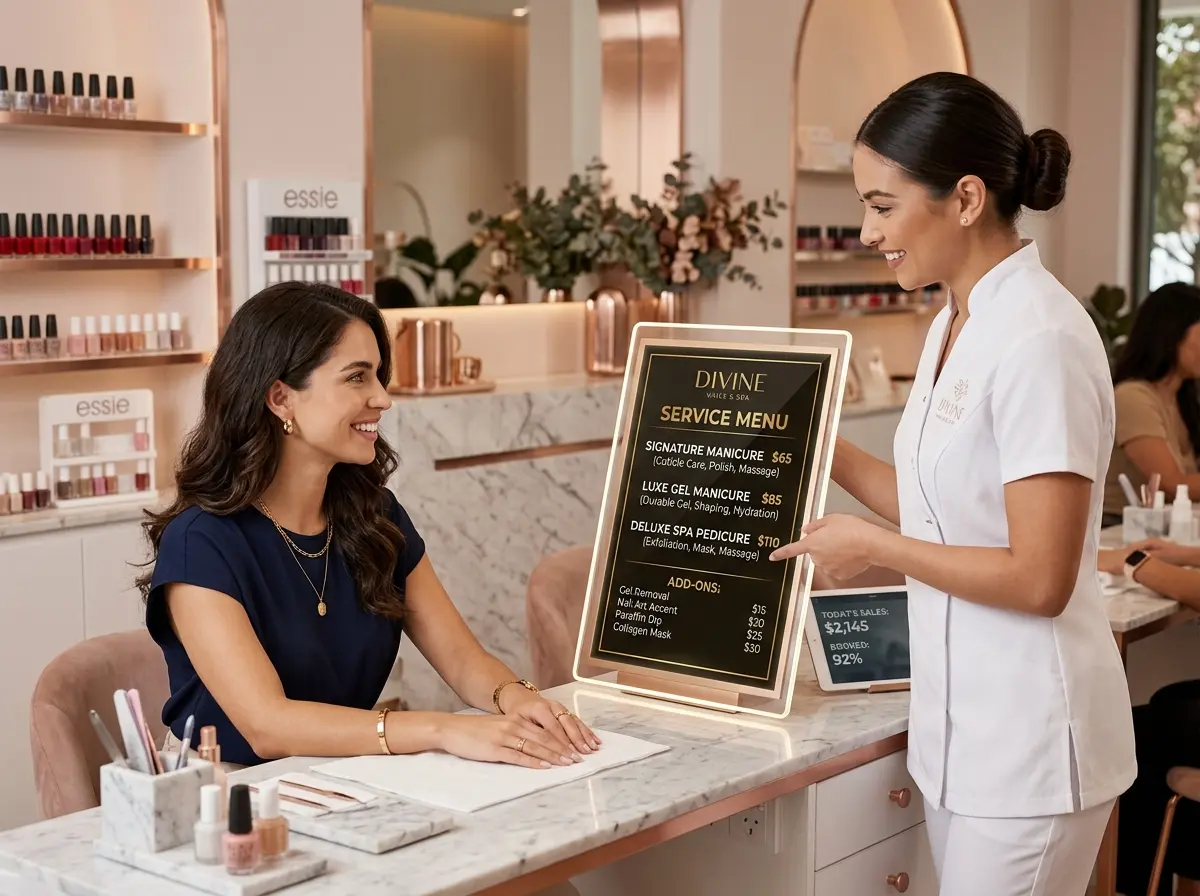
Let's be honest: most quick-service restaurant menus are doing the bare minimum. They list items, show prices, and maybe feature a photo that makes a burger look like it was styled by a Hollywood set designer. But actually selling? Upselling? Nudging a customer toward the larger combo or the seasonal dessert they didn't know they needed? That's where most static menus quietly fail you — and where digital menu boards can quietly make you a lot more money.
The research backs this up. Studies have shown that digital menu boards can increase average order values by 3–5%, and strategic upsell prompts can boost add-on sales by as much as 15–20% depending on placement and messaging. The difference between a menu that informs and a menu that sells comes down to intention, strategy, and a little bit of psychology. So let's talk about how to turn your screens into your most hardworking (and lowest-maintenance) sales team member.
The Psychology Behind Effective Digital Upsells
Before you start designing slides and animating sizzling cheese pulls, it helps to understand why digital menus work so well for upselling in the first place. Customers at quick-service restaurants are often in decision-making mode — they're hungry, they're in a mild hurry, and they're open to suggestion. A well-timed, well-placed prompt is less an interruption and more a helpful nudge from a friend who happens to know the menu really well.
Anchor Pricing and the Power of Comparison
One of the most effective upsell tactics in any retail or restaurant context is anchor pricing — placing a higher-priced item next to your target item so the latter looks like a reasonable deal. On a digital menu board, this is easy to implement. Display your premium combo prominently alongside the standard version, and suddenly upgrading feels like the smart choice. Your customers aren't being upsold — they're being practical. (At least, that's how it feels to them, and that's what matters.)
Scarcity, Urgency, and the Fear of Missing Out
Digital menu boards give you something static boards never could: real-time flexibility. Use it. Rotate in limited-time offers during slower periods, display countdown timers for lunch specials, or flag items as "Today Only" to create a sense of urgency. The psychology here is well-established — perceived scarcity increases perceived value. A customer who might have skipped the seasonal milkshake will think twice when the screen tells them it's only available through Sunday.
Visual Hierarchy Does the Heavy Lifting
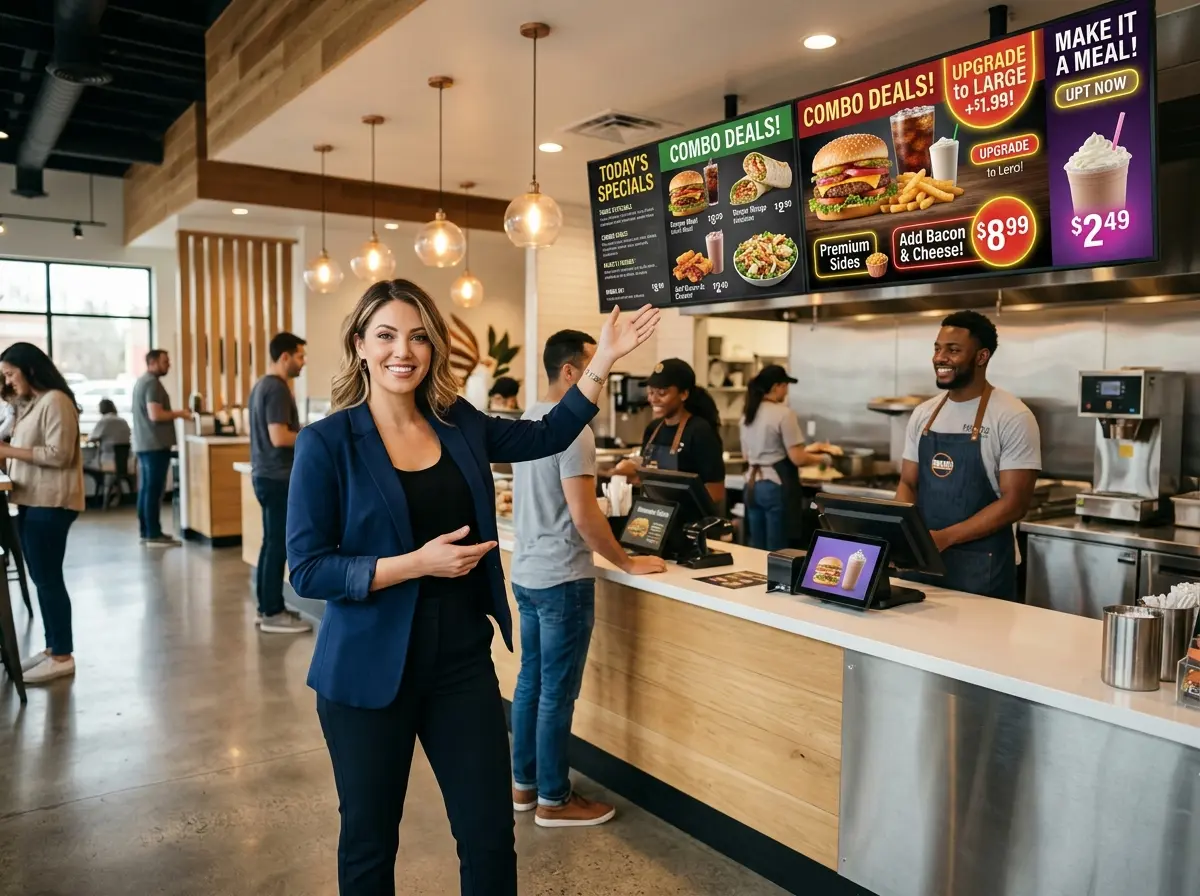
Not everything on your menu deserves equal billing, so stop designing it that way. Use size, color, animation, and positioning to guide the eye toward high-margin items. Upsell suggestions — "Add a side for $1.99" or "Make it a meal" — should appear in high-contrast callout boxes near your most popular items. Motion catches attention; a gentle animation on an add-on prompt will outperform static text every single time. Think of your screen as a visual conversation, and make sure you're leading it.
Practical Upsell Strategies to Implement Right Now
Pair Suggestions Intelligently
The most effective upsells feel natural rather than forced. If someone orders a sandwich, the screen should suggest a drink and a side — not a dessert they'd logically save for later, and definitely not a completely unrelated item. Map out your menu pairings intentionally. Identify which add-ons have the highest margin, which items are most frequently ordered together based on your sales data, and build your upsell prompts around those combinations. The goal is to make the customer feel like the board read their mind, not like they're being pitched something.
Use Dayparting to Show the Right Offers at the Right Time
One of the most underused features of digital menu board software is dayparting — the ability to schedule different content at different times of day. Your morning rush customers are not the same people as your dinner crowd, and they shouldn't be seeing the same upsells. Push coffee upgrades and breakfast add-ons in the morning, combo meal upgrades at lunch, and family-size options or dessert pairings in the evening. Most digital menu platforms support this scheduling natively, and setting it up once means it runs automatically from that point forward. That's a very good return on a one-time configuration effort.
Where Stella Fits Into Your Restaurant's Sales Strategy
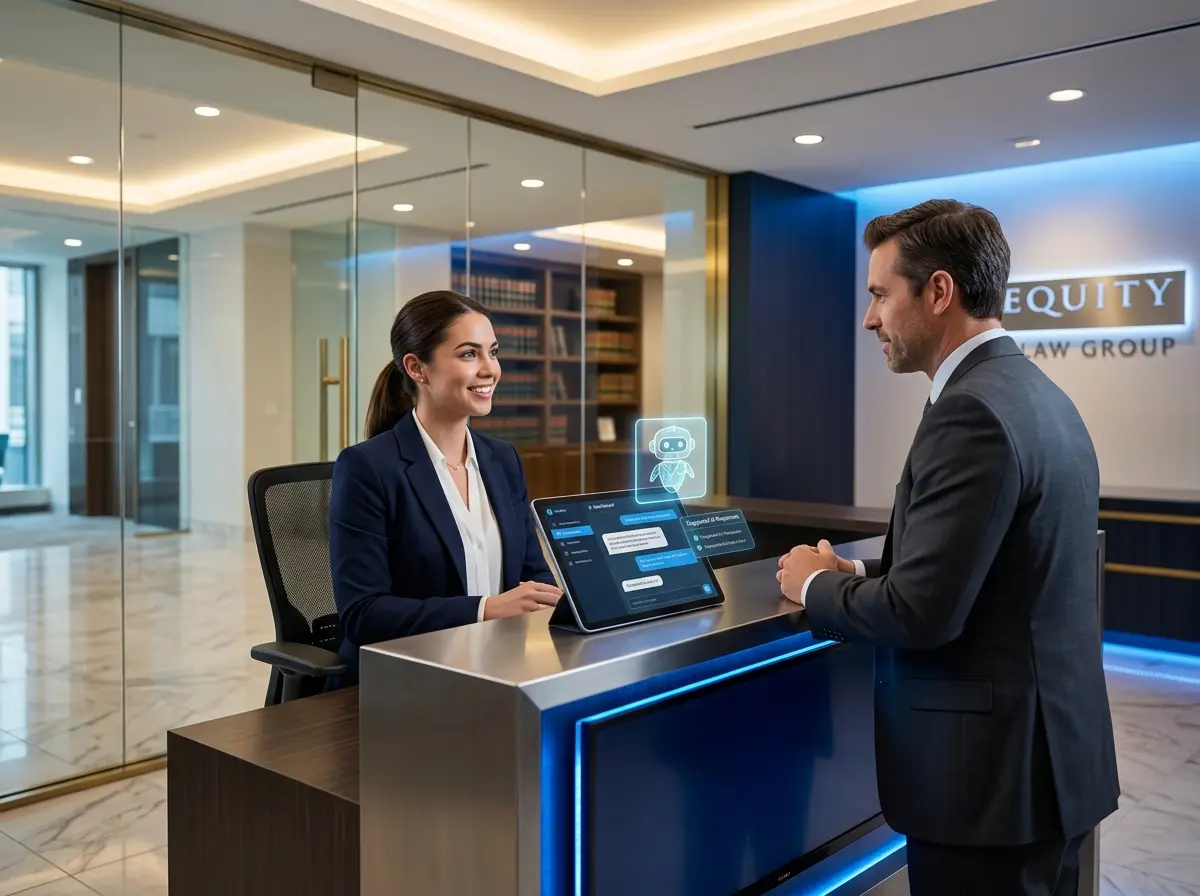
Digital menu boards handle the visual side of upselling beautifully, but they can't have a conversation — and sometimes, that's exactly what a customer needs. That's where Stella, the AI robot employee and phone receptionist, steps in. Stationed inside your location as a friendly, human-sized kiosk, Stella proactively greets customers, answers questions about your menu and specials, and naturally recommends add-ons and upgrades through real conversation. She doesn't get tired, she doesn't forget the day's promotions, and she never gives a customer a blank stare when asked what's good.
Beyond the floor, Stella also answers your phone calls 24/7 — so when someone calls ahead to ask about your catering options or daily specials, she handles it professionally and can even mention current promotions without any coaching from your staff. Together with your digital menu boards, she creates a layered upsell experience that covers visual, conversational, and phone touchpoints. That's a lot of selling happening without you lifting a finger.
Making Your Screens Work Smarter Over Time
Track What's Actually Working
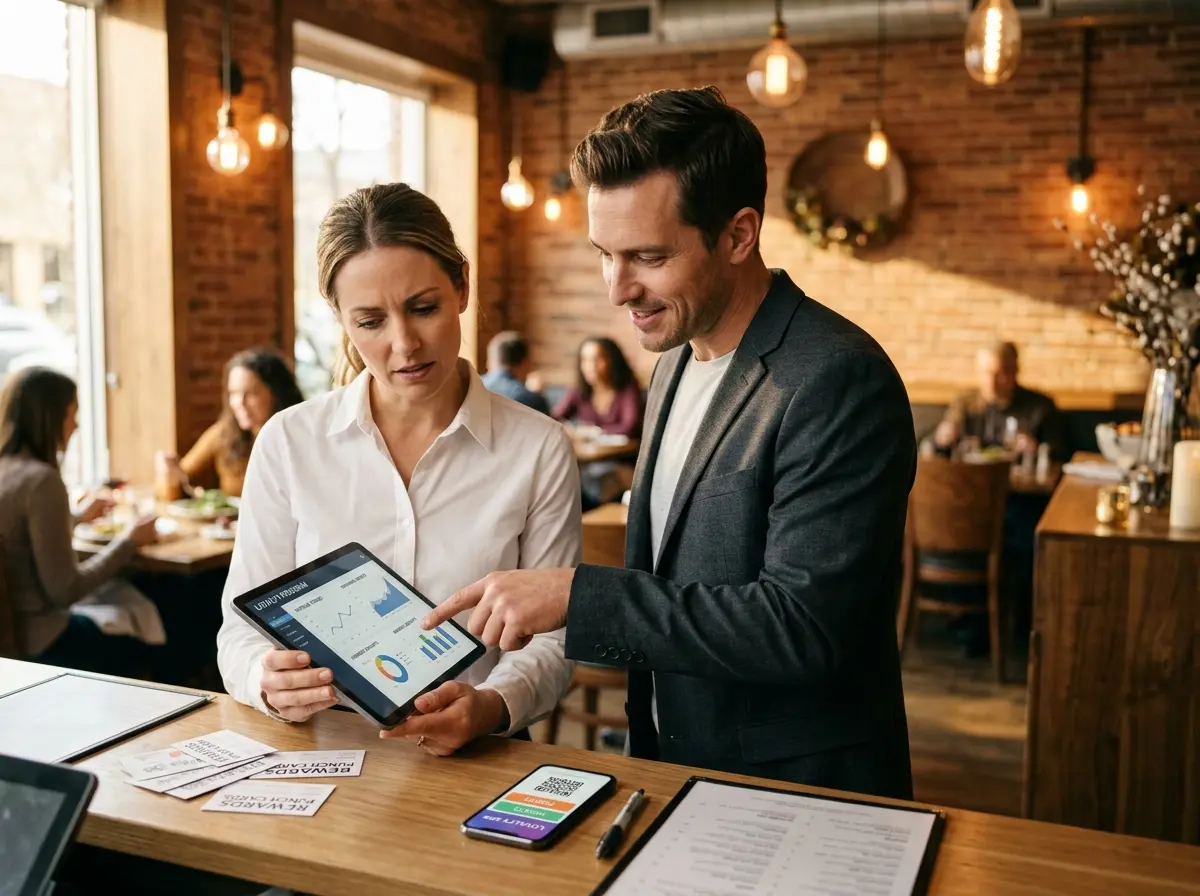
Digital menu boards are only as smart as the operator running them, and too many restaurant owners set them up once and never revisit the strategy. Most modern systems offer some form of analytics — impression tracking, interaction data, or at minimum sales data you can cross-reference against when new content goes live. Get into the habit of reviewing your upsell performance monthly. Which prompts are driving add-on sales? Which items do customers skip over? Use that data to refine your visuals, your pairings, and your timing. The menu board that earns you money in month three should look meaningfully different from the one you launched on day one.
Keep Content Fresh and Seasonally Relevant
Nothing kills the credibility of a digital menu board faster than a "Summer Special" promotion running in October. Stale content signals to customers that nobody is paying attention — and if you're not paying attention to your own promotions, why should they? Build a content calendar for your menu boards just like you would for social media. Plan seasonal rotations, holiday specials, and limited-time upsells in advance. Set reminder alerts to update your boards before the promotion window closes. It takes discipline, but customers notice freshness — and they respond to it with their wallets.
Test, Iterate, and Resist the Urge to Overcrowd
A common mistake when restaurants first get digital boards is treating them like a canvas for every item on the menu. Restraint is a feature, not a limitation. An overcrowded screen overwhelms the eye and kills decision-making momentum — exactly the opposite of what you want at the point of sale. Test different layouts: one upsell prompt versus two, animated versus static callouts, photo-driven versus text-driven designs. A/B testing doesn't require a marketing degree; it just requires paying attention to what your sales data tells you after each change. Run one variable at a time, give it two to four weeks, and let the numbers guide you.
A Quick Reminder About Stella
Stella is an AI robot employee and phone receptionist built to help businesses like yours sell more, serve better, and stress less. She greets customers in person, upsells conversationally, and answers phone calls around the clock — all for $99/month with no upfront hardware costs. She's the team member who never calls in sick and always knows today's specials.
Your Next Steps Start Today
Digital menu boards aren't a luxury anymore — they're a competitive advantage that pays for itself relatively quickly when used strategically. The restaurants winning on upsells right now aren't necessarily the ones with the fanciest screens; they're the ones that have taken the time to think through their customer's journey, map their highest-margin pairings, and keep their content fresh and intentional.
Start with an audit of your current menu board setup. Ask yourself honestly: is this screen selling, or is it just displaying? If the answer is the latter, pick one strategy from this article — anchor pricing, dayparting, or visual hierarchy — and implement it this week. Then track what happens to your average ticket size over the following month. The results tend to be pretty motivating.
And if you want to layer in a conversational upsell experience that works alongside your digital boards — both in-store and over the phone — it might be worth taking a closer look at what Stella can do for your quick-service operation. Your menu boards handle the visuals. Stella handles the conversation. Between the two, you've got your bases covered.