Your Google Business Profile Is a Goldmine — Are You Actually Using It?
Let's be honest: most medical practices set up their Google Business Profile once, dust their hands off, and never think about it again. Maybe you uploaded a few photos of your waiting room, filled in your hours, and called it a day. And hey, at least you did that much — you'd be surprised how many practices haven't.
But here's the thing: Google Business Profile (GBP) Posts are one of the most underutilized free marketing tools available to healthcare providers, and they can directly drive appointment bookings. Not "maybe someday" drive bookings — actually drive bookings, from real patients who are actively searching for the services you offer right now.
According to Google, businesses that regularly post updates see significantly more engagement and clicks to their website than those that don't. For medical practices specifically, where trust and visibility are everything, showing up consistently in search results isn't just nice to have — it's a competitive advantage. So let's talk about how to actually use GBP Posts to fill your appointment calendar, shall we?
Understanding Google Business Profile Posts for Medical Practices
What Are GBP Posts and Why Do They Matter?
Google Business Profile Posts are short updates — similar in spirit to social media posts — that appear directly on your Google listing in Search and Maps results. When a prospective patient searches for "dermatologist near me" or "family doctor accepting new patients," your GBP listing appears. And right there, alongside your hours and reviews, are your Posts. It's essentially free advertising real estate on the most visited website on the planet.
For medical practices, there are several post types worth knowing about. Offer posts are great for promoting seasonal services, new patient discounts, or wellness packages. Update posts let you share news like new providers joining your team, extended hours, or new services you're offering. Event posts work well for health screenings, flu shot clinics, or patient education seminars. Each post type keeps your listing looking fresh, active, and — most importantly — trustworthy.
How GBP Posts Directly Influence Booking Decisions
Patients shopping for a new provider (and yes, they are "shopping") are doing quick comparisons. They glance at your star rating, skim your reviews, and then — if you've been doing this right — they see a Post that says something like "Now accepting new patients — book your wellness visit online in under 2 minutes." That's a conversion opportunity handed to you on a silver platter by Google itself.
Every Post can include a call-to-action button, such as "Book," "Call Now," or "Learn More." Linking your booking CTA directly to your online scheduling page removes friction from the process. The fewer clicks between a patient's intention and their confirmed appointment, the better. Studies show that patients increasingly prefer online booking — over 70% of patients say they'd switch providers for a better digital experience. That's not a small number. That's the majority of your potential new patients.
The Compliance Consideration (Yes, We Have to Mention It)
Medical marketing comes with guardrails, and your GBP Posts are no exception. Avoid making specific treatment outcome claims, sharing anything that could be construed as patient-identifying information, or using language that could be considered misleading under HIPAA guidelines or FTC advertising rules. Keep your posts educational, service-focused, and transparent. Phrases like "Learn about our new telehealth options" or "Annual wellness visits now available — book today" are perfectly safe. "Our treatments will cure your condition!" is not. When in doubt, run your posts by your compliance team — yes, even the ones about flu shots.
Turning Your Front Desk Into a Booking Engine (With a Little Help)
Pairing GBP Posts with a Seamless Patient Experience
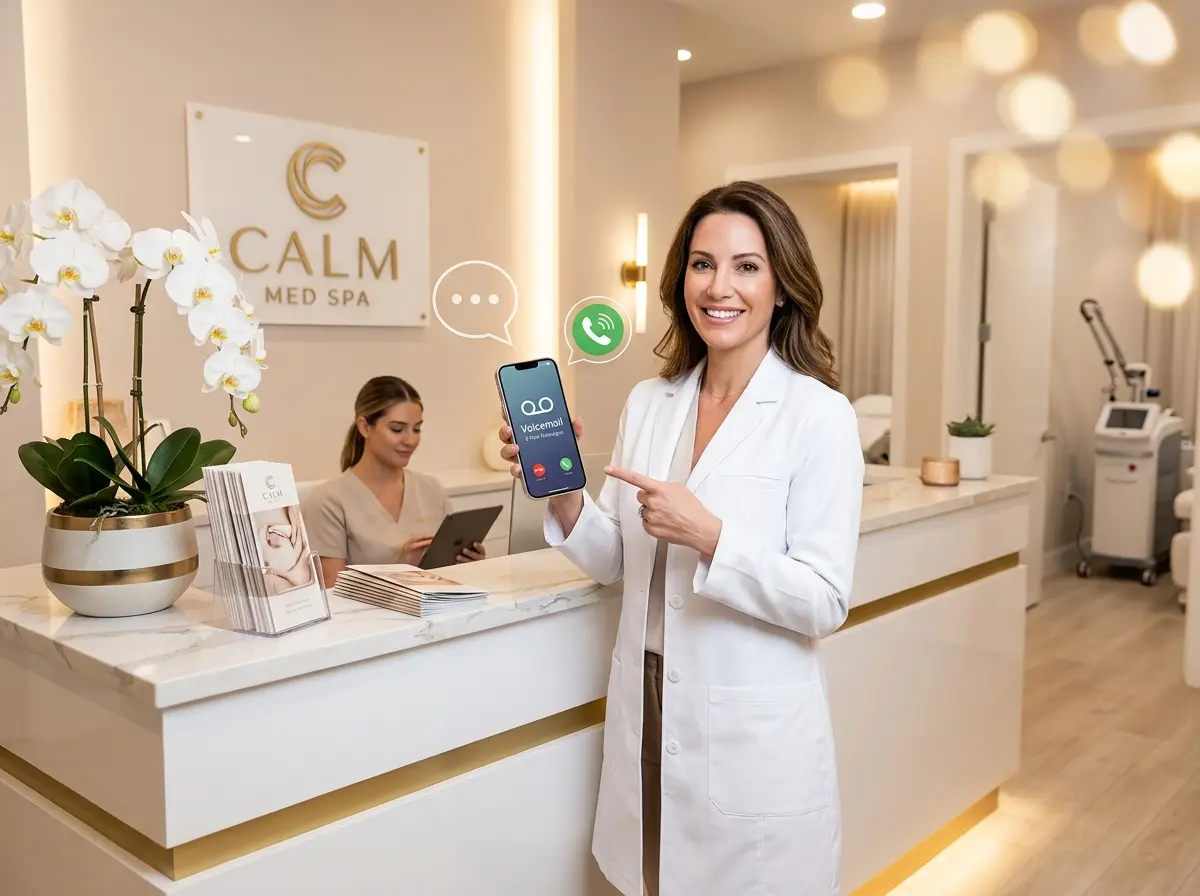
Here's a scenario that probably sounds familiar: your GBP Post does its job beautifully, a prospective patient clicks "Call Now," and then... the phone rings endlessly because your front desk is juggling three other patients and a fax machine from 2009. The patient hangs up, calls the practice down the street, and you've lost a booking despite doing everything right in your marketing.
This is exactly the kind of gap that Stella — the AI robot employee and phone receptionist — is built to close. Stella answers every phone call, 24 hours a day, 7 days a week, with the same knowledge your front desk staff uses in person. She can answer questions about services, hours, insurance, and appointment availability, and she can collect patient intake information conversationally — no hold music, no callbacks required. For practices with a physical location, Stella also operates as an in-person kiosk, greeting patients who walk in and answering their questions while your staff focuses on care. Whether the new patient found you through a GBP Post at 11 PM or walked in during your Tuesday afternoon rush, Stella has them covered.
Crafting Posts That Actually Convert Appointments
The Anatomy of a High-Converting GBP Post
Not all posts are created equal. A post that says "We offer great healthcare services!" is the marketing equivalent of a firm handshake with a wet fish — technically it happened, but nobody feels good about it. Effective GBP Posts for appointment bookings follow a simple but powerful formula: specific service + clear benefit + direct call to action.
For example, instead of "Come see us for your health needs," try: "Struggling with seasonal allergies? Our allergy testing appointments are now available — results in one visit. Book online today." That post names the problem the patient has, offers the solution your practice provides, communicates a concrete benefit (results in one visit), and tells them exactly what to do next. Specificity builds trust. Trust drives bookings. Simple as that.
Keep your posts between 150 and 300 words — long enough to be informative, short enough that someone reading on a phone while waiting for their coffee won't give up halfway through. Always include a strong image. GBP Posts with images consistently outperform text-only posts, and for medical practices, professional photos of your team, facility, or service process go a long way toward humanizing your brand.
Building a Posting Calendar That Keeps Your Listing Active
Google Business Profile Posts expire after seven days (for standard Update posts), which means a posting strategy that lives in your head and happens "whenever someone remembers" is going to produce pretty dismal results. What actually works is a content calendar — planned out monthly, executed consistently.
Here's a practical rhythm for a medical practice: post at least once per week, rotating through your service areas and seasonal health topics. January is perfect for posts about annual physicals and new insurance benefits. February? Heart health awareness. Spring brings allergy season content. Back-to-school physicals carry you through late summer. Flu shot season is practically a GBP Post gift that keeps on giving from September through November. You're not reinventing the wheel every week — you're cycling through a predictable, patient-relevant content calendar that keeps your listing looking alive and your appointment slots filled.
Measuring What's Working and Adjusting Course
Google provides performance insights directly within your Business Profile dashboard, and you should actually be looking at them. You'll find data on how many people viewed your Posts, how many clicked your CTA button, and how many searched for directions or clicked to call. Pay attention to which types of posts generate the most booking clicks and double down on those formats.
If your telehealth post got three times the engagement of your general wellness post, that's a signal worth acting on. Connect your booking CTA links with UTM parameters so you can track GBP-driven appointments all the way through to your scheduling system. If you're not sure how to set that up, your website developer or a basic Google Analytics tutorial can walk you through it in under an hour. The data is there — you just have to collect it.
Quick Reminder About Stella
Stella is an AI robot employee and phone receptionist that helps businesses handle customer interactions without the bottlenecks. For just $99/month with no upfront hardware costs, she answers calls around the clock, greets patients at your front desk kiosk, collects intake information, and keeps your practice running professionally — even when your human staff can't. She's the reliable, always-on front-line presence that makes sure your marketing efforts don't fall apart at the finish line.
Put Your Google Business Profile to Work — Starting Today
If you've read this far, you now know more about GBP Posts than the majority of your local competitors. That's genuinely useful information, but only if you act on it. Here's your action plan:
- Audit your current GBP listing — make sure your hours, services, and contact information are accurate and complete.
- Publish your first optimized post this week — pick one specific service, write a clear benefit, add a professional image, and include a "Book" CTA linked directly to your scheduling page.
- Build a simple monthly content calendar — even a basic spreadsheet with post topics, publish dates, and assigned owners is better than winging it.
- Review your post performance monthly — look at which posts drove the most CTA clicks and replicate what's working.
- Make sure someone (or something) is ready when patients respond — because a well-executed GBP Post that sends a patient to an unanswered phone or a clunky booking experience is a missed opportunity you can't afford.
Google Business Profile Posts won't magically fill your schedule overnight, but practiced consistently and paired with a smooth patient experience from first search to confirmed appointment, they become a meaningful part of your practice's growth engine. The tools are free, the strategy is straightforward, and the upside is very real. Now stop reading and go post something.