You're Sitting on a Goldmine and Using It as a Paperweight
Every time a customer swipes a card, scans a barcode, or completes a transaction at your register, your point-of-sale system quietly logs another data point. Then another. Then another. By the end of a busy weekend, you've accumulated hundreds — maybe thousands — of little digital breadcrumbs that, if followed correctly, could tell you exactly what your customers want, when they want it, and how much they're willing to pay for it.
And yet, for most retail business owners, that data sits untouched in a dashboard they open approximately once a quarter — usually when something has gone wrong and they're desperately searching for answers. Sound familiar? No judgment here. Running a retail business is chaotic, and "analyzing POS data" tends to fall somewhere below "fix the broken display shelf" and "figure out why the Wi-Fi keeps dropping" on the daily priority list.
But here's the thing: the businesses that consistently outperform their competitors aren't necessarily the ones with better products or lower prices. They're the ones making smarter decisions — and those decisions are almost always rooted in data. This post is going to show you how to actually use your POS data to drive those decisions, without needing a data science degree or a team of analysts.
Understanding What Your POS Data Is Actually Telling You
Before you can act on your data, you need to understand what you're looking at. Most modern POS systems collect far more than just sales totals. The challenge isn't a lack of information — it's knowing which numbers actually matter and what story they're telling you.
Sales Trends: The Patterns Hidden in Plain Sight
Your sales trend data is arguably your most powerful planning tool. When you break down your sales by day, week, month, and season, patterns emerge that can fundamentally change how you schedule staff, manage inventory, and time promotions. If your POS data consistently shows that Tuesday afternoons are a ghost town but Saturday mornings look like a Black Friday preview, that's not random — and pretending otherwise is an expensive habit.
Look specifically at year-over-year comparisons rather than just month-to-month. Month-to-month comparisons can be misleading due to seasonality, holidays, or one-off events. Year-over-year tells you whether your business is actually growing or just riding seasonal waves. A 20% spike in November sales sounds great until you realize you had the same spike last November and the year before that. That's not growth — that's just Christmas.
Top Performers and Slow Movers: Know Your Menu
Your POS system can show you exactly which products are carrying the team and which ones are just taking up shelf space and collecting dust. According to the Pareto principle — which holds up surprisingly well in retail — roughly 80% of your revenue typically comes from about 20% of your products. Identifying that 20% is step one. Protecting it, promoting it, and keeping it well-stocked is step two.
On the flip side, your slow movers deserve equal attention. A product that hasn't sold meaningfully in 60 days is tying up capital, occupying valuable floor or shelf space, and silently dragging down your inventory turnover rate. Your POS data makes these items easy to identify. What you do with that information — whether you discount them, bundle them with fast movers, or cut them entirely — is a business decision, but at least it's an informed one.
Average Transaction Value: The Number That Tells You Everything About Your Selling Strategy
Average transaction value (ATV) is one of those metrics that quietly reveals whether your sales strategy is working. If customers are consistently buying one item and walking out, that's a missed upsell opportunity at scale. Even a modest increase in ATV — say, moving from an average of $38 to $44 per transaction — can have a dramatic effect on annual revenue without requiring a single new customer. Track your ATV over time and pay attention to what changes it. Did a staff training session move the needle? Did a product placement change bump it up? Your POS data will tell you.
Smarter Customer Engagement Starts Before They Even Open Their Wallet
Data-driven decisions don't stop at inventory and pricing. Some of your richest opportunities lie in how you engage customers before, during, and after a transaction. This is where a lot of retailers leave money on the table — not because they don't care, but because they simply don't have the bandwidth to do it consistently.
Let Technology Handle the Engagement Gap
This is exactly where Stella can quietly become one of your most valuable team members. As an AI robot kiosk stationed inside your store, Stella greets every customer who walks in, proactively engages them in natural conversation, and — crucially — promotes your current deals and highlights offerings based on what you want to push. She doesn't have bad days, doesn't forget to mention the weekend special, and never gets too busy helping one customer to acknowledge another. On the phone side, she answers calls 24/7 with the same product and service knowledge she uses in person, so your customers get consistent, helpful responses whether they're standing in your store or calling from their couch at 10 p.m. If you're also looking to better track who's walking through your door or calling in, Stella's built-in CRM and conversational intake forms make it easy to capture and organize customer information without adding work to your staff's plate.
Turning Data Into Action: Practical Strategies for Retail Owners
Reading your POS data is one thing. Building systems around it is another. Here's where the rubber meets the road — practical, repeatable strategies that use your existing data to make better decisions starting this week.
Build a Simple Weekly Review Habit
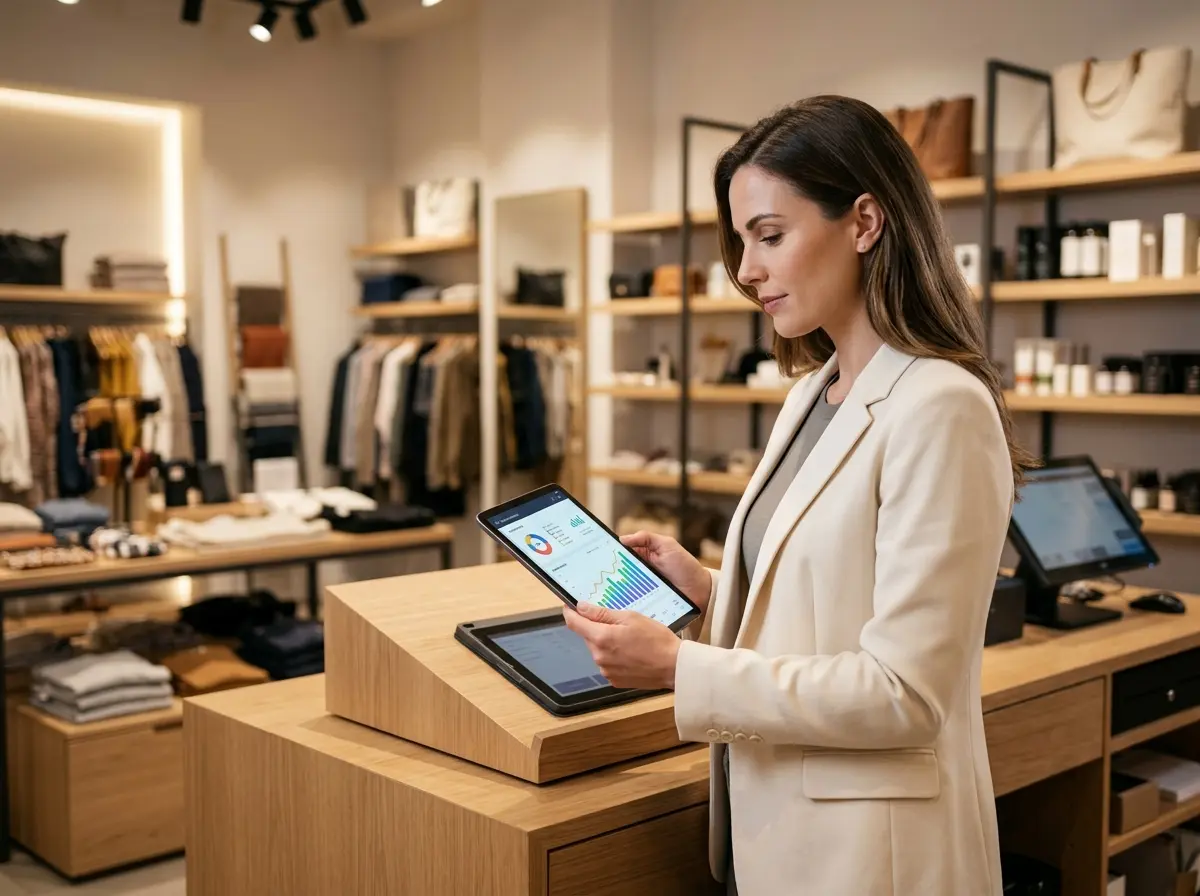
You don't need a sophisticated analytics platform or a dedicated analyst to benefit from your POS data. What you need is a consistent habit. Block 20-30 minutes every Monday morning to review the previous week's numbers. Check your total sales against the same week last year, look at which products led in volume and revenue, and flag anything that looks out of the ordinary — either suspiciously good or suspiciously bad. Over time, this weekly ritual will sharpen your instincts and make you significantly harder to surprise by the end of a quarter.
Create a simple dashboard or even a spreadsheet template that pulls the five or six metrics that matter most to your business. Total sales, ATV, top five products, bottom five products, number of transactions, and busiest hour of operation. That's your weekly pulse check. Keep it simple enough that you'll actually do it.
Use Inventory Data to Negotiate Better and Buy Smarter
One of the most underrated uses of POS data is in your supplier relationships. When you walk into a vendor negotiation with 12 months of sell-through data on their products, you have leverage. You can demonstrate which of their items are performing and use that as a case for better pricing, priority restocking, or exclusive arrangements. Conversely, you can push back on products that aren't moving and use the data to justify reducing or eliminating those orders entirely.
Your POS data also lets you build smarter reorder points. Instead of guessing when to restock, you can calculate your average daily sales velocity for each product and set reorder triggers accordingly. This reduces the two most expensive inventory problems in retail: running out of a bestseller and over-ordering a dud.
Design Promotions Based on What the Data Already Knows
Too many retail promotions are built on gut feeling or "what worked last time." Your POS data can do better than that. Look at which product categories have the most price elasticity — where a small discount drives a significant volume increase — versus categories where customers are buying regardless of the promotion. That tells you where to spend your promotional budget and where to protect your margins.
If your POS system tracks promotions and their corresponding sales lifts, use that history ruthlessly. A promotion that moved 40 units last spring is worth repeating. One that moved 6 units after a week of signage and staff effort is not worth the energy. Let the data be the honest friend that your enthusiasm sometimes can't be.
Quick Reminder About Stella
Stella is an AI robot employee and phone receptionist designed to help businesses of all sizes — retail shops included — run more efficiently without adding headcount. She stands inside your store, engages customers naturally, promotes your offers, and answers questions without pulling your staff away from what they're doing. She also handles phone calls around the clock, so no lead, inquiry, or customer goes unanswered. At $99/month with no upfront hardware costs, she's built to be accessible for businesses that want professional, consistent customer engagement without the overhead.
Start Small, Think Big, and Actually Look at Your Dashboard
Here's your action plan, because a blog post without one is just a motivational poster with more words:
- This week: Log into your POS system and pull a 90-day sales report. Identify your top 10 products by revenue and your bottom 10 by sell-through rate. Just look at the numbers — don't make any decisions yet.
- This month: Set up a weekly Monday review ritual using five to six key metrics. Build a simple template you'll actually use.
- This quarter: Use your trend data to plan one data-backed promotion. Set a measurable goal, run it, and compare the results to your baseline. Then do it again, smarter.
- Ongoing: Integrate your POS insights into inventory purchasing decisions, staff scheduling, and supplier negotiations. Let data do the heavy persuading.
The businesses winning in retail right now aren't doing anything mystical. They're just paying attention to the information they already have and acting on it consistently. Your POS system has been keeping score this whole time — it's time you started reading the scoreboard.
And if you want a little help keeping customers engaged while you're busy making all these brilliant data-driven decisions, well, that's what Stella is there for.