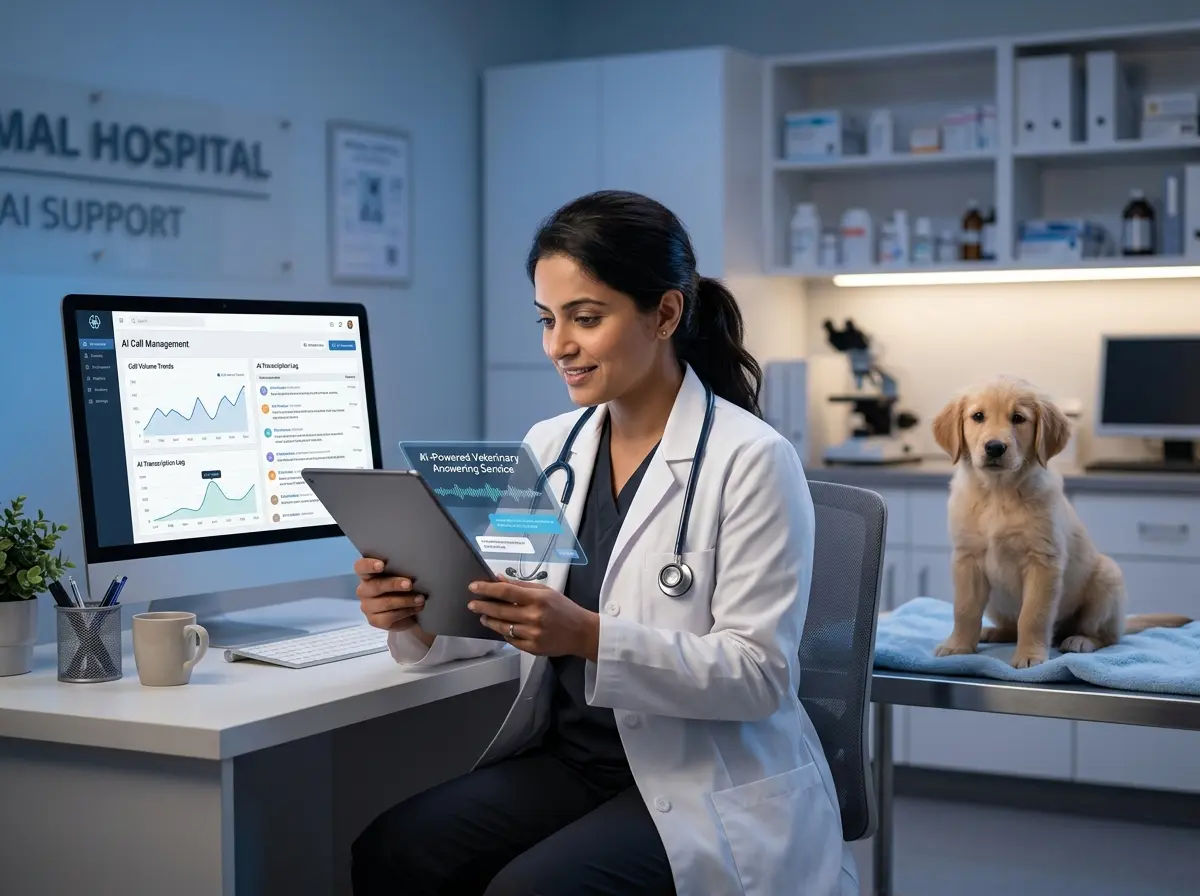
When Your Clinic Closes, Pet Emergencies Don't
This is the reality of running a veterinary clinic. Pet emergencies are spectacularly indifferent to business hours. And while you can't be available around the clock (you are, after all, a human being who requires sleep), the expectations of modern pet owners have shifted dramatically. They want answers fast, they want guidance, and they want to feel like someone is there — even at 3 AM.
The After-Hours Problem Is Bigger Than You Think
The Real Cost of Missed Calls
Let's talk numbers for a moment. Studies suggest that 85% of callers who can't reach a business on their first attempt will not call back. For a veterinary clinic, that's not just a missed appointment — it's a missed opportunity to build a lasting client relationship, and in genuine emergencies, it could mean a pet doesn't get the guidance it needs in time.
What Pet Owners Actually Want at 2 AM
Most after-hours callers aren't expecting a live vet to answer the phone. What they are expecting is some form of helpful, intelligent response — not a generic voicemail greeting from 2019. They want to know: Is this an emergency? Where should I go? When can I get an appointment? Can someone call me back first thing in the morning?
The Staff Burnout Factor
How AI Phone Receptionists Handle the Night Shift
Stella Can Staff Your Phones While You Sleep
This is where tools like Stella genuinely shine for veterinary clinics. Stella is an AI robot employee and phone receptionist that answers calls 24/7 with the same knowledge your front desk staff uses during the day — clinic hours, services, pricing, appointment availability, emergency protocols, and more. She doesn't get flustered, she doesn't put people on hold for eight minutes, and she absolutely does not call in sick on a Monday.
For after-hours scenarios specifically, Stella can be configured to triage call types intelligently. Genuine emergencies can be escalated immediately — forwarded to an on-call staff member based on your custom conditions. Non-urgent calls are handled gracefully: she collects the caller's information, logs the inquiry, and generates an AI-powered summary with a push notification to your manager so the first thing you see in the morning is a clean, organized list of everything that came in overnight. No digging through voicemails. No missed context.
Setting Up AI for After-Hours Success
Define Your Emergency Protocol First
Craft Your After-Hours Messaging Carefully
Integrate with Your Existing Systems
The goal is to make the overnight hours productive, not just covered. Every after-hours interaction should generate something useful for your team the next day.
Quick Reminder About Stella
Stella is an AI robot employee and phone receptionist built for businesses of all sizes, including veterinary clinics. She handles inbound calls 24/7, collects client information through conversational intake forms, manages contacts in a built-in CRM, and keeps your team informed with AI-generated summaries and push notifications — all for $99/month with no upfront hardware costs. For clinics with a physical location, she also operates as a friendly in-store kiosk, greeting clients and answering questions in person. She's the front desk employee who never needs a day off.
Making the Most of AI After-Hours: Your Action Plan
- Audit your current after-hours situation. How many calls are you missing? What types of inquiries are coming in overnight? Pull your voicemail data for the last 30 days and categorize what you find. The results may surprise you.
- Document your emergency escalation protocol. Decide exactly which scenarios warrant an immediate callback or staff escalation, and build that logic into your AI system's configuration.
- Draft your after-hours call scripts. Work with your team to create warm, helpful, approved language for the most common after-hours scenarios your clinic encounters. Your AI receptionist is only as good as the information you train it on.
- Integrate, don't silo. Make sure your AI phone system connects to your CRM and scheduling tools so overnight interactions generate actionable data, not just archived voicemails.
- Review and refine regularly. Check your AI interaction logs monthly. What questions are callers asking that your system isn't handling well? What escalations are happening that probably didn't need to? Treat it like any other staff member — it benefits from feedback.