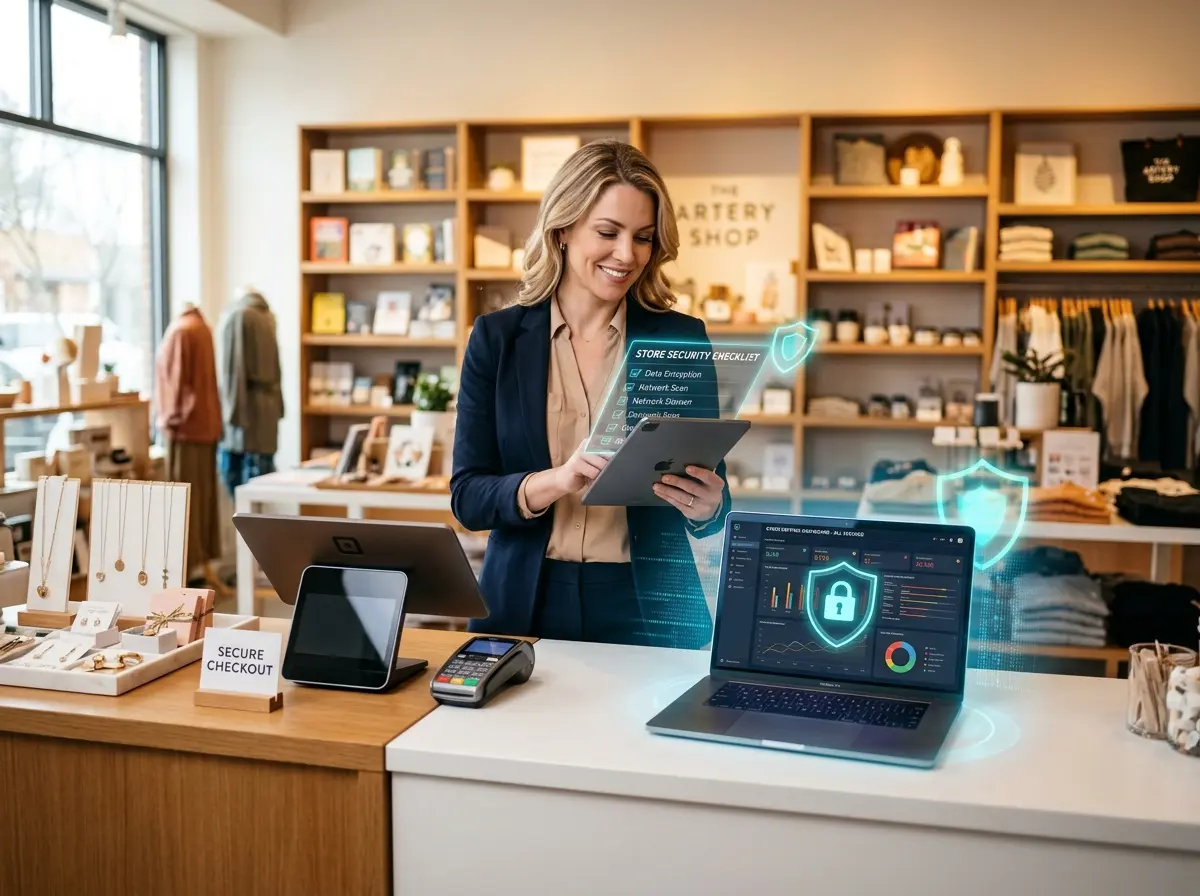
Introduction: Because "It Won't Happen to Me" Is Not a Cybersecurity Strategy
You've got enough on your plate. Inventory to manage, staff to schedule, customers to keep happy, and somehow, a social media presence to maintain. Cybersecurity probably sits somewhere on your to-do list between "reorganize the back stockroom" and "finally figure out QuickBooks" — meaning, it's there, but it's not exactly urgent.
Here's the wake-up call: 43% of cyberattacks target small businesses, and fewer than 15% of those businesses are prepared to defend themselves. Small retail stores are particularly attractive targets because attackers know you're busy, often understaffed, and probably not running a dedicated IT department. You're the perfect combination of valuable data and limited defenses.
The good news? You don't need a six-figure IT budget or a computer science degree to protect your business. You need a practical checklist, a little discipline, and the willingness to take this seriously before something goes wrong — not after. This post walks you through exactly that, with actionable steps you can actually implement without losing your mind (or your weekend).
Securing Your Store's Digital Foundation
Lock Down Your Point-of-Sale System
Your POS system is the crown jewel of your retail operation — and a prime target for cybercriminals. Whether you're running a cloud-based system like Square or Shopify POS, or a traditional terminal setup, the rules are the same: keep it updated, keep it isolated, and treat it like the sensitive piece of infrastructure it actually is.
Start by ensuring your POS software is always running the latest version. Those update notifications you've been snoozing for three weeks? They often contain critical security patches. Next, isolate your POS on its own network segment — separate from your guest Wi-Fi and even from your general business network. If an attacker gets onto your customer-facing Wi-Fi, they shouldn't be able to hop over to the system processing credit cards.
Also, review who has access. Every employee doesn't need admin-level permissions. Use role-based access controls so your part-time cashier can ring up sales without being able to pull full transaction reports or change pricing. And yes — change default passwords immediately when you set up any new device. "Admin/admin" is not a password. It's an open invitation.
Wi-Fi Security Is Not Optional
Offering free Wi-Fi is a nice customer perk, but mixing your business operations and guest browsing on the same network is a recipe for disaster. Set up separate SSIDs: one for your business operations (POS, back-office computers, inventory systems) and one for customers. Your business network should be hidden and password-protected with WPA3 encryption if your router supports it — WPA2 at minimum.
While you're at it, log into your router's admin panel and change the default login credentials. Check when your router firmware was last updated — many small business owners have never done this, which means they're running hardware with known, publicly documented vulnerabilities. It takes ten minutes and could save you thousands.
Passwords, Multi-Factor Authentication, and the Password Manager You've Been Avoiding
Using the same password across your email, your POS login, and your business bank account is the digital equivalent of using one key for your house, your car, and your store safe. When one gets compromised, everything gets compromised. Invest in a password manager — tools like 1Password or Bitwarden make it easy to generate and store unique, complex passwords for every account without having to remember any of them.
Then, enable multi-factor authentication (MFA) on every account that supports it — your email, banking portals, cloud storage, e-commerce platforms, and social media accounts. MFA means that even if a bad actor gets your password, they still can't get in without a second verification step. This single measure blocks the overwhelming majority of automated credential attacks. It's free. It's fast. Do it today.
Smart Tools That Help You Stay Protected — and Productive
How Technology Can Work For (Not Against) You
One underappreciated cybersecurity risk in small retail is the human element — specifically, overwhelmed staff who click phishing links, share passwords, or bypass security protocols because they're too busy to follow proper procedures. The more you can automate and streamline your front-of-house operations, the more mental bandwidth your team has to stay vigilant.
This is where Stella, the AI robot employee and phone receptionist, comes in. Stella handles the constant stream of customer questions, greetings, and phone calls that typically pull your staff in ten directions at once. Her in-store kiosk presence means your team isn't constantly interrupted to answer "What time do you close?" or "Do you have this in blue?" — and her 24/7 phone answering capability means calls are never missed and never mishandled, regardless of how busy the floor gets. When your staff is less frazzled, they make fewer security mistakes. That's not a coincidence — that's good operational design.
Protecting Customer Data and Staying Compliant
Understand What Data You're Collecting — and Why
Many small retail store owners are surprised to discover just how much customer data flows through their business: email addresses from loyalty programs, payment information from POS transactions, browsing behavior from e-commerce integrations, and contact details from intake forms or giveaways. Each piece of data you collect is a liability if it's not properly secured — and depending on your state, it may also be a legal obligation.
Start by auditing what you collect and where it lives. Do you have a spreadsheet of customer emails sitting in your Gmail? Old transaction records on a shared drive with no password? Customer info collected through a paper form that anyone could walk off with? Map your data, minimize what you don't actually need, and ensure what you do keep is stored securely — encrypted, access-controlled, and backed up.
If you operate in California, Virginia, Colorado, or several other states, you may already be subject to consumer privacy laws that require specific data handling practices and customer rights disclosures. Ignoring these isn't just a cybersecurity risk — it's a compliance risk with real financial penalties attached.
Train Your Team Before a Phishing Email Does It for You
Phishing remains the number one delivery mechanism for ransomware and credential theft. And it's getting good — really good. Modern phishing emails don't look like Nigerian prince correspondence anymore. They look like invoices from your suppliers, shipping notifications from UPS, or urgent messages from your bank.
Conduct at minimum a brief annual training session with your staff on how to recognize suspicious emails, what to do when they receive one, and why they should never click links or download attachments from unexpected sources — even if the email looks legitimate. Tools like KnowBe4 offer simulated phishing tests designed specifically for small businesses. Consider running one. You might be surprised (and alarmed) by the results.
Have an Incident Response Plan — Even a Simple One
If a breach happens, the worst time to figure out what to do is in the middle of it. A basic incident response plan doesn't need to be a 40-page document. It should answer four questions: Who do you call first? How do you contain the damage? Who do you notify (customers, regulators, your bank)? And how do you recover?
Write it down. Store it somewhere accessible offline. Make sure at least two people in your business know it exists and know where to find it. The businesses that recover quickly from cyberattacks aren't necessarily the most secure — they're the most prepared. There's a meaningful difference.
Quick Reminder About Stella
Stella is an AI robot employee and phone receptionist built for businesses like yours — she greets customers in-store, answers phone calls 24/7, promotes your current deals, and handles the routine questions that eat up your team's time and focus. She runs on a simple $99/month subscription with no upfront hardware costs and is up and running faster than you'd expect. When your operations run smoothly, your team has the headspace to stay on top of things that matter — including your security practices.
Conclusion: Check the Box Before Someone Checks You
Cybersecurity for small retail stores isn't glamorous work, but neither is explaining to your customers why their credit card data was compromised — or writing a check to cover a ransomware payment that could have been prevented. The steps outlined here aren't complicated. They're just consistently skipped by business owners who assume they're too small to matter to cybercriminals.
You're not. But you can be too prepared to be worth the trouble.
Here's your action plan for the next 30 days:
- Week 1: Update all software and firmware, change default passwords, enable MFA on all critical accounts, and set up a password manager.
- Week 2: Segment your Wi-Fi networks, audit POS access permissions, and review what customer data you're storing and where.
- Week 3: Run a phishing awareness session with your staff and review your state's data privacy requirements.
- Week 4: Draft your incident response plan — even a one-page version — and back up all critical business data to a secure, encrypted location.
None of these steps require a dedicated IT team or a dramatic budget reallocation. They require about an hour of focused attention each week and the honest acknowledgment that protecting your business is part of running it. Start this week. Your future self — the one who didn't lose everything to a preventable breach — will thank you.