The Customer Who Couldn't Book You Just Booked Your Competitor
It's 9:47 PM on a Tuesday. A homeowner just discovered a slow leak under their kitchen sink. They're not panicking yet, but they're not happy either. They grab their phone, Google "plumber near me," find your website, and — great news — you actually have good reviews. They want to book you. But there's no online scheduling. Your phone number goes to voicemail. Your contact form says "we'll get back to you within 1-2 business days."
So they scroll down and book the next guy in 45 seconds.
This scene plays out thousands of times a day across home services businesses of every size. The frustrating part? It's entirely preventable. Real-time online scheduling isn't a luxury feature for big companies with big budgets — it's one of the most practical, revenue-protecting tools a home services business can implement. If customers can't book you the moment they decide they need you, that moment passes. And so does their money.
Why Home Services Customers Expect to Book Online — Right Now
The Convenience Economy Is Not a Trend, It's the New Normal
Consumers have been thoroughly spoiled by on-demand everything. They book flights, restaurants, doctor appointments, and dog groomers online without speaking to a single human being. They expect the same from their HVAC technician, their landscaper, and their house cleaner. According to a study by Accenture, 77% of consumers say that convenience is a key factor in their purchasing decisions — and for service businesses, convenience starts at the booking stage.
If your booking process requires a phone call during business hours, followed by a game of schedule-Tetris with a staff member who has to manually check a calendar, you're not just inconveniencing customers — you're actively pushing them toward competitors who have already figured this out. The bar for "easy to work with" has risen, and it's not coming back down.
After-Hours Is Prime Time for Home Services
Here's something worth sitting with: a significant portion of home services decisions are made outside of 9-to-5 business hours. People notice their gutters are destroyed during the weekend. They realize their HVAC is struggling on a Sunday afternoon when they have time to deal with it. They research and book services during lunch breaks, in the evenings, or — yes — at 9:47 PM when a pipe starts misbehaving.
If your scheduling only works when your office is staffed, you're essentially closed for business during a huge chunk of customer decision-making time. Real-time online scheduling means your calendar is working 24/7 even when your team isn't. That's not just convenient — it's a genuine competitive advantage in markets where most local competitors still rely exclusively on phone calls.
Reducing Friction Reduces Lost Bookings
Every extra step in your booking process costs you customers. That's not pessimism — that's conversion math. Each click, each form field, each "we'll call you to confirm" adds friction, and friction causes drop-off. Real-time scheduling removes the biggest friction point of all: uncertainty. When a customer can see your actual availability and lock in a time slot instantly, they don't have to wonder if you're booked out for three weeks. They get confirmation immediately, and they move on with their evening feeling like capable adults who handled a problem. That feeling? It gets associated with your business.
How Tools Like Stella Can Support Your Scheduling Ecosystem
Capturing Customers Who Call Instead of Click
Not every customer is going to use your online scheduler, no matter how good it is. Some people still prefer to call — especially older demographics or customers dealing with urgent situations who want to talk to someone immediately. The challenge is that if no one answers, that phone call becomes a lost lead, not a booked appointment.
Stella, an AI robot employee and phone receptionist, can answer every incoming call 24/7, collect customer information through conversational intake forms, and help bridge the gap between phone inquiries and actual bookings. For home services businesses with a physical office or showroom, she also operates as an in-store kiosk, greeting walk-in customers and proactively engaging them about services, promotions, and availability. Every customer interaction — phone or in-person — feeds into a built-in CRM that keeps your customer data organized without requiring you to manually log anything. It's the kind of support system that makes your scheduling infrastructure feel complete rather than patchy.
Setting Up Real-Time Scheduling That Actually Works for Your Business
Choosing the Right Scheduling Tool
The market for scheduling software is enormous, and it can feel overwhelming. For home services businesses, the most important features to prioritize are real-time availability display, automated confirmation and reminder messaging, buffer times between appointments, and service-specific booking options. Tools like Jobber, ServiceTitan, Housecall Pro, and Acuity Scheduling are all worth evaluating depending on your business size and complexity.
What you want to avoid is scheduling software that still routes bookings through manual approval before confirmation. If a customer books a slot and then has to wait for your office to "confirm," you've added back the friction you were trying to eliminate. Real-time means real-time: the customer picks a time, it's confirmed automatically, it's blocked on your calendar immediately, and everyone moves forward.
Integrating Scheduling Into Your Website and Google Profile
A scheduling tool that only lives on one buried page of your website isn't doing its job. For maximum effectiveness, your booking capability should be visible and accessible at every logical entry point. This means embedding it prominently on your homepage, adding a booking button to your Google Business Profile (yes, this is a feature — use it), and including booking links in your email signature, social media bios, and any digital advertising you run.
The fewer clicks between "I found you" and "I booked you," the better. Some businesses even run simple Google Ads campaigns with a booking link directly in the ad, skipping the website visit entirely for high-intent searches like "emergency plumber near me." That's the kind of frictionless path that turns searches into revenue.
Don't Forget Reminders and Follow-Ups
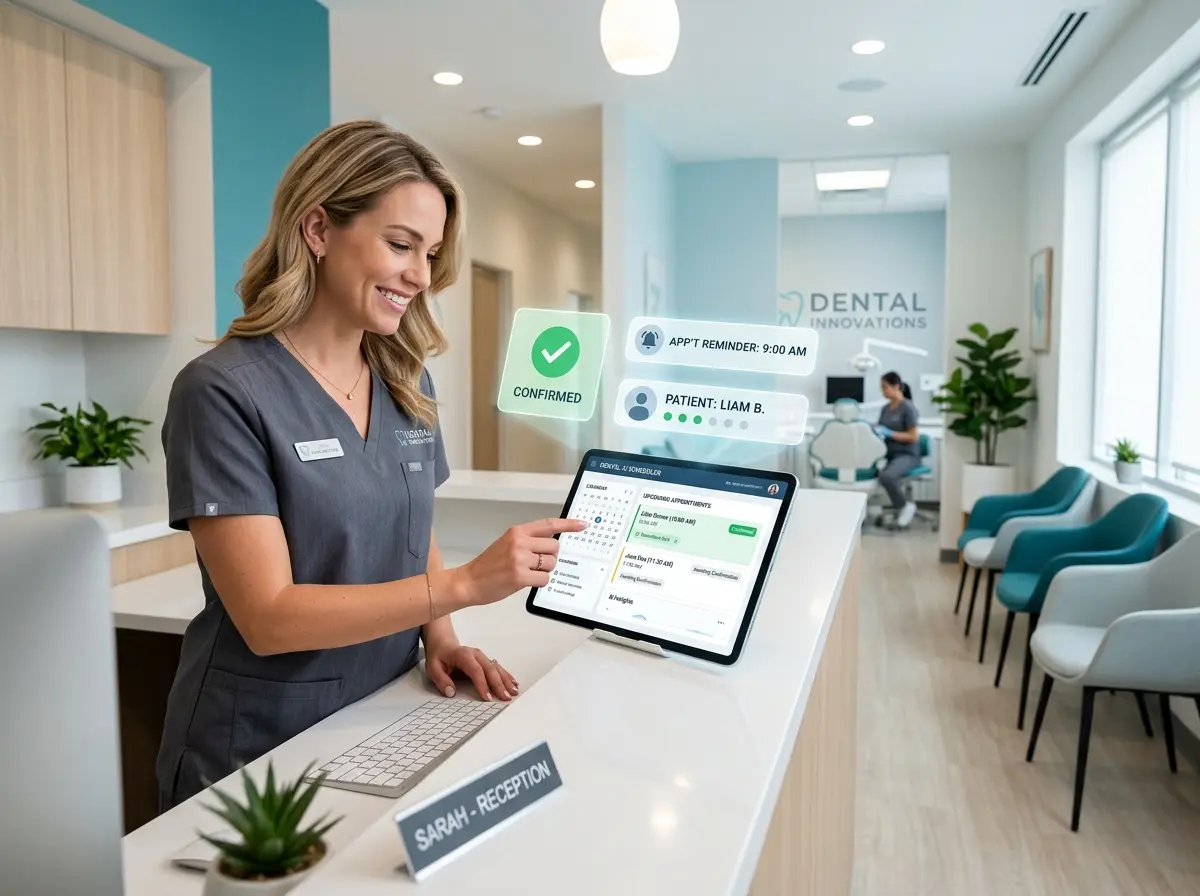
Real-time scheduling doesn't end at the booking confirmation. Automated appointment reminders — sent via text or email at 24 hours and again at 2 hours before the appointment — can reduce no-show rates dramatically. Some businesses report no-show reductions of 30–50% after implementing automated reminders, which is money that was previously just evaporating.
Post-appointment follow-ups are equally valuable. A simple automated message asking for a review or offering to schedule the next seasonal service visit is easy to set up and keeps your business top-of-mind long after the job is done. The best scheduling systems make this kind of automation straightforward to configure, even for business owners who are not particularly tech-inclined. Set it up once, let it run, and focus your energy on the actual work.
Quick Reminder About Stella
Stella is an AI robot employee and phone receptionist available for just $99/month with no upfront hardware costs. She answers calls 24/7, greets in-store customers at her kiosk, collects customer information, manages contacts through a built-in CRM, and keeps your business running professionally around the clock — without breaks, bad days, or turnover. For home services businesses building out a stronger scheduling and customer management system, she's a natural complement to whatever booking tools you put in place.
The Bottom Line: Your Calendar Should Be Open for Business Even When You're Not
If you've read this far and you're still not sure whether real-time online scheduling is worth implementing, consider this: your customers are making decisions about who to hire at all hours of the day and night, and the businesses that are easiest to book are the ones that get the job. It's not always about who has the best reviews or the lowest price — sometimes it's simply about who let someone book an appointment at 9:47 PM without requiring a phone call.
Here are your actionable next steps to move forward:
- Evaluate a scheduling tool built for home services — Jobber, Housecall Pro, and Acuity are good starting points based on your complexity and budget.
- Embed your booking option everywhere — homepage, Google Business Profile, social bios, email signatures, and any ads you run.
- Set up automated reminders and follow-ups to reduce no-shows and generate reviews without any manual effort.
- Audit your after-hours experience — if customers can't reach you or book with you outside business hours, you're losing jobs every single week.
- Close the phone gap with a solution like Stella to make sure the customers who prefer to call are still captured, not lost.
The good news is that most of this is genuinely not that hard to set up. The technology exists, it's affordable, and your competitors — many of them, anyway — still haven't done it. That window won't stay open forever. Get your calendar online, get it working around the clock, and stop letting 9:47 PM customers book somebody else.