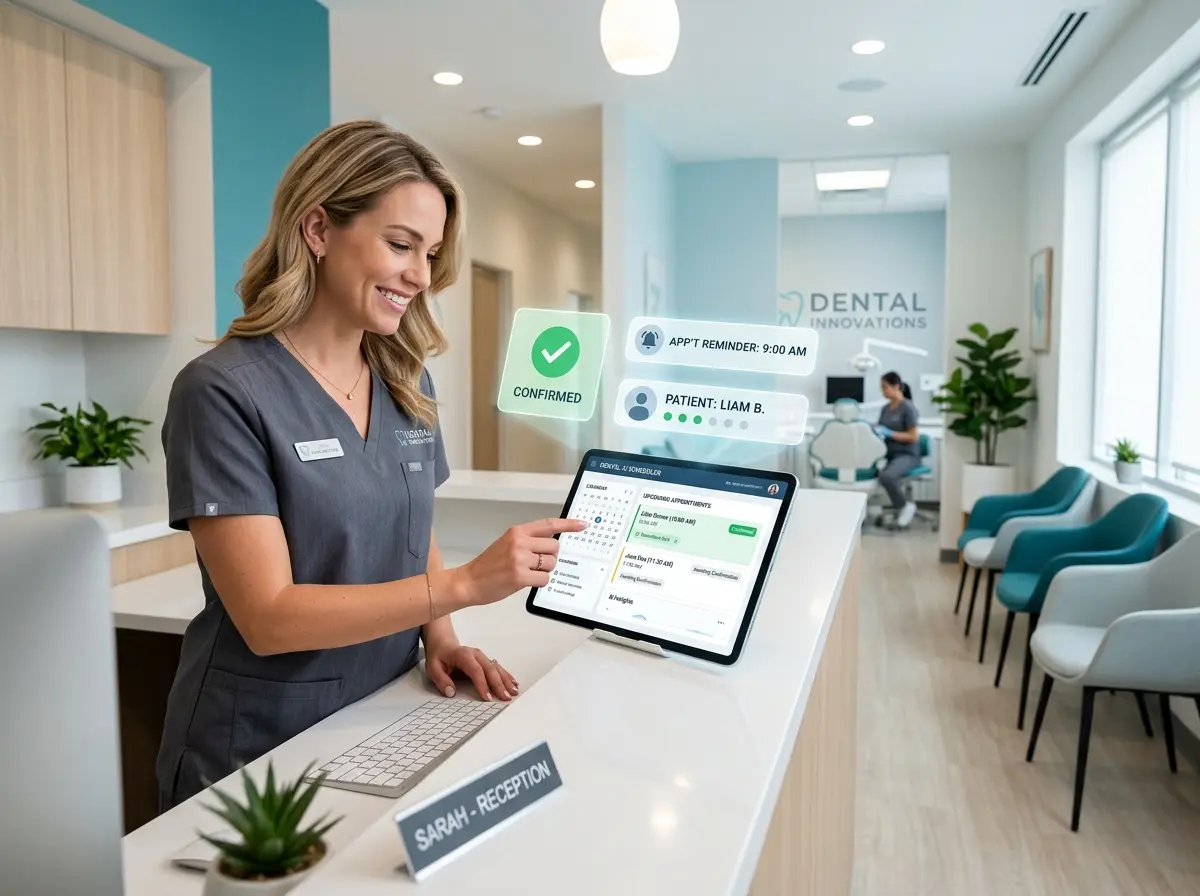
Your Dental Office Is Losing Patients — And It's Not What You Think
Let's paint a familiar picture: It's Tuesday morning, your front desk staff is juggling a waiting room full of patients, three ringing phone lines, and a stack of insurance forms that's somehow growing despite no one touching it. Meanwhile, somewhere across town, a patient just completely forgot about their 2:00 PM cleaning appointment — the one that took six weeks to schedule — because nobody reminded them. They're not a bad person. They're just a busy human. And now you have a gaping hole in your schedule and a dentist standing around wondering what to do with themselves.
No-show appointments cost the average dental practice thousands of dollars per month. Studies suggest that missed appointments can account for anywhere from 5% to 15% of a dental office's scheduled revenue, and in a business where chair time is quite literally your most valuable commodity, that's a number that should make anyone uncomfortable. The good news? This is almost entirely a solvable problem — and AI is doing most of the heavy lifting these days.
This post walks you through exactly how to use AI to automate your appointment confirmations and reminders so your schedule stays full, your staff stays sane, and your patients actually show up.
Understanding Why Patients Miss Appointments (And Why Reminders Work)
The Psychology Behind No-Shows
Before we talk solutions, let's briefly acknowledge the enemy. Patients miss dental appointments for a surprisingly predictable set of reasons: they forgot, something came up and they didn't bother calling, or — and this one stings — they were dreading it and used a scheduling conflict as a convenient excuse. The forgetting category is the one you can most directly address with smart reminders, and it represents the majority of no-shows in most practices.
Research consistently shows that patients who receive multiple reminders across multiple touchpoints are significantly more likely to keep their appointments. A single reminder sent 48 hours in advance is helpful. A layered approach — say, a reminder one week out, another 48 hours before, and a final nudge the morning of — dramatically improves show rates. The key is making those reminders feel timely, personal, and easy to respond to, not like a robocall from the 1990s.
The Old Way Is Costing You More Than You Realize
Manual reminder calls are expensive in the most underrated way: they drain your staff's time and attention. When a front desk coordinator spends 30–45 minutes every afternoon calling patients to confirm tomorrow's appointments, that's time not spent on patient intake, insurance verification, or — heaven forbid — actually greeting the person standing at the front desk trying to check in. The hidden cost of manual reminder workflows is real, and most dental offices are carrying it quietly.
There's also the consistency problem. Human-driven reminder systems are only as reliable as the humans running them. Sick days, busy Mondays, and simple oversight mean patients occasionally slip through the cracks entirely. AI-powered systems don't have bad days. They don't forget. They send the reminder at 9:02 AM because that's what they were configured to do.
What "Good" Reminder Automation Actually Looks Like
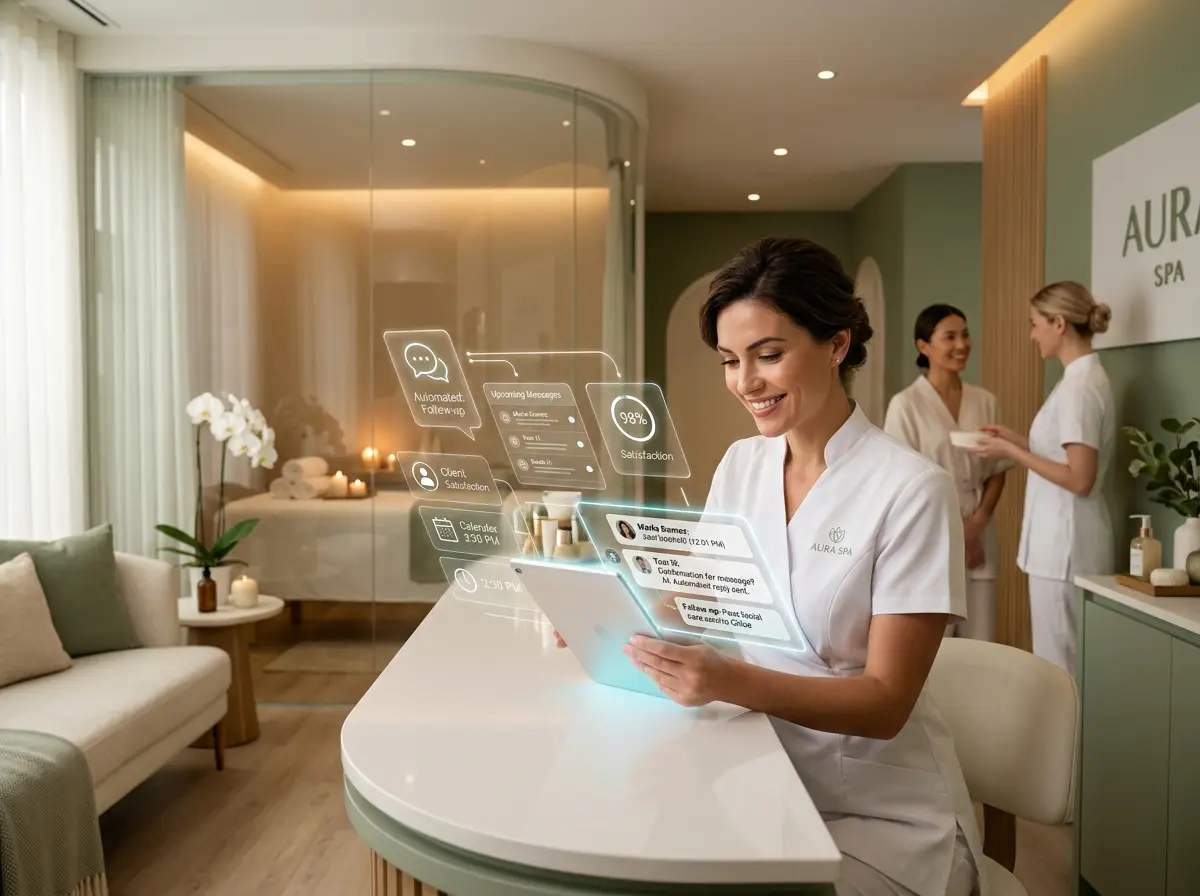
Effective AI-driven reminder systems for dental offices typically combine SMS text messaging, email, and voice calls — delivered at strategic intervals before the appointment. They allow patients to confirm, cancel, or request a reschedule directly from the reminder message itself, reducing the back-and-forth phone tag that consumes everyone's time. The best systems also automatically update your schedule when a cancellation comes in, flag the open slot for rebooking, and log the interaction in the patient's record without anyone on your staff lifting a finger.
How AI Tools (Including Stella) Fit Into Your Dental Office Workflow
AI That Works the Front Desk — Literally
One of the more underutilized applications of AI in dental offices is handling the phone side of appointment management. Think about how many times per day your front desk answers calls just to confirm an appointment that could have been confirmed automatically. Stella, the AI robot employee and phone receptionist, is built specifically for this kind of work. She answers calls 24/7, can discuss your office's services, hours, and policies with patients, and handles conversational interactions that would otherwise require a human on the other end of the line.
For dental offices with a physical location, Stella also operates as an in-office kiosk, greeting patients as they arrive and helping manage the check-in experience so your front desk staff can focus on higher-value tasks. Her built-in CRM means patient contact information, notes, and interaction history are organized and accessible — and her intake forms can collect patient details conversationally, whether over the phone, on the web, or right there at the kiosk. It's a genuinely useful setup for offices that want to modernize their patient experience without hiring another full-time receptionist.
Building an AI-Powered Appointment Reminder Strategy That Actually Works
Set Up a Multi-Touch Reminder Sequence
The single most impactful thing you can do is move from a one-and-done reminder to a structured sequence. A well-designed multi-touch approach for dental appointments typically looks something like this:
- 7 days before: An initial reminder via email or text, with an option to confirm or request a reschedule.
- 48 hours before: A follow-up reminder via text or automated call, again requesting confirmation. This is your highest-impact touchpoint.
- Morning of the appointment: A brief, friendly text reminder — something simple like a "See you at 2:00 PM today!" message that also provides the office address and phone number.
Each message should make it dead simple for the patient to respond. One-tap confirmation links, reply-to-text options, and clear instructions for rescheduling remove friction and dramatically increase response rates. The easier you make it, the more patients engage with it.
Automate the Cancellation-to-Rebooking Pipeline
Here's the part most dental offices skip: what happens after a cancellation. A patient texts back "I need to reschedule" and then... silence. They don't hear back until someone manually picks up that thread, which might be hours later. By then, they've moved on, and that slot stays empty.
AI-powered systems can be configured to immediately respond to cancellations with an automated rebooking offer — presenting available time slots and allowing the patient to self-schedule on the spot. This keeps the patient engaged while the cancellation is still top of mind, and it fills your open chair time without your staff having to chase anyone down. Some practices have reported recovering 30–40% of cancelled appointments through immediate automated rebooking prompts alone. That's revenue that was walking out the door before.
Personalize Without the Overhead
One of the legitimate superpowers of AI communication tools is personalization at scale. Messages that include a patient's first name, the specific type of appointment they have scheduled, and even a note about their provider feel meaningfully different from generic reminders — and patients notice. This kind of personalization used to require manual effort or expensive custom software. Today, most AI scheduling and communication tools handle it automatically by pulling from your patient records.
You should also consider tailoring your messaging based on patient history. A patient who has a track record of no-shows might benefit from an additional reminder or a slightly different message tone. A loyal long-term patient who always shows up doesn't need to be peppered with texts — and over-messaging that demographic can actually erode goodwill. Good AI tools let you segment and configure accordingly, giving you nuance without the manual work.
Quick Reminder About Stella
Stella is an AI robot employee and phone receptionist that works both as an in-store kiosk and a 24/7 phone answering solution for businesses like dental offices. She handles patient calls, promotes your services, collects information through conversational intake forms, and keeps everything organized in her built-in CRM — all for $99/month with no upfront hardware costs. If your front desk could use reliable backup that never calls in sick, Stella is worth a look.
Stop Losing Revenue to Empty Chairs — Here's What to Do Next
Appointment no-shows are a solvable problem, and the tools to solve them have never been more accessible or affordable. The dental offices that are winning right now aren't just doing good dentistry — they're running tight, smart operations where technology handles the routine so people can focus on what actually requires human judgment and care.
Here's where to start:
- Audit your current reminder process. How many touchpoints are you sending? How much of it is manual? Where are patients falling through the cracks?
- Choose an AI communication tool that integrates with your practice management software and supports multi-channel, multi-touch reminder sequences.
- Set up an automated cancellation-to-rebooking workflow so every cancellation immediately triggers a rebooking opportunity.
- Review your patient data and consider segmenting your reminders based on appointment type or patient history for better results.
- Evaluate your phone and front desk workflow to see where an AI receptionist solution could reduce manual load and improve the patient experience.
Your schedule is one of your most valuable assets. Treat it like one. A few smart automations, set up once and running quietly in the background, can mean the difference between a month that breaks even and one that genuinely grows your practice. And honestly, your front desk team will thank you — they didn't get into healthcare administration to spend their afternoons leaving voicemails.