Running a Retail Store Without Losing Your Mind (or Your Staff)
If you've ever tried to build a weekly schedule for your retail team using a spreadsheet, a whiteboard, and sheer optimism, you already know how quickly things can spiral. Someone calls out sick. Someone else forgot they requested Saturday off three weeks ago. And somehow, you've scheduled two people during your slowest hour and left your busiest shift covered by one part-timer named Tyler who definitely checked his phone more than the register.
Retail staff scheduling isn't glamorous, but it might be one of the most operationally critical things you do as a business owner. Get it wrong, and you're either hemorrhaging labor costs or watching customers walk out because no one was available to help them. Get it right, and your store runs like a well-oiled machine — one that doesn't require you to personally untangle every shift conflict at 11 PM on a Sunday.
The good news? There's a growing category of software built specifically for this problem, and the best tools go way beyond a basic digital calendar. Let's break down what to look for, which platforms stand out, and how to make the right choice for your business.
What Makes Retail Scheduling Software Actually Worth It
Not all scheduling tools are created equal, and "works better than a Google Sheet" is a low bar. Before you commit to any platform, it's worth understanding what separates a genuinely useful tool from one that just moves your headaches to a different screen.
The Non-Negotiables: Core Features to Expect
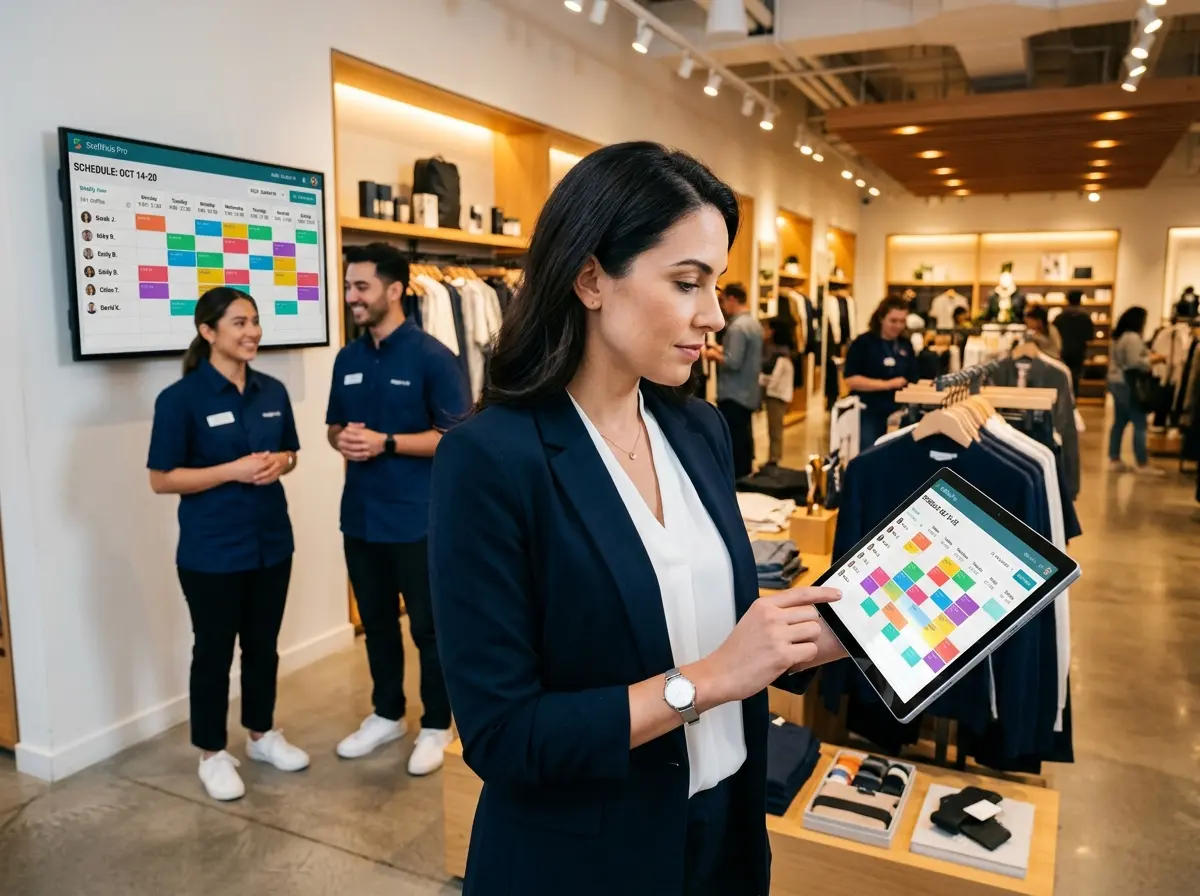
At minimum, a solid retail scheduling solution should offer drag-and-drop schedule building, real-time availability tracking, and mobile access for your team. Your employees should be able to view their schedules, request time off, and swap shifts without calling you directly — because you have enough going on. Automatic conflict detection is another must-have; the software should flag double-bookings, overtime violations, and availability mismatches before they become your problem.
Labor cost tracking is also increasingly standard in quality tools. Knowing that Thursday's schedule will push you 12% over your labor budget before you publish it is enormously valuable. Look for platforms that integrate with your POS system or payroll software so that data isn't siloed.
Advanced Features That Separate Good from Great
Once you've checked the basics, the differentiating features start to matter. AI-driven scheduling suggestions are becoming more common — some platforms analyze your historical sales data and foot traffic patterns to recommend optimal staffing levels for each shift. This isn't just a convenience; it's a real competitive advantage for stores trying to maximize both service quality and margin.
Demand forecasting, team communication tools built directly into the platform, and compliance support for local labor laws (especially for businesses operating across multiple states) round out what the top-tier platforms offer. If you're managing a multi-location retail operation, you'll also want robust location-level controls so a manager in one store can't accidentally meddle with another store's schedule.
The Top Retail Scheduling Platforms Worth Your Attention
There are dozens of tools in this space, but a handful consistently rise to the top based on ease of use, feature depth, and value for retail businesses specifically.
Deputy, Homebase, and When I Work: The Heavy Hitters
Deputy is widely considered one of the most powerful options available, particularly for businesses with complex scheduling needs or multiple locations. It offers AI-powered scheduling, deep POS integrations, labor compliance features, and robust reporting. It's priced accordingly, but for mid-to-large retail operations, the ROI is hard to argue with.
Homebase is a favorite among small retail businesses, and for good reason — its free tier is genuinely functional, covering basic scheduling, time tracking, and team messaging for a single location. Paid plans unlock more advanced features like labor cost controls and HR tools. If you're a single-location retailer who's been running on spreadsheets, Homebase is an excellent and low-risk starting point.
When I Work strikes a solid middle ground. It's intuitive enough for teams that aren't especially tech-savvy, includes solid communication features, and scales reasonably well as you grow. Its shift trading and availability management tools are particularly well-regarded by retail managers who deal with high part-time or student employee counts.
7shifts, Sling, and Others Worth Considering
7shifts is built primarily for restaurants but works well in retail environments with similar shift-based structures. If your store has a café, a juice bar, or any food service component, 7shifts deserves a serious look. Sling offers a generous free plan and strong communication features, making it worth considering for budget-conscious retailers. Connecteam rounds out the list as a strong option for businesses that want scheduling bundled with broader employee management tools like training modules and digital forms.
The honest advice here: most of the leading platforms offer free trials. Take two or three for a spin before committing. The best software is ultimately the one your team will actually use.
A Quick Thought on Staffing the Front of Your Store
Scheduling software solves the "who's working when" problem beautifully. But there's a related challenge it doesn't touch: what happens at the front of your store when your team is occupied, understaffed, or pulled in twelve directions at once.
This is where Stella comes in. Stella is an AI robot kiosk that stands inside your store and engages customers naturally — greeting people, answering product and policy questions, promoting current deals, and even upselling related items. She's not a replacement for your team; she's the always-available presence that makes sure no customer is ever ignored while your staff handles other priorities. And for any business, Stella also answers phone calls 24/7 as an AI receptionist — handling inquiries, forwarding calls to staff based on your preferences, and collecting voicemails with AI-generated summaries so nothing slips through the cracks. At $99/month with no hardware costs, she's an affordable layer of support that doesn't call out sick, request weekends off, or need to be added to the schedule at all.
How to Actually Implement New Scheduling Software Without the Drama
Choosing the right platform is half the battle. Rolling it out without your team revolting is the other half. A few things that make the difference:
Get Your Team Involved Early
Nothing tanks a software rollout faster than employees feeling like something was done to them rather than for them. Before you go live, walk your managers through the platform first. Let them poke around, ask questions, and get comfortable. Then do the same with your broader team, framing the tool around what it does for them — easier shift swaps, mobile schedule access, faster time-off requests — rather than what it does for you.
If your store has any employees who are less comfortable with technology, designate a go-to person on each shift who can help troubleshoot. You don't need everyone to be a power user; you just need enough coverage to avoid a support bottleneck in week one.
Set Clear Expectations and Stick to Them
Once you've rolled out your scheduling software, commit to it. This means no more texting shifts to people individually, no more paper schedules taped to the break room wall, and no more "just check with Karen." The platform becomes the single source of truth. Inconsistency during rollout is one of the most common reasons new tools get abandoned — usually right before they would have started saving you time.
Set a firm go-live date, communicate it clearly, and give yourself about two to four weeks before judging whether the tool is working. There's always a learning curve, and the first week is almost never representative of the actual experience.
Review the Data and Adjust Regularly
Most scheduling platforms surface data you probably haven't had access to before — labor cost as a percentage of sales, overtime trends, shift coverage gaps, and more. Actually look at this data on a regular basis. Schedule a brief monthly review where you assess whether your staffing patterns are aligned with your actual traffic and revenue. Over time, this habit alone can meaningfully improve your margins and reduce the chaotic last-minute scheduling scramble that plagues so many retail businesses.
A Quick Reminder About Stella
While you're optimizing your team's schedule, Stella is the AI robot employee and phone receptionist who holds down the fort in between. She stands in your store ready to engage every customer who walks by, and answers your phones around the clock with the same knowledge and professionalism — no scheduling required. She's available at $99/month with no upfront hardware costs and is up and running fast.
Your Next Steps Toward Scheduling Sanity
Retail scheduling doesn't have to be the part of your week you dread most. The right software genuinely transforms this process — from a time-consuming, error-prone chore into something that largely runs itself, surfaces useful data, and keeps your team happier in the process.
Here's a simple action plan to move forward:
- Audit your current process. Write down every frustration, inefficiency, and recurring problem in how you schedule today. This becomes your evaluation checklist.
- Shortlist two or three platforms based on your business size, location count, and budget. Deputy, Homebase, and When I Work are excellent starting points for most retailers.
- Run free trials with real data. Don't just click around — actually build a week's schedule, process a time-off request, and test the mobile experience from an employee's perspective.
- Roll out with intention. Train your team, set expectations, and commit to the platform for at least 30 days before evaluating.
- Review and refine. Use the data your new tool provides to make smarter staffing decisions month over month.
Get the scheduling right, staff your store smartly, and make sure there's always someone — or something — ready to greet the next customer who walks through your door. The stores that get these fundamentals right tend to be the ones that thrive, even in a competitive retail landscape where the margin for operational sloppiness keeps getting thinner.