So You've Decided to Go Live (No Pressure)
Livestream shopping is no longer just for mega-brands with professional studios and production crews. In fact, boutique retailers are finding massive success going live directly from their shop floors, dressing rooms, and back stockrooms — sometimes with nothing more than a smartphone and genuine enthusiasm. According to McKinsey, livestream e-commerce is projected to become a $35 billion industry in the U.S. alone by 2024. So yes, your customers are absolutely watching people sell things live on the internet, and yes, they are absolutely buying.
Planning Your Livestream Like You Actually Mean It
Choosing Your Platform and Timing
Before you hit "Go Live," you need to decide where you're going live. For boutiques, the most effective platforms are Facebook Live, Instagram Live, and TikTok Live — each with different strengths. Facebook Live tends to attract your existing loyal customer base and allows for easy product tagging and link sharing. Instagram Live is great if your audience skews younger and highly visual. TikTok Live has incredible organic reach potential, but the audience is more unpredictable and fast-moving.
As for timing, data consistently shows that Tuesday through Thursday evenings between 7–9 PM generate the highest engagement for retail livestreams. Your specific audience may differ, so check your platform analytics to see when your followers are most active before committing to a schedule. Once you pick a time, announce it at least 3–5 days in advance through your email list, social media stories, and any in-store signage. Anticipation is your friend.
Curating Your Product Selection
Don't try to show everything you carry in one livestream. That's a recipe for a two-hour event that loses viewers at the 40-minute mark. Instead, curate a tight selection of 8–15 products with a unifying theme — a "New Spring Arrivals" event, a "Last Chance Sale," or a "Date Night Looks" roundup all perform exceptionally well because they give viewers a reason to stay engaged from beginning to end.
Setting Up Your Space and Equipment
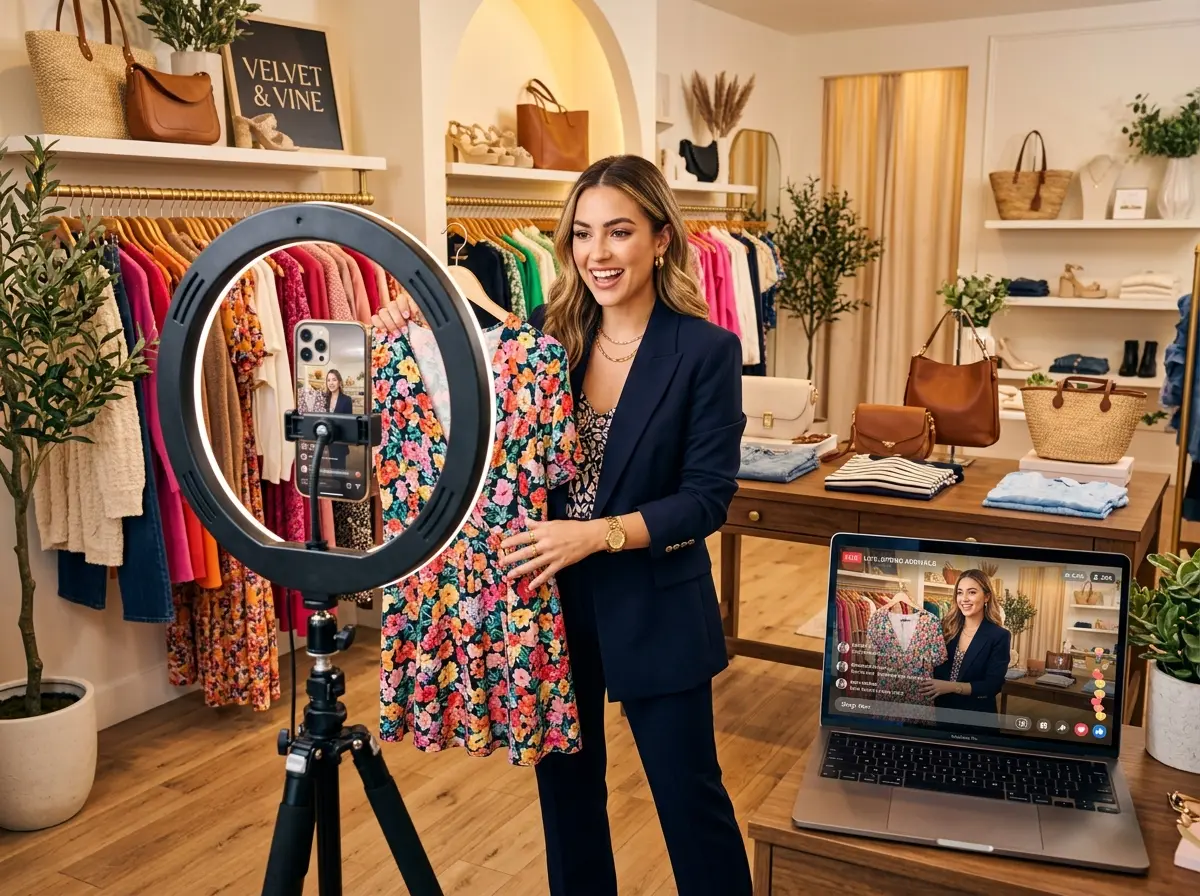
You genuinely do not need a ring light that costs $400 or a camera that costs $1,200. What you do need is decent natural lighting or a basic ring light, a clean and on-brand background, a phone tripod or mount, and a strong Wi-Fi connection (or a solid 5G signal). Poor audio is actually more damaging than poor video quality — if viewers can't hear you clearly, they leave. Consider a simple clip-on lavalier microphone for around $20–$30; it makes a noticeable difference.
How Stella Can Help Your Boutique Before, During, and After
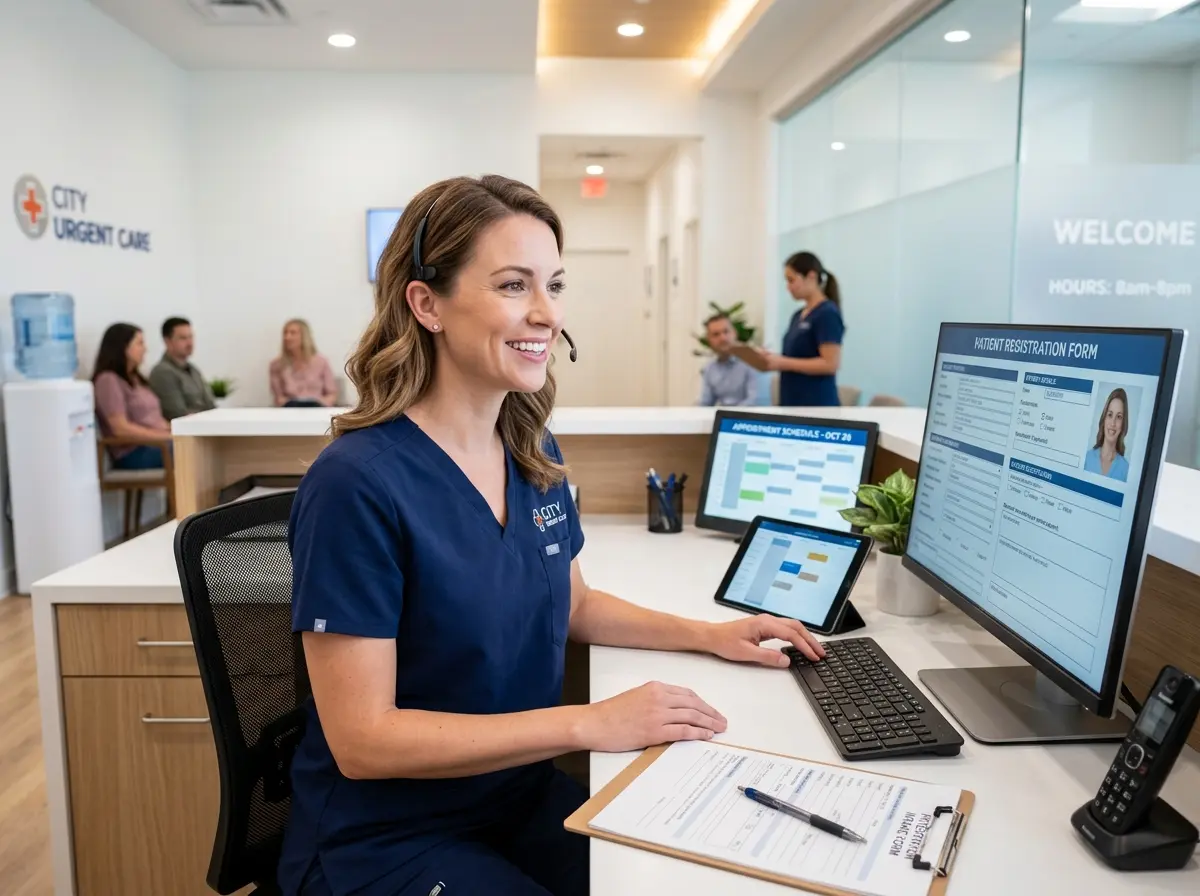
Running a livestream while simultaneously managing your store, your staff, and your phone is a lot to juggle. That's exactly where Stella — the AI robot employee and phone receptionist — quietly earns her keep. While you're on camera being charming and selling spring blouses, Stella is stationed at your front door greeting walk-in customers, answering their questions about products and promotions, and making sure no one feels ignored just because your attention is elsewhere.
At the same time, Stella answers your incoming phone calls 24/7, so you're not missing orders or inquiries from customers who prefer to call rather than comment in a live chat. She can handle questions about store hours, product availability, and current promotions — and even collect customer information through conversational intake forms, feeding it all into her built-in CRM so you have a clean record of every lead and interaction your event generated. That's the kind of infrastructure that turns a one-time livestream into a long-term revenue channel.
Going Live: What to Actually Do Once You're On Camera
Your Opening and Keeping Viewers Hooked
Start strong, but don't start selling immediately. Spend the first 2–3 minutes welcoming viewers as they join, telling them exactly what you're going to show them during the event, and teasing your most exciting product — something like, "Stick around because at the 30-minute mark I'm revealing the piece I'm obsessed with right now and you're going to want it." This kind of teaser keeps people watching instead of bouncing after the first minute.
Presenting Products and Driving Sales
For each product, cover four things: what it is, how it fits or feels, who it's perfect for, and how to buy it right now. Keep each product segment to about 3–5 minutes. Show it from multiple angles, try it on if applicable, and share any honest context — "this runs a little small, I'd size up" builds trust far more than a polished sales pitch ever will.
Handling the Inevitable Chaos
Quick Reminder About Stella
If you're a boutique owner looking to free up your time and attention — not just during livestreams, but every day — Stella is worth a serious look. She's an AI robot employee who greets customers in your store, answers your phones around the clock, promotes your deals, collects customer information, and keeps your CRM organized, all for $99/month with no upfront hardware costs. She doesn't take breaks, she doesn't call in sick, and she definitely won't accidentally wander into the background of your livestream looking confused.
Your Action Plan Starts Now
- Choose your platform based on where your audience is most active.
- Set your date and announce it at least 3–5 days in advance across all channels.
- Curate 8–15 themed products and organize them in presentation order.
- Set up your filming space with good lighting, clean background, and stable camera mount.
- Test your audio, your internet connection, and your checkout process before going live.
- Designate a comment manager — a staff member or trusted helper — for the event.
- Plan your opening tease, your product segments, and a clear call to action for each item.
- Go live, have fun, and resist the urge to delete the recording afterward.