When Your Schedule Looks Like Swiss Cheese (And Not the Good Kind)
If you run a pediatric dental practice, you already know the drill — pun absolutely intended. You've got a waiting room full of dinosaur puzzles, a staff that deserves sainthood, and a schedule that somehow manages to be both overbooked and full of gaps at the same time. Cancellations trickle in, no-shows happen without warning, and your front desk team spends half their day playing phone tag with parents who meant to confirm but got distracted by, well, their kids.
The good news? A well-implemented CRM strategy can transform that swiss cheese schedule into something that actually resembles a functioning business. The better news? You don't have to overhaul your entire operation to make it work. One pediatric dental practice did exactly this — and the results were worth smiling about.
The Problem With "We'll Just Call and Remind Them"
Manual Follow-Up Is a Full-Time Job Nobody Signed Up For
Let's be honest: your front desk staff is talented, dedicated, and almost certainly underpaid. But asking them to manually track appointment confirmations, send follow-up messages, flag at-risk bookings, and still greet every parent who walks through the door with a warm smile? That's not a job description — that's a hostage situation. According to the American Dental Association, no-show rates in dental offices average between 5% and 15%, and in pediatric practices where scheduling involves coordinating with parents' busy lives, that number skews even higher.
The core issue isn't that your team doesn't care. It's that without a centralized system to track patient communication history, appointment status, and follow-up timing, important touchpoints fall through the cracks. A parent who canceled six months ago and never rescheduled? Gone. A family due for their six-month checkup who never received a reminder? Also gone — probably to the dentist down the street with the better Google reviews.
What a CRM Actually Does for a Dental Practice
A Customer Relationship Management system — CRM for those who love acronyms — is essentially a smart database that remembers everything your team forgets. For a pediatric dental office, this means storing patient and parent contact details, tracking appointment history, logging communication touchpoints, and flagging families who are overdue for a visit or who canceled without rescheduling.
The real magic happens when your CRM is connected to your communication workflows. When a parent calls to cancel, that interaction is logged. When a reminder goes out and gets no response, the system flags it. When a family hasn't been in for eight months, an automated nudge goes out before they fully ghost you. It's not cold or impersonal — it's actually the opposite. Consistent, timely communication makes patients feel remembered and valued, which is exactly what keeps them coming back.
How One Pediatric Practice Actually Fixed This
The Setup: Chaos With Good Intentions
A mid-sized pediatric dental practice was dealing with a cancellation rate hovering around 18% and a growing backlog of families who had "meant to reschedule" for months. Their front desk team was handling appointment confirmations manually via phone calls, which was time-consuming and inconsistent. Some families got three reminder calls. Others got none. The process depended entirely on who was working that day and how busy the phones were — which is to say, it depended on luck.
The practice decided to implement a CRM system with structured intake forms, contact tagging, and automated follow-up workflows. Every patient family was given a profile with tags indicating appointment status, last contact date, outstanding balances, and preferred communication method. Custom fields tracked things like which parent to contact, whether the child had dental anxiety (extremely useful for scheduling buffer time), and how many times the family had previously canceled.
The Results: Actually Impressive
Within 90 days of implementing a structured CRM workflow, the practice saw their cancellation rate drop from 18% to just under 10%. More importantly, their rebooking rate — the percentage of cancellations that turned into rescheduled appointments — jumped from around 40% to over 70%. The difference was simple: instead of a canceled appointment disappearing into the void, the CRM automatically flagged it for follow-up within 24 hours, with a personalized message referencing the child's name and next due service.
Families responded. Not because the message was fancy, but because it was prompt, relevant, and didn't require anyone to remember to send it. The system also surfaced a list of 60+ families who were overdue for routine checkups but hadn't been contacted in months. A single targeted outreach campaign filled 22 appointments in two weeks — revenue that had simply been sitting dormant in the database.
Tools That Make This Easier (Including One That Answers Your Phones)
Where Stella Fits Into the Picture
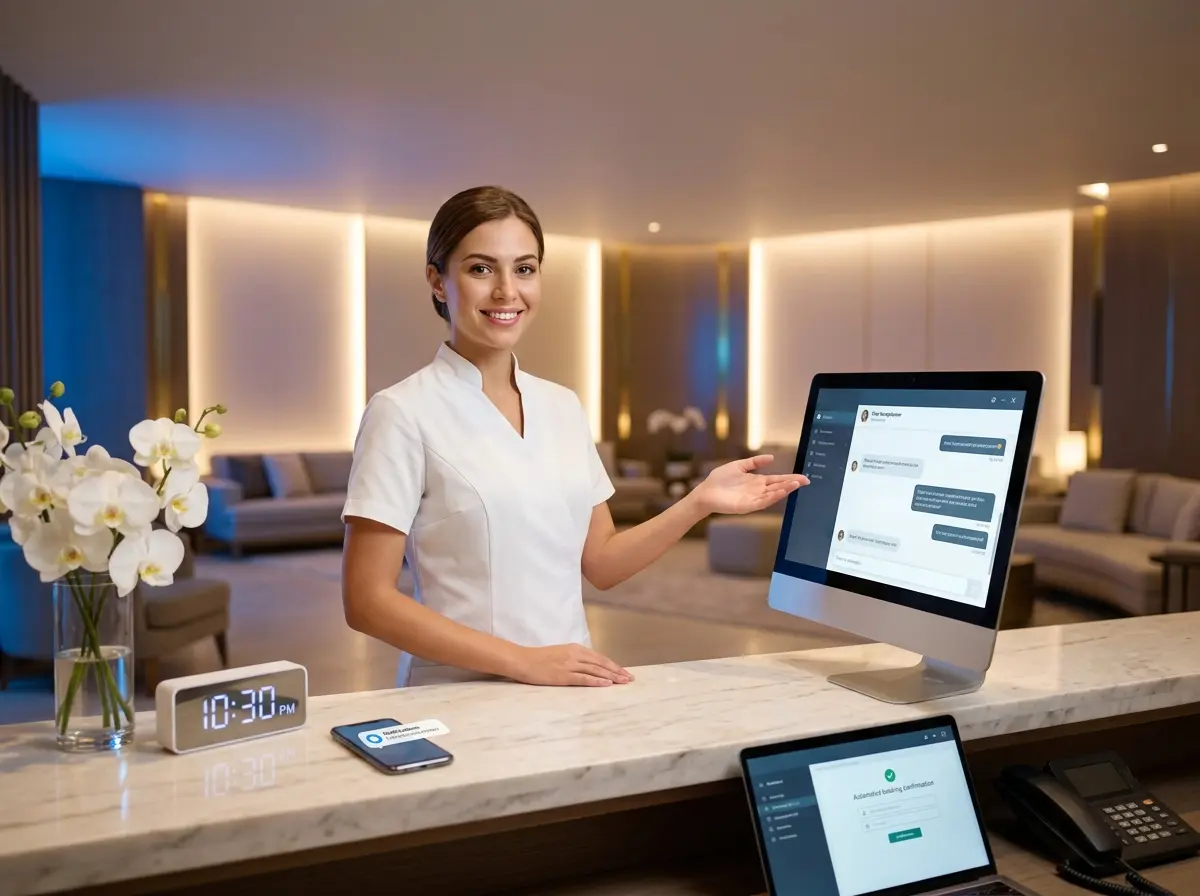
Here's where things get interesting for practices that are short-staffed, overwhelmed at the front desk, or just tired of missed calls going to voicemail and never getting returned. Stella is an AI robot employee and phone receptionist that can handle incoming calls 24/7, collect patient information through conversational intake forms, and feed that data directly into a built-in CRM — complete with custom fields, tags, notes, and AI-generated contact profiles.
For a pediatric dental office, this means a parent calling at 9 PM to reschedule their child's appointment isn't greeted by a voicemail box — they're greeted by Stella, who collects their information, logs the interaction, and makes sure it's waiting for your team first thing in the morning with a summary already written. No dropped balls, no frustrated parents, no Monday morning inbox full of mystery voicemails. Stella also works as a physical kiosk inside your practice, greeting families as they arrive and answering common questions — freeing your front desk to focus on the humans actually in the room.
Building a CRM Workflow That Sticks
Start With Your Data, Not Your Dreams
The biggest mistake practices make when implementing a CRM is trying to automate everything immediately. Start instead with a data audit. Pull your last 12 months of appointments and identify three things: your average cancellation rate, your average rebooking rate, and the number of patients who are overdue for a visit. These three numbers tell you where your biggest revenue leaks are and where a CRM will have the fastest impact.
Once you know your gaps, build workflows around them — not around what sounds impressive in a software demo. For most pediatric practices, the highest-value workflows are appointment confirmation sequences (sent 72 hours and 24 hours before), post-cancellation rebooking follow-ups (within 24 hours), and overdue patient reactivation campaigns (triggered at 7 months since last visit, before the 12-month mark when families start feeling awkward about returning).
Train Your Team to Use It Consistently
A CRM is only as good as the data inside it, and data quality depends entirely on consistent input from your team. This doesn't require hours of training — it requires clear expectations and simple habits. Every new patient gets a complete profile. Every cancellation gets logged with a reason. Every outreach attempt gets noted. If your team treats the CRM as optional busywork, it will fail. If they treat it as the source of truth for patient relationships, it will become indispensable within months.
Consider designating one team member as your "CRM champion" — the person responsible for keeping tags clean, reviewing flagged contacts weekly, and running reactivation campaigns on a regular schedule. This doesn't need to be a full-time role; even two hours per week of focused CRM maintenance can produce meaningful results for a practice of moderate size.
Measure What Matters
Once your workflows are running, track your progress against the three numbers you identified at the start: cancellation rate, rebooking rate, and overdue patient count. Review them monthly for the first six months. You don't need a sophisticated analytics dashboard — a simple spreadsheet updated once a month is enough to tell you whether your efforts are working and where to adjust. Practices that measure consistently improve consistently. Practices that set up automation and forget about it plateau quickly.
A Quick Word About Stella
Stella is an AI robot employee and phone receptionist built for businesses of all sizes — including medical and dental offices that need reliable, professional patient communication without adding headcount. She answers calls, collects intake information, manages contacts through a built-in CRM, and keeps things running even when your team is with patients, at lunch, or gone for the evening. At $99/month with no upfront hardware costs, she's worth a conversation.
Your Schedule Deserves Better Than Crossed Fingers
Reducing cancellations and filling your schedule isn't about working harder — your team is already doing that. It's about working smarter with systems that remember what humans forget, follow up when humans get busy, and surface opportunities that would otherwise disappear quietly into the database. A CRM, used consistently and connected to the right communication tools, can realistically cut your cancellation rate in half and reactivate dozens of dormant patient families in a matter of weeks.
Here's your action plan: audit your cancellation and rebooking rates this week, identify your overdue patient list, and build three workflows — confirmation, rebooking, and reactivation. If your phones are a weak point, look into tools that handle after-hours calls and collect intake information automatically. And if you've been meaning to explore what an AI receptionist could do for your front desk situation, now is a perfectly good time to stop meaning to and actually do it.
Your schedule — and your front desk team — will thank you.