When Your Phone Becomes a Full-Time Job (And You Already Have One)
Let's paint a familiar picture. It's 2:30 PM on a Tuesday. You've got a patient on the table, your hands are mid-adjustment, and your phone is ringing for the fourth time in the last hour. You already know what the call is about. It's a new patient asking how to fill out their intake forms, or someone wanting to know if you take their insurance, or — everyone's favorite — a person asking what your hours are, which are clearly listed on your website, your Google listing, your front door, and possibly the sky above your building.
For solo chiropractors, this is not an occasional inconvenience. This is Tuesday. And Wednesday. And every other day you're trying to run a practice, treat patients, manage scheduling, handle billing, and somehow find time to eat lunch. The phone doesn't care about your schedule. It just rings.
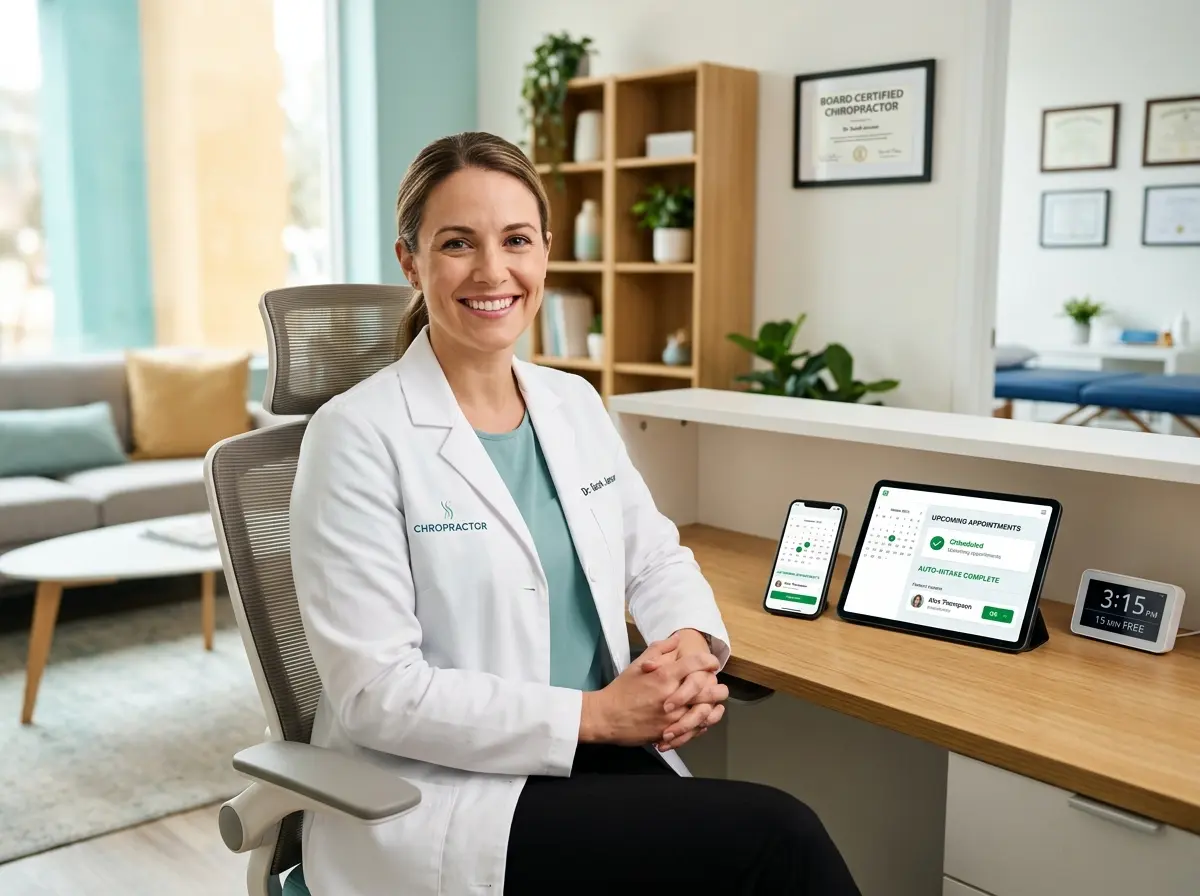
The good news? You don't have to answer it yourself anymore. One solo chiropractor discovered that automating her phone intake process gave her back 10 full hours every single week — hours she reinvested into patient care, business growth, and, reportedly, an actual lunch break. Here's how she did it, and how you can too.
The Hidden Time Drain Nobody Talks About
Before we get into solutions, it's worth understanding just how much time the phone is actually stealing from your practice. Most solo chiropractors dramatically underestimate this number until they actually track it — and the results tend to be a little alarming.
The Real Cost of Manual Phone Intake
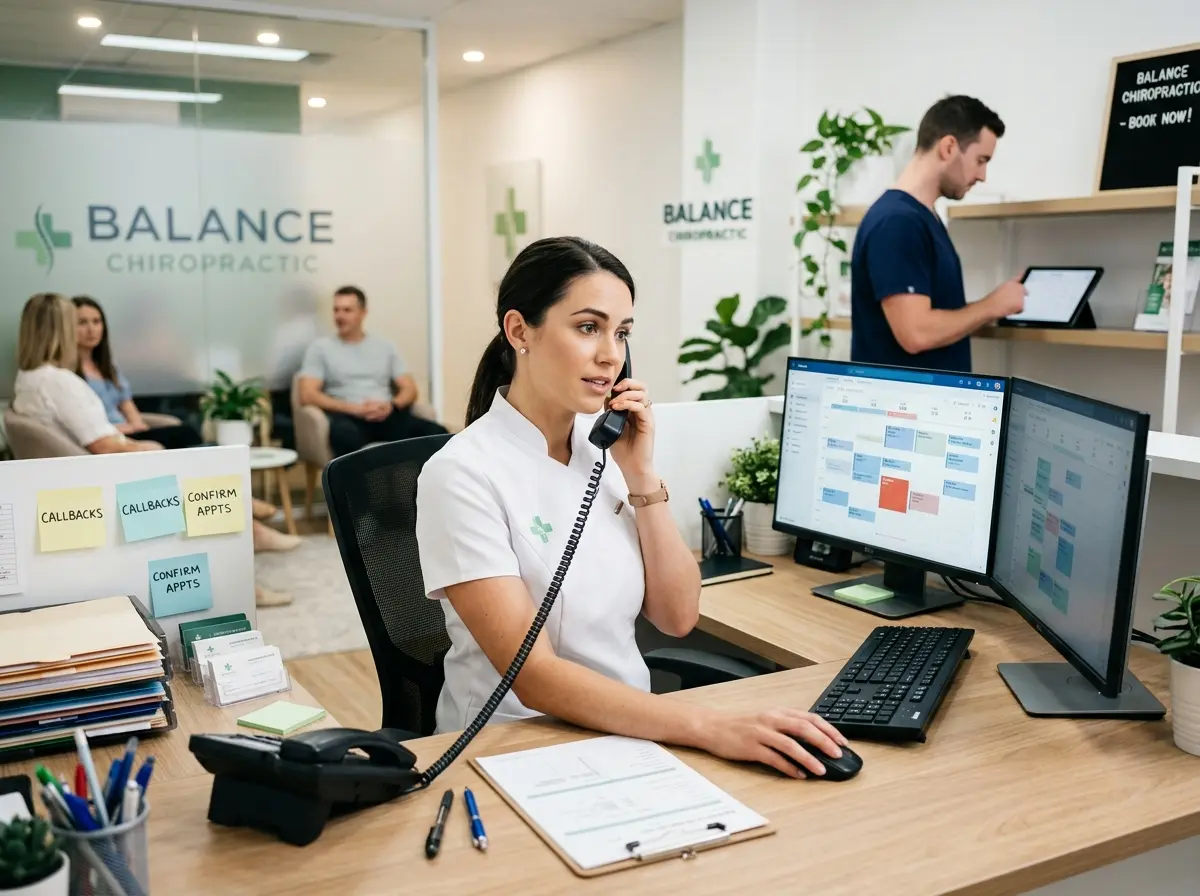
Think about everything involved in a single new patient phone call. You answer, introduce yourself, answer their initial questions, confirm availability, walk them through your intake process, collect their name, date of birth, insurance information, chief complaint, referral source, and preferred appointment time. Then you manually enter that information somewhere — a spreadsheet, your EHR, a sticky note that will absolutely get lost. A thorough new patient intake call can easily run 10 to 15 minutes. If you're getting even five new patient calls a week, that's over an hour gone before you've accounted for the follow-up questions, the callbacks, the "I forgot to ask" calls, and the people who just want to confirm their appointment time.
Add in existing patient calls — rescheduling, billing questions, asking about supplements you carry — and suddenly you're looking at two or three hours a week minimum just managing the phone. For many solo practitioners, it's significantly more. And every single one of those interruptions pulls you out of a clinical mindset, disrupts your flow between patients, and increases the mental load you carry throughout the day.
Why Hiring a Receptionist Isn't Always the Answer
The obvious solution might seem like hiring a front desk person. And for many practices, that's the right call — eventually. But for a solo chiropractor just building their patient base, a part-time receptionist costs anywhere from $15 to $22 per hour, which adds up to $1,500 to $3,500 per month depending on hours. That's a meaningful expense when you're still growing, and it comes with its own management overhead: training, scheduling, turnover, sick days, and the joy of re-explaining your intake process for the fourth time to a new hire.
There's also the coverage problem. A human receptionist works set hours. Your phone doesn't. Prospective patients who search for chiropractors at 9 PM on a Sunday — and plenty of them do — aren't going to leave a voicemail and wait for Monday morning. They're going to call the next practice on the list that actually picks up.
What "Automating Intake" Actually Means in Practice
Automating your phone intake doesn't mean sending patients to a cold, robotic phone tree that makes them press 1 for appointments and 2 to hear the same options again. Modern AI-powered phone systems can hold a natural, conversational exchange with a caller — gathering intake information, answering common questions about your services, and walking new patients through what to expect before their first visit. The caller experience feels like talking to a knowledgeable, friendly front desk person. The data lands directly in your system, organized and ready to review, without you having to be involved at all.
A Smarter Front Desk That Never Takes a Lunch Break
This is where technology has genuinely become useful for solo practitioners in a way it simply wasn't five years ago. AI-powered phone receptionists have moved well past the novelty stage and into practical, daily-use tools that small practices can actually afford and implement without an IT department.
How Stella Fits Into a Solo Chiropractic Practice
Stella is an AI robot employee and phone receptionist built for small businesses — including solo medical and wellness practices like chiropractic offices. She answers calls 24/7, collects new patient intake information through natural conversation, answers common questions about your services, hours, and policies, and delivers AI-generated summaries of every call directly to you as a push notification. No more digging through voicemails. No more manually transcribing what a patient told you on the phone.
Stella also includes a built-in CRM with custom fields, tags, and AI-generated patient profiles — so every new patient who calls in gets a contact record automatically created, populated with the intake information she collected during the call. If you have a physical location, she can also function as an in-office kiosk, greeting walk-ins and handling questions while you're with another patient. At $99 per month, she costs a fraction of even part-time reception staff, with no turnover and no training required after initial setup.
Building an Intake System That Actually Works
Automating your phone intake is one piece of the puzzle, but building a system around it is what turns a useful tool into a genuine time-saving operation. Here's how to structure it so the whole thing runs smoothly.
Define Exactly What Information You Need Before the First Appointment
The first step has nothing to do with technology. Sit down and make a definitive list of what you need from every new patient before they walk through your door. This typically includes their full name and contact information, date of birth, insurance provider and member ID if applicable, chief complaint and symptom history, how they heard about you, and any relevant medical history flags. Once you know exactly what you need, you can configure your intake system to collect it consistently — every time, without variation, without anything falling through the cracks because a call got rushed.
This exercise is also useful because it often reveals that you've been collecting some information you don't actually use, while missing something you have to chase down later. Clean up the list before you automate it, or you'll just be automating a flawed process.
Set Clear Rules for When Calls Should Escalate to You
Not every call needs to reach you, but some absolutely should. Establish specific conditions that trigger a live transfer or an urgent notification — for example, a caller reporting acute pain or injury, a patient with a complex billing dispute, or a referral from a physician who wants to speak directly with you. When those conditions are met, your system escalates appropriately. Everything else — appointment questions, intake collection, general information — gets handled automatically.
Having this framework in place protects you from both extremes: the chaos of answering every call yourself, and the risk of an important call going unaddressed because it got treated like a routine inquiry.
Review, Refine, and Don't Abandon the System After Week One
Any new intake system needs a short break-in period. For the first two to three weeks, review the call summaries and intake records being generated. Are patients getting the information they need? Is anything being mishandled or misunderstood? Are there common questions your system isn't equipped to answer yet? Use those early weeks to refine your setup, expand your system's knowledge base, and close any gaps. Practices that treat this as a set-it-and-forget-it tool from day one miss out on the optimization phase that turns a good system into a great one.
The chiropractor in our example spent about two weeks in this refinement phase before her new patient call handling was running smoothly enough to fully step back. After that, the time savings became consistent and reliable — and she stopped eating lunch at her desk.
Quick Reminder About Stella
Stella is an AI robot employee and phone receptionist available for just $99 per month, with no upfront hardware costs and no complicated setup process. She answers calls around the clock, collects intake information through natural conversation, manages contacts through a built-in CRM, and keeps you informed with AI-generated call summaries — so you always know what's happening in your practice without being tethered to your phone. For practices with a physical location, she also works as an in-office kiosk to greet and assist patients on-site.
Your Next Steps Toward 10 Hours Back
Ten hours a week is not a small number. It's the difference between a practice that constantly feels like it's running you and one that you actually feel in control of. For solo chiropractors especially, that time has compounding value — more patient appointments, more energy for clinical work, more bandwidth to grow the practice rather than just maintain it.
Here's a practical path forward:
- Track your phone time for one week. Keep a simple log of every call you handle, how long it took, and what it was about. The total number will motivate everything else.
- Audit your current intake process. Write down every piece of information you collect from new patients, identify what's truly necessary, and note where things currently fall through the cracks.
- Define your escalation rules. Decide specifically which call types require your direct involvement and which ones can be handled automatically.
- Implement an AI phone receptionist. Set it up with your practice information, intake questions, and escalation conditions. Give it two to three weeks of active refinement.
- Reinvest the recovered time intentionally. Whether that's additional patient slots, marketing, continuing education, or just not working through dinner — decide in advance where those hours go so they don't quietly disappear back into administrative noise.
The phone will always be part of running a chiropractic practice. But it doesn't have to be your problem every time it rings. Automate the routine, handle the important, and get back to doing the work you actually went to school for.