Your New Clients Have Questions. A Lot of Questions.
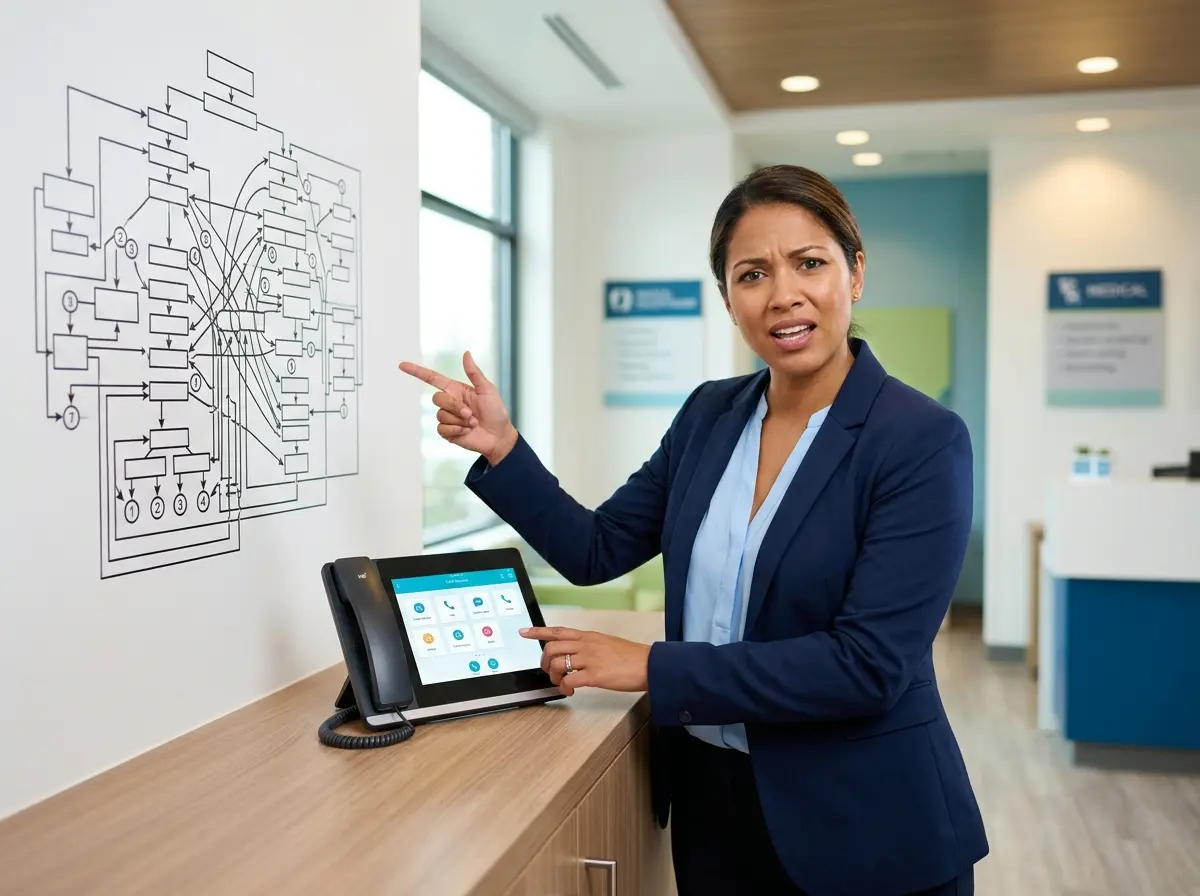
Congratulations — you landed a new accounting client. Now brace yourself for the inbox flood. "Where do I send my documents?" "What's your portal login?" "Do I need to gather my 1099s?" "What exactly is a 1099?" It's not that your clients are helpless. It's that onboarding is confusing, and when people are confused, they ask questions — repeatedly, to multiple people on your team, at all hours of the day.
Here's the uncomfortable truth: most accounting firms spend an enormous amount of time answering the same onboarding questions over and over again, and it costs them in staff hours, client frustration, and general sanity. A well-crafted new client welcome video can change all of that. It sets expectations, answers the predictable questions before they're asked, and makes your firm look polished and professional from day one. And the best part? You record it once and it works forever.
This guide walks you through exactly how to create a welcome video that actually reduces your onboarding burden — not just one that collects dust on a forgotten webpage.
Planning Your Welcome Video the Right Way
Before you hit record and start nervously staring into a webcam, you need a plan. The firms that create effective welcome videos aren't necessarily the most tech-savvy — they're the ones who took time to think through what the video actually needs to accomplish.
Start by Auditing Your Most Common Onboarding Questions
Pull up your email inbox, your team's shared inbox, your voicemails, your Slack messages — wherever client questions land. Look for patterns. You'll almost certainly find the same 8 to 12 questions appearing again and again in the first two weeks of any new client relationship. These are your video's content pillars. Common culprits in accounting firms include: how to access the client portal, what documents to gather and when, how communication works (do you email? call? send carrier pigeons?), what the engagement timeline looks like, and what happens if deadlines are missed.
Document every recurring question, then ruthlessly prioritize. Your video should answer the top 6 to 8 questions — not all 47 things you could say. Remember, this is a welcome video, not a graduate-level tax seminar.
Define the Right Tone and Length
Accounting has a reputation — deserved or not — for being about as warm and inviting as a DMV waiting room. Your welcome video is an opportunity to shatter that perception. A friendly, confident, conversational tone builds immediate trust and reassures clients that they made the right choice. You don't need to crack jokes (unless that's genuinely your style), but you do need to sound like a human being who is happy to work with them.
As for length, research consistently shows that video engagement drops sharply after the 2-minute mark for informational content. Aim for 90 seconds to 3 minutes maximum. If you have more to cover, consider breaking it into a short welcome video (the personal introduction and overview) and a separate process walkthrough video. Two focused videos will outperform one rambling epic every time.
Write a Script — But Don't Sound Like You're Reading One
Write a full script, then practice it until it sounds natural. The goal is to internalize the key points so you can speak conversationally, not to memorize lines like you're auditioning for a role you don't want. Cover your name and your firm, a warm welcome, a brief overview of what the onboarding process looks like, how clients should communicate with you, what they need to do first, and where to find resources. End with an enthusiastic invitation to reach out if they have any questions — because yes, some will still have questions, and that's fine.
Production and Distribution Without Overthinking It
You Don't Need a Film Crew
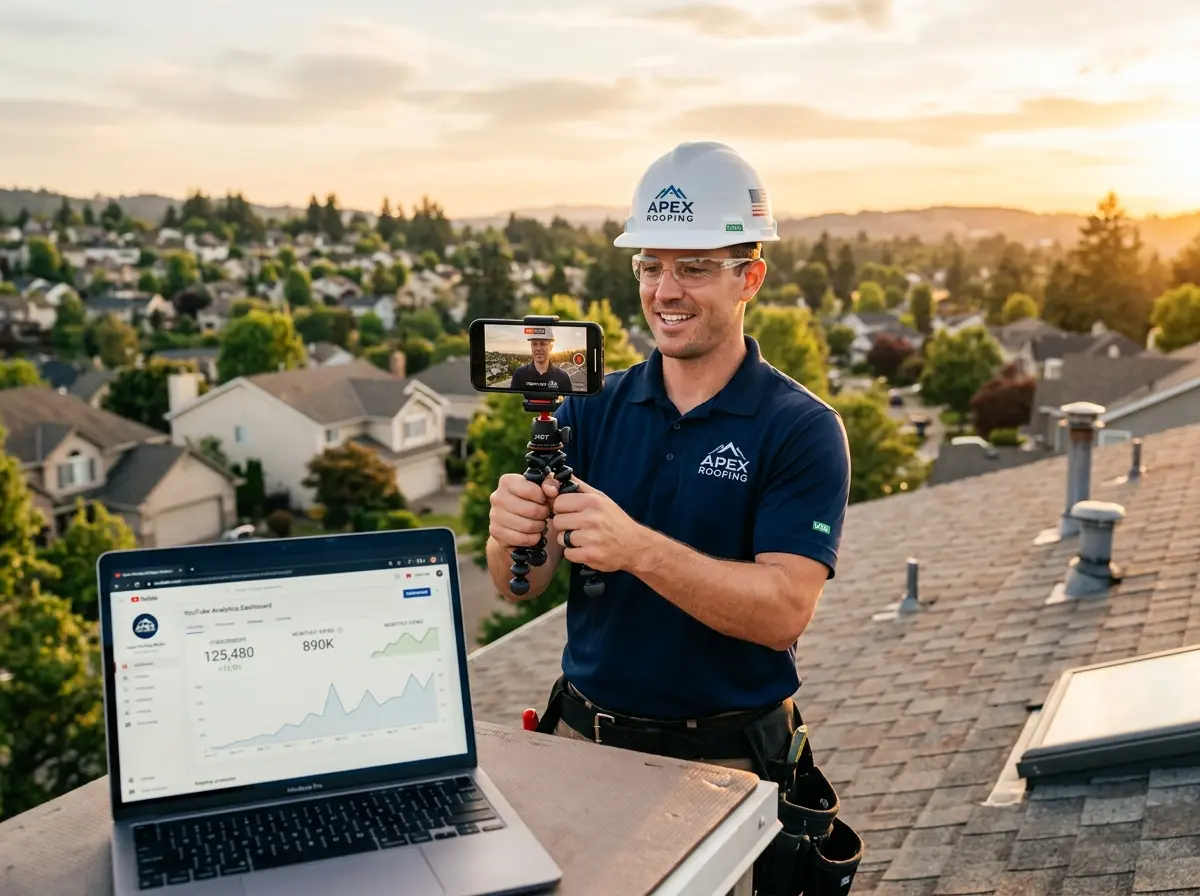
Here is where many business owners spiral into paralysis: they decide they need professional lighting, a camera upgrade, a green screen, and a graphic designer before they can possibly record anything. Stop. A modern smartphone, decent natural light, a quiet room, and a free tool like Loom or Descript will produce a perfectly professional result. What matters infinitely more than production quality is clarity and confidence. A slightly shaky video of a knowledgeable, warm accountant beats a cinematically gorgeous video of someone reading robotically from a script every single time.
That said, do pay attention to audio. Bad audio is the one thing viewers genuinely cannot forgive. A $30 USB microphone is a worthwhile investment. Background noise, echo, and muffled sound will undermine your credibility faster than anything else.
Where and How to Deliver the Video
The video is only useful if clients actually watch it. Host it on YouTube (unlisted is fine) or Vimeo, or use a dedicated tool like Loom. Then embed it or link it prominently in your welcome email — not buried in paragraph five, but front and center with a clear call to action. You can also add it to your client portal's homepage, include it in your onboarding packet, and reference it in your first phone or video call with the client.
Consider pairing the video with a short written summary of the key points for clients who prefer reading, or for those who need to reference specific details quickly. Accessibility matters, and it reinforces that your firm is thorough and client-focused.
How Smart Tools Help Your Onboarding Process Run Smoothly
A welcome video handles a lot, but it doesn't handle everything — especially when new clients call your office with follow-up questions before they've even watched it (and yes, this will happen). That's where Stella, the AI robot employee and phone receptionist, becomes genuinely useful for accounting firms.
Reducing Interruptions from Routine Onboarding Calls
Stella answers incoming phone calls 24/7 with the same knowledge your team would use to respond. When a new client calls to ask about portal access, document deadlines, or what they need to bring to their first meeting, Stella handles it — without pulling your staff away from billable work. She can also collect client information through conversational intake forms during phone calls, feeding that data directly into her built-in CRM so your team has everything organized before the relationship even officially begins. For accounting firms where first impressions and efficiency matter, having a knowledgeable, always-available point of contact during onboarding is a meaningful advantage.
Making Your Welcome Video Work Harder Over Time
Recording the video is the beginning, not the end. The firms that get the most mileage from their welcome videos treat them as living assets — not set-it-and-forget-it content.
Track Whether It's Actually Reducing Questions
Set a simple benchmark before you launch your video: log how many onboarding-related questions your team fields per new client in a typical first two weeks. After rolling out the welcome video, check again after onboarding 5 to 10 new clients. You should see a measurable drop in repetitive questions. If you don't, the video isn't covering what clients actually need — go back to your audit and adjust. Data-driven iteration isn't glamorous, but it works.
Update the Video When Your Processes Change
Tax law changes. Portals get updated. Your team grows and communication protocols shift. A welcome video that references outdated software or an old onboarding process will confuse clients and undermine your credibility. Build a reminder into your calendar — annually at minimum, or any time a significant process change occurs — to review and re-record as needed. This doesn't have to be a major production. A quick re-record with updated information takes an hour at most if you've kept your script on file.
Expand Into a Short Video Series for High-Impact Topics
Once your welcome video is performing well, consider building out a small library of short explainer videos for other high-friction moments in the client journey. Obvious candidates for accounting firms include: how to read and respond to a tax organizer, what to do if you receive an IRS notice, how the review and approval process works before filing, and what year-end planning looks like. Each video you create is a permanent reduction in the repetitive questions your team has to field — and a signal to clients that your firm invests in their experience.
A Quick Word About Stella
Stella is an AI robot employee and phone receptionist built for businesses that want a professional, knowledgeable presence without the overhead. She handles incoming calls, answers client questions, collects information, and manages contacts — all for $99 a month, with no upfront hardware costs. For accounting firms juggling client communication and billable hours, she's the kind of team member who never takes a sick day and never puts a client on hold indefinitely.
Conclusion: Record It Once, Benefit for Years
The math here is simple. Your team spends hours every month answering the same onboarding questions. A well-planned, clearly delivered welcome video — hosted, linked prominently, and paired with smart tools to handle follow-up inquiries — can recover a significant portion of that time. Not because clients will never have questions, but because the predictable, answerable ones get handled before they ever reach your inbox.
Here's what to do this week: audit your most common onboarding questions, write a focused script that addresses the top six to eight, and record a first version using whatever equipment you already have. It won't be perfect. Record it anyway. A good welcome video that exists will always outperform the perfect one you're still planning. Your future self — and your staff — will thank you.