Introduction: The Tiny Square That Could
Remember when QR codes were the future? Then they kind of... weren't. For a solid decade, they sat awkwardly on marketing materials like that one relative at Thanksgiving who doesn't quite fit in. And then a global pandemic happened, contactless everything became the norm, and suddenly QR codes were everywhere — menus, storefronts, business cards, the occasional forehead (okay, maybe not that last one).
Here's the thing: QR codes never actually got less useful. We just forgot to use them properly. And for business owners who operate both a physical location and an online presence, QR codes represent one of the most underutilized bridges between your two worlds. We're talking about a nearly zero-cost tool that can drive traffic, collect data, boost sales, and deepen customer relationships — all from a small square that takes about thirty seconds to generate.
If your QR code strategy currently starts and ends with linking to your homepage, this post is for you. Let's talk about five genuinely powerful ways to use QR codes to connect your physical store to your digital presence — and turn casual browsers into loyal, engaged customers.
Getting Strategic: What QR Codes Can Actually Do For You
1. Turn Foot Traffic Into Digital Followers
Your physical store has something your website desperately wants: real, warm human beings who already chose to show up. These are not cold leads. These are people who walked through your door, looked around, and decided you were worth their time. The question is — what happens after they leave?
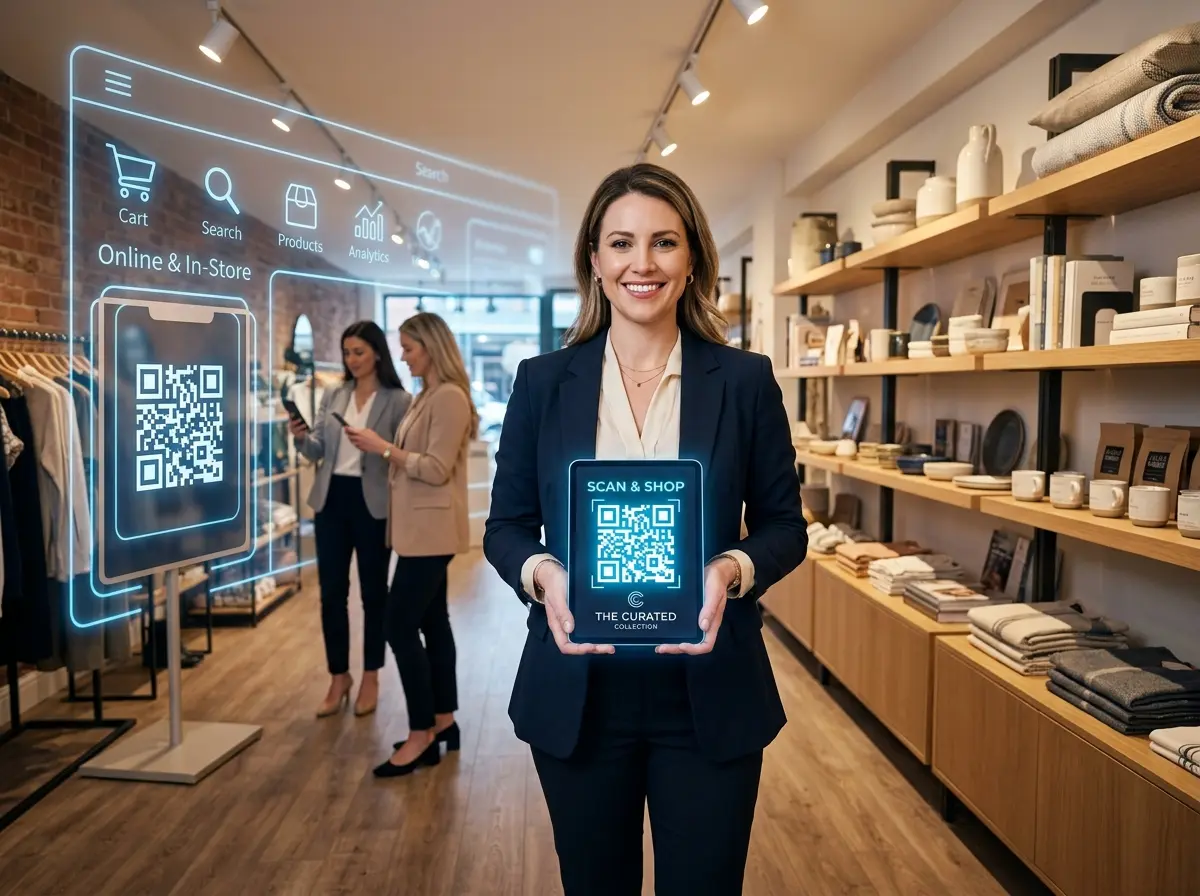
A well-placed QR code can convert that in-person visit into a lasting digital relationship. Place a code near your checkout counter, on your packaging, or on a table tent that reads something like: "Join our VIP list for exclusive deals — scan to sign up in seconds." Link it to a simple email opt-in form or your loyalty program signup page. You're essentially asking customers to raise their hand and say, "Yes, please keep talking to me." That's marketing gold.
According to a 2023 report by Statista, QR code usage in the United States reached over 89 million smartphone users, and that number continues to climb. The infrastructure is there. Your customers already know how to use them. You just need to give them a reason to scan.
2. Drive Online Reviews at the Peak Moment
Ask any business owner what they wish they had more of, and "Google reviews" will be in the top three answers — right after "time" and "a staff member who actually shows up on time." The problem isn't that customers don't want to leave reviews. It's that they forget by the time they get home, their kid spills something, and the moment is gone forever.
QR codes solve the timing problem beautifully. Place a code near your exit or on your receipt that links directly to your Google Business review page — not your homepage, not a landing page, but the exact spot where they click those stars. Add a friendly prompt: "Loved your visit? Tell the world. Scan, tap, done." When the experience is fresh and the customer is happy, you've got maybe a 90-second window to capture that sentiment. Use it.
3. Bridge Product Discovery Across Channels
Here's a scenario that plays out in retail stores daily: a customer picks up a product, reads the label, puts it down, and walks out — intending to "look it up later." Spoiler alert: they usually don't. Or worse, they look it up and find a competitor.
A QR code on or near your products can link directly to a product page with full details, reviews, tutorial videos, bundle deals, or a "buy now for pickup tomorrow" option. You're extending the in-store discovery experience into the digital world and giving customers every possible reason to commit. For service businesses, QR codes on brochures or displayed menus can link to video testimonials, service explainer pages, or online booking systems. The goal is simple: never let a moment of curiosity go unanswered.
The Smart Tools That Make It All Work Together
Letting Technology Handle the Heavy Lifting
QR codes are a fantastic bridge — but a bridge is only as good as where it leads. If a customer scans your code, lands on a slow-loading page, or tries to call your business and gets voicemail at 6 PM, you've wasted the opportunity. This is where having smart systems in place makes all the difference.
Stella, the AI robot employee and phone receptionist, fits naturally into this ecosystem. For businesses with a physical location, she stands in-store as a human-sized kiosk, proactively engaging customers, answering product questions, and even collecting customer information through conversational intake forms — the kind of data that makes your CRM actually useful. For any business, she also handles phone calls 24/7, so when a customer scans your QR code and decides to call instead of clicking, someone — or rather, something very capable — is always there to answer. No voicemail black holes. No missed opportunities.
Making Your QR Codes Worth Scanning: Design and Placement Done Right
4. Use QR Codes to Promote Time-Sensitive Offers
One of the most underused QR code strategies is the rotating offer. Instead of printing a URL that leads somewhere static, use a dynamic QR code — one where the destination URL can be changed without reprinting the code itself. Tools like QR Tiger, Bitly, or Canva's QR generator offer this feature, often for free or at minimal cost.
This means you can place a permanent sign or table tent in your store that always reads "Scan for this week's special" — and actually change the special every week. Flash sales, seasonal promotions, loyalty rewards, new product announcements — all delivered to customers who are already standing in your store and already inclined to buy. It's the low-tech exterior with a very high-tech interior, and it works exceptionally well for restaurants, spas, retail shops, and gyms.
5. Collect Feedback Without the Awkwardness
Asking customers for feedback in person is valuable but often uncomfortable for everyone involved. Nobody wants to give honest criticism to the person standing right in front of them, and business owners don't always love hearing it in real time either. QR codes create the comfortable distance that honest feedback requires.
A simple sign near your exit — "How did we do? Scan to let us know (we can handle it, promise)" — linked to a short survey can yield remarkably candid responses. Keep the survey to three to five questions maximum. Ask what they loved, what could be better, and whether they'd recommend you. The data you collect will be worth far more than its weight in awkward in-person conversations, and it gives you actionable insights to actually improve your business rather than just hoping things are going well.
Placement, Design, and the Rule of One Clear Action
None of this matters if your QR code is the size of a postage stamp, printed in low contrast on a glossy surface, or buried under twelve other competing messages. Good QR code placement follows a few simple principles: make it large enough to scan from a comfortable distance, use high-contrast colors (black on white still works best), include a clear call-to-action above or below the code in plain language, and never ask customers to do more than one thing per code. One code, one destination, one purpose. Resist the urge to be clever. Clarity converts.
Also — and this should go without saying but apparently needs to be said — test your QR codes before you print and display them. Scan it yourself. Have someone else scan it. Make sure the destination loads quickly on mobile. A QR code that leads nowhere is somehow worse than no QR code at all.
Quick Reminder About Stella
Stella is an AI robot employee and phone receptionist built for businesses of all sizes — from busy retail stores to solo service providers. She greets customers in-store, promotes your deals, answers questions, and handles phone calls around the clock, all for $99/month with no upfront hardware costs. If your QR codes are driving more traffic and more calls, Stella makes sure none of those opportunities slip through the cracks.
Conclusion: Small Square, Big Results
QR codes are not a gimmick. They are not a pandemic relic. They are one of the most practical, affordable, and criminally underused tools available to business owners who operate across both physical and digital channels. And the best part? You can start today.
Here's your action plan:
- Pick one QR code use case from this list that fits your business right now — a review link, an email opt-in, or a current promotion.
- Generate a dynamic QR code using a free tool like Bitly or QR Tiger so you can update the destination without reprinting.
- Design a simple sign or table tent with a clear call-to-action and place it somewhere customers will naturally pause — near checkout, at a waiting area, or on packaging.
- Track your scans using your QR generator's analytics dashboard, and adjust based on what's working.
- Make sure your digital destinations are ready — fast-loading pages, working forms, and reliable phone coverage so every scan leads somewhere worthwhile.
The gap between your physical store and your online presence doesn't have to be a mystery or a missed opportunity. With a little strategy and a few well-placed squares, you can build a seamless experience that keeps customers connected long after they've walked out your door. Now go print some QR codes — and this time, actually use them.