Your Customers Want It — They Just Don't Want to Buy It Today
Picture this: a customer walks into your store, falls in love with a product, checks the price tag, and then says the five words every business owner dreads — "I'll think about it." They leave. You sigh. The product sits on the shelf like a slightly wounded puppy. Sound familiar?
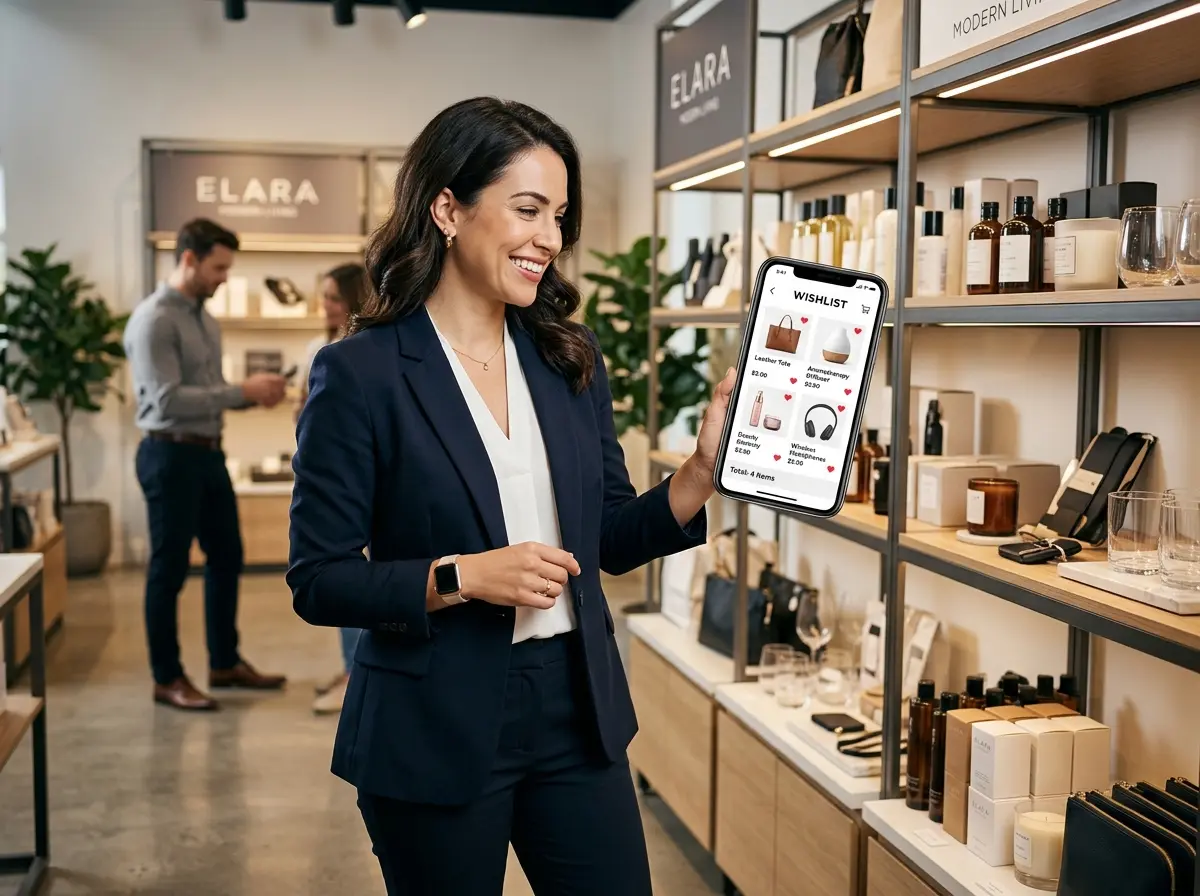
Here's the thing: that customer wasn't saying no. They were saying not yet. And "not yet" is actually an opportunity hiding in a trench coat. An online wishlist feature — one that's thoughtfully designed and strategically integrated — can be the bridge between browsing and buying, turning window-shoppers into repeat customers and digital dreamers into in-store visitors.
According to research from Episerver, 92% of first-time visitors to a website aren't ready to buy. That's nearly everyone. But wishlist users are different — studies show that customers who use wishlists are significantly more likely to complete a purchase, often spending 40% more than non-wishlist users. The wishlist isn't just a feature. It's a customer retention tool, a data goldmine, and yes — a quiet little sales engine.
Designing a Wishlist That Actually Does Something
Make It Dead Simple to Use
If your wishlist requires account creation, a verified email address, a blood oath, and a captcha that asks you to identify every single traffic light in a blurry intersection photo — people won't use it. Friction is the enemy of conversion. Allow customers to save items to a wishlist as a guest, with the option (not requirement) to create an account to sync it across devices or share it with others.
Your wishlist button should be prominent, intuitive, and available on both your website and any in-store kiosk or digital touchpoint. A simple heart icon or "Save for Later" button does the job. Mobile optimization is non-negotiable — over 60% of online shopping sessions happen on mobile devices, and your wishlist experience needs to be just as smooth on a 6-inch screen as on a desktop.
Connect the Online Wishlist to the In-Store Experience
Trigger Smart Notifications That Bring People Back
- Price drops: "Good news — that item you saved just went on sale."
- Low stock alerts: "Only 2 left — your wishlist item is almost gone."
- Back in stock: "It's back! Your saved item is available again."
- Seasonal reminders: "Summer's here — still thinking about those patio chairs?"
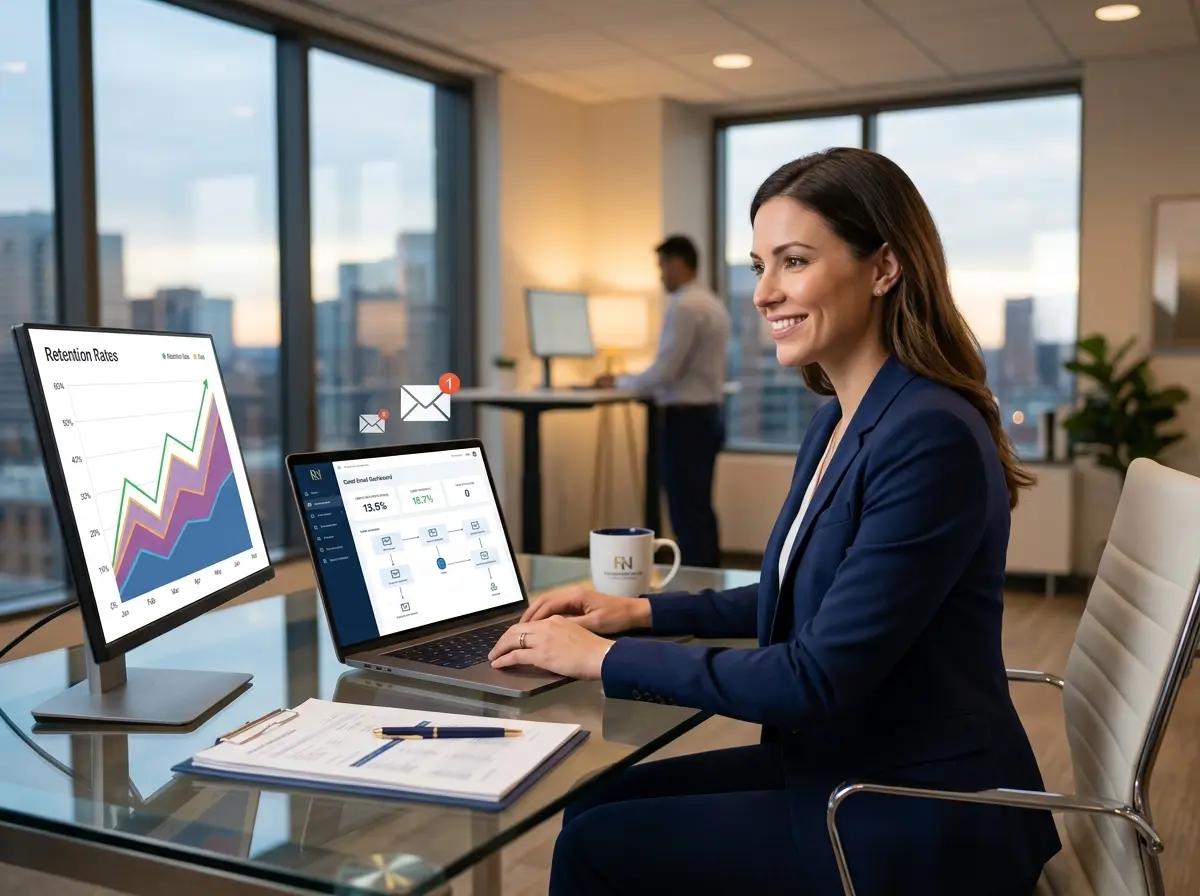
These aren't spammy — they're helpful. Customers opted in by saving the item. You're just doing them the courtesy of keeping them in the loop. Keep messages short, personal in tone, and always include a clear path to either purchase online or visit your store.
Where Stella Fits Into the Wishlist Journey
Wishlists are about capturing customer intent and staying connected — and that's exactly where Stella, the AI robot employee and phone receptionist, earns her keep. For businesses with a physical location, Stella stands inside the store as a friendly, human-sized AI kiosk, greeting customers proactively and engaging them in natural conversation about products, services, and promotions. She can prompt customers to save items to their wishlist before they leave, helping capture that "I'll think about it" moment before it disappears into the ether.
On the phone side, Stella answers calls 24/7 and can handle inquiries about product availability — exactly the kind of call a customer might make after reviewing their wishlist at home. She also collects customer information through conversational intake forms and manages contacts through a built-in CRM with custom fields, tags, and AI-generated profiles, making it easy to track wishlist-driven leads and follow up with the right message at the right time. All of this for a flat $99/month subscription — no hardware costs, no drama.
Turning Wishlist Data Into a Real Sales Strategy
Use Wishlist Trends to Inform Inventory and Promotions
Segment Your Audience Based on Wishlist Behavior
You can also identify high-intent customers — those who've had the same item in their wishlist for 30 or 60 days — and hit them with a personalized offer. This kind of targeted follow-up consistently outperforms blanket promotions. One boutique retailer reported a 28% conversion rate on emails sent specifically to long-term wishlist holders with a small discount code. Compare that to the average email campaign conversion rate of around 2-3% and you start to see why segmentation matters.
Build a Wishlist-to-Visit Loop for Your Physical Location
A Quick Reminder About Stella
Stella is a friendly AI robot employee and phone receptionist built for businesses of all types — retail stores, restaurants, gyms, salons, medical offices, law firms, and more. She greets customers in your store, answers phones 24/7, promotes deals, handles FAQs, upsells products, and manages customer information — all for just $99/month with no upfront hardware costs. She's easy to set up, always available, and never calls in sick.
Start Small, But Start Now
- Add a basic wishlist to your website or online catalog — many platforms like Shopify, WooCommerce, and Square have plugins or built-in features that take minimal setup.
- Connect it to your email or SMS platform so you can trigger the key notifications: price drops, low stock, and re-engagement reminders.
- Create a way for in-store customers to save items — whether through a QR code on a product display, a tablet at a kiosk, or a staff-assisted process at checkout.
- Review your wishlist data monthly and use it to inform at least one promotional campaign per quarter.
- Segment your wishlist audience and personalize your follow-up rather than blasting everyone with the same message.
The businesses winning at omnichannel retail aren't the ones with the biggest budgets — they're the ones paying attention to what their customers are already telling them. A wishlist is a customer raising their hand and saying, "I want this." Your only job is to make it easy for them to follow through.