Because "I Forgot" Is Not a Business Model
Let's paint a picture you probably know all too well. You've got a full schedule, your staff is prepped, maybe you've even ordered extra supplies — and then 9:00 AM rolls around and... crickets. Your first appointment of the day is a no-show. No call, no text, no carrier pigeon. Just silence and the slow burn of lost revenue.
No-shows are one of the most frustrating (and costly) problems facing appointment-based businesses. Studies suggest that no-show rates average between 10% and 30% depending on the industry, and in healthcare alone, no-shows cost the U.S. economy an estimated $150 billion per year. Salons, law firms, gyms, auto shops, spas — nobody is immune.
The good news? A well-designed appointment reminder system can reduce no-shows dramatically — often by 50% or more. The even better news? Setting one up doesn't require a full-time staff member, a tech degree, or a minor miracle. It just requires a little strategy, the right tools, and maybe a nudge in the right direction (we'll get to that). Let's dig in.
Building the Foundation: What a Good Reminder System Actually Looks Like
Before you start blasting reminder texts into the void, it helps to understand what makes a reminder system effective versus one that gets ignored or — worse — annoys your clients into canceling. The goal isn't just to remind people. It's to make showing up feel easier than not showing up.
Timing Is Everything (Seriously, Don't Ignore This)
A reminder sent 10 minutes before an appointment is basically useless unless your client is already in the parking lot. And a single reminder sent a week in advance is equally unhelpful — it'll be forgotten by Tuesday. The sweet spot is a multi-touch reminder sequence that reinforces commitment at the right moments.
A proven structure looks something like this: send a confirmation immediately after booking, a reminder 48–72 hours before the appointment, and a final nudge the morning of (or 1–2 hours before, depending on your industry). Each touchpoint serves a different purpose — the first confirms the booking is real, the second gives clients enough time to reschedule if needed, and the third keeps the appointment top of mind. Three reminders sound like a lot, but clients rarely complain about being reminded to do something they already agreed to do.
Choose the Right Channel — Or Better Yet, Use Multiple
Not everyone lives in their email inbox. Shocking, we know. SMS (text messaging) consistently outperforms email for appointment reminders, boasting open rates above 90% compared to email's average of around 20–25%. That doesn't mean you should ditch email entirely — it's great for confirmation messages that include detailed information, forms, or attachments. But if you're only sending email reminders and wondering why people still no-show, you may have found your culprit.
Phone call reminders are still highly effective for certain audiences — particularly older demographics or industries like medical offices and legal services where the stakes of a missed appointment are higher. The key is knowing your customer base and meeting them where they actually are, not where you assume they are.
Make It Personal, Make It Easy, Make It Actionable
A reminder that says "You have an appointment" is technically a reminder. It's also kind of terrible. A good reminder includes the client's name, the date, time, location, and a clear call to action — whether that's confirming, rescheduling, or adding the appointment to their calendar. The easier you make it to respond or reschedule, the less likely you are to get ghosted.
If your reminder system allows two-way communication — where clients can reply "YES" to confirm or "CANCEL" to reschedule — you'll collect real-time data on your schedule and have time to fill open slots. That's not just reducing no-shows; that's actively protecting your revenue.
How the Right Tools (Including a Little AI) Can Handle This For You
Let Technology Do the Heavy Lifting
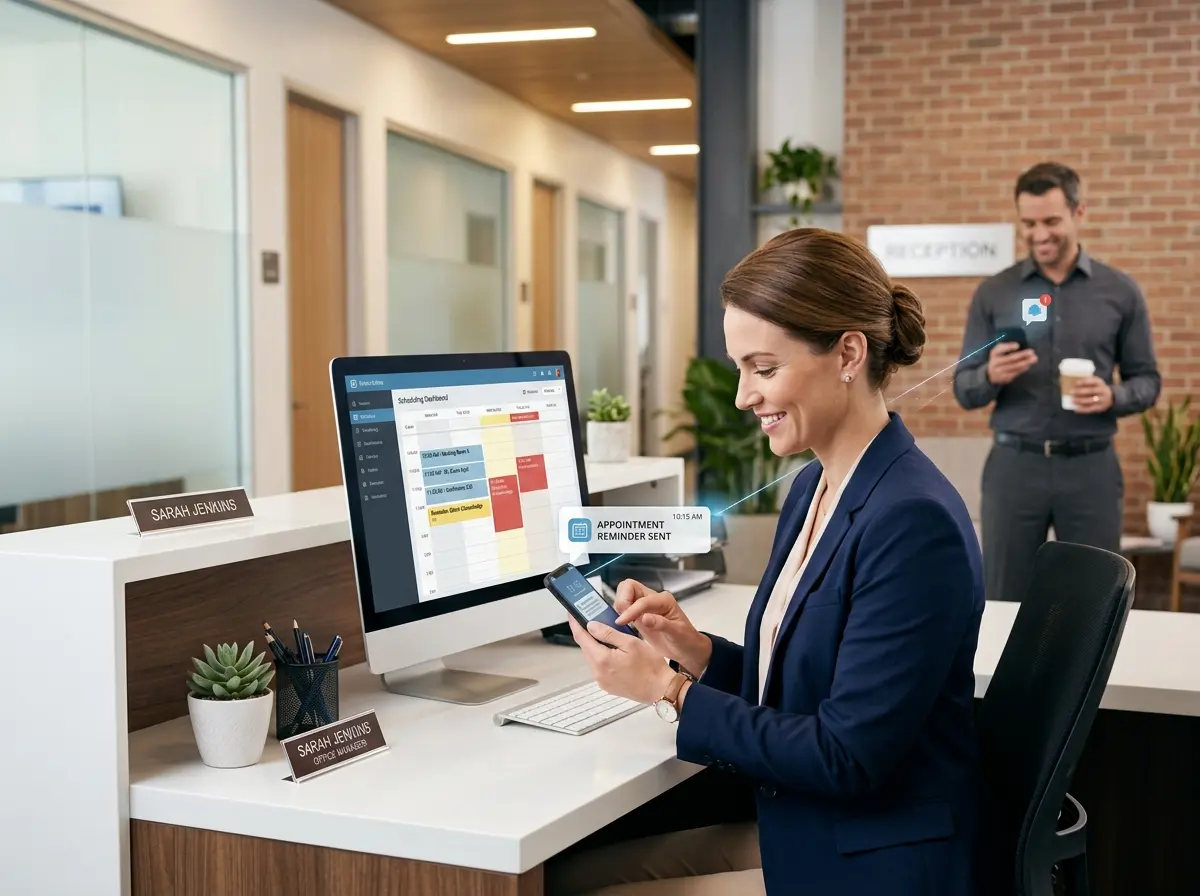
Manually calling every appointment to confirm is noble, time-consuming, and — let's be honest — something your front desk staff quietly dreads. The right scheduling and reminder software automates the entire sequence, so your team can focus on the humans who actually show up. Platforms like Acuity Scheduling, Vagaro, Jane App, and others offer built-in reminder tools that integrate directly with your calendar. Set it up once, and it runs in the background like a very diligent employee who never takes a lunch break.
Speaking of diligent employees who never take a lunch break — Stella, the AI robot receptionist, is worth knowing about if your business handles a high volume of phone-based interactions. Stella answers calls 24/7, which means when a client calls after hours to confirm, cancel, or reschedule an appointment, she's already on it. She can collect customer information through conversational intake forms over the phone, log details directly into her built-in CRM, and ensure nothing slips through the cracks. For businesses managing lots of client data and appointment-related calls, having an AI receptionist that ties directly into your customer management workflow is genuinely useful — not just a novelty.
Reducing No-Shows Beyond the Reminder: Policies, Incentives, and Human Psychology
Reminders are powerful, but they're only part of the equation. If someone is on the fence about showing up, a text message alone might not be enough. This is where smart business policies and a little understanding of human behavior come in.
Implement a Clear Cancellation and No-Show Policy
If there's no consequence for not showing up, some clients will treat your appointment slot like a casual suggestion. A clear, enforced cancellation policy changes the dynamic. Requiring a credit card on file, charging a partial fee for late cancellations, or requiring a deposit for high-value appointments signals that your time has real value — because it does.
The key word here is communicated. Your policy should be visible at booking, referenced in your confirmation message, and mentioned again in your reminder. Clients who understand the rules upfront rarely complain when they're enforced. And clients who would have complained anyway? You've learned something valuable about them early.
Use Waitlists to Recover Lost Revenue Fast
Even the best reminder system won't prevent every no-show or last-minute cancellation. What separates thriving appointment-based businesses from frustrated ones is often what happens after a slot opens up. A maintained waitlist — even a simple one — lets you fill cancellations quickly and turn a lost appointment into a saved one.
Some scheduling platforms can automate this entirely, notifying waitlisted clients instantly when a slot opens. If even a fraction of your cancellations get filled this way, the revenue recovery adds up significantly over time. Pair this with your reminder system and you've built a genuinely resilient scheduling operation.
Create a Booking Experience That Builds Commitment
Research in behavioral psychology suggests that people are more likely to follow through on commitments they feel actively involved in making. When clients self-schedule — choosing their own time, completing intake questions, and receiving instant confirmation — they have more psychological ownership of that appointment. Compare that to a booking made entirely by a staff member on someone's behalf, with no client interaction. Which client do you think is more likely to show up?
Streamlining your intake process and making online booking frictionless isn't just convenient — it's a no-show reduction strategy in disguise.
Quick Reminder About Stella
Stella is an AI robot employee and phone receptionist built for businesses of all types — whether you have a physical storefront or run entirely online. She greets walk-in customers, answers calls around the clock, manages client information through a built-in CRM, and keeps your business running professionally without the overhead of additional staff. At just $99/month with no upfront hardware costs, she's the kind of team member that shows up every single day — no reminder required.
Your Next Steps Toward a No-Show-Free Schedule
No-shows will probably never hit zero — people get sick, emergencies happen, and life is unpredictable. But cutting your no-show rate in half? Recovering lost slots through a waitlist? Having every client reminded at exactly the right moment through exactly the right channel? That's entirely within reach, and it starts with a few deliberate decisions.
Here's where to start:
- Audit your current reminder system. How many touchpoints do you have? What channels are you using? If the answer is "one email," it's time to level up.
- Set up a multi-touch reminder sequence — at minimum, a booking confirmation, a 48-hour reminder, and a same-day reminder via SMS.
- Write and publish a clear cancellation policy, and make sure it's part of every booking confirmation.
- Build or maintain a waitlist so cancellations become opportunities rather than losses.
- Evaluate your tools. If your current software doesn't support automated reminders, two-way messaging, or a waitlist — it might be time to upgrade.
Your time is worth protecting. Your schedule is worth defending. And your clients — as much as you love them — are not going to remember their appointments on their own. Give them every reason to show up, and make it as easy as possible to reschedule when they can't. That's not just good customer service. That's a well-run business.