You're Invisible Online — And Your Competitors Love It
Here's a fun scenario: A potential customer is standing two blocks from your store, phone in hand, searching "best coffee near me" or "auto repair open now." Google serves them a list of businesses. Your competitor's name appears, complete with photos, reviews, hours, and a little "Open now" badge. Your listing? Either missing, incomplete, or sporting a profile photo from 2019 that somehow makes your storefront look like a crime scene.
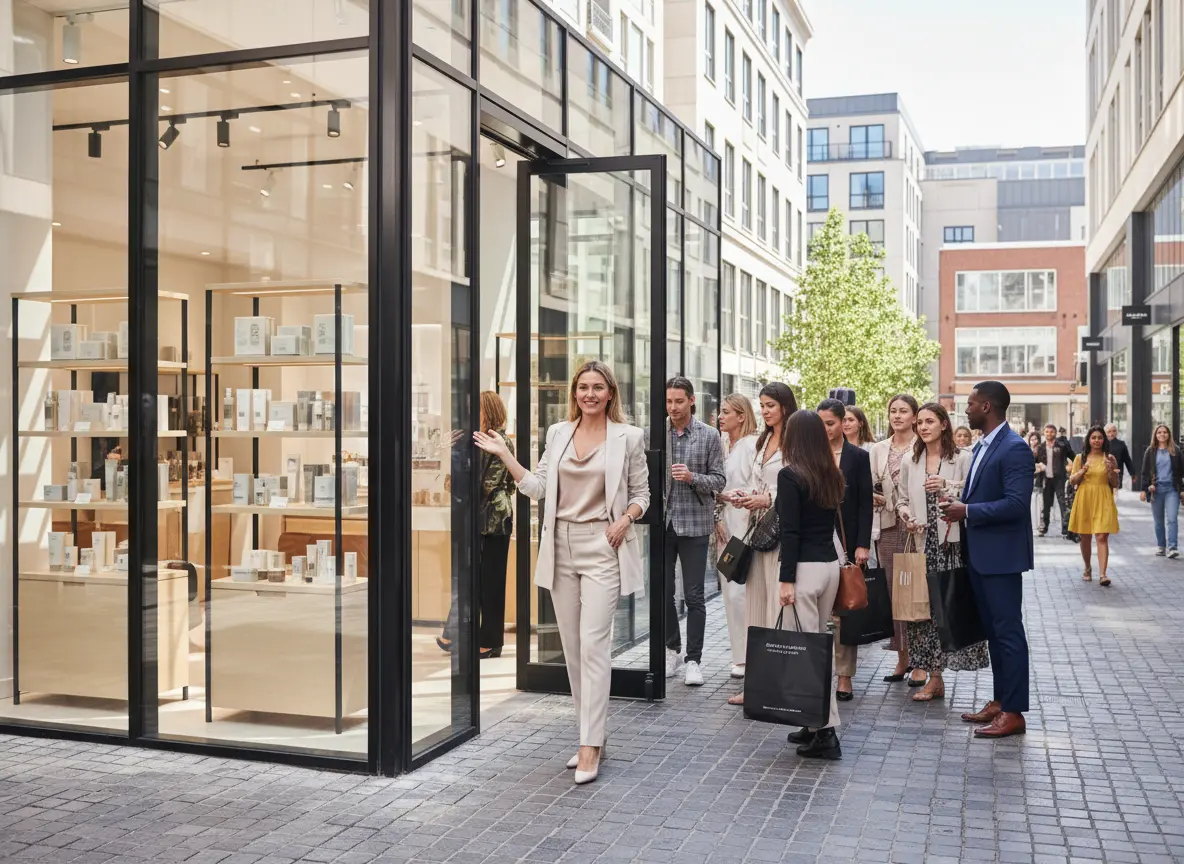
The good news is that Google Business Profile (GBP) optimization is one of the highest-ROI things you can do for foot traffic — and most of it is free. The bad news is that most business owners treat their GBP like a set-it-and-forget-it microwave meal, and then wonder why nobody's walking through the door. If you have a physical location and you're not actively managing your Google Business Profile, you're essentially paying rent on a storefront with no sign out front.
Let's fix that.
The Foundation: Getting Your Profile Actually Right
Before you start chasing five-star reviews or posting weekly updates, you need to make sure the basics are locked in. Think of this as the part where you stop handing out business cards with the wrong phone number on them.
NAP Consistency and Category Selection
NAP stands for Name, Address, and Phone Number — and consistency across the web matters more than most people realize. Google cross-references your business information across dozens of directories, review platforms, and websites. If your address says "Suite 200" on your website but "Ste. 200" on Yelp and nothing on your GBP, Google quietly starts questioning whether you are who you say you are. That skepticism translates directly into lower local search rankings.
Beyond NAP, your primary business category is one of the most important ranking signals in local search. Don't just pick the broadest option. "Restaurant" is fine; "Italian Restaurant" is better; "Family-Style Italian Restaurant" might be exactly what someone's searching for at 6 PM on a Friday. You can also add secondary categories, so use them strategically to capture adjacent searches without diluting your primary signal.
Photos: More Than Just Decoration
According to Google, businesses with photos receive 42% more requests for directions and 35% more website clicks than businesses without them. Yet countless business owners still have three blurry photos and a stock image of a handshake. Compelling photography of your actual space, your actual products, and your actual team builds trust before a customer ever walks in.
Aim to upload new photos regularly — not all at once in a single panic session. Google's algorithm notices freshness. Mix interior shots, exterior shots (especially your signage and entrance), product photos, and candid team images. And yes, turn on the setting that allows customers to add photos too. User-generated content is social proof you didn't have to pay for.
Business Description and Attributes
Your business description is 750 characters of prime real estate that most owners fill with corporate non-speak or leave embarrassingly blank. Write like a human, not a legal document. Tell people what makes you different, what you're known for, and why they should choose you over the place down the street. Weave in natural language that reflects how customers actually search — not keyword-stuffed phrases that make you sound like a robot wrote it in 1998.
Attributes are the little checkboxes Google offers — things like "women-owned," "wheelchair accessible," "outdoor seating," or "free Wi-Fi." These filter into local search results and can be the deciding factor for customers who have specific needs. Fill them out completely and revisit them any time your offerings change.
Converting Clicks Into Customers: What Happens When They Arrive
Here's the part most Google optimization guides conveniently skip: getting someone to find you online is only half the battle. What happens when they actually show up — or call — matters just as much for repeat business and word-of-mouth as anything else you do.
First Impressions at the Door (and on the Phone)
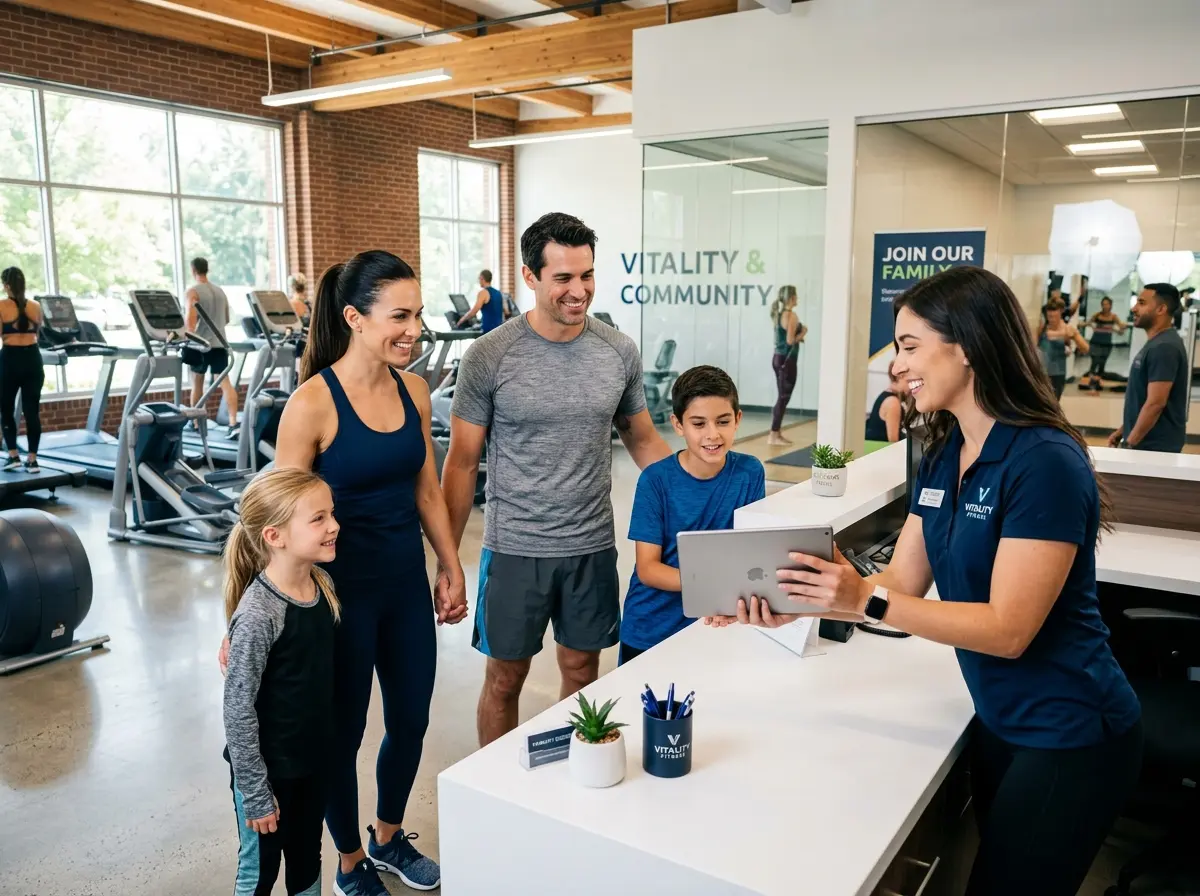
You've done everything right. Someone found your GBP, liked what they saw, and walked in or dialed your number. Now what? If they walk in to an empty counter, a distracted employee, or — worse — a phone that rings forever, that hard-earned foot traffic evaporates fast. This is where Stella, the AI robot employee and phone receptionist, quietly becomes one of your best investments. She stands inside your store and proactively engages customers the moment they walk in, ready to talk about your products, current promotions, and anything else they need — no staff interruption required. And for calls coming in from your freshly optimized GBP listing, Stella answers 24/7 with the same business knowledge she uses in person, so no lead ever hits voicemail at 8 PM on a Tuesday.
Reviews, Posts, and the Algorithm's Love Language
If Google Business Profile optimization had a popularity contest, reviews and posts would be the kids everyone wants to sit with at lunch. They signal activity, trustworthiness, and relevance — all things Google's local algorithm cares about deeply.
Building a Review Strategy That Doesn't Feel Desperate
Businesses with a higher volume of recent, positive reviews consistently outrank competitors in local search — full stop. But here's what most people get wrong: they ask for reviews once, awkwardly, at the checkout counter, and then give up when the response rate is low. A better approach is to build review requests into your natural customer journey.
Send a follow-up text or email 24 to 48 hours after a visit while the experience is still fresh. Use a direct link to your GBP review page — never make a customer hunt for it. Train your staff to mention it conversationally. And when reviews come in, respond to all of them — especially the negative ones. A thoughtful, professional response to a one-star review often does more for your reputation than five five-star reviews, because it shows prospective customers that you actually give a damn.
Google Posts: The Feature Nobody Uses (But Should)
Google Posts are essentially free advertising space on your search listing — and the vast majority of small businesses either don't know they exist or post so infrequently that Google has probably forgotten about them too. You can use Posts to promote weekly specials, upcoming events, new product arrivals, limited-time offers, or even just a "here's what's new with us" update.
Posts expire after seven days (for standard posts), which means Google is explicitly rewarding businesses that post consistently. Treat it like a mini social media channel that lives directly on your search result. Even one post per week puts you ahead of most local competitors and signals to Google that your business is active and worth ranking.
Questions and Answers: Don't Leave It to the Crowd
The Q&A section of your GBP is publicly editable — meaning anyone can submit a question, and anyone can answer it. Yes, including random strangers who have no idea what they're talking about. The fix is simple: seed your own Q&A section with the questions customers actually ask most often, and answer them yourself. Cover your hours, parking situation, return policies, pricing range, appointment requirements, and anything else that tends to come up repeatedly. This reduces friction for undecided customers and gives you control over the narrative before some well-meaning but misinformed person gets there first.
Quick Reminder About Stella
Stella is an AI robot employee and phone receptionist designed for businesses of all types — whether you have a storefront, run a service business, or operate entirely online. She greets walk-in customers proactively, answers calls around the clock, promotes your current deals, and handles questions so your staff can stay focused. At $99 per month with no upfront hardware costs, she's built to work as hard as you do — without ever calling in sick.
Putting It All Together: Your Next 30 Days
Optimizing your Google Business Profile isn't a one-afternoon project — it's an ongoing discipline. But if you're starting from scratch or recovering from neglect, here's a realistic action plan to get you moving:
- Week 1: Audit and fix your NAP information across Google, Yelp, Facebook, and any major directories. Update your primary and secondary categories. Rewrite your business description.
- Week 2: Upload at least 10 to 15 fresh, high-quality photos. Fill out all applicable attributes. Seed your Q&A section with your five most frequently asked questions.
- Week 3: Launch a review request process. Whether it's a follow-up text, an email sequence, or a simple in-store prompt, make it a habit — not an afterthought.
- Week 4: Publish your first Google Post and commit to a weekly cadence. Respond to any existing reviews you've ignored. Check your GBP insights to see which searches are driving traffic to your listing.
The businesses winning local search aren't doing anything magical — they're just doing the basics consistently and well. Your Google Business Profile is often the very first impression a nearby customer gets of your business. Make it count, keep it current, and then make sure the experience on the other side — whether that's a walk-in customer or a phone call — lives up to the promise you made online.
The foot traffic is out there. Go get it.