When "I Forgot" Costs You Money
No-shows are one of the most frustrating — and surprisingly expensive — problems facing pet groomers, salons, medical offices, and really any appointment-based business. According to various industry surveys, no-show rates in service businesses can range anywhere from 10% to 30%, with some industries reporting even higher. That's not just an inconvenience. That's real money walking out the door before it ever walked in.
The No-Show Problem: Why It Happens and What It's Really Costing You
It's Not (Usually) Malicious — But It's Still Expensive
Stella's Grooming Story: From Chaos to 80% Fewer No-Shows
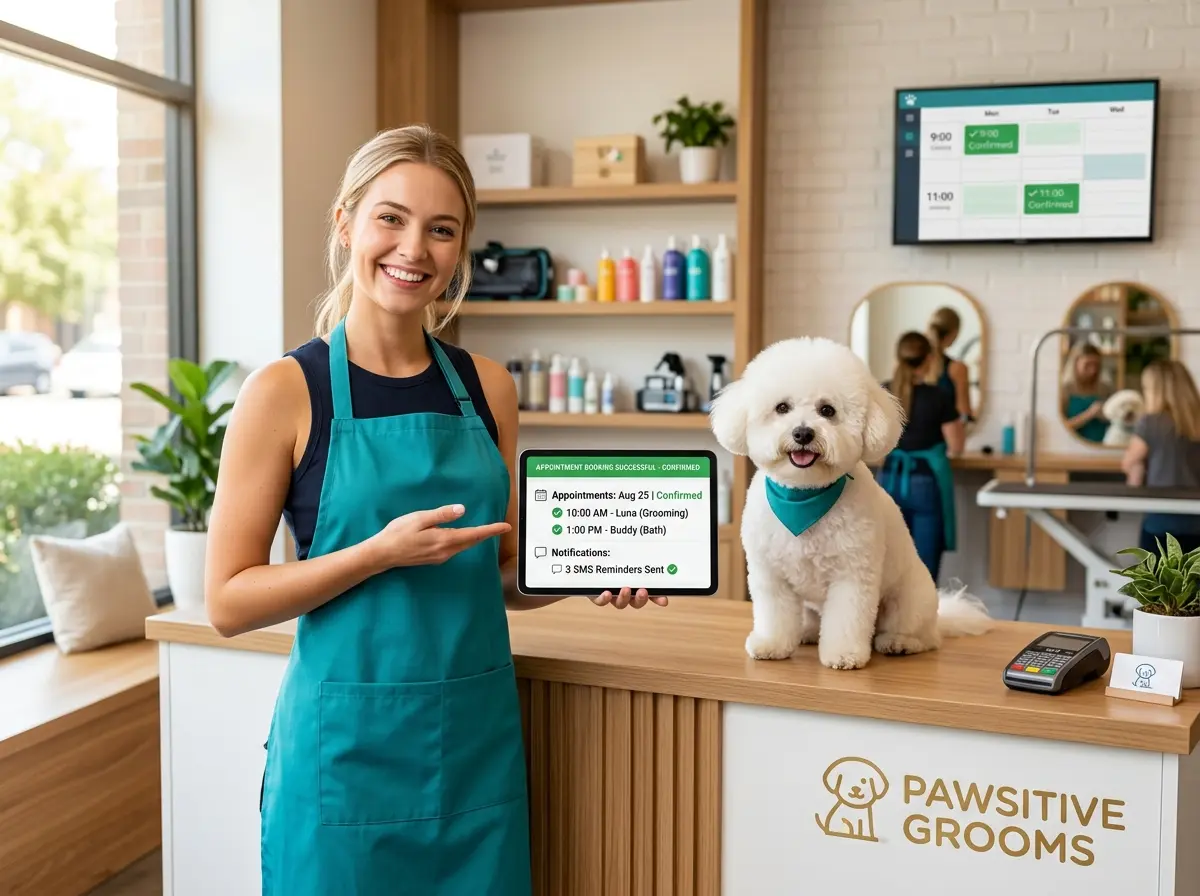
- Immediate booking confirmation: As soon as a client booked, they received a confirmation via text and email with the appointment details, the pet's name, and a clear cancellation policy.
- 48-hour reminder: Two days before the appointment, clients received a friendly reminder asking them to confirm or reschedule.
- 24-hour reminder: One day out, another nudge — this time with a one-tap confirmation option and a link to reschedule if needed.
- Morning-of reminder: A brief, cheerful "See you today!" message sent a few hours before the appointment.
Within 60 days, her no-show rate dropped from 20% to under 4%. That's not a typo. An 80% reduction — achieved almost entirely through automation, with virtually no extra work on her part.
The Psychology Behind Why Reminders Work
You might be wondering: isn't it a little needy to send four reminders? Actually, research says no. Studies on appointment reminder systems in healthcare — one of the most studied industries for this problem — consistently show that SMS reminders alone can reduce no-shows by 26% to 38%, and combining channels (text + email) performs even better. The reason is simple: people are busy, and a well-timed nudge moves your appointment back to the front of their mental queue. It's not annoying — it's helpful. And clients who feel taken care of are also more likely to rebook.
How Smart Tools (Like Stella) Make This Effortless
Automation Without the Headache
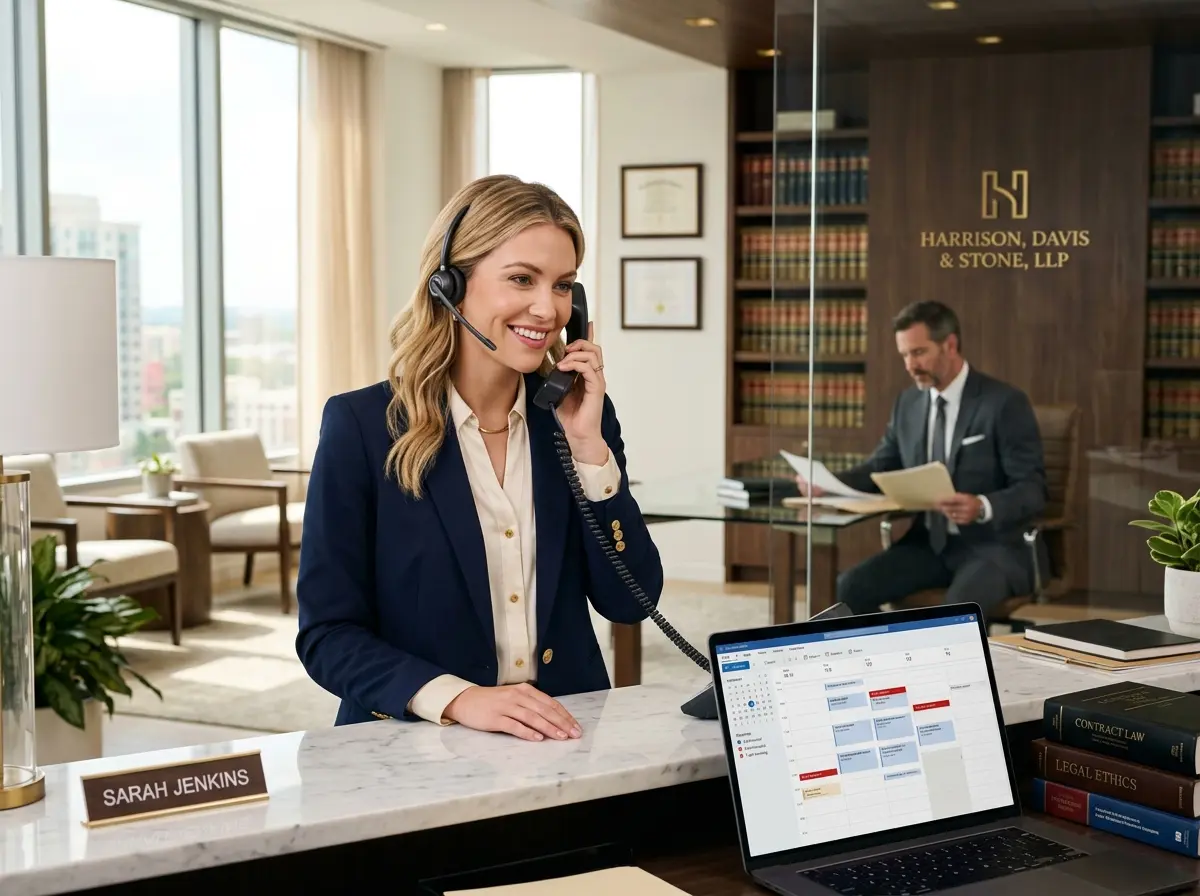
Stella — the AI robot employee and phone receptionist — is built to handle exactly this kind of customer communication without adding to your plate. For grooming salons and other appointment-based businesses with a physical location, Stella can greet clients in-store, answer their questions about services and pricing, and collect their contact information through conversational intake forms right at the kiosk. On the phone side, she answers calls 24/7, captures booking details, and stores everything in her built-in CRM — complete with custom fields, tags, and AI-generated client profiles so your team always has context before a client walks in the door.
That means when a new client calls after hours to book a grooming appointment for their golden retriever, Stella doesn't just take a message — she collects the client's name, contact information, pet details, and preferred appointment time, logs it all in the CRM, and sets the stage for your automated reminder workflow to kick in automatically. No dropped balls. No forgotten callbacks. No surprises on Tuesday afternoon.
Building Your Own No-Show Reduction System
Step 1: Set Clear Expectations from the Start
The confirmation message you send immediately after booking is doing more work than you might realize. It's not just a receipt — it's setting expectations. Make sure your confirmation includes the date, time, service, and pet's name (personal details matter), along with your cancellation policy stated clearly and kindly. Something like: "We kindly ask for 24 hours' notice if you need to reschedule. This helps us accommodate other furry friends who are waiting!" Framing the policy as a community benefit — rather than a punishment — keeps the tone positive while still holding clients accountable.
Step 2: Build a Multi-Touch Reminder Sequence
As Maya's story showed, a single reminder isn't enough. A well-designed sequence creates multiple opportunities to catch a client at the right moment — when they're actually looking at their phone and can take action. The 48-hour touchpoint is particularly powerful because it gives clients enough time to reschedule without feeling last-minute pressure, which means you have time to fill the slot with someone else. Build your sequence to include a confirmation request (not just a reminder), so you get active engagement — a reply, a click, a response — rather than a passive notification that gets swiped away.
Step 3: Make Rescheduling Ridiculously Easy
Step 4: Track, Learn, and Adjust
No system is perfect out of the gate. Track your no-show rate before and after implementing reminders, and pay attention to when no-shows happen most often — certain days, certain services, certain booking lead times. If you notice that appointments booked more than three weeks out have higher no-show rates, consider adding an extra touchpoint at the one-week mark. Data turns guesswork into strategy, and even small adjustments can meaningfully move the needle.
Quick Reminder About Stella
Stella is an AI robot employee and phone receptionist built for businesses like yours — she greets customers in-store, answers calls around the clock, manages a built-in CRM, and keeps your operation running smoothly without breaks, bad days, or turnover. At $99/month with no upfront hardware costs, she's designed to be accessible for small and mid-sized businesses that want enterprise-level reliability without enterprise-level overhead.
Your Next Steps Toward a Fuller Schedule
- Audit your current process. How many no-shows did you have last month? What's the dollar value? Put a real number on the problem so you know what you're solving for.
- Set up an immediate booking confirmation if you don't have one. Even a simple text template is a meaningful first step.
- Add at least one reminder at the 24- or 48-hour mark and track the impact over 30 days.
- Make rescheduling easy — a link, a phone number, a direct reply option. Whatever reduces friction.
- Consider a tool like Stella if you want to automate intake, capture client data, and manage communications without adding to your team's workload.