You Can't Manage What You Don't Measure (Especially Phone Calls)
Let's paint a familiar picture: it's a Tuesday afternoon, your lobby is quiet enough to hear the hum of the HVAC system, and you've got three staff members leaning on the counter scrolling their phones. Then Friday hits, the phones are ringing off the hook, two customers are waiting in line, and your one available employee is simultaneously trying to answer a question about your return policy while processing a payment. Classic.
The frustrating part? This isn't bad luck — it's a scheduling problem. And the even more frustrating part? The data to fix it has probably been sitting in your call logs this entire time, quietly gathering digital dust.
Call analytics — the practice of tracking when calls come in, how long they last, how many get missed, and what they're about — is one of the most underutilized tools in small business operations. When used correctly, it transforms your staffing decisions from gut-feel guesswork into evidence-based strategy. This post walks you through how to actually do that, without needing a data science degree or a team of analysts.
Understanding Your Call Data: What to Look For and Why It Matters
Before you can act on call analytics, you need to understand what you're actually looking at. Raw call data is just numbers — the insight comes from knowing which numbers to pay attention to.
Volume Patterns: When Are People Actually Calling?
The most fundamental metric is call volume by time of day and day of week. Most phone systems and virtual receptionist platforms will give you this data broken down by hour. What you're looking for are consistent spikes — not one-off anomalies from that day you ran a flash sale, but repeatable patterns that show up week after week.
For example, a medical office might consistently see a surge of calls between 8–10 AM when patients are calling to book same-day appointments, then another smaller spike around 4–5 PM. A restaurant might see heavy call volume on Friday and Saturday afternoons as customers make reservations for the evening. An auto shop might notice Mondays are brutal because everyone's car mysteriously broke down over the weekend. These patterns are almost always there — you just have to look.
Once you identify your peak windows, you can start cross-referencing them with your current staffing schedule. If your busiest call hour is 8–9 AM but your second staff member doesn't clock in until 10, you've just found a fixable problem.
Missed Calls and Abandonment Rates: The Revenue You're Leaving Behind
Missed calls aren't just an inconvenience — they're a revenue leak. Studies have shown that up to 85% of callers who don't reach a business on the first try will not call back. That's not a customer who will patiently wait for you. That's a customer who Googled your competitor 30 seconds later.
Your call analytics dashboard should show you how many calls went unanswered, at what times, and on which days. If you're seeing a cluster of missed calls between noon and 1 PM, that's a pretty strong sign your lunch-hour staffing situation needs attention. If Saturday mornings consistently show high abandonment, maybe it's time to reconsider whether that's the right moment to have a skeleton crew.
Tracking this metric over time also lets you measure improvement. Once you adjust your staffing or add coverage, you can see in the data whether missed call rates actually dropped — which is a much more satisfying outcome than just assuming things got better.
Call Duration and Content: Not Just How Many, But What About
Average call duration can tell you a surprising amount about what's consuming your team's time. Long average call times might indicate that customers are asking complex questions your staff needs to research, that your intake process is clunky, or that certain call types need a dedicated workflow. Short call durations with high abandonment might mean customers are hanging up before anyone picks up — which loops right back to coverage gaps.
If your phone system or receptionist platform categorizes call types (appointments, billing questions, product inquiries, directions, hours), even better. Knowing that 40% of your inbound calls are people asking for your hours or location is genuinely useful information — it suggests you could resolve that call volume entirely without a human ever picking up the phone.
How Stella Can Help You Capture and Act on This Data
Stella, the AI robot employee and phone receptionist, naturally fits into this conversation because she's generating call data every time she answers the phone — which is always, including at 2 AM on a Sunday. Every interaction is logged, giving you a growing dataset of when customers call, what they're asking about, and how those calls are being handled.
For businesses with a physical location, Stella's in-store kiosk presence means you're also capturing foot traffic interaction data — not just phone patterns. And because she can handle routine calls entirely on her own (answering questions about hours, services, pricing, and promotions), your analytics will quickly start showing you which call types actually need a human and which ones never did. That's a powerful filter for smarter staffing decisions. Her built-in CRM and conversational intake forms also mean customer information is being collected and organized automatically, so your team spends less time on data entry and more time on the calls that genuinely require their expertise.
Turning Insights Into Scheduling Decisions That Actually Work
Data without action is just trivia. Once you've identified your call patterns, here's how to translate them into real staffing changes.
Build a Coverage Map Based on Real Peak Hours
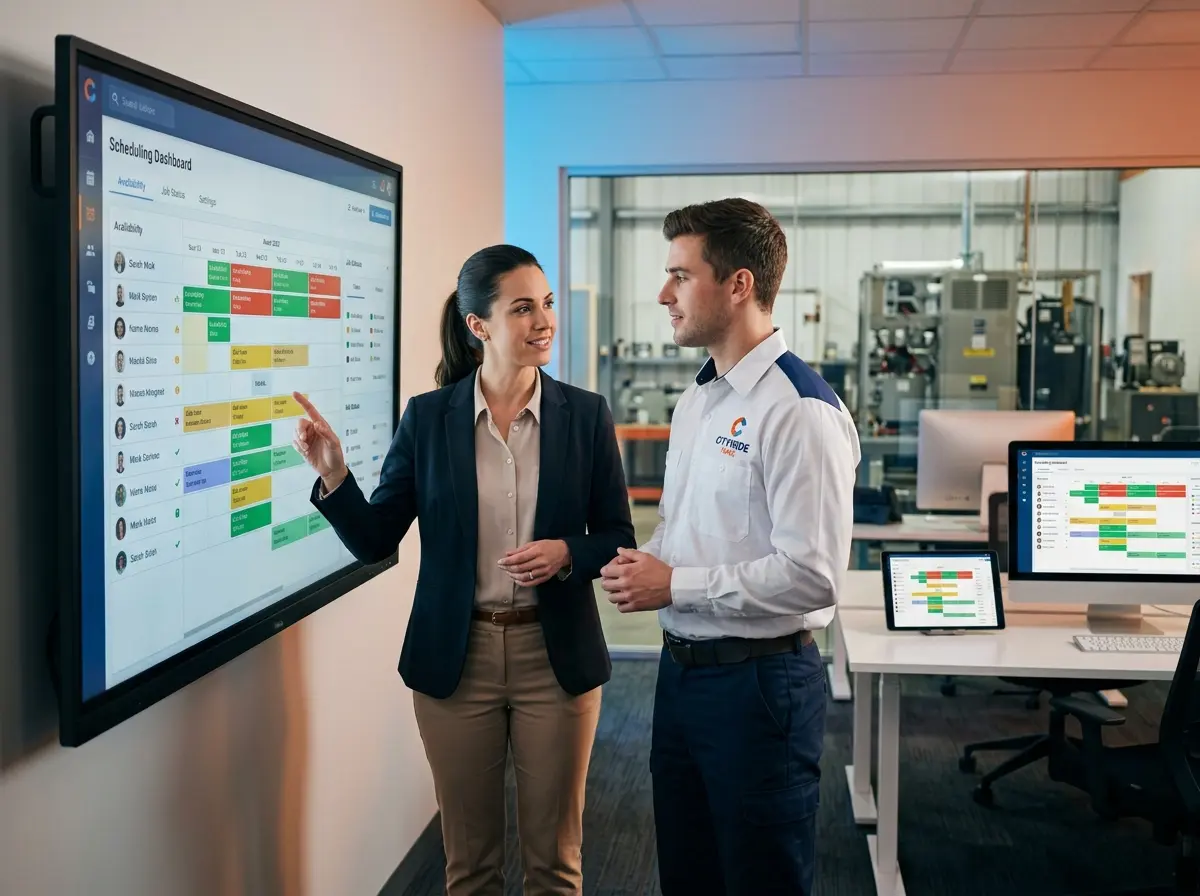
Take your call volume data and lay it over your current schedule side by side. Highlight every hour where call volume spikes significantly above your baseline — those are your critical coverage windows. Then look at your current staffing for those windows. Is there a dedicated person available to answer phones, or is coverage relying on whoever happens to be free?
For many small businesses, this exercise reveals that scheduling decisions were made based on tradition ("we've always opened at 9") rather than data ("our customers start calling at 7:45"). Even a 30-minute shift adjustment or an overlapping part-time role during peak windows can dramatically reduce missed calls and wait times.
Create Tiered Response Strategies for Different Call Volumes
Not every hour deserves the same staffing investment, and not every call needs the same level of human involvement. A tiered approach lets you be efficient without being negligent.
During your highest-volume windows, you want dedicated phone coverage — a person whose primary job during that window is fielding calls, not doubling up on other tasks. During moderate-volume periods, a hybrid approach works: automated handling for routine inquiries with easy escalation to a human for anything complex. During low-volume overnight or off-hours windows, full automation is completely reasonable. Most customers calling at 11 PM to ask about your Saturday hours don't expect — or need — a human on the other end.
Review and Adjust Seasonally, Not Just Once
Call patterns aren't static. A gym will see completely different volume in January versus July. A tax preparer's busiest call windows in March look nothing like October. A restaurant's Saturday afternoon call surge disappears in February and comes roaring back in May.
Build a habit of reviewing your call analytics monthly or at least quarterly, and update your staffing model accordingly. Set a recurring calendar reminder if you need to — "review call data and adjust schedule" is a legitimate business task that deserves a dedicated 30 minutes. The businesses that treat staffing as a dynamic, data-driven process consistently outperform those that set a schedule in January and never look at it again.
Quick Reminder About Stella
Stella is an AI robot employee and phone receptionist that works 24/7 — greeting customers in-store, answering calls, collecting customer information, and never once calling in sick on a Friday. At $99/month with no upfront hardware costs, she's built for small and mid-sized businesses that want a professional, reliable presence without the overhead of additional full-time staff.
Start Using Your Call Data Like the Business Asset It Is
If you've made it this far, you're already ahead of the majority of business owners who are still scheduling based on vibes and historical habit. The good news is that the path forward is genuinely straightforward: pull your call volume data, identify your real peak windows, audit your current coverage against those windows, and make targeted adjustments.
Here's a simple action plan to get started this week:
- Pull 90 days of call data from your phone system, virtual receptionist platform, or call tracking tool — look for volume by hour and day of week.
- Identify your top three peak windows — the hours where call volume is consistently highest.
- Audit your current staffing against those windows and flag any coverage gaps.
- Track your missed call rate as a baseline metric before making any changes.
- Implement one scheduling adjustment targeting your highest-risk coverage gap, then measure the impact after 30 days.
Staffing decisions used to require expensive consultants or years of operational intuition. Today, the data is right there in your call logs — you just have to look at it. Your customers are already telling you when they need you most. It might be time to start listening.