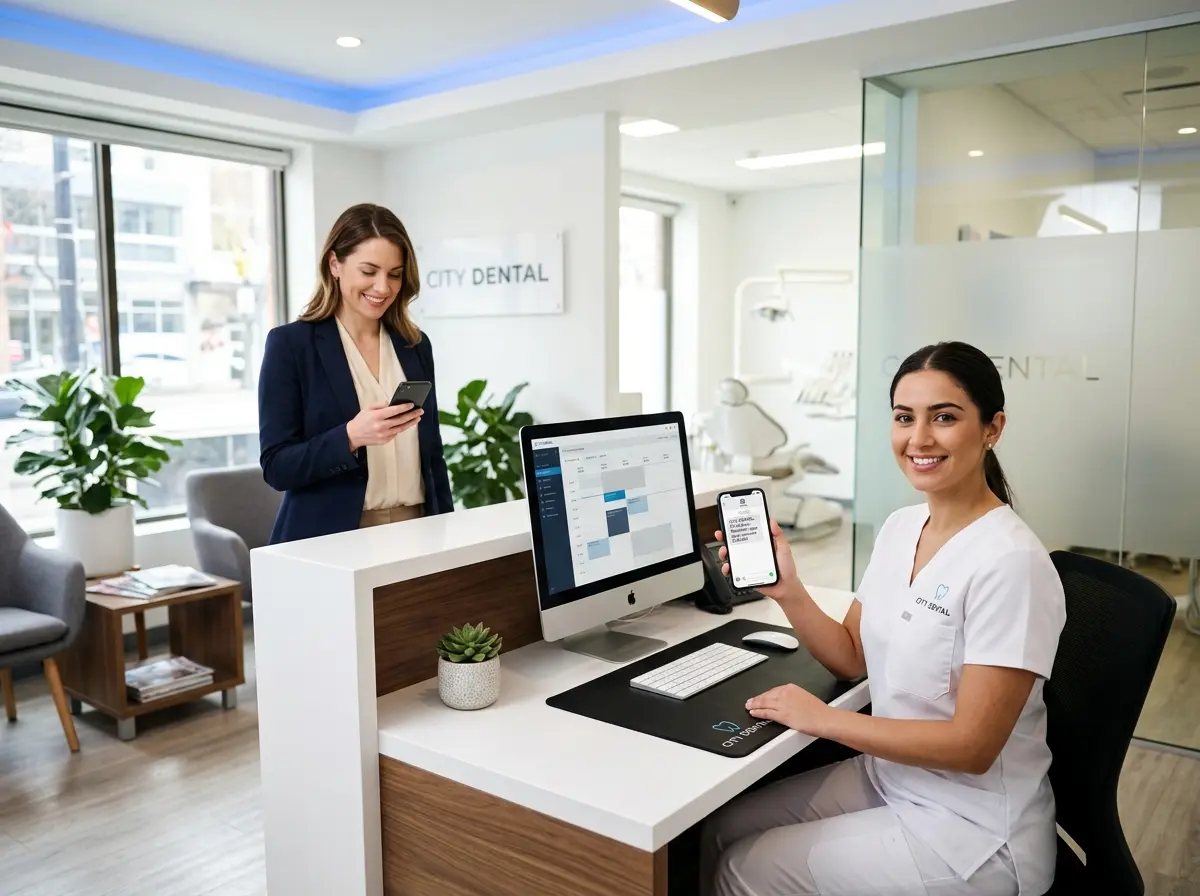
The No-Show Epidemic: Why Your Schedule Looks Like Swiss Cheese
Dental no-shows are a massive problem. Industry data suggests that no-show rates for dental appointments typically range between 5% and 15%, with some practices experiencing even higher rates depending on their patient demographics. At an average revenue of $200–$400 per appointment, even a handful of missed visits per week can add up to tens of thousands of dollars in lost revenue annually. That's a nice piece of equipment you'll never buy, or a team lunch that will never happen.
The good news? A well-executed text message reminder strategy can dramatically reduce no-shows — often by 30% to 50% — without requiring your front desk staff to spend half their day playing phone tag. In this post, we'll walk through exactly how to build that strategy, what your messages should say, and how to automate the whole thing so it practically runs itself.
Building a Text Reminder Strategy That Actually Works
Timing Is Everything: When to Send Your Reminders
One reminder sent three hours before an appointment isn't a strategy — it's a Hail Mary. A genuinely effective text reminder campaign uses multiple touchpoints spaced out in a way that keeps your practice top-of-mind without annoying your patients into blocking your number.
Here's a tried-and-true reminder sequence that top-performing dental practices use:
- 72 hours before: A friendly heads-up that the appointment is coming up, along with a request to confirm or reschedule if needed.
- 24 hours before: A confirmation reminder with key details — date, time, location, and a note about what to bring (insurance card, ID, etc.).
- 2–3 hours before: A same-day nudge that doubles as a gentle "don't bail on us" message.
What to Actually Say (Without Sounding Like a Robot)
The tone of your text reminders matters more than most practice owners realize. A cold, clinical message like "REMINDER: Appointment 11/14 9AM. Reply C to confirm." gets the job done, but barely. Patients respond better — and are more likely to actually show up — when the message feels like it came from a real person who cares about them.
Consider the difference between these two approaches:
Version A (cold): "Reminder: You have a dental appointment on Thursday at 9:00 AM. Reply YES to confirm."
Version B (warm): "Hi Sarah! Just a friendly reminder that Dr. Patel is looking forward to seeing you this Thursday at 9:00 AM. Reply YES to confirm or RESCHEDULE if you need a different time. See you soon! 😊"
Making Confirmation Two-Way (And Acting on the Data)
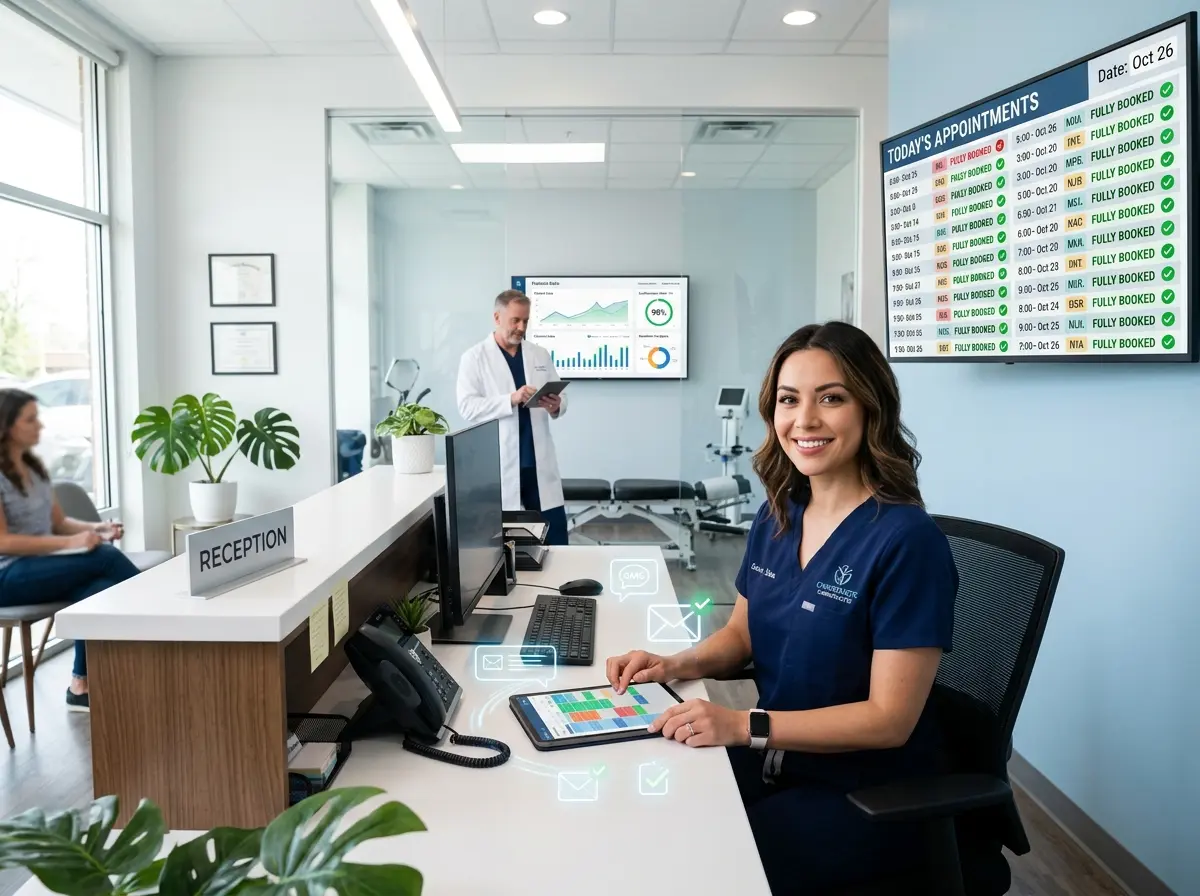
Sending reminders is great. Sending reminders that ask for a response and then doing something with that response is even better. When patients reply "YES" to confirm, your system should log that confirmation automatically. When they say "RESCHEDULE," your front desk should receive an immediate alert so they can follow up quickly — ideally within minutes, not hours.
How the Right Tools (and a Little AI) Make This Effortless
Automating Your Reminders So Your Team Can Focus on Patients
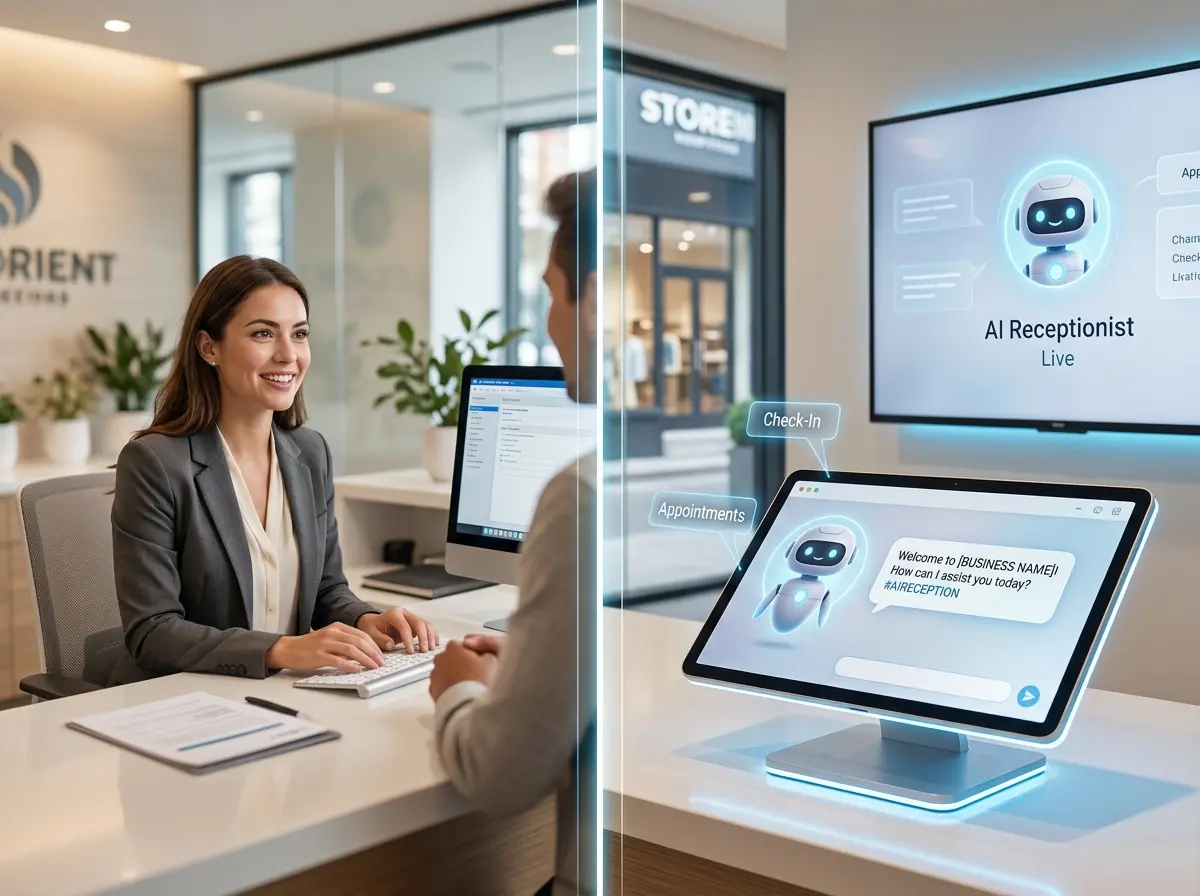
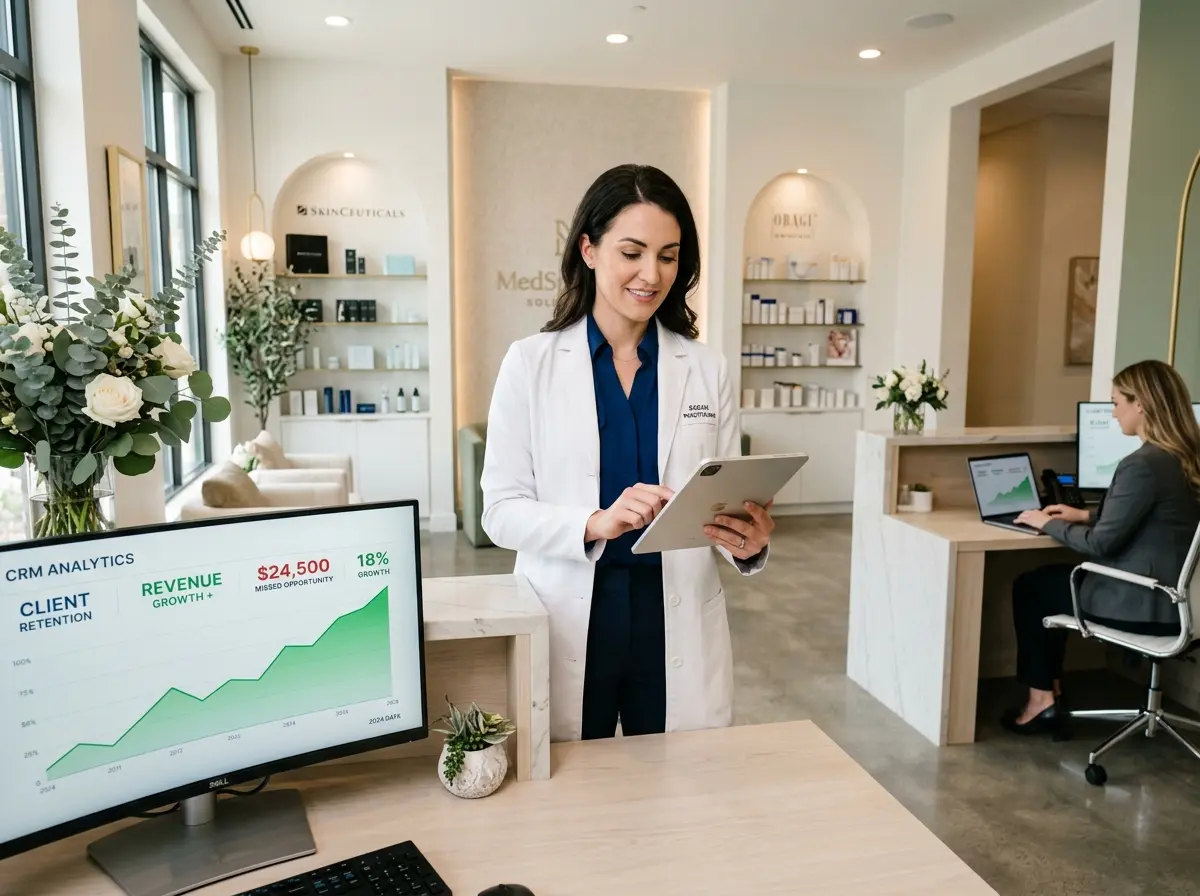
Stella, the AI robot employee and phone receptionist, is another powerful layer to consider adding to your practice's front-of-house operation. While your text reminder platform handles outbound scheduling nudges, Stella answers incoming phone calls 24/7 — so when a patient calls to reschedule at 7:00 PM after receiving your reminder, there's always someone (something?) ready to help. She can handle the conversation naturally, collect patient information through conversational intake forms, and log everything directly into her built-in CRM. No after-hours voicemail black holes. No missed opportunities to backfill a cancellation.
Reducing No-Shows Beyond the Reminder: Building a Culture of Accountability
Set Clear Expectations from the First Appointment
You don't have to be harsh about it — in fact, you shouldn't be. Frame the policy as a matter of respecting everyone's time, including other patients who might need that slot. Something as simple as "We kindly ask for 24 hours' notice if you need to cancel so we can offer your time to another patient" sets the expectation warmly but clearly. When patients understand there's a policy in place, they're more likely to follow through — or at least give you enough notice to fill the gap.
Use a Waitlist Strategically
The key to making a waitlist work is keeping it current and acting on it fast. Patients who are on a waitlist for an earlier appointment are highly motivated — they want to be there. The moment a slot opens, reaching out via text (not a phone call that goes to voicemail) with a message like "Good news! We have an opening this Thursday at 9 AM. Would you like it? Reply YES to grab it!" can fill that chair within minutes. Track waitlist conversion rates over time — it's a metric worth watching.
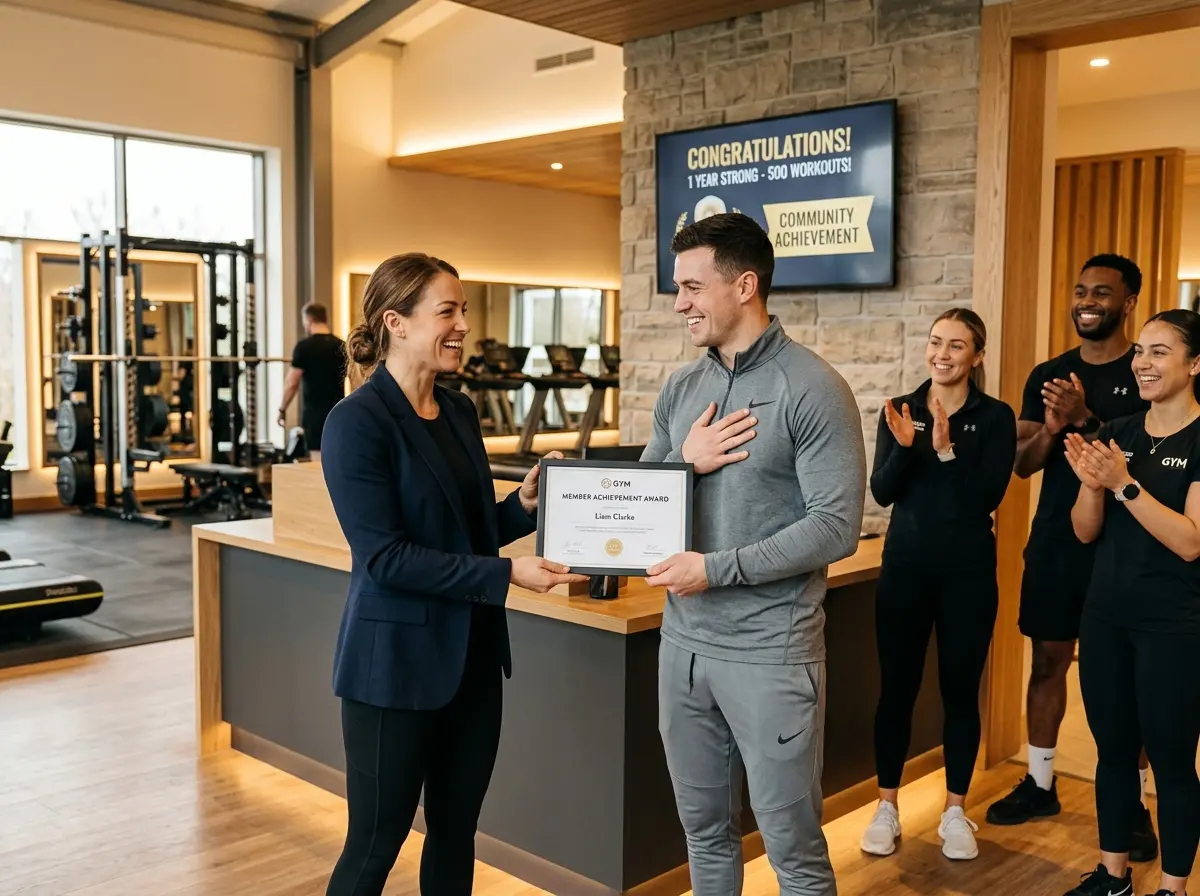
Recognize and Reward Your Reliable Patients
Quick Reminder About Stella
Stella is an AI robot employee and phone receptionist built for businesses of all sizes — including dental practices. She answers phone calls around the clock, handles patient inquiries naturally, collects information through conversational intake forms, and manages contacts through a built-in CRM — so your front desk can stay focused on the patients sitting right in front of them. At $99/month with no upfront hardware costs, she's one of the most cost-effective ways to make sure no call — or opportunity to backfill a cancelled appointment — ever goes unanswered.
Start Slashing No-Shows This Week
Here's your action plan to get started:
- Audit your current reminder process. Are you sending reminders? How many? When? What's your confirmation response rate?
- Choose or upgrade your text reminder tool. Make sure it supports two-way texting, automated sequences, and confirmation logging.
- Write (or rewrite) your message templates. Use patient names, doctor names, and warm language. Make rescheduling easy.
- Build or clean up your waitlist. Make sure it's current and that your team knows how to act on it quickly.
- Communicate your cancellation policy clearly to all new patients at booking — and make sure it's visible on your website and confirmation messages.
- Layer in 24/7 phone coverage so patients who receive a reminder at 9 PM and want to reschedule can actually do so without waiting until morning.