Your Google Business Profile Is Either Working for You or Against You
Let's be honest — when was the last time you updated your Google Business Profile? If your answer is "I set it up three years ago and haven't touched it since," you're leaving a significant amount of money on the table. We're talking about calls that never happened, appointments that went to your competitor down the street, and patients or clients who found you on Google, saw a half-completed profile, and quietly clicked away.
Google Business Profile (formerly Google My Business, because Google loves a rebrand) is one of the most powerful — and completely free — tools available to local businesses. When someone searches for a service near them, Google's local results show up front and center, often before any website ever gets a look. That little panel with your hours, photos, reviews, and phone number? That's your Google Business Profile, and it can either be your best salesperson or your most neglected employee.
The good news: optimizing your profile isn't complicated. It just requires some intentional effort. This guide walks you through exactly what to do to turn your profile into a call-driving, appointment-generating machine — and how to make sure your business is actually ready to handle all those new inquiries when they start rolling in.
Optimizing Your Profile to Show Up and Stand Out
Complete Every Single Section (Yes, Every One)
Google rewards completeness. Businesses with fully completed profiles are 70% more likely to attract location visits, and complete profiles get significantly more clicks, calls, and direction requests than incomplete ones. Yet a surprising number of businesses leave critical fields blank — services, business description, categories, attributes — and then wonder why they're not showing up in local searches.
Start with the basics: your business name, address, phone number, and website should be accurate and consistent with what appears everywhere else online. Inconsistencies confuse Google and erode trust. From there, go deeper. Write a genuine, keyword-rich business description that tells people what you do, who you serve, and what makes you different. Select the most accurate primary category for your business, then add secondary categories. If you're a medical spa, for example, you might select "Medical Spa" as your primary category and add "Skin Care Clinic" and "Laser Hair Removal Service" as secondary options.
Don't overlook the attributes section either. Things like "wheelchair accessible," "online appointments available," or "women-led business" may seem minor, but they influence both search visibility and customer decision-making.
Use Photos and Posts to Build Trust Before the First Call
People make snap judgments. When someone pulls up your profile and sees blurry photos from 2019 or — worse — no photos at all, they make an assumption about the quality of your business. It may not be fair, but it's human nature. Businesses with photos receive 42% more requests for directions and 35% more click-throughs to their websites than businesses without photos, according to Google's own data.
Upload high-quality images of your exterior (so people can find you), your interior, your team, and your products or services in action. For practices and service-based businesses, photos that showcase a clean, professional environment go a long way toward building trust with prospective patients or clients. Update your photos regularly — stale content signals a stale business.
Google Posts are another underused gem. These are essentially mini social media posts that appear directly on your profile. Use them to promote limited-time offers, announce new services, share upcoming events, or highlight a popular product. Posts expire after seven days for events and 30 days for standard posts, so build a habit of updating them consistently. Think of it as free advertising real estate on the most visited search engine on Earth.
Get Serious About Reviews — and Respond to Every One
Reviews are the engine of local SEO. A steady stream of recent, positive reviews signals to Google that your business is active, trustworthy, and relevant. More reviews also mean more conversions — 93% of consumers say online reviews influence their purchasing decisions. The tricky part? Most happy customers won't leave a review unless you ask them to.
Build a simple, repeatable system for requesting reviews. This could be a follow-up text or email after an appointment, a QR code displayed at checkout, or a direct link sent to satisfied clients. The easier you make it, the more reviews you'll get. Don't incentivize reviews with discounts or gifts — Google prohibits it and it can backfire badly.
Equally important: respond to every review, both positive and negative. Thank happy customers by name, and address negative reviews professionally and without defensiveness. A thoughtful response to a critical review often does more for your reputation than the negative review ever hurt it. Potential customers read those responses to gauge how you treat people when things don't go perfectly.
Never Miss a Lead Once They Find You
Make Sure Someone — or Something — Is Always Ready to Answer
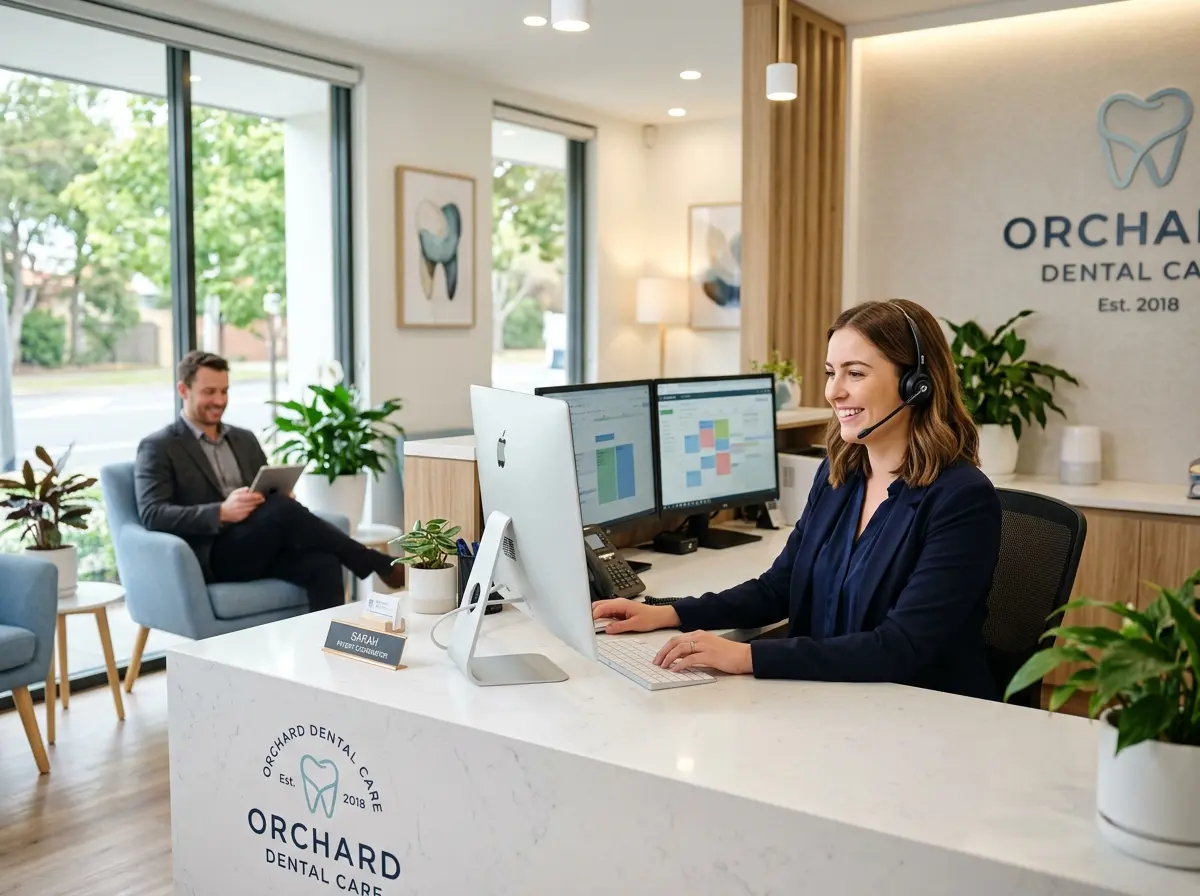
Here's the frustrating irony of doing all this optimization work: you drive more calls to your business, and then those calls go unanswered. Or they reach a voicemail that doesn't get checked until the next morning. Or a frazzled front desk staff member puts someone on hold for five minutes. According to research, 85% of callers who can't reach a business on the first try will not call back. That's an enormous amount of effort and money wasted at the final step.
This is exactly where Stella comes in. Stella is an AI robot employee and phone receptionist that answers calls 24/7 with real business knowledge — your hours, your services, your current promotions, your policies. For practices and service businesses, she can collect patient or client information through conversational intake forms right over the phone, so by the time a human follows up, the groundwork is already done. She also includes a built-in CRM to manage those contacts, with AI-generated profiles, custom fields, and notes — so no lead ever falls through the cracks. For businesses with a physical location, Stella also stands inside your space as a friendly kiosk, greeting walk-ins and answering questions so your staff can stay focused.
Turning Profile Visitors Into Booked Appointments
Enable and Promote Your Booking Button
Google Business Profile allows you to integrate a booking button directly into your profile through supported scheduling platforms. If you use software like Zocdoc, Vagaro, Mindbody, Calendly, or dozens of other supported tools, you can connect it so that a "Book Now" button appears right on your listing. This is a frictionless path from search to appointment — the fewer clicks between a prospective customer and a confirmed booking, the better your conversion rate will be.
If your booking platform isn't supported, add a direct link to your scheduling page in your profile's website field and reference it in your business description and posts. Make it obvious and make it easy. A customer who finds you at 10 PM on a Tuesday shouldn't have to wait until your office opens to schedule — they should be able to book right then, or at the very least submit an inquiry that gets a prompt response.
Use Q&A to Answer Questions Before They're Asked
The Q&A section of your Google Business Profile is often overlooked, but it's prime real estate for addressing common questions before they become barriers to booking. Anyone can post a question — and anyone can answer it, including random strangers on the internet. That's exactly why you need to take ownership of this section.
Proactively add your own questions and answer them. Think about what your front desk hears every day: Do you accept insurance? Do you offer free consultations? What's your cancellation policy? Is parking available? How long does a typical appointment take? Answering these questions directly on your profile reduces friction, builds trust, and may even keep a potential customer from bouncing to a competitor because they couldn't find a quick answer to a simple question.
Track What's Working With Profile Insights
Google provides built-in analytics for your Business Profile under the "Performance" section. This data shows you how many people found your profile through direct searches (searching your name) versus discovery searches (searching a category or service), how many people called you, requested directions, or visited your website, and which photos are getting the most views. Use this information to make smarter decisions.
If you see a spike in calls after publishing a particular Google Post, do more posts like it. If a specific photo is getting far more views than others, use that as a signal about what resonates with your audience. If your call volume drops significantly on certain days or at certain times, that might reveal a gap in your staffing or availability that's costing you business. Data-driven decisions are almost always better than gut-feel decisions — and this data is free and right in front of you.
A Quick Reminder About Stella
Stella is an AI robot employee that works as both an in-store kiosk and a 24/7 phone receptionist, helping businesses across retail, healthcare, salons, law firms, gyms, restaurants, and more handle customer interactions professionally and consistently. At just $99/month with no upfront hardware costs, she ensures that every call you drive through your Google Business Profile actually gets answered — with the right information, every time. Think of her as the employee who never calls in sick and always knows what's on special.
Put It All Together and Start Today
Optimizing your Google Business Profile is not a one-afternoon project — it's an ongoing practice. But the good news is that even modest improvements can produce measurable results relatively quickly. A more complete profile helps you rank higher. Better photos build more trust. A steady flow of reviews wins more clicks. A booking button converts more browsers into confirmed appointments. And Q&A answers remove the last remaining excuses for someone not to choose you.
Here's your action plan to get started this week:
- Log into your Google Business Profile and audit every field for completeness and accuracy.
- Upload at least 10 fresh, high-quality photos if you haven't done so recently.
- Publish a Google Post promoting your most popular service or a current offer.
- Send a review request to your five most recent happy customers today.
- Populate the Q&A section with the five most common questions your staff fields.
- Connect a booking integration or add a direct scheduling link to your profile.
- Make sure your phone is covered — because all of this effort means nothing if calls go unanswered.
Your Google Business Profile is a 24/7 marketing asset. Treat it like one, and it will reward you with more visibility, more calls, and more appointments — consistently and for free. The businesses that win locally aren't necessarily the biggest or the most established. They're the ones that show up completely, look trustworthy, and make it effortless for customers to say yes.