Is Your Checkout Line Moving Slower Than Your Wi-Fi on a Monday Morning?
Let's set the scene: it's a busy Saturday afternoon, your store is packed, your staff is scrambling, and a customer is standing at the register holding a product in one hand and their patience in the other — quickly losing grip on the latter. Sound familiar? If your current point-of-sale setup has you bolted to one spot in the store like a cashier version of a medieval torture device, it might be time to consider going mobile.
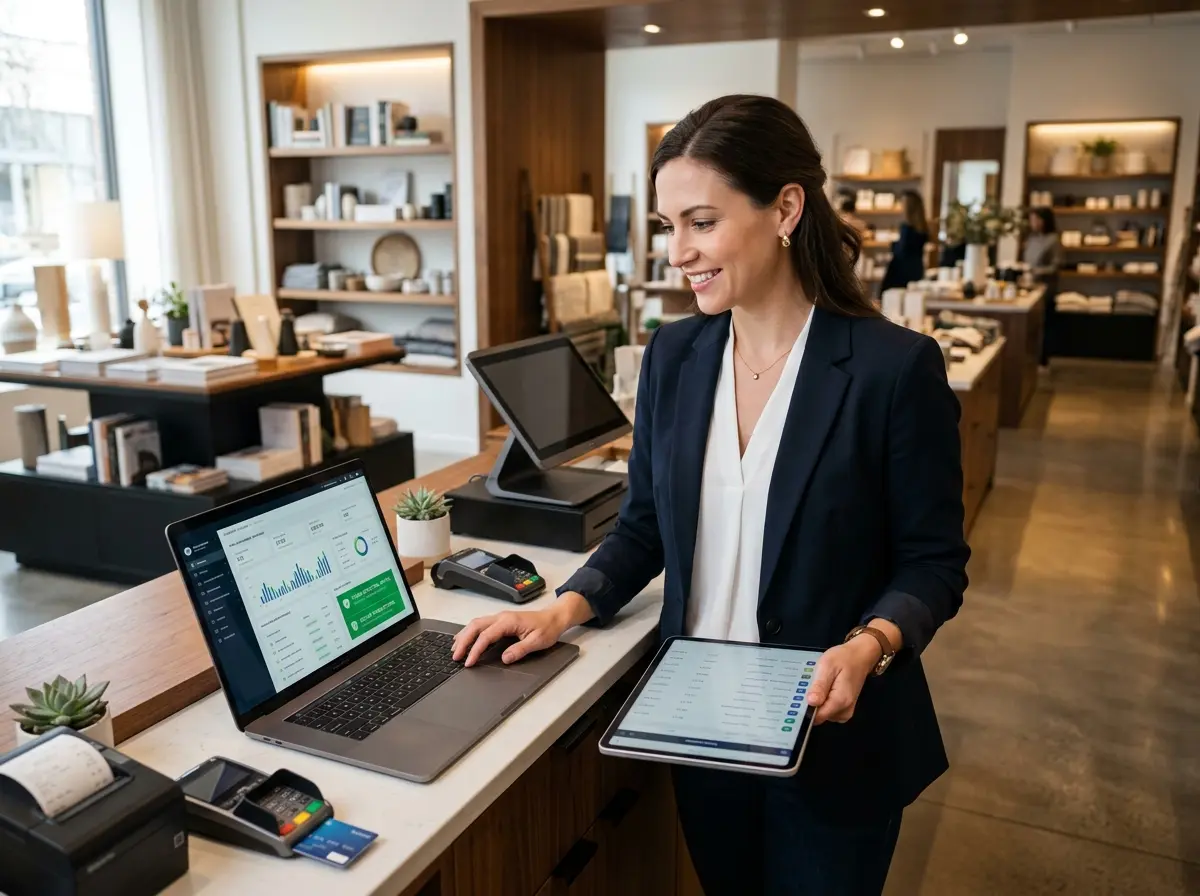
Mobile POS systems have transformed the way retail businesses operate, allowing staff to check out customers, look up inventory, and process payments from virtually anywhere in the store. According to Statista, the global mobile POS payments market is expected to exceed $4.7 trillion by 2025 — which is a pretty strong hint that the rest of the retail world has already gotten the memo. The question isn't whether mobile POS is the future; it's whether your store is ready for it right now.
Here are five honest, practical signs that the answer is yes.
The 5 Signs Your Store Is Screaming for a Mobile POS
Sign 1: Your Checkout Lines Are Consistently Long
If your customers are spending more time waiting in line than they are actually shopping, that's not just a bad experience — it's a revenue problem. Studies consistently show that a significant percentage of shoppers will abandon a purchase entirely if the wait time feels unreasonable. And in a world where they can order the same product from their couch in 30 seconds, "unreasonable" is a very low bar to clear.
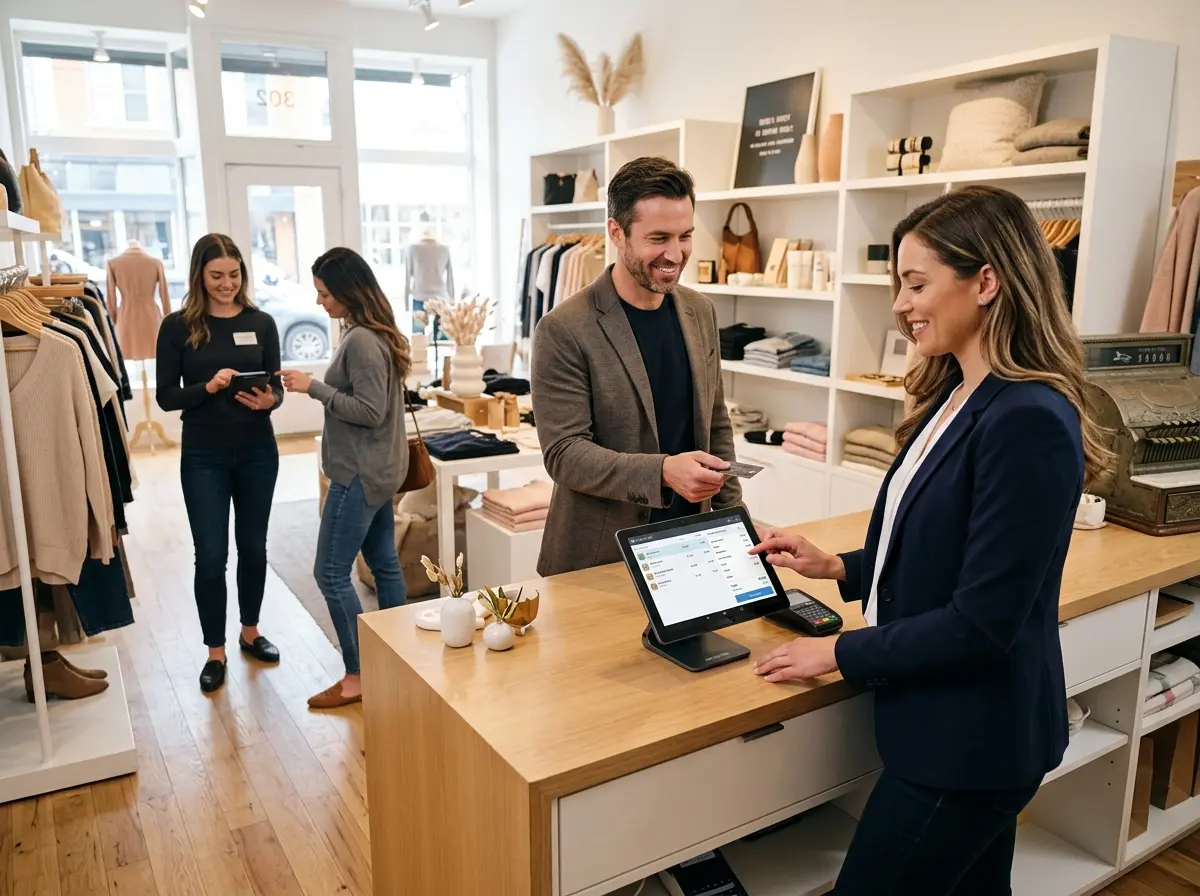
A mobile POS system allows your staff to float through the store, meet customers where they are, and complete transactions on the spot. No line. No waiting. No quietly fuming customer who vows never to return. Retailers like Apple and Nike have used this model for years, and there's a reason their in-store experience feels less like a chore and more like, well, shopping.
Sign 2: Your Staff Spends More Time Running Back to the Register Than Helping Customers
Here's an underrated inefficiency: your employee is on the floor helping a customer find the right product, and then — just as they've built rapport and closed the deal — they have to walk the customer across the entire store to ring them up. That's two unnecessary minutes, a disrupted flow, and an opportunity for the customer to second-guess their purchase along the way.
Mobile POS keeps the sale right where it starts. Your staff stays with the customer, completes the transaction in the moment, and moves on to the next person. It's a small change with a big operational ripple effect.
Sign 3: You're Running Pop-Ups, Events, or Seasonal Booths
If your business occasionally operates outside its four walls — farmers markets, holiday pop-ups, trade shows, sidewalk sales — then a fixed register setup isn't just inconvenient, it's impossible. Mobile POS was practically invented for this use case. A tablet, a card reader, and a solid data connection is all you need to run a fully functional retail operation from a folding table in a parking lot.
Even if pop-ups aren't a regular thing for you, the flexibility of mobile POS means you're always ready to say yes to an opportunity when one comes along. And in retail, being able to pivot quickly is worth quite a lot.
Complementing Your Tech Stack: Where Stella Fits In
More Than a POS — It's About the Full Customer Experience
A mobile POS system handles the transaction, but it doesn't handle the conversation. That's where Stella comes in. Stella is an AI robot employee designed for retail stores and other businesses — a friendly, human-sized kiosk that stands inside your store and engages customers naturally, answers their questions, promotes your current deals, and helps staff stay focused on higher-value interactions.
While your team is mobile and processing payments, Stella is holding down the fort — greeting every customer who walks in, cross-selling complementary products, and handling the repetitive questions that otherwise pull your staff away from the floor. She also answers your business phone calls 24/7 with the same knowledge she uses in person, so you're never missing a lead just because everyone's busy during a Saturday rush. It's the kind of operational backup that doesn't call in sick or ask for a raise.
What to Look for When Choosing a Mobile POS System
Inventory Management and Real-Time Syncing
One of the most critical features of any mobile POS system is how well it handles inventory. If your floor staff is selling products without real-time visibility into stock levels, you're going to end up in the awkward position of promising a customer something you don't actually have. Not ideal.
Look for a mobile POS that syncs inventory in real time across all devices and locations. This is especially important if you're running both a physical store and an online shop — overselling is a customer service nightmare that good software can almost entirely prevent. Bonus points if the system sends low-stock alerts automatically, so restocking decisions are proactive rather than reactive.
Payment Flexibility and Security
Your customers expect to pay however they want — credit, debit, Apple Pay, Google Pay, and probably something new that gets invented next quarter. A mobile POS system that only accepts swiped cards isn't mobile POS; it's just a smaller version of the problem you already have.
Prioritize systems that support contactless payments, chip cards, and digital wallets. Equally important is PCI compliance and end-to-end encryption — not just because it's legally smart, but because customers are increasingly aware of payment security and trust businesses that take it seriously. Square, Shopify POS, and Lightspeed are all strong contenders worth evaluating, depending on your store's size and complexity.
Reporting and Analytics That Actually Make Sense
A good mobile POS system doesn't just process transactions — it captures data that helps you run a smarter business. Which products are selling fastest? What time of day does your store peak? Which staff members are the strongest closers? These aren't vanity metrics; they're the inputs to better staffing decisions, smarter inventory buys, and more effective promotions.
When evaluating systems, look for dashboards that present information clearly without requiring a data science degree to interpret. If you have to export a CSV and open Excel just to get a basic sales report, keep shopping. The best systems turn your transaction data into actionable insights automatically, and they do it in a way that's accessible to a business owner who has approximately twelve other things to think about at any given moment.
Quick Reminder About Stella
Stella is an AI robot employee and phone receptionist built for businesses like yours. She greets customers in-store, answers questions, promotes deals, and handles phone calls 24/7 — all for just $99/month with no upfront hardware costs. Whether your team is busy running mobile transactions or simply stretched thin, Stella keeps the customer experience consistent and professional without adding to your payroll headaches.
Making the Move: Your Next Steps
If you recognized your store in even two or three of the signs above, the case for mobile POS is already pretty compelling. The good news is that getting started doesn't require a massive overhaul. Here's a practical path forward:
- Audit your current pain points. Are long lines your biggest issue? Staff inefficiency? Seasonal flexibility? Knowing your primary problem will help you evaluate systems based on what actually matters to your operation.
- Request demos from two or three platforms. Square for Retail, Shopify POS, and Lightspeed are all worth a look. Most offer free trials, so you can stress-test the software before committing.
- Involve your staff in the decision. They're the ones using the system every day. If the interface is clunky or unintuitive, adoption will be slow and the benefits won't materialize. Staff buy-in matters more than most business owners anticipate.
- Plan your rollout carefully. Don't flip the switch on a busy holiday weekend. Start during a slower period, train your team thoroughly, and iron out the wrinkles before peak traffic hits.
- Pair it with the right customer experience tools. A mobile POS handles the transaction side of the equation. Tools like Stella handle the human side — the greetings, the questions, the upsells, and the phone calls that come in while your staff is heads-down on the floor.
Retail has never been more competitive, and the businesses that win aren't necessarily the ones with the biggest budgets — they're the ones that operate the most efficiently and deliver the best experience at every touchpoint. A mobile POS system is a meaningful step in that direction. So is taking a hard look at everything else that's slowing you down.
Your customers' time is valuable. So is yours. Act accordingly.