Because Apparently "Don't Forget Your Appointment" Needs to Be Said Five Times
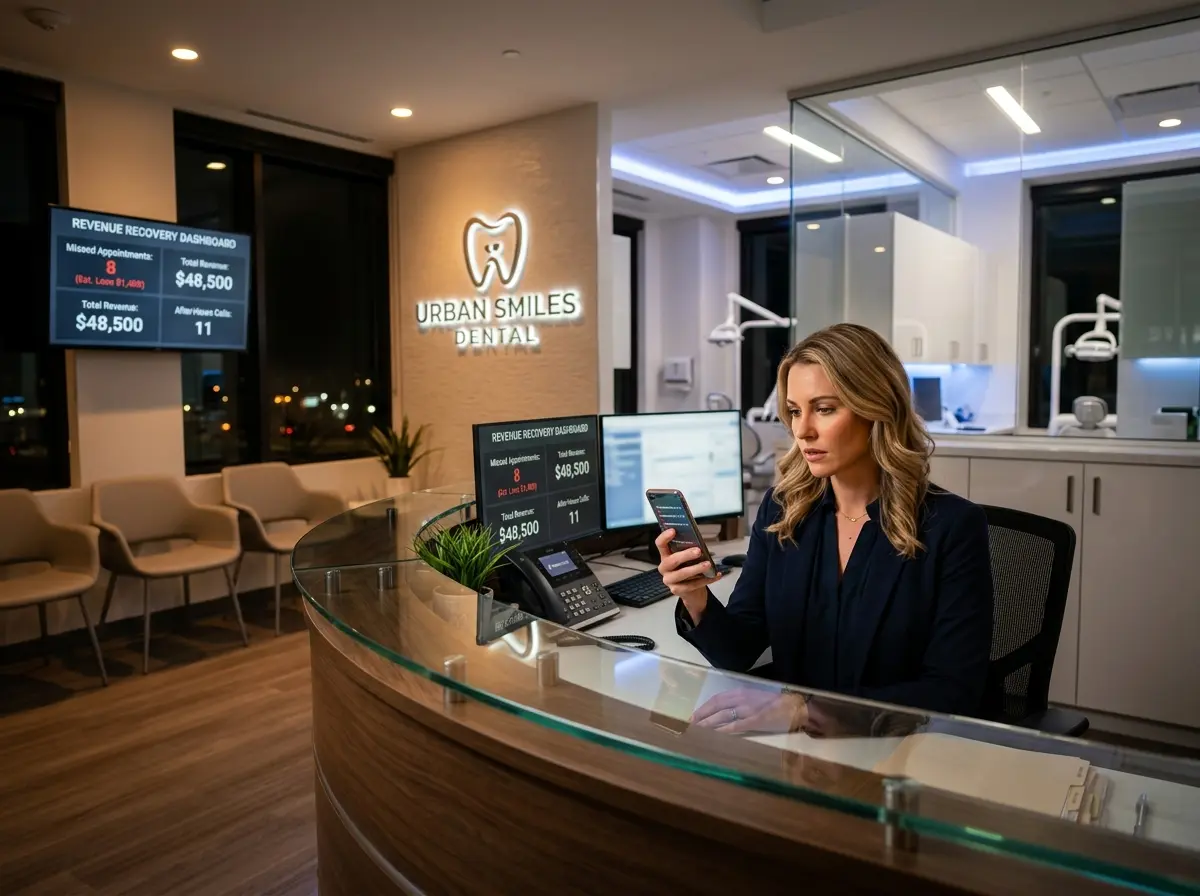
No-shows are the silent killer of appointment-based businesses. One minute you've got a fully booked Tuesday, and the next you're staring at an empty dental chair while your hygienist reorganizes the supply cabinet for the third time this week. For dental practices especially, a single missed appointment can cost anywhere from $150 to $500 in lost revenue — and that adds up fast when no-show rates industry-wide hover around 20-30%.
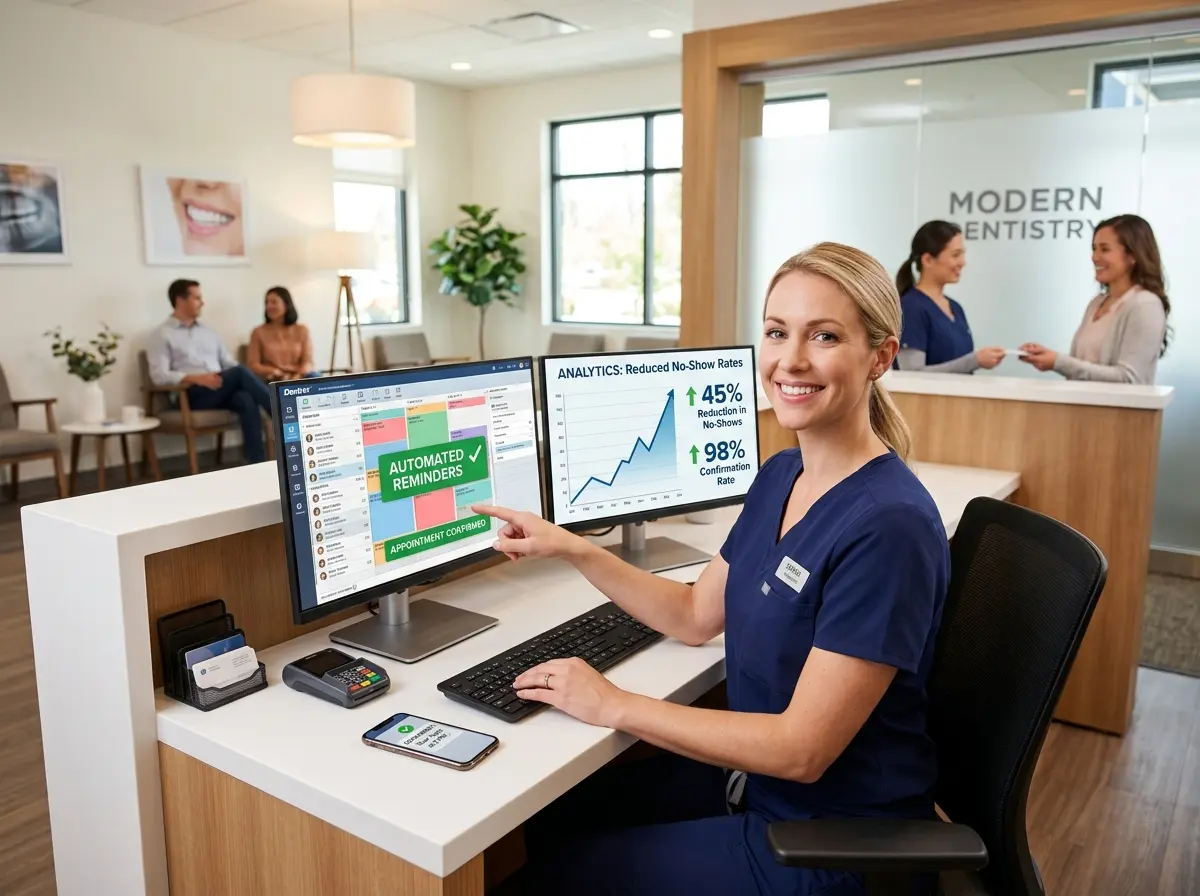
One dental practice decided they'd had enough. By implementing a structured, multi-touch automated appointment reminder sequence, they slashed their no-show rate by 60%. No begging. No hiring an extra front desk person just to make reminder calls all day. Just a smart, consistent system that did the heavy lifting automatically.
The good news? You don't need to be a dental practice to steal this playbook. Whether you run a med spa, a law firm, a hair salon, or an auto shop, appointment no-shows are costing you real money — and the fix is simpler than you'd think.
Understanding Why Patients (and Customers) Ghost You
Before you can solve the no-show problem, it helps to understand why it happens in the first place. Spoiler: it's usually not personal. People aren't skipping your appointments because they dislike you. Life is chaotic, memories are short, and a dental cleaning scheduled six months ago is simply not top of mind when someone's juggling a busy workweek.
The Memory Problem Is Real
Research from the Journal of Medical Internet Research found that a staggering number of missed appointments come down to one embarrassingly simple cause: the patient forgot. Not a scheduling conflict. Not an emergency. They just forgot. This is both maddening and oddly reassuring, because forgetting is something you can actually solve with the right reminder sequence. A single reminder sent 24 hours before the appointment used to be considered sufficient. In today's world of overstuffed inboxes and notification fatigue, one reminder is about as reliable as a sticky note on someone else's fridge.
Friction and Confirmation Anxiety
Another underappreciated factor is what you might call confirmation anxiety — the awkward moment when a patient doesn't know whether their appointment is actually confirmed, or whether they need to call to confirm, or whether not calling means it'll be cancelled. Confusing confirmation processes cause patients to disengage entirely. When your reminder sequence is clear, friendly, and gives people an easy way to confirm or reschedule, you eliminate a surprising amount of no-show behavior before it starts.
The Reschedule Barrier
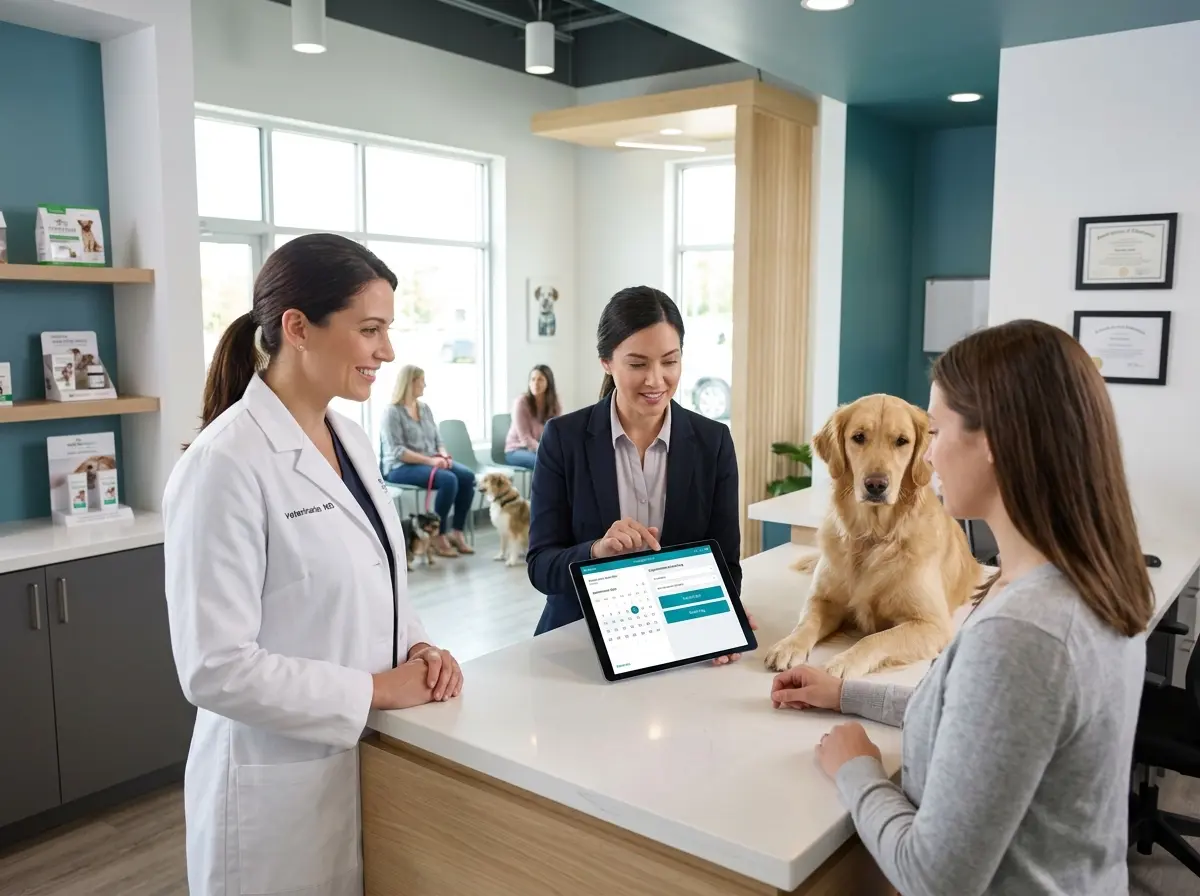
Many no-shows happen not because patients don't want to come, but because they realize they can't make it and have no easy way to reschedule. Calling the office feels like a commitment. Leaving a voicemail and waiting for a callback feels like homework. If your reminders include a frictionless way to reschedule — a link, a reply option, or an immediate conversation — you convert potential no-shows into rescheduled appointments instead of empty slots and lost revenue.
Tools That Make Automated Reminders Effortless
The reminder sequence itself is only as good as the system powering it. Fortunately, this is one area where technology has made the manual work almost entirely disappear — and where an AI receptionist like Stella fits in naturally.
Where AI Receptionists Come In
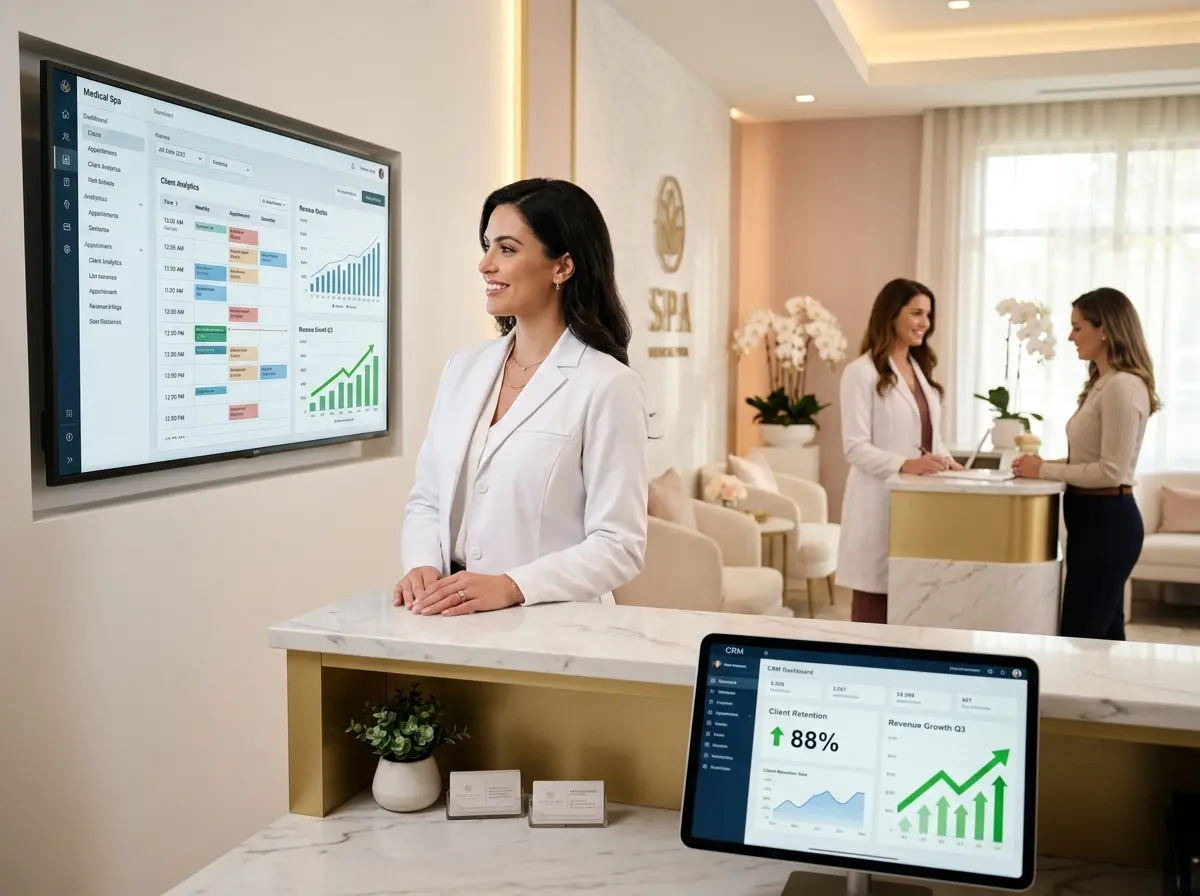
Stella handles inbound phone calls 24/7, which means when a patient calls after hours to reschedule — as they often do, because people remember things at 9pm — there's always someone there to help. She can collect patient information through conversational intake forms, update records in her built-in CRM, and ensure that your front desk team walks in every morning with a clean, organized picture of who's confirmed, who's requested a reschedule, and who needs a follow-up. For appointment-driven businesses, that kind of round-the-clock availability removes the reschedule barrier entirely. Patients who might have otherwise just not shown up can easily call, speak with Stella, and get rebooked — all without disturbing your staff at dinner.
The 5-Touch Reminder Sequence That Actually Worked
Here's the exact structure the dental practice used. It's not revolutionary in concept — it's revolutionary in consistency. Most businesses send one reminder and call it done. This practice sent five, and each one served a specific purpose.
Touch 1: The Booking Confirmation (Immediately After Scheduling)
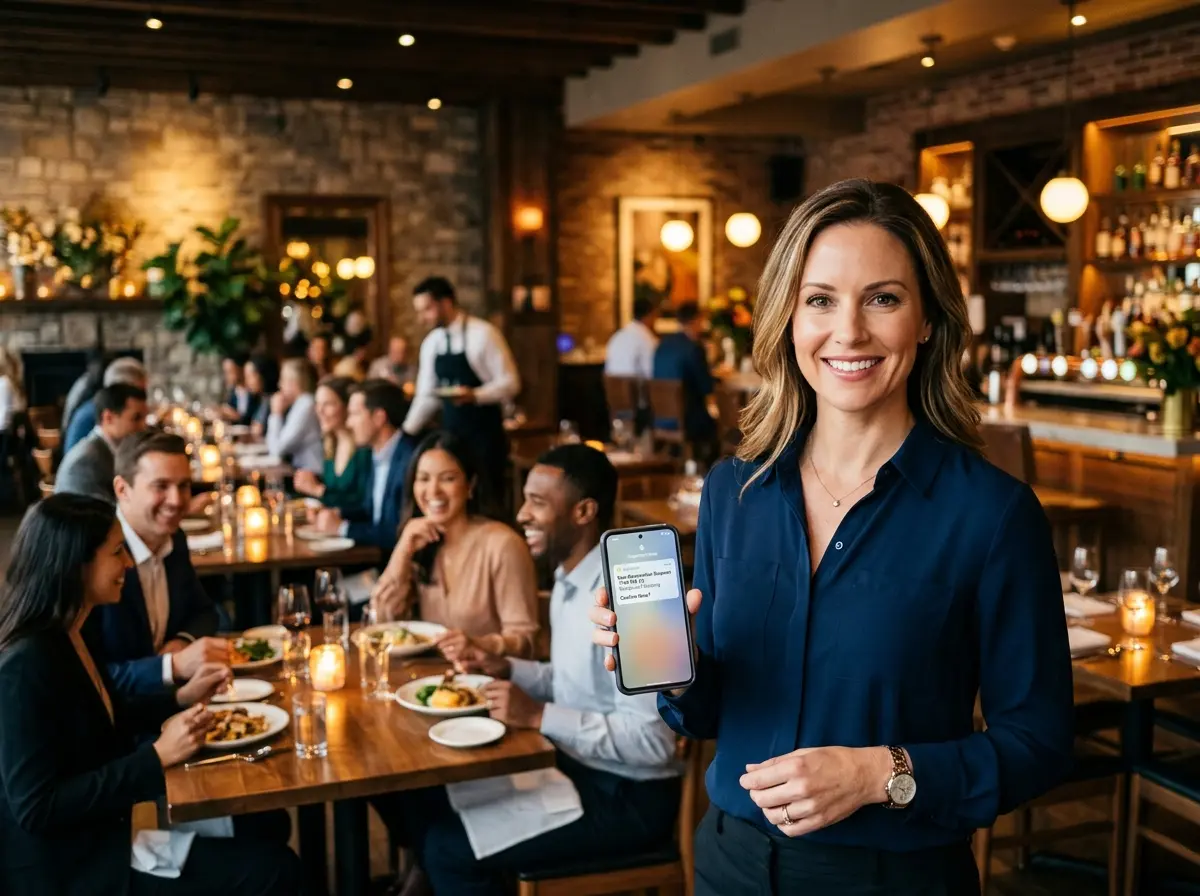
The moment an appointment is booked, an automated confirmation goes out — typically via email and/or SMS. This message confirms the date, time, location, and any preparation instructions (for a dental office, that might be a reminder to brush beforehand, which patients appreciate and occasionally actually do). The goal here is to set the appointment firmly in the patient's mental calendar from the very beginning. It also establishes that your practice communicates clearly and professionally, which builds trust.
Touch 2: The One-Week Reminder
Seven days before the appointment, a second message goes out. This one is friendly and informational — a simple heads-up that the appointment is coming up, along with a clear link or number to reschedule if needed. At this stage, you're planting a flag in the patient's week. You're not being pushy; you're being helpful. Including a frictionless reschedule option here is key, because a week out is when people first start realizing they have a conflict.
Touch 3: The 48-Hour Reminder With Confirmation Request
Two days before the appointment, the tone shifts slightly. This message asks the patient to actively confirm their attendance. Something like: "Your appointment is in 2 days! Reply YES to confirm or call us to reschedule." This is where a lot of the magic happens. Patients who weren't going to show up are now nudged to either commit or reschedule instead of just disappearing. The dental practice in this case study saw the biggest reduction in no-shows directly attributable to this single touch.
Touch 4: The Day-Before Final Reminder
Twenty-four hours out, one more friendly nudge. Keep this one short and warm. Confirm the time, provide the address or parking information if relevant, and remind them of any last-minute prep. No guilt-tripping, no passive aggression — just a helpful, professional reminder from a practice that has its act together. Patients who haven't confirmed yet are flagged in the system for a potential staff follow-up call if needed.
Touch 5: The Day-Of Check-In (Optional but Powerful)
A morning-of reminder — sent a few hours before the appointment — functions as the final safety net. It's brief, it's friendly, and it gives last-minute cancellers one more chance to reschedule rather than ghost. Some practices skip this touch for fear of seeming overbearing, but when worded correctly, patients actually appreciate the professionalism. Pair it with a simple reschedule link and watch your last-minute no-shows drop.
Quick Reminder About Stella
Stella is an AI robot employee and phone receptionist that works for businesses 24/7 — answering calls, greeting walk-in customers, managing contact records through a built-in CRM, and handling intake conversations so your team doesn't have to. At just $99/month with no upfront hardware costs, she's the kind of employee who never calls in sick, never misses a call, and never forgets to follow up.
Putting It All Together: Your Action Plan
The 60% reduction in no-shows this dental practice achieved didn't come from a magic wand. It came from implementing a system, being consistent with it, and removing every possible barrier between a patient and showing up. Here's how to bring this to your own business:
Start by auditing your current reminder process honestly. If you're sending one reminder and hoping for the best, you already know where the gap is. Choose an automation platform — your practice management software, a CRM, or a dedicated scheduling tool — that supports multi-step messaging sequences via both SMS and email. SMS, in particular, has an open rate north of 90%, which makes it non-negotiable for time-sensitive appointment reminders.
Build your sequence with these priorities in mind: confirm immediately, remind early, request confirmation at 48 hours, and give every patient an easy, low-friction way to reschedule at every touchpoint. Every time you make rescheduling easier, you convert a potential no-show into a future appointment instead of a revenue loss.
Finally, make sure your phone line — or your AI receptionist — is equipped to handle inbound calls from patients who want to reschedule after hours. The 48-hour reminder will trigger calls. The day-before reminder will trigger calls. If no one is there to answer, those patients will simply not show up. Closing that loop is what takes a good reminder sequence from decent to genuinely excellent.
Your schedule is a business asset. Treat it like one — and stop letting no-shows drain it one empty appointment slot at a time.