Is Your Front Desk Running Your Practice — or Running It Into the Ground?
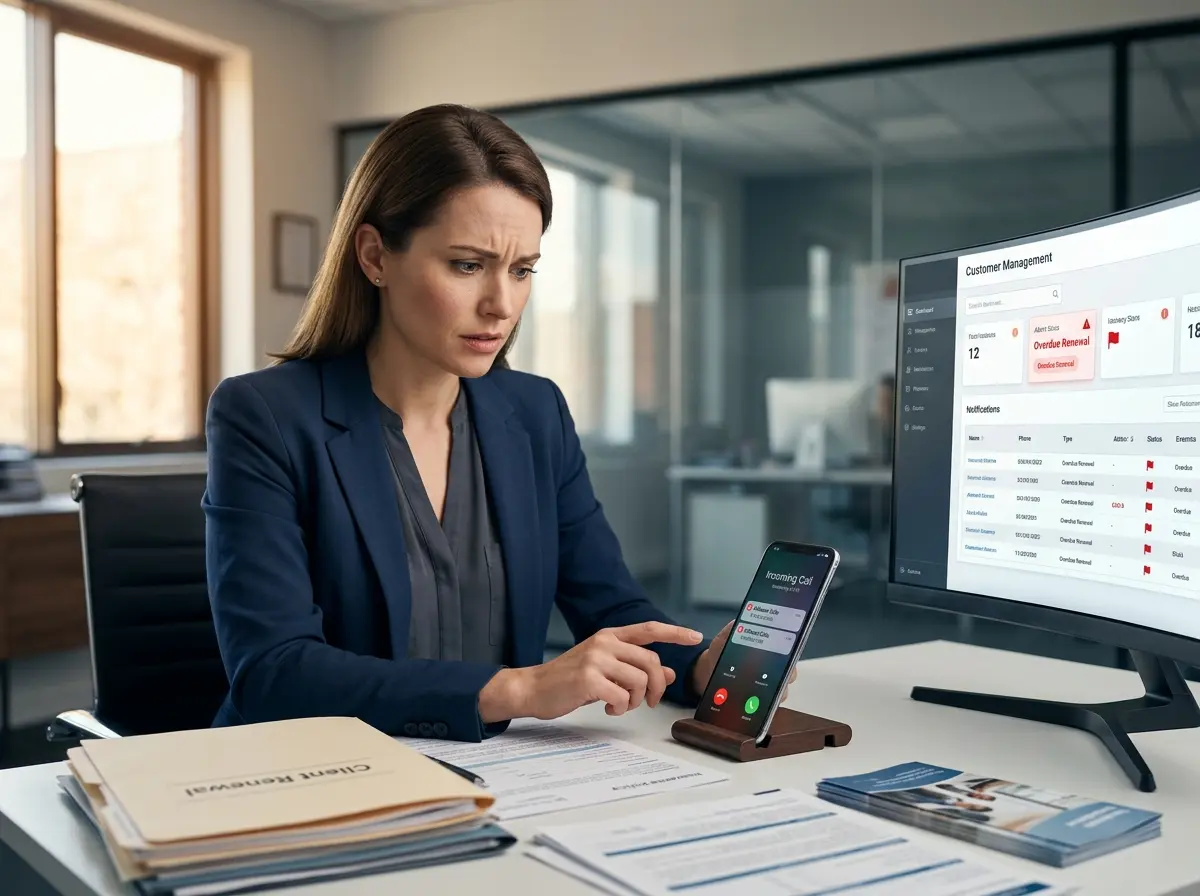
Let's paint a familiar picture: it's a busy Tuesday morning at your chiropractic office. Dr. Martinez is mid-adjustment with a patient, the phone is ringing off the hook, your front desk coordinator is simultaneously checking in a walk-in, confirming a 2 PM appointment, and desperately trying to figure out why the schedule shows two patients booked at 10:30. Again. Meanwhile, Mrs. Henderson has been waiting four minutes to check in and is beginning to question her life choices — specifically, the choice to call ahead and schedule.
Scheduling chaos in chiropractic offices isn't just annoying. It's expensive. Studies show that no-shows and scheduling inefficiencies cost the average medical practice between $150,000 and $300,000 annually. For a chiropractic office, double-bookings erode patient trust, while scheduling gaps silently drain revenue one idle treatment room at a time.
The good news? This is an entirely solvable problem. The even better news? You don't need to hire three more front desk staff members and hope they never call in sick simultaneously. You need a smarter system — one built around automation, real-time coordination, and a patient experience that actually feels professional. Let's break it down.
Why Chiropractic Scheduling Goes Wrong (And Keeps Going Wrong)
The Double-Booking Disaster
Double-bookings don't happen because your staff is incompetent. They happen because chiropractic scheduling is genuinely complex. You're managing multiple providers, different appointment types with varying time requirements (a new patient intake is not the same as a 15-minute adjustment — not even close), treatment rooms, equipment availability, and a phone that refuses to stop ringing during your peak hours. When a patient calls to book while another is being manually entered into the system, things slip through the cracks.
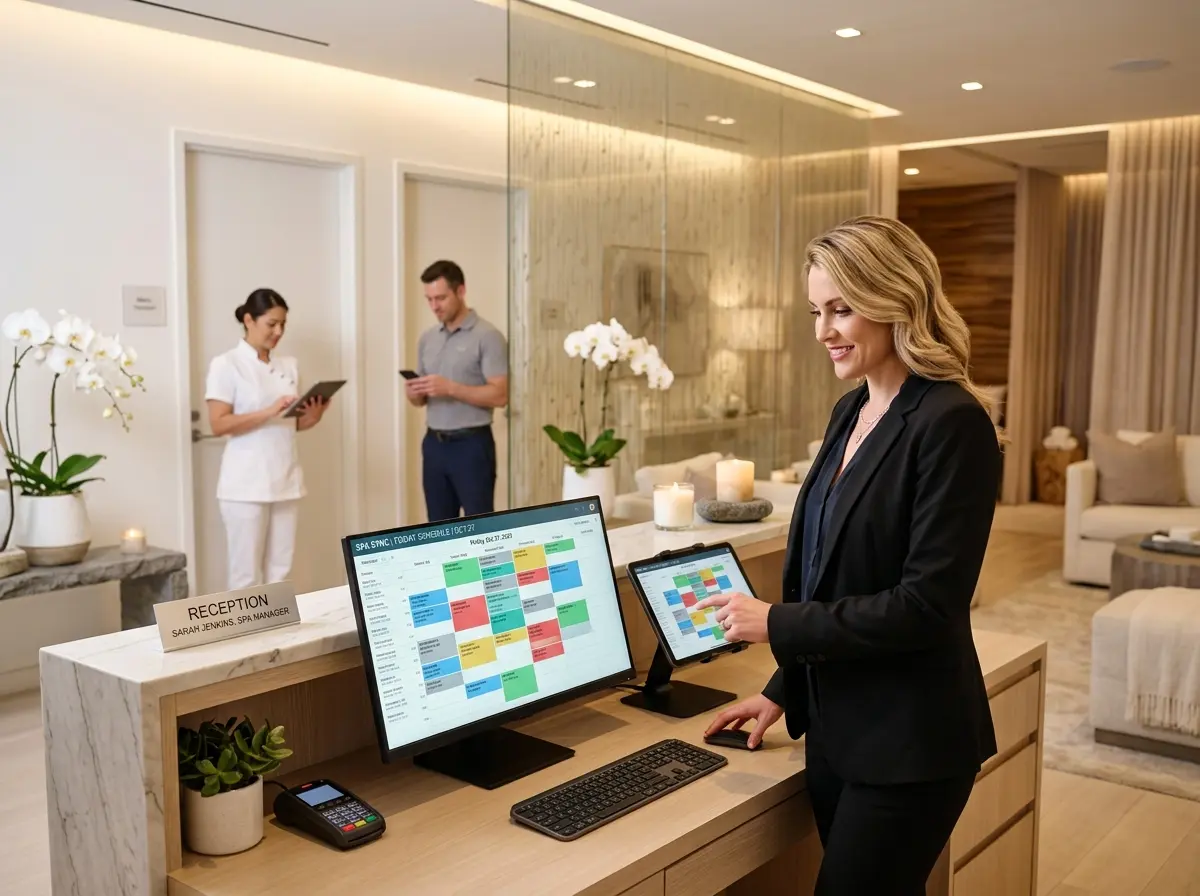
The fix starts with a real-time, centralized scheduling system that automatically locks appointment slots the moment they're claimed — whether the booking comes through your website, a phone call, or a walk-in at the front desk. No more "I thought Karen already put that in the system." The system is the single source of truth, and it doesn't get distracted by a ringing phone or a chatty patient at the counter.
The Gap Problem Nobody Talks About
Gaps are the silent killer. A no-show at 11 AM leaves a treatment room empty, a provider idle, and revenue that simply evaporates. Most practices accept this as an unfortunate cost of doing business. But a well-designed scheduling system fights back. Automated waitlists are one of the most underutilized tools in chiropractic practice management — when a cancellation comes in, the system should immediately notify waitlisted patients and offer them the slot before it goes cold.
Pair that with automated appointment reminders sent via text or email 48 to 72 hours in advance, and you'll dramatically reduce your no-show rate. Research consistently shows that appointment reminder systems reduce no-shows by 30% to 50%. That's not a marginal improvement — that's a meaningful difference in monthly revenue.
The New Patient Intake Bottleneck
Here's one that doesn't always get categorized as a scheduling problem, but it absolutely is: new patient intake. When a new patient arrives, hands them a clipboard with six pages of paperwork, and asks them to fill everything out before their appointment — you've just added 15 to 20 unplanned minutes to their visit. That ripples through your entire afternoon schedule like a stone dropped in still water.
The solution is digital intake forms completed before the patient ever walks through the door. Send the intake link with the booking confirmation. By the time they arrive, their information is already in your system, reviewed, and ready. Your front desk isn't scrambling. Your provider isn't waiting. And your schedule stays intact.
How Technology (Including a Little AI) Can Do the Heavy Lifting
Automating the Communication Layer
One of the most labor-intensive parts of running a chiropractic front desk is the sheer volume of patient communication — booking confirmations, reminders, rescheduling, follow-ups, and answering the same five questions about insurance and parking approximately forty times a week. This is precisely where AI-powered tools can free your human staff to focus on what actually requires a human: the warm, personal patient experience.
Stella, the AI robot employee and phone receptionist, is one example of technology that handles this communication layer gracefully. For chiropractic offices with a physical location, Stella operates as a friendly, human-sized AI kiosk that greets patients when they walk in, answers questions about services and office policies, and keeps the front desk from becoming a traffic jam during busy hours. She also answers phone calls 24/7 — which means a patient trying to book a Saturday appointment at 9 PM on a Wednesday actually gets a helpful response instead of voicemail. Stella's built-in CRM and conversational intake forms mean she can collect patient information during a phone call or at the kiosk, automatically building out patient profiles and keeping your contact records clean and current — without anyone on your staff lifting a finger.
Building a Scheduling System That Actually Holds Together
Choosing the Right Scheduling Software for Chiropractic Practices
Not all scheduling software is created equal, and general-purpose tools often fail chiropractic offices in subtle but costly ways. When evaluating a platform, look specifically for features like provider-specific calendars, appointment type duration controls, room and resource assignment, and integrated patient communication. Platforms like ChiroTouch, Jane App, and Kareo are purpose-built for clinical environments and handle the nuances of healthcare scheduling far better than a generic booking widget slapped onto your website.
Critically, your scheduling system should integrate — or at minimum, communicate — with your billing and clinical documentation tools. When a patient books, their record should be accessible to your provider before the appointment begins. When a no-show occurs, your billing system should know about it. These integrations eliminate the manual data entry that creates errors and eats up staff time.
Training Your Team to Trust (and Maintain) the System
Technology is only as good as the humans operating it — which is a polite way of saying that the best scheduling system in the world will still produce chaos if half your team is booking appointments in a spreadsheet because "it's just easier." Consistent adoption across your entire staff is non-negotiable. That means proper onboarding, clear protocols for how different appointment types get entered, and a firm rule: if it's not in the system, it doesn't exist.
Set aside time each week for a brief schedule audit. Look for patterns — are gaps clustering around certain times or providers? Are double-bookings happening through a specific booking channel? The data your scheduling system collects is genuinely useful, but only if someone is looking at it with intention and making adjustments accordingly.
Creating a Cancellation and Rescheduling Policy That Protects Your Revenue
Even the best scheduling system can't overcome a culture where patients cancel at will with no consequences. A clearly communicated cancellation policy — typically requiring 24 to 48 hours' notice — combined with a modest cancellation fee for late cancellations creates a meaningful incentive for patients to treat their appointments with the same seriousness you do. This isn't punitive; it's professional. And when paired with an easy, automated rescheduling option (a text link, an online portal, or a quick call to your AI receptionist), it removes friction for patients who genuinely need to change their appointment without encouraging casual cancellations.
Quick Reminder About Stella
Stella is an AI robot employee and phone receptionist that works 24/7 — greeting patients in your office, answering calls, collecting intake information, managing contacts in a built-in CRM, and promoting your services without ever calling in sick or needing a coffee break. She runs on a straightforward $99/month subscription with no upfront hardware costs, making her one of the more sensible investments you can make in your practice's front-end operations. Whether you're a solo practitioner or running a multi-provider clinic, she's worth a look.
Your Next Steps Toward a Schedule That Works for You
Here's the honest summary: double-bookings and scheduling gaps are not inevitable features of running a chiropractic practice. They are symptoms of systems that haven't kept pace with what modern scheduling technology can do. The practices that eliminate these problems share a few common traits — they use purpose-built scheduling software with real-time conflict prevention, they automate patient communication relentlessly, they collect intake information before the appointment, and they enforce consistent cancellation policies without apology.
If you're ready to make meaningful changes, start here:
- Audit your current scheduling system this week. Count the number of double-bookings and gaps that occurred over the past 30 days and calculate the revenue impact. That number will motivate you.
- Evaluate purpose-built chiropractic scheduling software if you're not already using one. Most offer free trials — there's no good reason not to test one.
- Implement automated reminders and a digital intake process before your next busy week. These two changes alone will produce noticeable results quickly.
- Document and enforce your cancellation policy consistently. Post it on your website, include it in booking confirmations, and train your staff to communicate it warmly but firmly.
- Explore AI-powered reception tools to handle after-hours calls, patient inquiries, and intake collection — so your human team can focus on delivering exceptional care.
Your schedule should be an asset that supports exceptional patient care — not a daily emergency that your team is perpetually trying to survive. With the right systems in place, it absolutely can be.