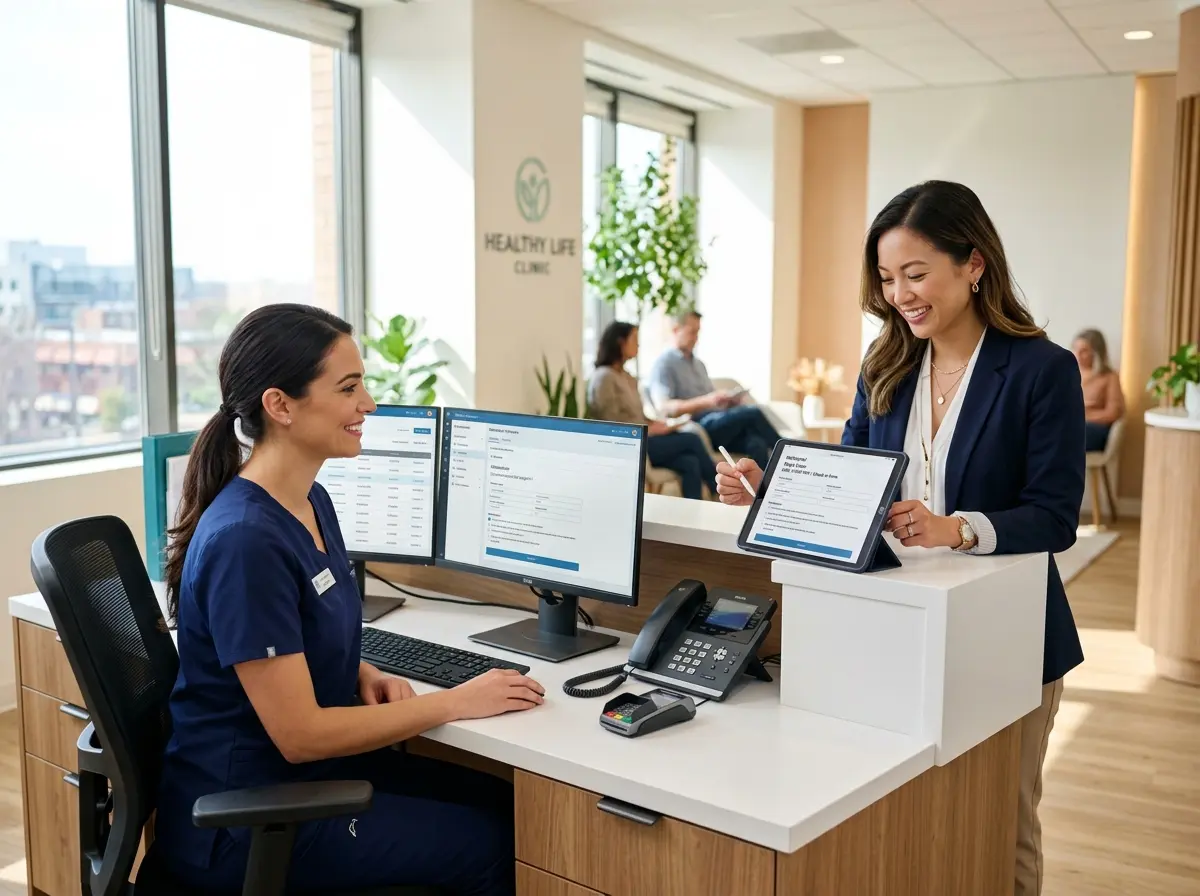
Your Staff Is Drowning in Paperwork — And It Doesn't Have to Be That Way
Picture this: a patient walks into your medical office, checks in at the front desk, and is handed a clipboard with six pages of forms to fill out by hand. Meanwhile, your receptionist is on the phone, another patient is asking a question, and somewhere in the back, someone is desperately trying to decipher the handwriting on a form that was filled out in what appears to be ancient hieroglyphics. Sound familiar?
The administrative burden in medical offices is staggering. According to research published in the Annals of Internal Medicine, physicians and their staff spend nearly two hours on administrative tasks for every one hour of direct patient care. That's not a typo. Two to one. And a significant chunk of that time? Intake forms — collecting them, reading them, re-entering them into your system, and chasing down patients who left half the fields blank.
The good news is that digital intake forms aren't just a trendy upgrade — they're a practical, proven way to claw back hours every single week. Let's talk about how to make it happen.
Why Paper Intake Forms Are Quietly Destroying Your Efficiency
The Hidden Cost of the Clipboard
Paper intake forms feel harmless. They're familiar, they've always been there, and nobody is loudly complaining about them. But that quiet acceptance is exactly the problem. Every paper form that enters your office creates a chain of small inefficiencies that compound over time.
First, there's the printing and stocking of the forms themselves. Then there's the time your front desk staff spends handing them out, collecting them, reviewing them for completeness, and following up when a patient skipped the insurance section (again). After that, someone has to manually enter that data into your practice management system — which is essentially paying a human being to do a job that a computer can do in seconds. And if a patient filled something out incorrectly? Back to square one.
For a modest practice seeing 30–50 patients per day, conservative estimates suggest that paper-based intake processes consume 8 to 12 staff hours per week in combined data entry, review, and follow-up time. That's time that could be spent on patient care, scheduling, billing, or — wild idea — actually taking a lunch break.
The Patient Experience Problem
Beyond your staff's sanity, paper forms create friction for patients too. Nobody enjoys sitting in a waiting room filling out a form they've filled out a dozen times before. Patients with mobility issues, vision impairments, or limited English proficiency face real barriers. And when your waiting room is packed, the clipboard situation becomes its own kind of chaos.
Digital intake forms, sent to patients before their appointment, eliminate the waiting room scramble entirely. Patients can complete forms on their phone, tablet, or computer at home — in their own time, at their own pace. They arrive ready. Your staff receives clean, structured data. Everyone wins.
Compliance and Accuracy Take a Hit Too
Illegible handwriting isn't just annoying — it's a liability. Incorrect medication names, misread dosages, and unclear allergy information can have serious consequences. Digital forms enforce proper formatting, flag incomplete fields, and ensure that the data entering your system is actually readable. Many platforms also offer e-signature capabilities that hold up to HIPAA and compliance requirements, giving you cleaner records and stronger documentation.
How to Build a Digital Intake Process That Actually Saves Time
Start With the Right Tools — Including AI That Collects Information Conversationally
Implementing digital intake doesn't have to mean an expensive, months-long overhaul of your entire practice management system. Many medical offices start with a focused solution that handles intake specifically and integrates with their existing tools.
One option worth knowing about: Stella, the AI robot employee and phone receptionist, can collect patient intake information conversationally — whether through a phone call, a web-based form, or an in-office kiosk interaction. Instead of patients staring at a static form, they're guided through questions in a natural, friendly conversation. The information is captured directly into Stella's built-in CRM, complete with custom fields, tags, and AI-generated contact profiles. For front desk staff who are already stretched thin, this kind of automated intake can meaningfully reduce the manual work before a patient even walks through the door. And because Stella answers phones 24/7, patients who call after hours to confirm or update their information aren't left waiting until morning.
Design Your Forms With the Patient Journey in Mind
A digital intake form that's just a paper form shoved onto a screen isn't actually better — it's just shinier. To get the most out of your digital transition, design your forms with intention.
Keep them concise. Ask only what you genuinely need before the appointment. Use conditional logic so that patients who answer "no" to a question about previous surgeries don't have to scroll through five follow-up questions that don't apply to them. Break longer forms into logical sections so patients don't feel like they're applying for a mortgage. And make sure your forms are mobile-friendly — the majority of patients will complete them on a smartphone.
Making the Transition Without Disrupting Your Practice
Roll It Out Gradually
Switching your entire intake process overnight is a recipe for staff stress and patient confusion. Instead, start by offering digital intake as an option for new patients, then expand to existing patients as your team gets comfortable with the workflow. Create a simple one-page guide for your front desk staff so they can confidently walk patients through the digital process when questions arise.
Most practices find that within four to six weeks of a phased rollout, the majority of patients are completing digital forms without any prompting — and staff are actively grateful for the reduction in data entry. Give it a month. Your receptionist will thank you.
Connect Your Forms to Your Workflow
The real time savings happen when your digital intake forms feed directly into your existing systems. Look for solutions that integrate with your EHR or practice management platform so data flows automatically rather than requiring re-entry. Set up automated appointment reminders that include the intake form link, so patients receive and complete their forms before they arrive. Configure alerts for your staff when a form is completed — or when a patient hasn't filled one out with 24 hours to go before their appointment.
When your intake process is connected end-to-end, you stop chasing paperwork and start managing exceptions. That's a fundamentally different — and much more manageable — way to run a front desk.
Measure the Impact and Adjust
Once your digital intake process is live, track it. How many patients are completing forms before arrival? What's your average form completion time? How much time is your front desk spending on intake-related tasks compared to before? These numbers tell you where friction still exists and where you've genuinely improved.
A well-optimized digital intake process at a mid-sized practice can realistically save 10 or more staff hours per week — which translates directly into either reduced labor costs, more time for billable activities, or simply a less frantic morning. Any of those outcomes is worth the setup effort.
A Quick Reminder About Stella
Stella is an AI robot employee and phone receptionist that works in your office as a human-sized kiosk and answers your phones 24/7 — all for $99/month with no upfront hardware costs. She greets patients, answers questions, promotes your services, and yes, collects intake information conversationally through calls, web forms, or in-person kiosk interactions, with everything organized in her built-in CRM. She's basically the front desk employee who never calls in sick and never complains about Monday mornings.
Your Next Steps Toward a Paperless, Sane Intake Process
You don't need to overhaul your entire practice to start saving time. Here's a practical path forward:
- Audit your current intake process. Time how long it takes from a patient arriving to their information being in your system. That number might surprise you.
- Identify your biggest pain points. Is it data re-entry? Incomplete forms? After-hours calls from patients trying to complete paperwork? Know your enemy before you fight it.
- Choose a digital intake solution that fits your existing workflow — whether that's a standalone form tool, a feature of your EHR, or a conversational AI solution like Stella that handles intake across multiple channels.
- Pilot with new patients first and gather feedback before rolling out practice-wide.
- Measure your results after 30 days and adjust accordingly.
The medical offices saving 10 hours a week on administrative work aren't doing anything magical. They're using better tools, designing smarter processes, and refusing to accept that the clipboard is just "how things are done." Your time — and your staff's time — is worth more than that. Go get it back.