You Can't Improve What You Don't Understand
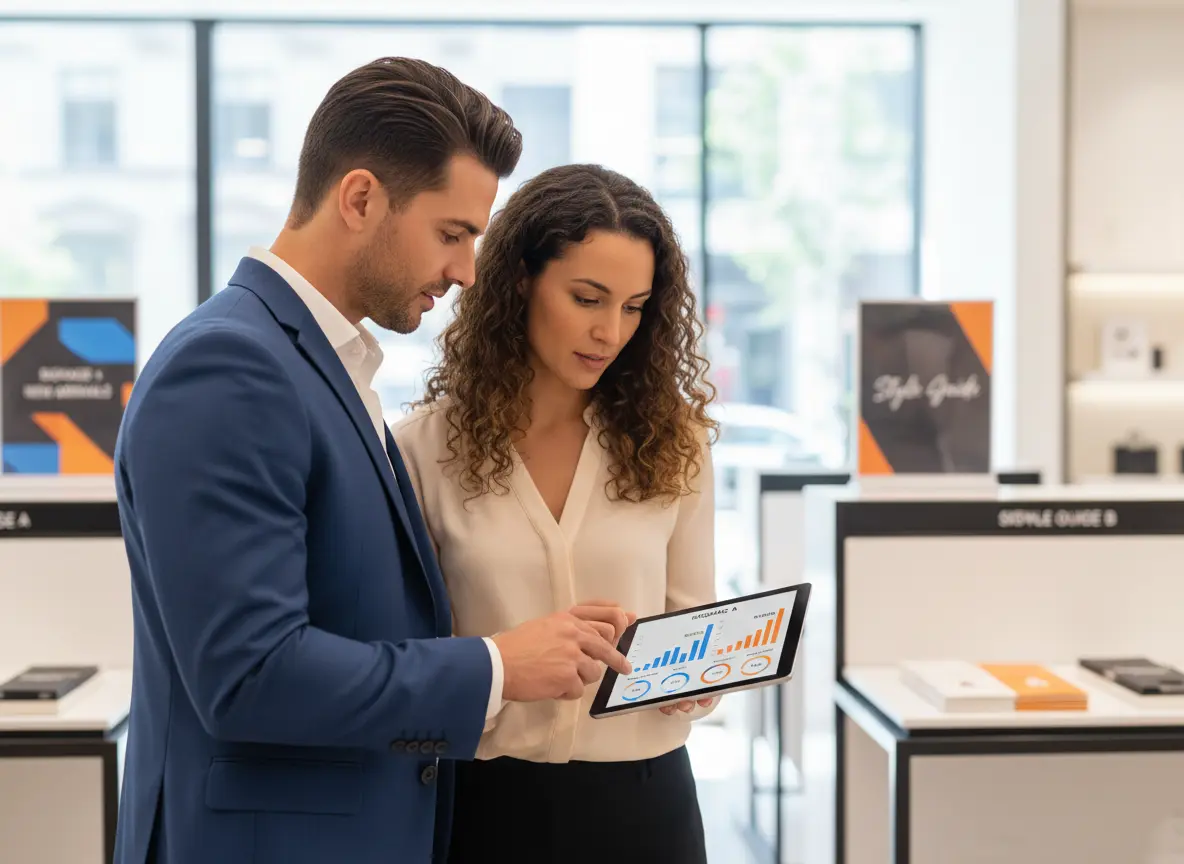
Let's be honest — most brick-and-mortar business owners are flying blind. You know your best-selling product, you know your busiest day, and you think you know why customers leave without buying. But "thinking" and "knowing" are two very different things, and in retail, that gap costs real money. According to a report by McKinsey, retailers that leverage customer analytics outperform their peers by up to 85% in sales growth. That's not a rounding error — that's the difference between thriving and just surviving.
What In-Store Analytics Actually Measures (And Why You Should Care)
Foot Traffic and Flow Patterns
Dwell Time and Engagement Zones
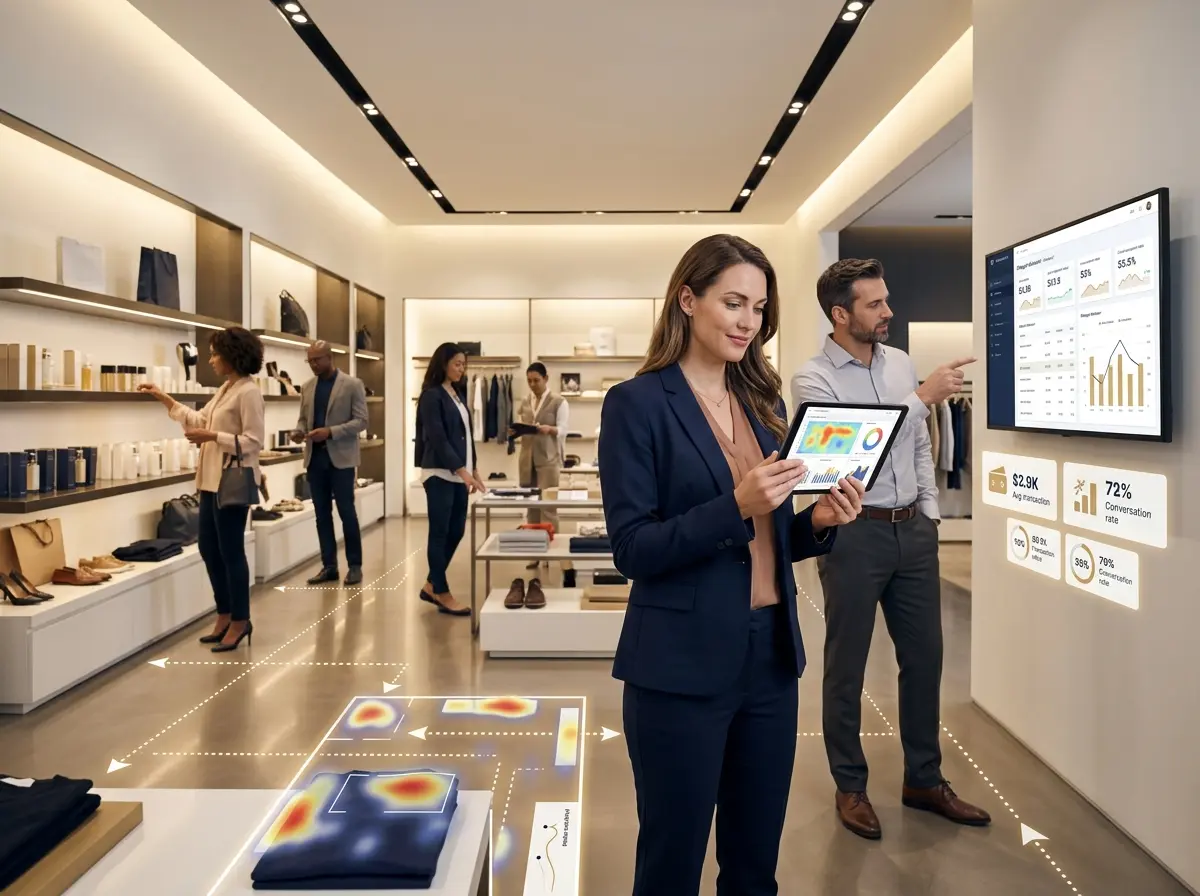
Foot traffic tells you where customers go; dwell time tells you where they stay. If shoppers are spending three minutes in front of a product display but not buying, that's a signal — maybe the price point is off, maybe the signage is confusing, or maybe the product just isn't compelling enough. On the flip side, if a section of your store has near-zero dwell time, it might as well not exist.
Conversion Rate: The Metric Everyone Forgets
Your conversion rate — the percentage of people who enter your store and actually make a purchase — is arguably the most important number in physical retail, and most store owners couldn't tell you what theirs is without guessing. Industry averages hover around 20–40% depending on the sector, but there's enormous room for improvement. If 200 people walked in today and only 30 bought something, that's 170 missed opportunities. In-store analytics helps you understand why those 170 people left empty-handed, which is the first step toward changing that outcome.
How Technology Like Stella Can Supercharge Your In-Store Insights
An Extra Set of Eyes (That Never Calls in Sick)
One often-overlooked source of in-store intelligence is your customer-facing technology. Stella, the AI robot employee and phone receptionist, does far more than greet customers with a smile — she actively collects insights about customer interactions and promotional effectiveness. Every conversation she has at the kiosk is a data point: What are customers asking about? Which promotions are generating the most questions? What objections keep coming up? That's qualitative intelligence that traditional foot traffic counters simply can't capture.
Stella also handles phone calls 24/7, so the insights don't stop when the front door closes. Whether a customer is standing in your store or calling from their couch at 10 PM, she's gathering information about what your customers want, what confuses them, and what's driving them to reach out. For business owners who want a complete picture of customer behavior — both in-store and over the phone — that kind of dual-channel visibility is genuinely valuable.
Turning Data Into Decisions That Actually Move the Needle
Optimize Your Layout Based on Real Behavior
Match Staffing to Traffic Patterns
Measure the Real Impact of Promotions
You ran a sale. Traffic went up. Great — but did revenue go up proportionally? Did new customers come in, or just your regulars grabbing a deal? Did the promotion drive purchases in adjacent categories, or did it cannibalize full-price sales? These are the questions that separate smart promotional strategy from expensive guesswork. In-store analytics lets you correlate promotional activity with foot traffic, dwell time, and conversion rates to build a much clearer picture of what actually works.
A Quick Reminder About Stella
Stella is a friendly, human-sized AI robot kiosk and phone receptionist built for businesses of all sizes — from busy retail shops to medical offices to solo service providers. She greets customers, answers questions, promotes deals, upsells products, handles phone calls around the clock, and collects valuable customer interaction data — all for just $99/month with no upfront hardware costs. She's the team member who's always on, always professional, and never asks for a day off.
Start Small, Think Big, and Stop Guessing
- Audit what you're already tracking. Most POS systems capture more data than business owners actually use. Start by digging into your existing reports before investing in new tools.
- Add a foot traffic counter if you don't have one. Basic options start well under $100/month and provide immediate visibility into traffic patterns.
- Calculate your current conversion rate. Divide daily transactions by daily visitors. If you don't love the number, now you have a baseline to improve.
- Identify one underperforming area — whether that's a product section, a time of day, or a promotion — and run a focused experiment to improve it.
- Layer in qualitative data by paying attention to what customers ask about, complain about, or seem confused by — and look for patterns over time.