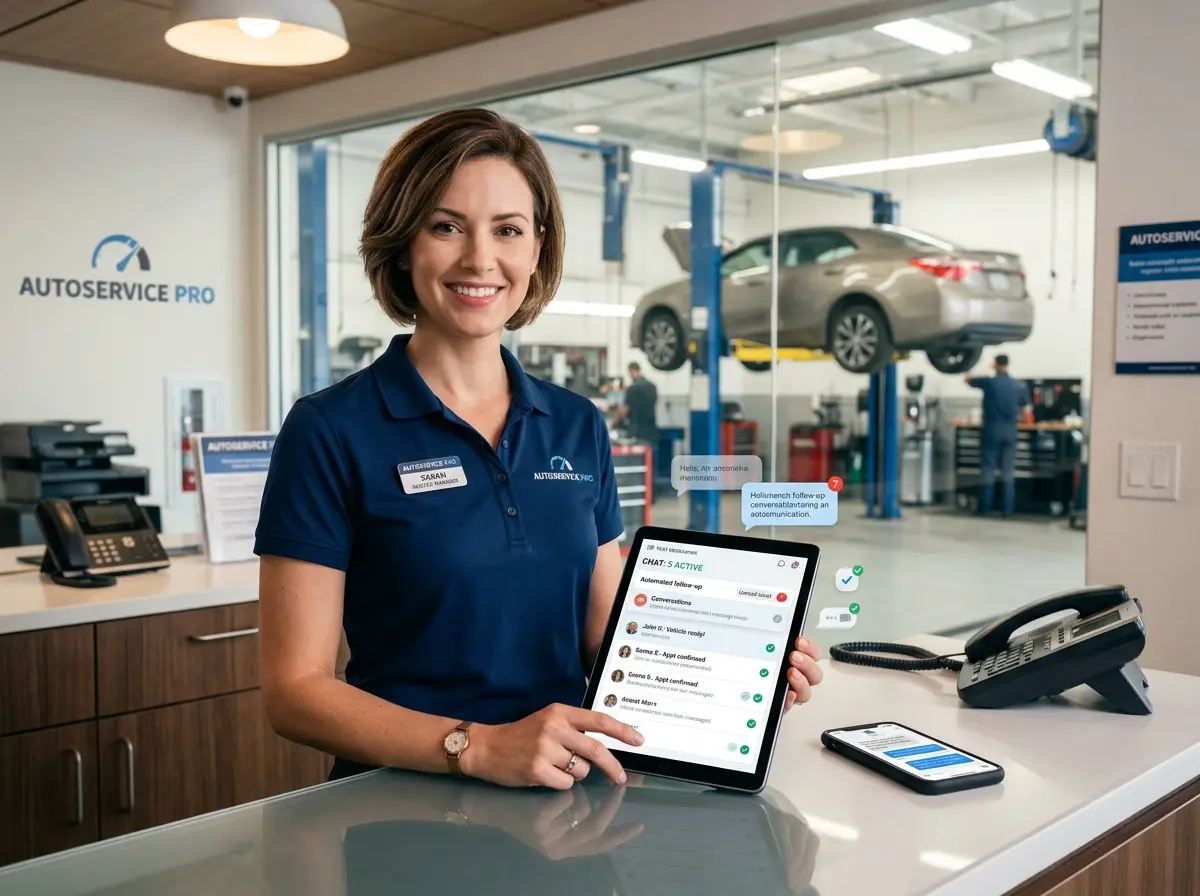
The Phone Call Treadmill Nobody Asked For
If you run an auto shop, you already know the drill. Your techs are elbow-deep in an engine swap, your service advisor is juggling three customers at the counter, and the phone is ringing. Again. It's probably someone asking if their car is ready. Or wanting a quote on brakes. Or — everyone's favorite — calling to confirm the appointment they made yesterday, the one that's already in your system, confirmed, and waiting for them.
Outbound calls are somehow even worse. Chasing down customers to let them know their vehicle is ready, following up on declined services, reminding people about upcoming appointments — it's a mountain of low-value busywork that eats into the hours your team actually needs to, you know, fix cars and generate revenue.
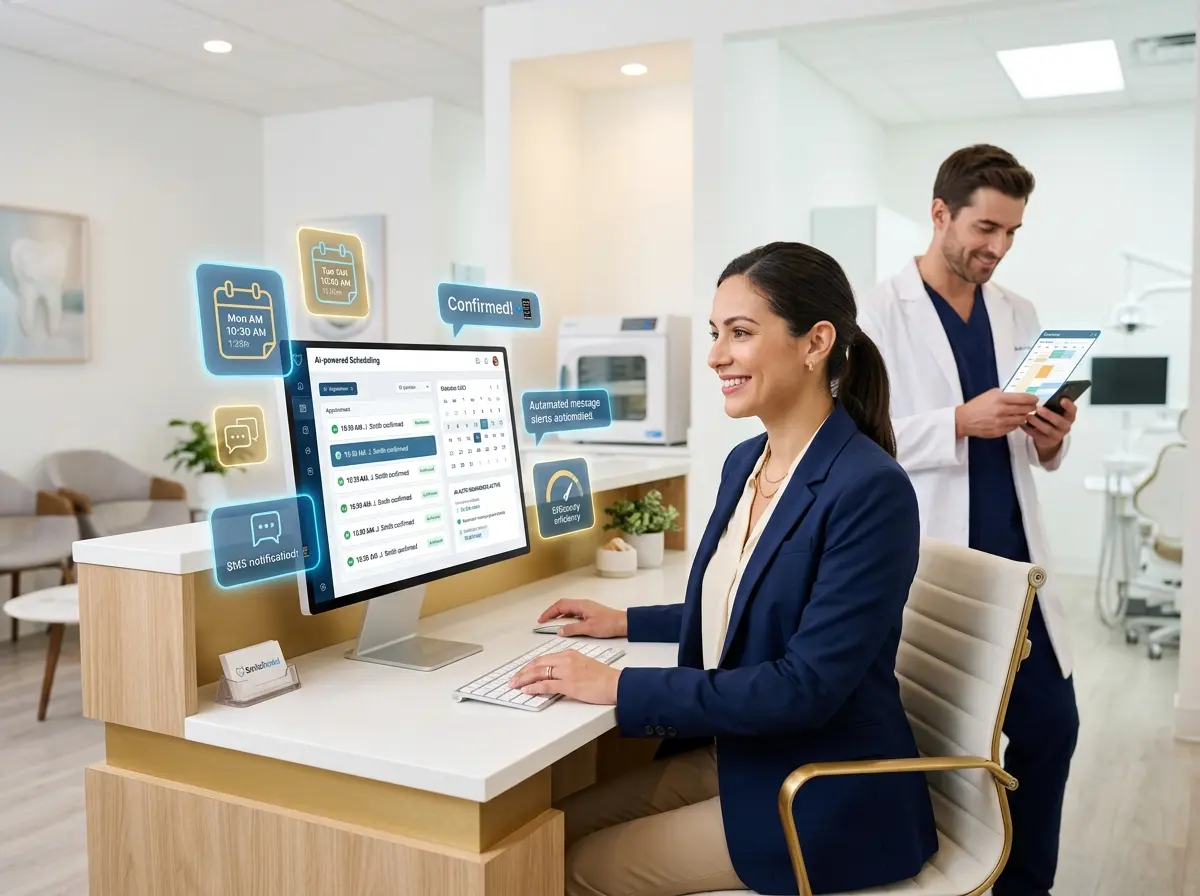
One auto shop owner decided he'd had enough. By implementing automated text follow-ups for routine customer communications, he managed to eliminate 80% of his outbound calls — freeing up staff time, reducing missed connections, and actually improving his customer satisfaction scores in the process. Here's how he did it, and how you can too.
The Hidden Cost of "Just Making a Quick Call"
It's Never Actually Quick
The average outbound call in a service environment — when you account for dialing, waiting, voicemail, callbacks, and the occasional five-minute chat about whether synthetic oil is really worth it — takes between three and seven minutes. That might sound trivial until you multiply it across a day. A shop handling 20 to 30 vehicles daily could easily be burning two or more hours of staff time on outbound calls alone. That's a quarter of a full workday, dedicated entirely to leaving voicemails that customers may or may not listen to before they call back to ask the same question anyway.
The real kicker? Studies consistently show that text messages have an open rate of around 98%, compared to roughly 20% for emails and an increasingly dismal callback rate for voicemails. Your customers are already on their phones. They just prefer not to use them as actual phones.
What Types of Calls Are Actually Automatable?
Before you panic about robots taking over your service desk, let's be clear: automated texts aren't replacing nuanced conversations. They're replacing the repetitive, predictable ones. For most auto shops, that includes a surprisingly large chunk of daily call volume:
- Vehicle ready notifications — "Your 2019 Civic is ready for pickup. Total is $247.50. We close at 6 PM."
- Appointment reminders — Sent 24 hours out, optionally with a confirmation link.
- Declined service follow-ups — "Hey, remember that rear brake job we recommended? We're running a special this month."
- Status updates — "We're waiting on a part. Your vehicle should be ready tomorrow by noon."
- Review requests — Sent automatically after vehicle pickup, while the customer still remembers how pleasant the experience was.
None of these require a human voice. They require accuracy, timeliness, and a friendly tone — all of which automation handles without taking a lunch break.
The Shop Owner Who Did the Math
Marcus, who owns a two-location auto repair shop in the Southeast, started tracking his outbound call volume after noticing that his service advisor was consistently staying late just to return calls from earlier in the day. What he found was eye-opening: over 60% of his outbound calls were status updates and ready notifications, and nearly all of them went to voicemail on the first attempt.
After setting up automated texts triggered by status changes in his shop management software, his service advisor reclaimed nearly 90 minutes per day. That time was reinvested into actually talking with customers in the shop, upselling services, and handling the calls that genuinely required a human — escalations, complaints, and complex repair consultations. His Google review average went up half a star within three months, largely because customers felt more informed and less ignored.
Tools and Integration: Making Automation Actually Work
How Stella Fits Into the Picture
Automated outbound texts solve one half of the communication problem. The other half — inbound calls, appointment intake, and after-hours inquiries — is where a lot of shops still leak time and revenue. That's where Stella, the AI robot employee and phone receptionist, becomes relevant for shops looking to take this further.
Stella answers phone calls 24/7 using the same business knowledge she'd use if she were standing in your lobby. She can handle FAQs, quote service pricing, collect vehicle and customer information through conversational intake forms, and even forward calls to your team when the situation genuinely requires a human. For shops with a waiting room, her physical kiosk presence means customers can get answers, check on services, or learn about current promotions without pulling your advisor away from a call or a ticket. Her built-in CRM also captures customer information and interaction history automatically, so your team has context before they ever pick up the phone.
The combination of outbound text automation and an AI receptionist handling inbound calls creates a communication loop that's responsive, professional, and surprisingly low-maintenance.
Building Your Automated Follow-Up System Step by Step
Step 1 — Map Your Current Call Types Before You Automate Anything
The biggest mistake shops make is jumping straight to a texting platform without first understanding what they're actually trying to automate. Spend one week — seriously, just one week — having your service advisor log every outbound call by category. You'll almost certainly find that three or four call types account for the vast majority of your volume. Those are your automation targets. Everything else stays human.
Step 2 — Choose the Right Platform and Trigger Points
Most modern shop management systems — Mitchell 1, Shop-Ware, Tekmetric, and others — have native texting features or integrate cleanly with SMS platforms like Podium, Kenect, or ServiceTitan's messaging suite. The key is setting up trigger-based messages tied to status changes in your workflow, not manual sends that rely on someone remembering to push a button. If your "vehicle ready" text requires a human to initiate it, it will be forgotten, delayed, or sent inconsistently. Automation only works when it's actually automatic.
Map out your workflow stages — check-in, inspection complete, awaiting approval, parts ordered, repair in progress, ready for pickup — and assign a message template to each transition that benefits from customer communication. Keep the messages concise, friendly, and specific. Include the customer's name, a relevant detail about their vehicle or service, and a clear next step or piece of information.
Step 3 — Build In Human Escalation Paths
Automated texts work beautifully right up until a customer replies with something your system doesn't know how to handle — which will happen. Make sure your platform routes text replies to a real person during business hours, and set expectations clearly in your messages. A simple line like "Reply to this message or call us at [number] if you have questions" goes a long way toward preventing frustration. The goal isn't to replace human communication — it's to reserve human communication for the moments that actually need it.
Quick Reminder About Stella
Stella is an AI robot employee and phone receptionist designed for businesses like yours — including auto shops that need reliable, always-on customer communication without adding headcount. She handles inbound calls, greets customers in your lobby, collects intake information, and manages customer records, all for $99 a month with no upfront hardware costs. If your phone situation is part of the problem, she's worth a look.
Start Small, Measure Everything, and Scale What Works
You don't need to overhaul your entire communication strategy overnight. Pick one call type — vehicle ready notifications are the easiest win — and automate that single workflow for 30 days. Track how many outbound calls your team no longer needs to make, watch your voicemail volume drop, and pay attention to whether customers seem better informed when they walk in for pickup.
Once you see the results from one automated touchpoint, expanding to appointment reminders, declined service follow-ups, and review requests becomes obvious. Marcus didn't eliminate 80% of his outbound calls in week one. He started with ready notifications, saw his service advisor's stress level visibly drop, and kept going from there.
The shops that will win on customer experience over the next five years aren't necessarily the ones with the fanciest equipment or the lowest prices. They're the ones that communicate consistently, respond quickly, and make customers feel taken care of — without burning out their staff in the process. Automated text follow-ups aren't a gimmick. They're just a smarter way to do something you're already doing, minus the voicemail tag and the missed connections.
Your techs didn't get into this business to make phone calls. Give them back their time, and let the tools handle the routine stuff. The cars aren't going to fix themselves — but the follow-ups? Those absolutely can.