Stop Leaving Money on the Table (Literally)
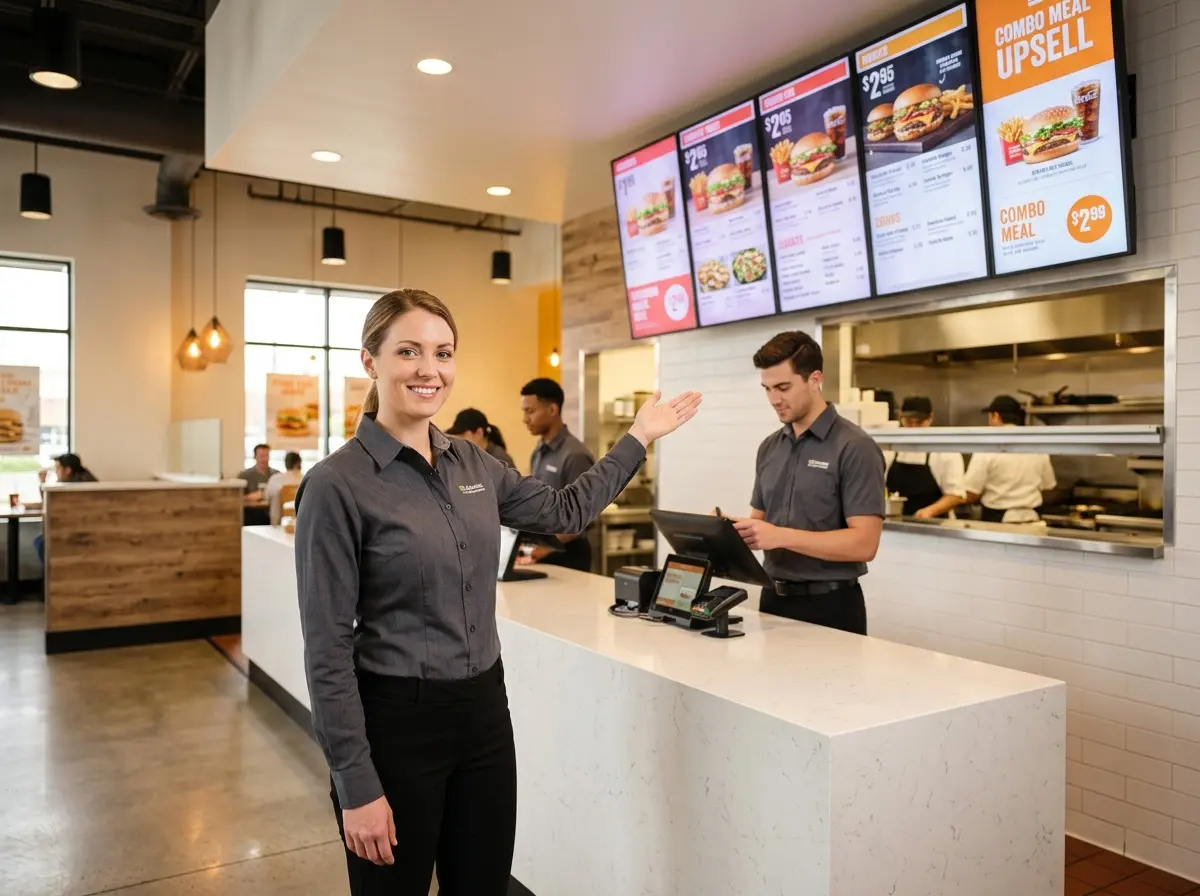
Digital menu boards changed the game for quick-service restaurants. When used strategically, they don't just display your menu — they sell your menu. They guide customers toward higher-margin items, surface limited-time offers at exactly the right moment, and create a visual experience that makes your $6 side of loaded fries feel like a completely reasonable life decision. The average upsell at a QSR increases ticket size by 15–30%, and digital menu boards are one of the most effective tools to make that happen consistently, without relying on a distracted teenager to remember to say "would you like to make that a combo?"
Designing Your Digital Menu Board for Upselling Success
Lead With High-Margin Items, Not Just Popular Ones
Popularity and profitability are not the same thing, and your menu board should reflect that distinction. Your best-selling item might have thin margins. Your best item — from a business perspective — is the one that's both appealing and profitable. Use your POS data to identify your top-margin items and give them prime real estate on your boards: center screen, larger images, and prominent placement at eye level. Customers tend to order what they see first, and what looks most visually prominent. Use that psychology to your advantage.
Use High-Quality Imagery to Do the Heavy Lifting
A well-lit, professionally photographed image of a loaded burger will outsell a text description every single time. Studies in the restaurant industry consistently show that visual menus increase add-on purchases by up to 30% compared to text-only displays. If your current menu board imagery looks like it was shot on a 2009 flip phone, it's time to invest in a food photographer. This is not optional — it's infrastructure. Rotating high-quality images of your upsell targets (combo upgrades, premium add-ons, desserts, drinks) keeps the content fresh and keeps customers' eyes moving to where you want them.
Structure Your Layout Around the Customer Journey
Think about how a customer moves through your space and what they're looking at — and when. Customers glancing at the board from the line are in discovery mode. Customers who are about to order are in decision mode. Design your board zones accordingly. Use the top sections for featured combos and upsell specials. Keep your standard menu items organized and easy to read in the middle. Reserve the bottom or sidebar zones for add-ons, upgrades, and "don't forget" reminders like desserts or seasonal drinks. The goal is to plant the upsell idea early, reinforce it as they approach the counter, and make it feel like a natural next step.
Timing and Content Rotation That Actually Converts
Match Your Promotions to Daypart and Traffic Patterns
Create Urgency With Limited-Time Offers and Countdown Displays
Scarcity and urgency are powerful motivators. A rotating banner that says "Today Only: Add a Milkshake for $1.99" creates a micro-moment of decision-making that a static board simply cannot replicate. Some digital board platforms support countdown timers, which can be particularly effective for happy hour specials or end-of-day deals. Even simple animated transitions between your standard menu and a featured upsell item can draw the eye and prompt customers to reconsider their original order. Use motion deliberately — not to create chaos, but to create attention.
How Smart Technology Can Amplify Your Upselling Strategy
Digital menu boards are powerful, but they're even more effective when they're part of a broader customer experience strategy. That's where tools like Stella, the AI robot employee and phone receptionist, come into the picture. While your boards are doing the visual work, Stella greets customers as they walk in, engages them in natural conversation about current specials and promotions, and actively recommends add-ons and upgrades — the same way a great team member would, but without the turnover, bad days, or forgotten upsell scripts.
Stella also handles your phone calls 24/7, which means when a customer calls ahead to ask about your daily specials or combo options, she's ready with the right answer and a natural recommendation — not a rushed employee who's also trying to run the fryer. Together, your digital boards set the visual stage, and Stella closes the loop with real, conversational engagement that drives both in-store and phone-based upsells.
Measuring What Works and Optimizing Over Time
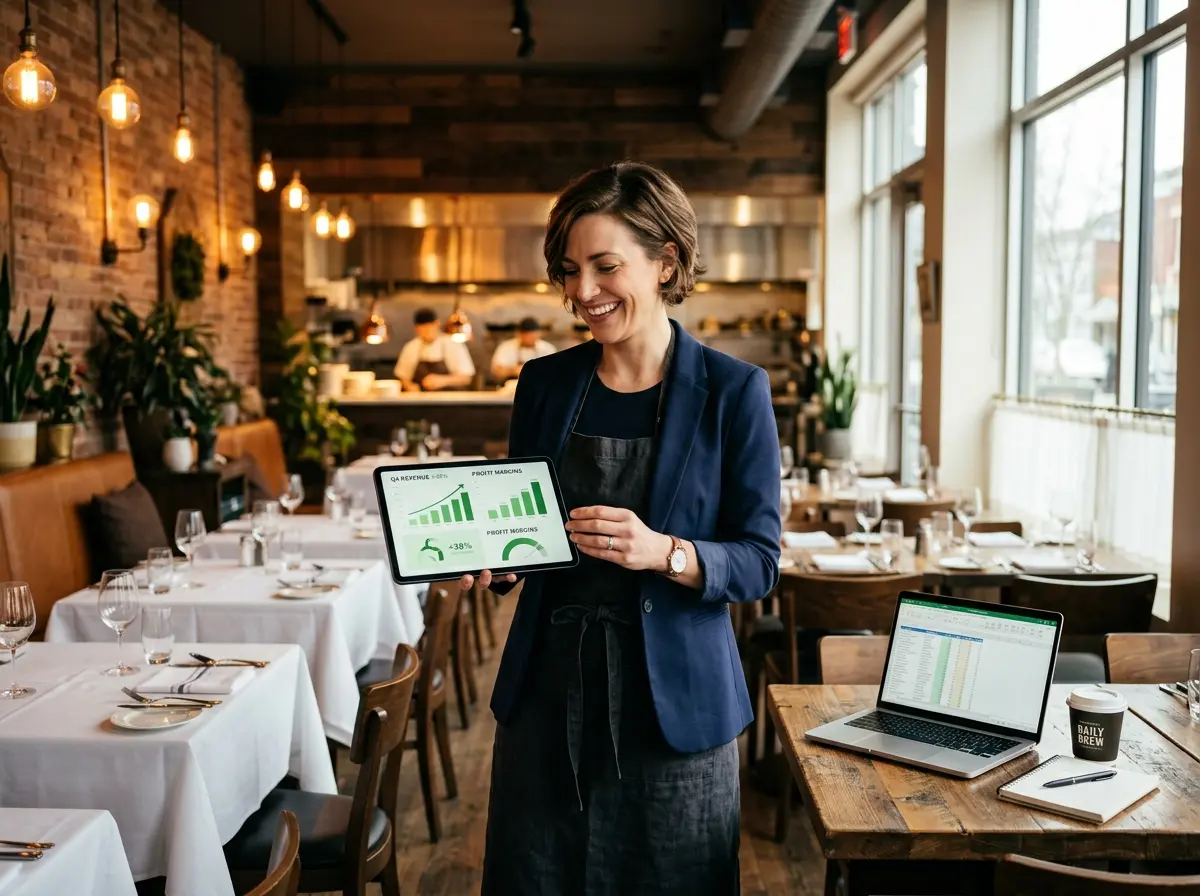
Track Upsell Performance Through Your POS Data
A/B Test Your Featured Items and Promotions
Don't Forget to Update Your Content Regularly
A Quick Reminder About Stella
Stella is a friendly, human-sized AI robot kiosk and phone receptionist designed for businesses like yours. She stands in your restaurant, greets every customer who walks through the door, talks naturally about your specials and menu items, and actively upsells — all for just $99 a month with no upfront hardware costs. She also answers your phones 24/7 with the same business knowledge she uses in person, so your upsell strategy doesn't stop when a customer calls instead of walking in.
Start Treating Your Menu Board Like a Salesperson
- Audit your current board layout — identify where your highest-margin items are displayed and whether they're getting the visibility they deserve.
- Invest in professional food photography for your top three to five upsell targets if you haven't already.
- Set up dayparting in your digital board platform to align your featured content with your customer traffic patterns throughout the day.
- Pull your POS data from the last 30 days and identify which add-ons or upgrades have the highest margin but lowest attach rate — those are your first targets for a featured board promotion.
- Create a monthly content review habit so your boards stay fresh, relevant, and working for you instead of just taking up wall space.
And if you want a little extra firepower on the floor and on the phone, you know where to find Stella.