Your Google Business Profile Is Either Working for You or Against You
Let's be honest — when did you last update your Google Business Profile? If your answer involves any amount of hesitation, a nervous laugh, or the phrase "I think my old employee set that up," you're not alone. Most practice owners pour energy into their services, their staff, and their space — and leave their Google Business Profile collecting digital dust like a waiting room magazine from 2019.
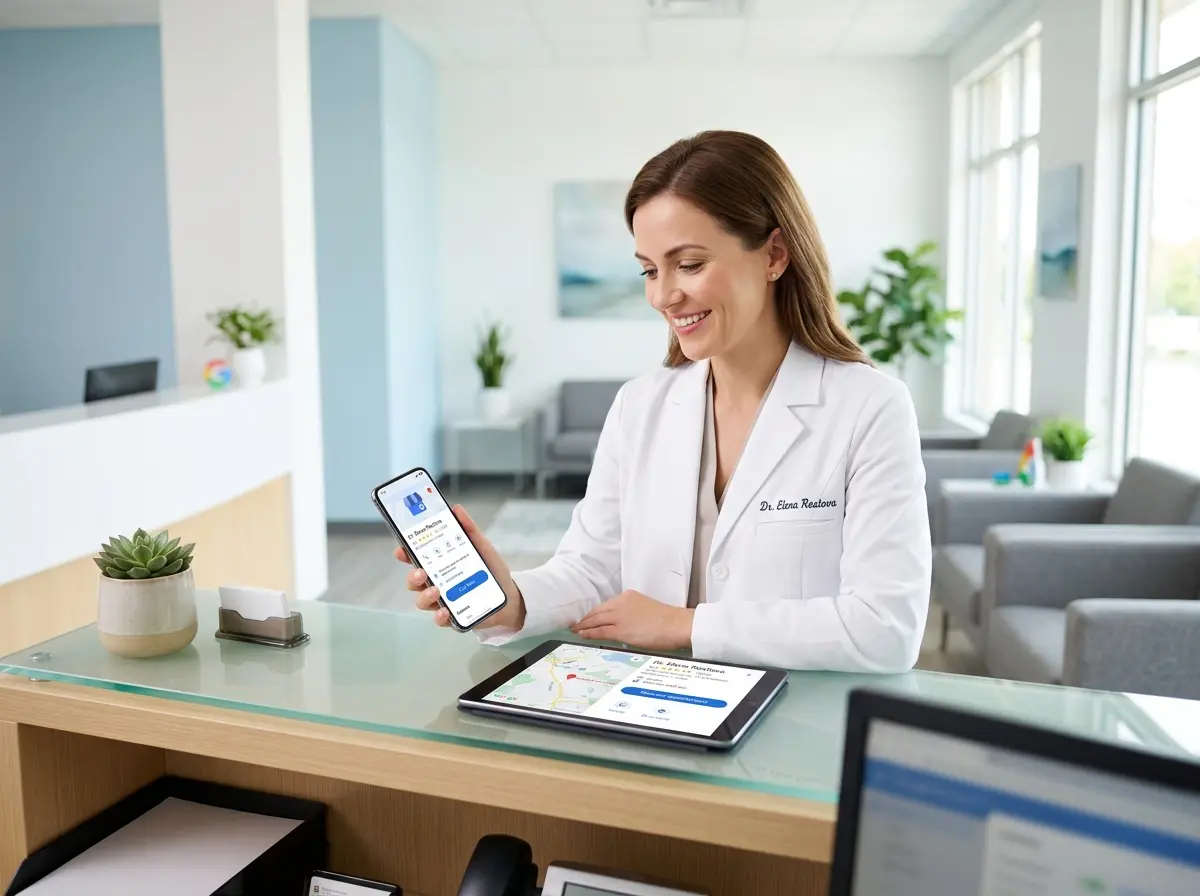
Here's the thing: Google Business Profile (formerly Google My Business, for those of us who remember the rebrand) is one of the most powerful — and completely free — tools available to drive real calls and real appointments to your practice. When someone searches "chiropractor near me" or "med spa open Saturday," Google serves up a local business panel before almost anything else. If your profile is optimized, you win that moment. If it isn't, your competitor down the street does.
This guide is going to walk you through exactly how to turn your Google Business Profile from a neglected afterthought into a genuine appointment-driving machine. Whether you run a medical office, a salon, a law firm, or any other practice with a front door and a phone number, this one's for you.
Getting the Basics Right (They Matter More Than You Think)
Before you chase advanced strategies, you need a rock-solid foundation. Google rewards completeness, consistency, and accuracy — and punishes neglect with lower visibility. Let's start from the ground up.
Claiming, Verifying, and Completing Your Profile
If you haven't claimed your Google Business Profile yet, do that first. Head to business.google.com, search for your business, and follow the verification steps. Google typically verifies via postcard, phone, or email depending on your business type. Yes, the postcard method still exists. Yes, it is exactly as charmingly old-fashioned as it sounds.
Once verified, fill out every single field. Business name, address, phone number, website, hours, service areas, categories — all of it. Profiles that are fully completed receive significantly more engagement. According to Google, businesses with complete profiles are 2.7 times more likely to be considered reputable and get 7 times more clicks than incomplete ones. That's not a statistic you ignore.
Choosing the Right Categories and Attributes
Your primary category is arguably the most important decision you'll make on your profile. It directly influences which searches trigger your listing. Be specific — "Orthopedic Surgeon" will outperform "Doctor" every time. Add relevant secondary categories to capture related searches, but don't go overboard trying to be everything to everyone.
Attributes are the small but mighty checkboxes that tell customers important things at a glance: "Online appointments available," "Wheelchair accessible," "Women-led," "Free Wi-Fi." These filter into search results and help the right customers choose you confidently. Review your attribute options regularly — Google adds new ones all the time.
Keeping Your NAP Consistent Everywhere
NAP stands for Name, Address, and Phone Number — and consistency across every online listing matters enormously for local SEO. If your Google profile says "Suite 200" but your website says "Ste. 200" and Yelp has an old address entirely, Google notices the discrepancy and quietly trusts you a little less. Audit your listings across major directories and make sure everything matches exactly.
Turning Passive Profiles Into Active Appointment Drivers
A complete profile is the floor, not the ceiling. The practices that actually drive calls and appointments from Google are the ones treating their profile like a living, breathing marketing channel — not a static business card.
Using Google Posts to Promote and Engage
Google Posts are short updates that appear directly on your business listing. Think of them as mini social media posts that show up exactly when someone is already looking at your practice. You can use them to announce promotions, highlight new services, share upcoming events, or simply remind searchers why you're the best option in town.
Post consistently — at least once or twice a week — and include a clear call to action like "Book Now," "Call Today," or "Learn More." Posts expire after seven days, so stale posts are worse than no posts. Set a reminder, batch your content, and keep the feed fresh.
Leveraging the Booking and Messaging Features
If your scheduling software integrates with Google (many do, including platforms like Calendly, Jane App, and Square Appointments), enable the "Book Online" button directly on your profile. This is a massive conversion tool — it eliminates friction entirely. A potential patient or client sees your listing, likes what they see, and books without ever picking up the phone.
The Google Messaging feature lets customers send you a direct message from your listing. If you enable it, respond quickly. Google tracks your response time and shows it publicly. A badge that reads "Typically responds in a few minutes" builds immediate trust. A badge that reads "Typically responds in a few days" does the opposite.
What Happens After Google Sends Them Your Way
Here's where a lot of practices quietly fumble the ball. Google did its job — it put your listing in front of a motivated local searcher, they were impressed enough to call, and then... nobody answered. Or they got a voicemail with a generic greeting and hung up. It happens more than anyone likes to admit, and it's an expensive problem.
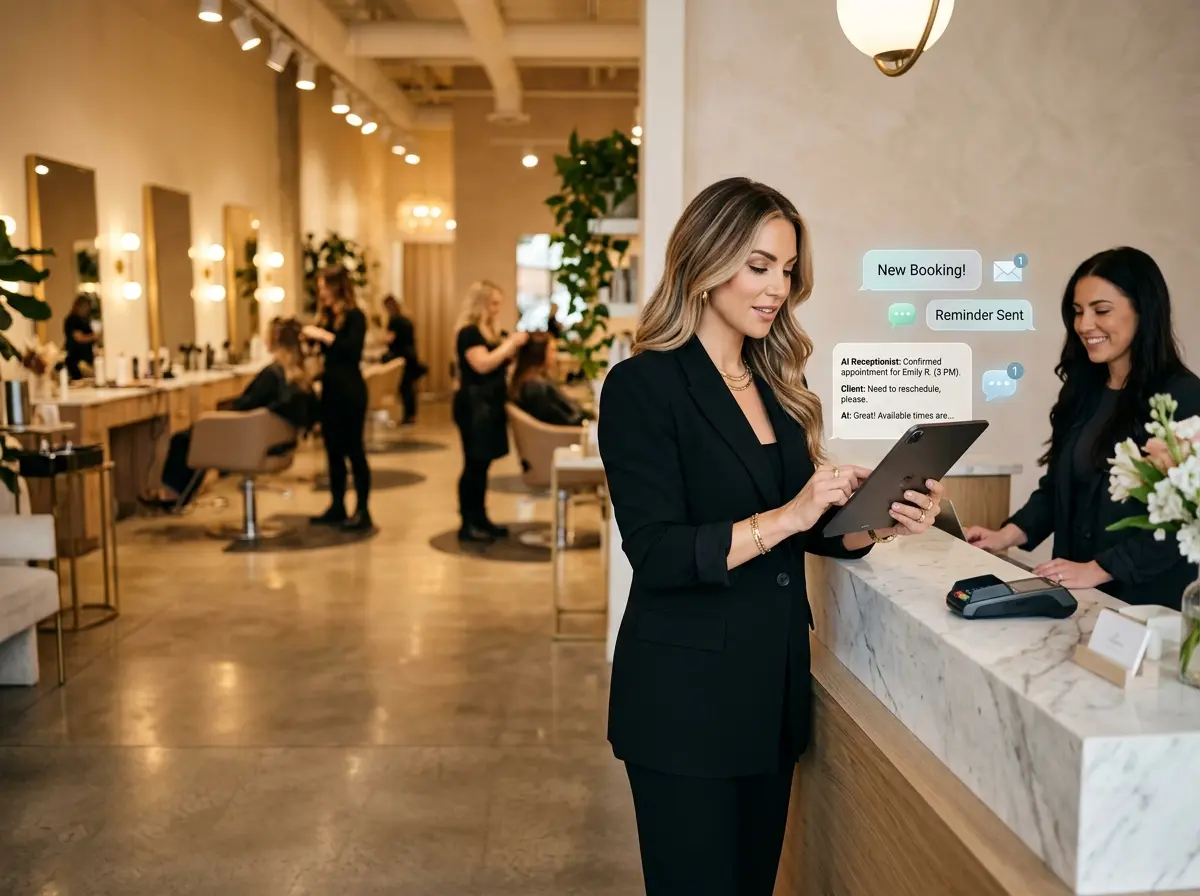
This is exactly where Stella steps in. Stella is an AI robot employee and phone receptionist that answers every call, 24/7, with full knowledge of your services, hours, promotions, and policies — so no lead goes cold because it came in after hours or during your busiest moment of the day. For practices with a physical location, Stella also stands inside your space as a friendly, human-sized AI kiosk, greeting walk-ins and answering questions so your staff can stay focused. She can collect patient or client intake information conversationally over the phone or at the kiosk, feeding directly into her built-in CRM — so every lead that Google sends your way is captured, documented, and ready for follow-up.
Building the Review Engine That Fuels Everything Else
Reviews are the currency of local search. They influence your ranking, your click-through rate, and the split-second trust decision a potential patient makes when they see your listing for the first time. A practice with 12 reviews and a 3.8-star average is invisible next to a competitor with 200 reviews and a 4.7. It's not fair, but it is the reality.
How to Actually Get More Reviews (Without Being Annoying)
The most effective strategy is embarrassingly simple: ask. Most satisfied patients and clients don't leave reviews because it never occurred to them, not because they don't want to. Train your front desk staff to ask at checkout. Send a follow-up text or email with a direct link to your Google review page. The easier you make it, the higher your conversion rate.
Timing is everything. Ask while the experience is still fresh and the emotional high is real — right after a great appointment, a successful treatment, or a resolved concern. A well-timed ask from a trusted provider gets results. A generic email blast sent three weeks later gets ignored.
Responding to Reviews Like a Professional (Even the Painful Ones)
Responding to every review — positive and negative — signals to both Google and potential customers that you're engaged and accountable. Thank positive reviewers by name and mention something specific. For negative reviews, resist the entirely human urge to defend yourself aggressively in public. Acknowledge the concern, apologize where appropriate, and invite them to continue the conversation offline. Future patients read how you handle criticism just as closely as they read the criticism itself.
Using Review Insights to Improve Your Practice
Your reviews are also a goldmine of unfiltered feedback. Patterns in negative reviews point to real operational problems worth fixing. Patterns in positive reviews tell you exactly what to amplify in your marketing. If every glowing review mentions your front desk team by name, that's something worth highlighting on your website, in your Google Posts, and in how you talk about your practice. Let your customers write your marketing copy — they're often better at it anyway.
A Quick Reminder About Stella
Stella is an AI robot employee and phone receptionist built for businesses exactly like yours — available as an in-store kiosk that greets and engages walk-ins, and as a 24/7 phone receptionist that handles calls with the warmth and knowledge of your best staff member. At just $99/month with no upfront hardware costs, she's one of the most cost-effective ways to make sure all those leads your optimized Google Business Profile generates actually turn into booked appointments.
Put It All Together and Watch the Phone Ring
Google Business Profile optimization isn't a one-afternoon project — it's an ongoing practice (pun fully intended). But the compounding returns are real. A fully completed profile with consistent information, regular Posts, an active review engine, and enabled booking and messaging features creates a local search presence that works around the clock, even when you're elbow-deep in appointments.
Here are your actionable next steps to get started today:
- Audit your profile this week. Check every field for accuracy, update your hours, add photos, and confirm your primary category is as specific as possible.
- Enable the Book Online and Messaging features if your scheduling platform supports it, and commit to fast response times.
- Create your first Google Post today — a current promotion, a patient success story, or a simple reminder of what makes your practice worth choosing.
- Implement a review request system — whether it's a staff script, a post-visit text, or an automated follow-up email — and stick to it consistently.
- Make sure someone (or something) answers the phone when Google sends people your way. Every unanswered call is a lead you already paid for in time and effort, handed directly to your competitor.
Your Google Business Profile has the potential to be your most productive team member — one who never calls in sick, never takes a lunch break, and never forgets to mention the current promotion. Give it the attention it deserves, and it will return the favor in calls, clicks, and full appointment books.