Is Your Register Secretly Robbing You?
The good news? Recognizing the problem is half the battle. The other half is doing something about it before your competitors — who did upgrade — start poaching your customers with smoother experiences and better service. So grab a coffee, take a hard look at your current setup, and let's talk about the signs that your POS system is long overdue for a retirement party.
The Warning Signs You're Ignoring (But Shouldn't Be)
It Crashes, Freezes, or Requires a Ritual to Function
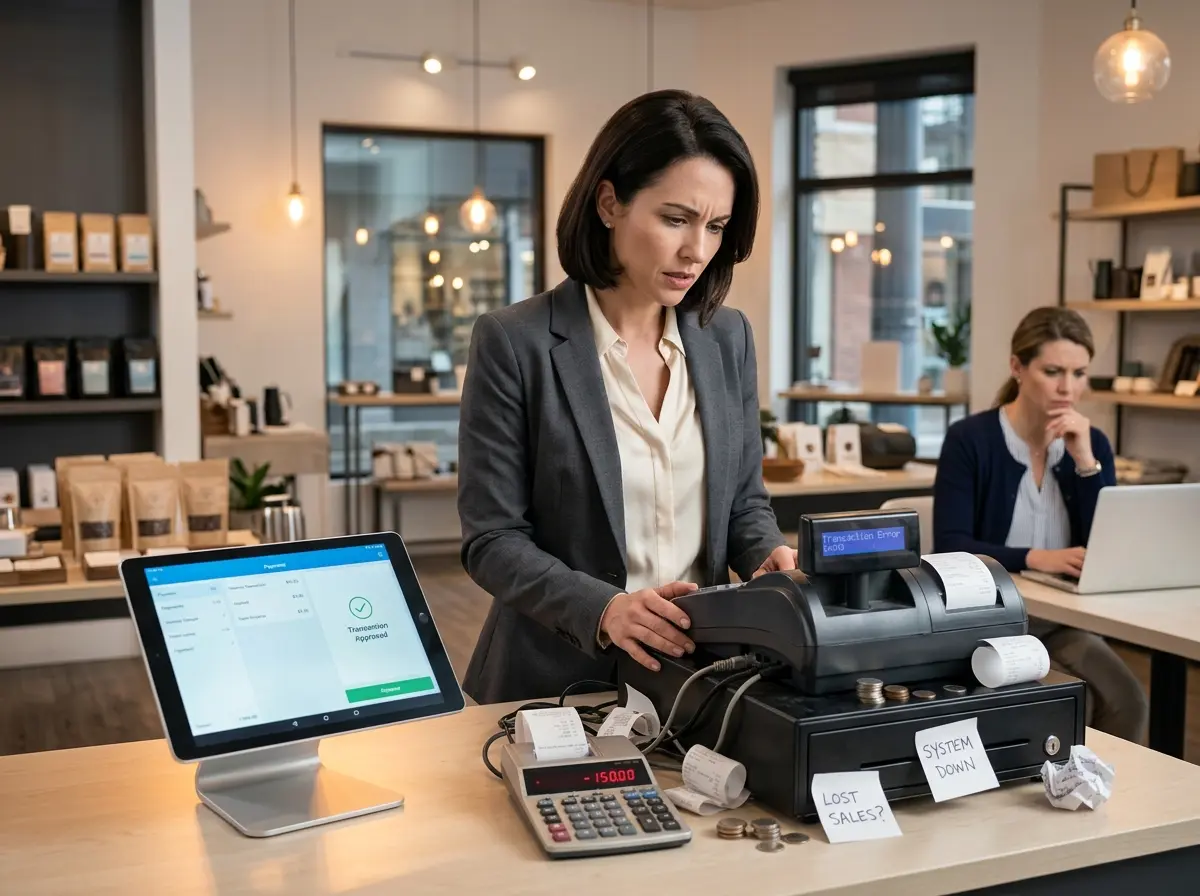
If your team has ever had to restart a terminal mid-transaction, manually calculate change because the screen froze, or knock on wood before running end-of-day reports, you have a problem. According to a study by IHL Group, retailers lose an estimated $40 billion annually due to out-of-stock situations and operational inefficiencies — many of which stem from poor or outdated technology. Every second your system is down or glitching is a second your customer is reconsidering whether they want to come back. Reliability isn't a luxury; it's table stakes.
You Can't Accept Modern Payment Methods
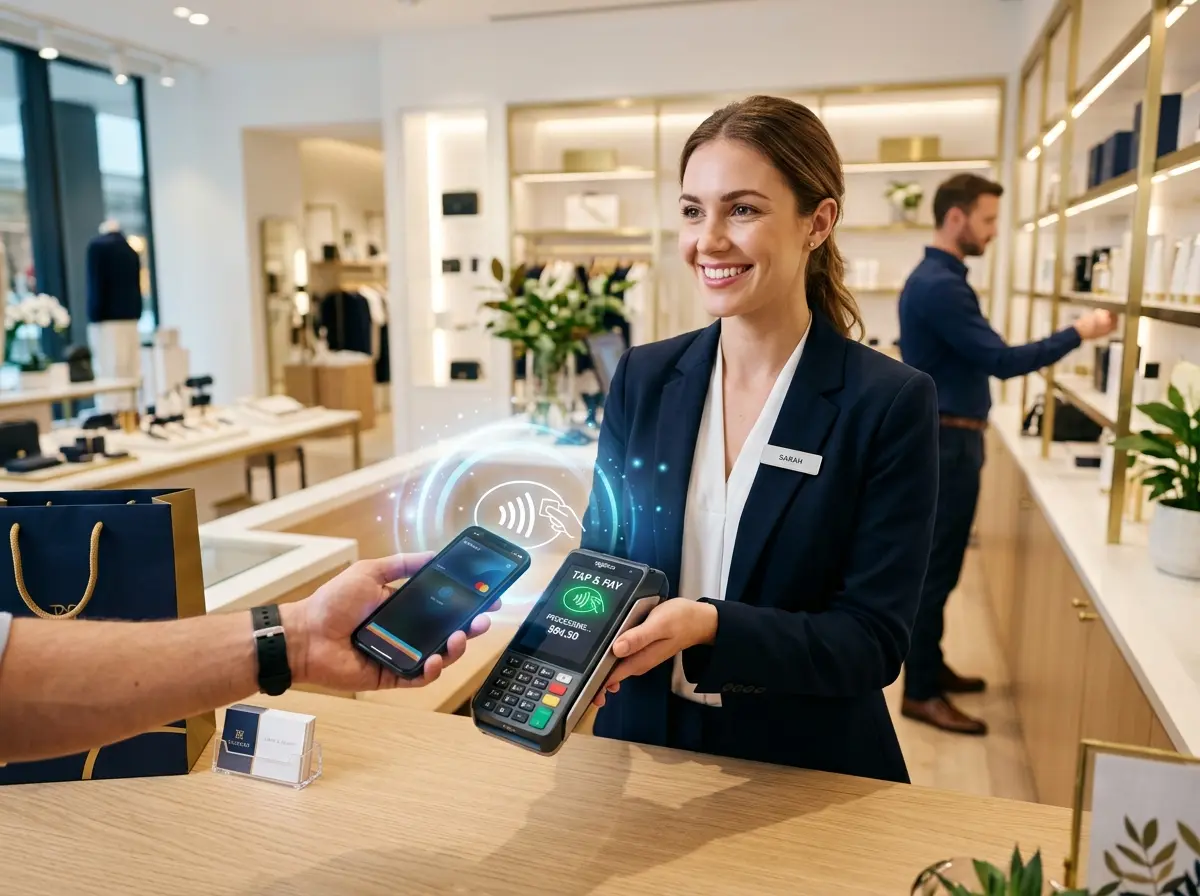
Tap to pay, digital wallets, QR code payments, buy-now-pay-later — payment preferences have evolved dramatically, and customers expect options. If your POS can't handle contactless payments or mobile wallets, you're creating unnecessary friction at the most critical moment: checkout. A 2023 report by Worldpay found that digital and mobile wallets accounted for nearly 50% of global e-commerce transactions, a trend that's rapidly spilling into brick-and-mortar retail. Telling a customer "sorry, we don't take Apple Pay" isn't just inconvenient — it's a conversion killer.
Your Reporting Is Either Nonexistent or Useless
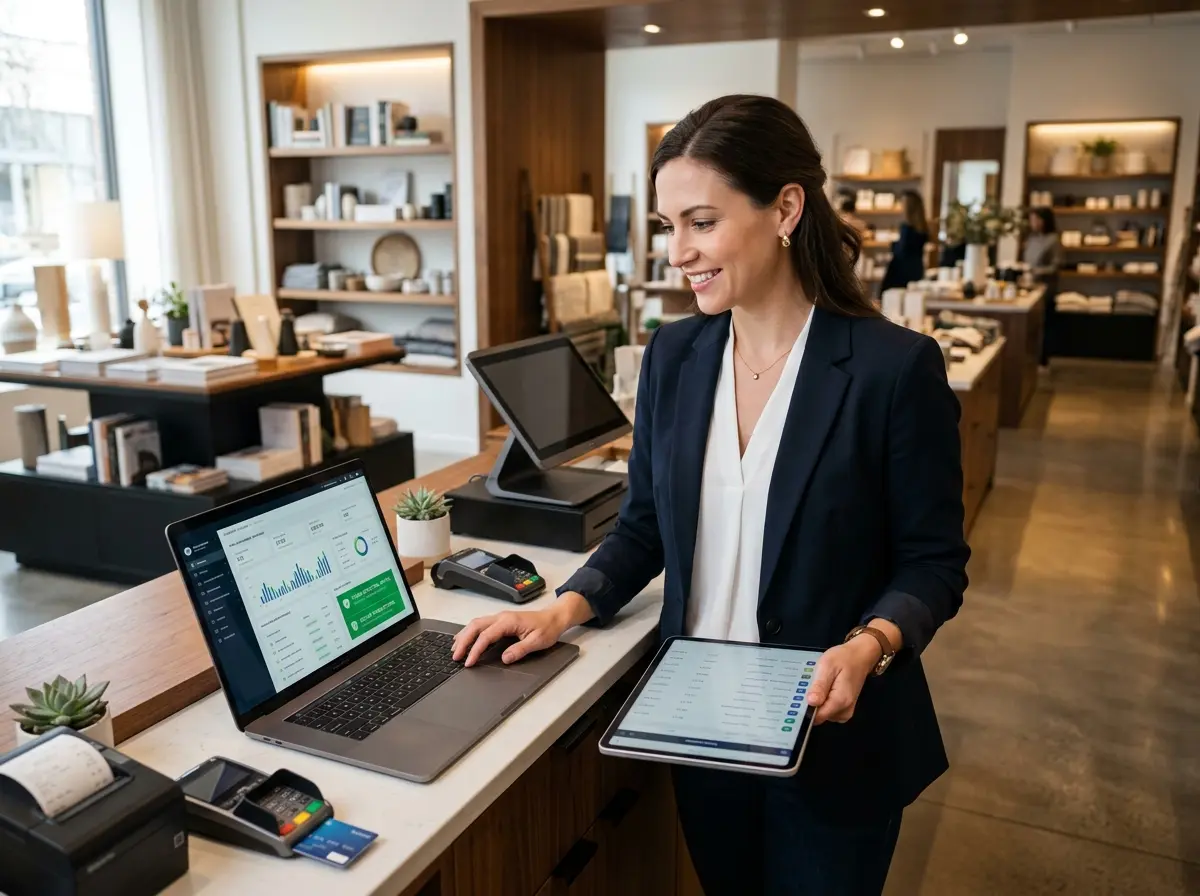
Data is the lifeblood of a smart business. If your POS can only tell you what you sold today but can't tell you who bought it, when traffic peaks, or which promotions are actually working — you're flying blind. Modern POS systems should give you granular insights into sales trends, inventory turnover, employee performance, and customer behavior. If yours generates a printout that looks like it came from a 1997 cash register, it's time for an upgrade.
How Better Technology (Including AI) Fills the Gaps
Meet the Team Member Who Never Calls In Sick
While you're rethinking your tech stack, consider what happens before a customer even reaches the register. Stella is an AI robot employee and phone receptionist designed to handle exactly those moments. In your physical location, she stands as a friendly, human-sized kiosk that proactively greets customers, answers questions about products, services, hours, and promotions, and even upsells related items — without taking a lunch break or checking her phone. On the phone side, she answers calls 24/7, handles inquiries, collects customer information through conversational intake forms, and forwards calls to human staff when needed. The result? Your human team stays focused, your customers feel attended to, and your business keeps running even after hours. It's the kind of seamless support that makes your whole operation feel more put-together — and more profitable.
What an Upgraded POS System Should Actually Do For You
Inventory Management That Works in Real Time
A modern POS should automatically update inventory as sales happen, send alerts when stock runs low, and ideally integrate with your suppliers for reordering. If you're still doing inventory counts with a clipboard and a prayer, that's not just inefficient — it's costing you money in overstocking, understocking, and lost sales. Retail businesses that use real-time inventory management report up to a 30% reduction in carrying costs and significantly fewer stockout events. The system should work for you, not the other way around.
CRM Integration and Customer Profiles
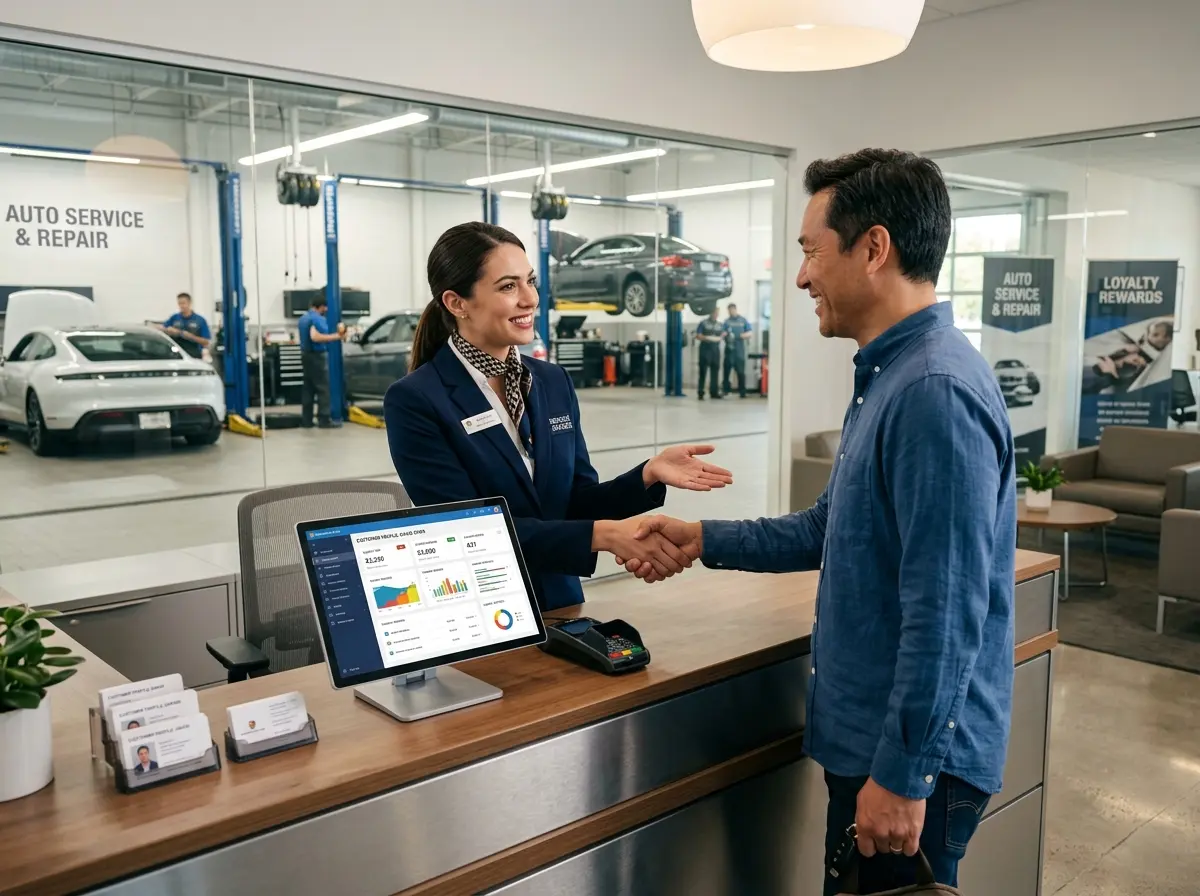
The best POS systems don't just process transactions — they help you build relationships. A system with built-in or integrated CRM capabilities allows you to track purchase history, apply loyalty rewards, and personalize marketing campaigns. When a returning customer walks in, your staff should be able to see at a glance what they've bought before and what they might love next. That level of personalization isn't just nice — it drives real revenue. Studies consistently show that repeat customers spend 67% more than new ones, and nurturing those relationships starts with knowing who they are.
Cloud-Based Access and Multi-Location Support
Quick Reminder About Stella
While you're modernizing your POS, don't overlook the customer touchpoints that happen outside the register. Stella is an AI robot employee and phone receptionist available for just $99/month — no upfront hardware costs — who greets in-store customers, answers phone calls around the clock, promotes your deals, and collects customer information, all while your human staff focuses on what they do best. She's the front-of-house upgrade your business didn't know it needed.
Time to Stop the Leak
- Audit your current system. Write down every pain point your team experiences. If the list is longer than three items, it's time to start shopping.
- Identify the features you actually need. Real-time inventory, CRM integration, contactless payments, cloud access, and strong reporting should be non-negotiables.
- Get demos from at least three vendors. Don't let a slick sales pitch replace hands-on evaluation. Make sure the system fits your workflow, not the other way around.
- Think beyond the register. Consider the full customer journey — from the moment they call your business or walk through your door, to the moment they check out and beyond.
- Set a timeline and budget. Upgrades don't have to happen overnight, but they do have to happen. Put a date on it.