When Your Schedule Changes and Nobody Tells the Patient (Or the Robot)
Picture this: Dr. Martinez calls in sick at 7:43 AM. You've got fourteen patients scheduled before noon, three of them already on their way, and your front desk is fielding calls while simultaneously trying to reach everyone on the cancellation list. It's controlled chaos — emphasis on the chaos part. Sound familiar?
Multi-provider medical practices run on schedules the way planes run on fuel. When something disrupts the flow — a provider out sick, an emergency surgery running long, a last-minute credentialing issue — the ripple effects hit patients, staff, and your practice's reputation simultaneously. The problem isn't that disruptions happen. They always will. The problem is that most practices still rely on manual, reactive systems to manage them, and in 2024, that's roughly equivalent to sending smoke signals.
Real-time scheduling updates aren't just a convenience feature. They're an operational necessity for any multi-provider practice that wants to stay competitive, reduce no-shows, and actually keep its patients happy. Let's talk about what a real system looks like — and how to build one that doesn't fall apart the moment someone calls in with a "stomach bug."
Why Scheduling Failures in Multi-Provider Practices Are a Different Beast
A solo practitioner with a scheduling problem is bad. A four-provider orthopedic clinic with a scheduling problem is a logistical wildfire. The complexity scales fast, and most practices underestimate just how many moving parts are involved until something breaks.
The Cascade Effect of a Single Provider Change
When one provider's availability shifts, it doesn't just affect their patients. It affects room assignments, support staff allocations, imaging suite bookings, and downstream appointment slots that were built around assumed availability. A 30-minute gap in Provider A's calendar can cause a 90-minute backlog by mid-afternoon if no one catches it early. According to a study by the Medical Group Management Association, scheduling inefficiencies account for a significant portion of lost revenue in outpatient practices — with some estimates placing that figure in the tens of thousands of dollars annually for mid-sized groups.
Real-time updates matter here because the faster a change is communicated — to staff, to patients, and to any automated systems handling inbound inquiries — the smaller the cascade. A 7:45 AM update that reaches everyone by 8:00 AM is dramatically more valuable than an 8:45 AM update that reaches everyone by 9:30 AM after three rounds of phone tag.
Patients Expect Communication. Yesterday, Actually.
The era of "we'll call you to reschedule" is over, and patients have zero patience for it. A 2023 survey by Kyruus Health found that 68% of patients said scheduling convenience directly influenced their decision to stay with or leave a provider. When a patient drives 25 minutes to an appointment only to find out their provider isn't available — information that was known hours earlier — the damage isn't just a bad review. It's a lost relationship.
Automated outbound notifications via text and email need to be integrated directly with your scheduling platform so that when a change is made in the system, communication goes out immediately — not when Karen at the front desk gets around to it. Karen is doing seven other things. The system should handle it.
The Internal Communication Gap Nobody Talks About
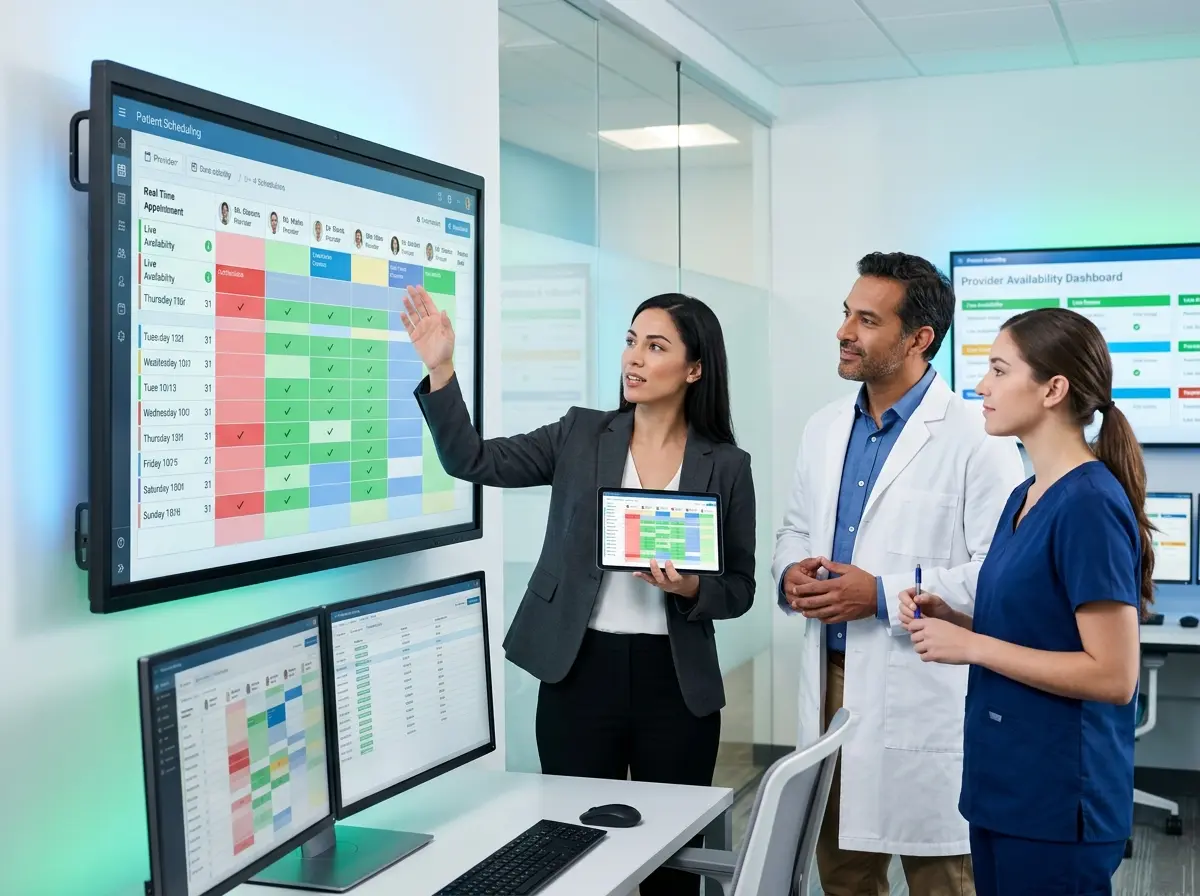
Patient-facing communication gets most of the attention, but internal communication failures are equally costly. Medical assistants showing up to prep rooms for a provider who isn't coming in. Billing staff allocating coding resources to a full afternoon that's suddenly half-empty. Front desk teams answering calls about a provider's availability without knowing the day's actual schedule. Real-time scheduling infrastructure has to work inward as well as outward, and that means integrated dashboards, role-based alerts, and a single source of scheduling truth that everyone in the practice accesses — not a whiteboard in the break room.
Tools, Technology, and Filling the Front-Line Gaps
How AI-Powered Front Desk Solutions Can Help Bridge the Gap
Here's where things get genuinely interesting. A significant source of scheduling confusion in multi-provider practices comes from the front desk bottleneck — specifically, the flood of inbound calls from patients asking whether their appointment is still on, whether a specific provider is available, and what the current wait times look like. When two staff members are on the phone and three patients are standing at the counter, real-time scheduling information simply doesn't get communicated fast enough.
Stella, the AI robot employee and phone receptionist, is worth considering here as a complementary layer to your scheduling system. In-practice, Stella's kiosk presence can greet arriving patients, confirm appointment details, and communicate real-time provider status — reducing the number of confused patients crowding the front desk. On the phone side, Stella answers inbound calls 24/7 and can be kept current with provider availability updates so that callers get accurate information immediately, without waiting on hold or getting transferred three times. For practices managing patient intake and contact data, her built-in CRM and conversational intake forms help keep records accurate without adding manual work to your staff's already packed day.
Building a Real-Time Scheduling Update System That Actually Works
Theory is nice. Practical implementation is what actually keeps your practice running. Here's how to build a system with real teeth.
Start with a Scheduling Platform That Has Native Real-Time Sync
This sounds obvious, but you'd be surprised how many practices are running scheduling software that requires a manual refresh, a nightly sync, or — brace yourself — a spreadsheet export to communicate changes. Your scheduling platform needs to operate in true real-time, pushing changes to every connected system the moment they're made. Look for solutions with open APIs that integrate with your EHR, patient messaging system, and staff communication tools. Platforms like Nextech, Kareo, or Athenahealth offer varying levels of real-time capability, but the configuration matters as much as the platform itself.
Equally important: make sure change permissions are clearly defined. If any staff member can modify any provider's schedule without a confirmation step, you're one accidental click away from a very bad morning. Role-based access controls paired with change notifications to supervisors keep the system honest.
Automate Patient Notification Across Multiple Channels
Your patients aren't monolithic. Some respond to texts immediately. Others only check email. A small but non-trivial segment actually prefers a phone call, bless their hearts. A robust real-time update system sends notifications across all three channels simultaneously when a scheduling change occurs, with a clear message, a direct rescheduling link, and a contact option for patients who have questions.
Timing matters enormously. For same-day cancellations, notifications should go out within minutes of the change being entered. For next-day or future changes, your system should send an initial alert as soon as the change is made, followed by a reminder 24 hours before the scheduled time. Don't make patients figure out what happened — tell them clearly, give them options, and make rescheduling easy enough that they actually do it instead of just not showing up.
Create a Staff Escalation and Accountability Protocol
Technology handles the routine, but people handle the exceptions. Define — in writing, with actual training behind it — what happens when a provider calls out after hours, when a same-day emergency affects multiple appointments, or when your scheduling system experiences downtime. Who is the point person? What's the communication chain? What's the fallback for patient notification if automated systems are unavailable?
Practices that run scheduling updates smoothly aren't just better equipped technologically — they're better drilled operationally. Run through scheduling disruption scenarios during staff meetings at least quarterly. It's the kind of boring preparedness that looks incredibly competent when the real thing happens and every other practice is melting down.
Quick Reminder About Stella
Stella is an AI robot employee and phone receptionist built for businesses of all types — including medical practices managing high call volumes and complex scheduling. She greets patients at the kiosk, answers phones around the clock, and keeps your front line covered without the turnover, the sick days, or the scheduling headaches. At $99/month with no upfront hardware costs, she's an easy addition to any practice looking to reduce front desk strain.
Putting It All Together: Your Next Steps
Building a real-time scheduling update system isn't a single project — it's an ongoing operational commitment. But the practices that invest in it consistently outperform those that don't on every metric that matters: patient satisfaction, no-show rates, staff burnout levels, and revenue per available provider hour.
Here's where to start:
- Audit your current scheduling platform for true real-time sync capability and integration options with your EHR and communication tools.
- Implement automated patient notifications across text, email, and phone for all schedule changes, with direct rescheduling links.
- Document and train your staff escalation protocol for after-hours and emergency scheduling changes so no one is improvising under pressure.
- Evaluate your front desk bottlenecks — specifically, whether inbound call volume during schedule disruptions is creating communication breakdowns that technology could solve.
- Review your data — track no-show rates, reschedule rates, and patient satisfaction scores before and after any system changes so you can measure what's actually working.
Your patients chose your practice because they trust you with their health. The least you can do is make sure they know when their appointment is still happening. A real-time scheduling update system isn't a luxury for well-resourced practices — it's the baseline standard your patients already expect. Build it properly, and the chaos doesn't disappear, but it becomes manageable. And manageable, in a multi-provider medical practice, is practically a superpower.