Introduction: Because "If You Build It, They Will Come" Is Not a Marketing Strategy
You've got a great store. Fantastic products. Maybe even a killer window display that took you three hours to arrange. And yet, somehow, the foot traffic isn't exactly overwhelming. Here's a truth that stings a little: people can't shop at your store if they don't know it exists — or worse, if they forgot it exists. That's where Facebook Ads come in.
Facebook Ads for local retail aren't just for the big box stores with marketing departments and bottomless budgets. With the right targeting strategy, even a small boutique, hardware shop, or specialty food store can reach thousands of nearby shoppers for a surprisingly reasonable spend. According to Meta, there are over 200 million small businesses using Facebook's tools globally — but the ones actually winning with ads are the ones who understand local targeting. That's what this guide is about.
We'll walk you through setting up Facebook Ads that specifically target the shoppers who are most likely to walk through your door — step by step, without the marketing jargon that makes your eyes glaze over. Let's get into it.
Setting Up Your Foundation for Local Facebook Ads
Step 1: Get Your Business Manager and Pixel in Order
Before you spend a single dollar on ads, you need the infrastructure in place. Start by setting up a Meta Business Suite account if you haven't already. This is the command center where you'll manage your ads, pages, and analytics. From there, install the Meta Pixel on your website — it's a small snippet of code that tracks visitor behavior and helps you build retargeting audiences later.
Think of the Pixel like a very polite stalker for your website. It quietly takes notes on who visits, what they look at, and whether they make a purchase. That data becomes incredibly valuable when you're trying to find more people who look and act like your best customers. If you're not tech-savvy, your website platform (Shopify, Wix, Squarespace, etc.) usually has a built-in integration that makes this nearly painless.
Step 2: Define Your Local Audience with Geographic Targeting
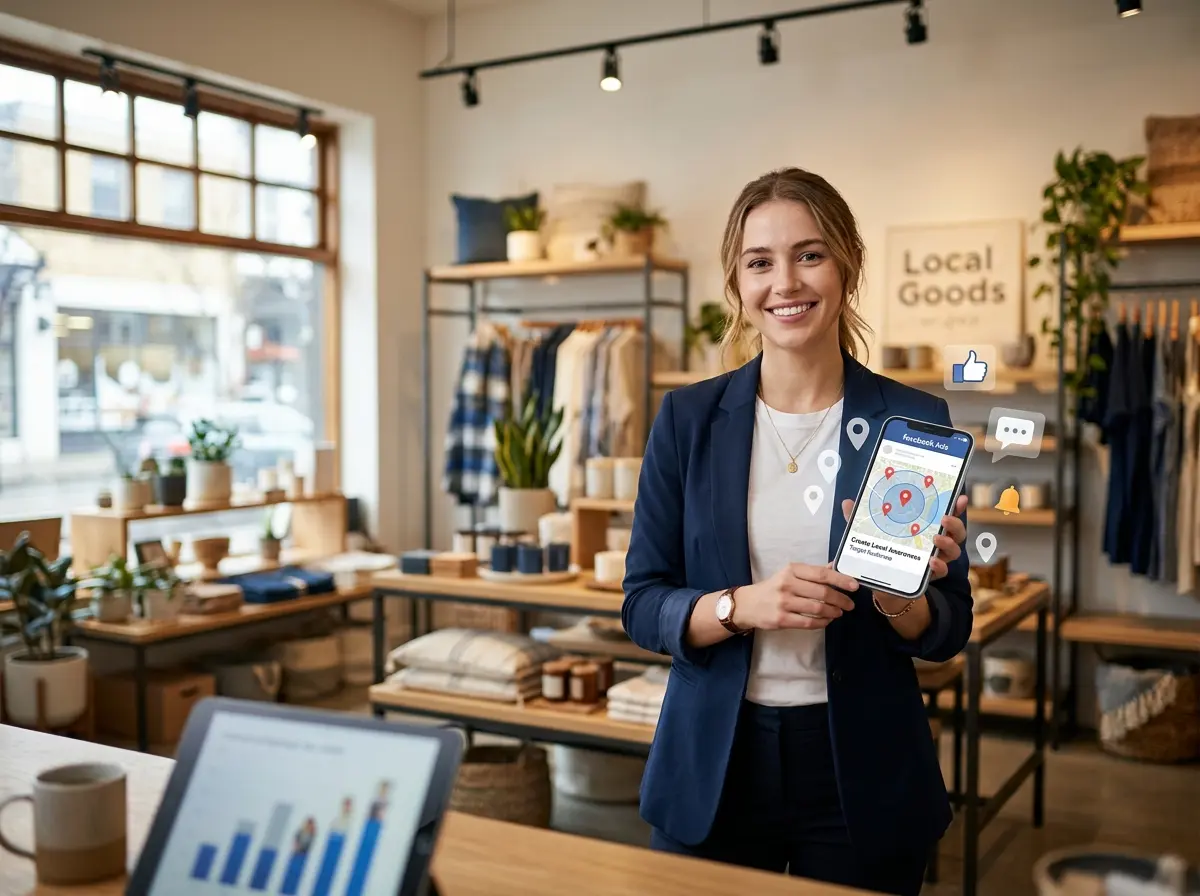
Here's where the magic happens for local retailers. Inside Meta's Ads Manager, when you create a campaign, you'll reach the Audience section. This is where you can drop a pin on your store's location and define a radius — anywhere from 1 mile to 50 miles. For most local retail businesses, a 5–15 mile radius is the sweet spot, but it depends on your market density and what you're selling.
You can refine further using demographic targeting (age, gender, household income), interest targeting (people who love cooking, fitness, fashion — whatever matches your inventory), and behavioral targeting (recent shoppers, people who frequently visit businesses like yours). The combination of location plus interest is incredibly powerful. You're not just targeting people nearby — you're targeting nearby people who actually care about what you sell.
Step 3: Choose the Right Campaign Objective
Facebook gives you a menu of campaign objectives, and picking the wrong one is like ordering dessert before you even know if you want dinner. For local retail, the most relevant objectives are:
- Store Traffic: Specifically designed to drive people to your physical location. Facebook even tracks estimated store visits.
- Reach: Maximize how many local people see your ad — great for brand awareness and promotions.
- Conversions: Best if you have an e-commerce component and want online purchases from local customers.
- Engagement: Useful for promoting events, sales, or posts to build local community awareness.
For most brick-and-mortar retailers just getting started, Store Traffic or Reach campaigns are your best bets. Save the conversion-optimized campaigns for when you have solid Pixel data and a clear online purchase path.
How Stella Keeps the Customers Your Ads Bring In
Turning Ad Clicks into Real Conversations
Getting people through the door — or on the phone — is only half the battle. What happens when they arrive matters just as much as the ad that brought them. That's where Stella, the AI robot employee and phone receptionist, becomes a genuinely useful part of your marketing ecosystem.
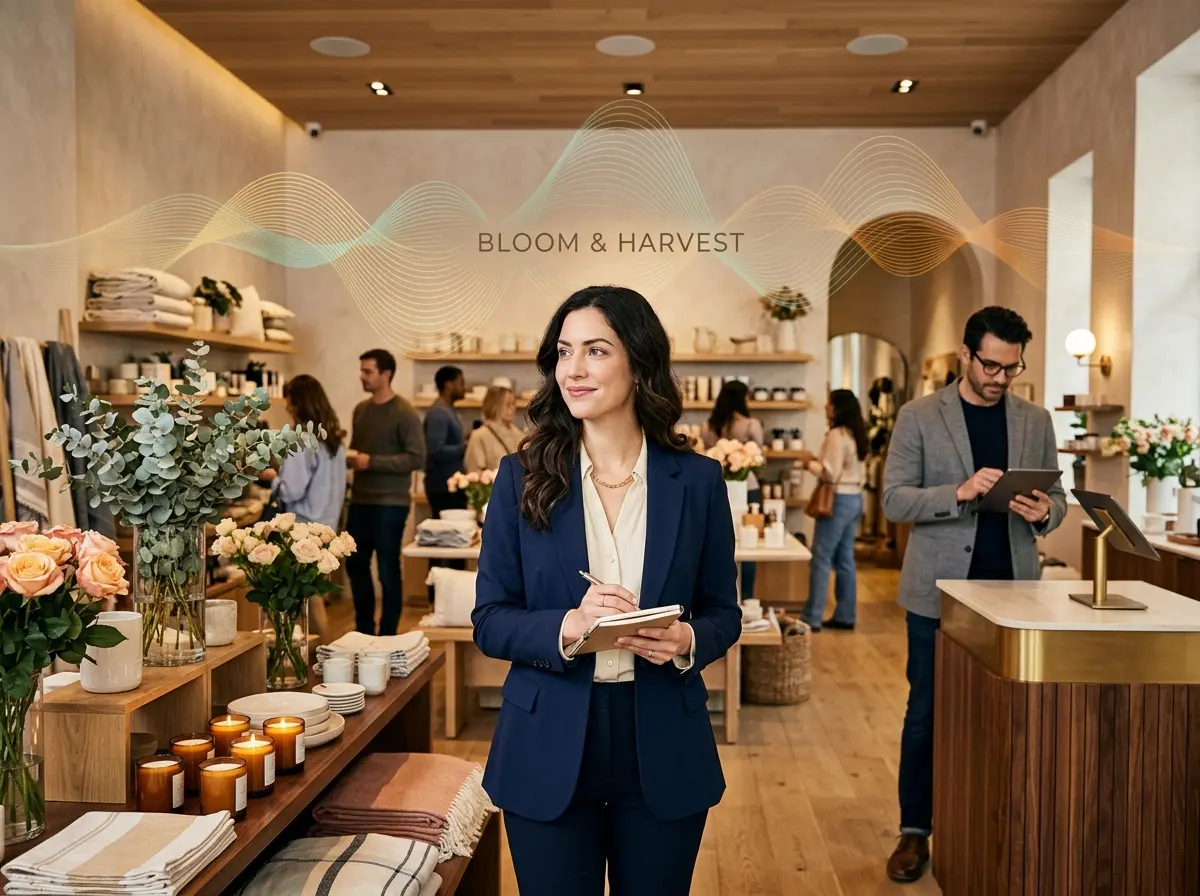
Picture this: your Facebook ad promotes a weekend sale. It drives a flood of calls and foot traffic — more than your staff can comfortably handle. Stella stands inside your store greeting every customer who walks in, answering questions about products, hours, and promotions without pulling your team away from the register. Meanwhile, she's also answering every incoming phone call 24/7 — including the ones that come in after closing hours from customers who saw your ad late at night. She can collect customer information through conversational intake forms, build profiles in her built-in CRM, and make sure no lead gets lost in the shuffle. Your ad spend does a lot more work when there's a reliable presence ready to convert that interest into a sale.
Crafting Ads That Actually Make People Leave Their Couch
Writing Copy That Speaks to Local Shoppers
Local ad copy has a personality that national advertising simply can't replicate. You're not Walmart. You don't need to be. Lean into your local identity — mention your city or neighborhood, reference something your community cares about, and write like a human being rather than a press release. "Hey Columbus shoppers — our summer collection just dropped and it's everything you didn't know you needed" will outperform generic ad copy every single time.
Keep your headline punchy, your body copy concise (people are scrolling fast), and always include a clear call to action. "Visit us this weekend," "Call to reserve yours," or "Shop in-store only" creates urgency and reinforces the local, physical nature of your business. Avoid the temptation to cram every single product into one ad. One offer, one message, one action. That's the formula.
Using Creative That Stops the Scroll
In a world where people's thumbs move faster than their brains, your visual needs to do the heavy lifting in about 1.5 seconds. For local retail, this means using real photos of your store, your products, and your people whenever possible. Stock photos are fine in a pinch, but authenticity wins in local markets. Customers want to see what they're actually walking into.
Video ads consistently outperform static images in engagement — even a simple 15-second clip of new inventory arriving, a behind-the-scenes look at your shop, or a quick showcase of your best-selling product can drive meaningful results. You don't need a film crew. A decent smartphone and decent lighting are enough. And don't forget captions — roughly 85% of Facebook videos are watched without sound, so your video needs to make sense even on mute.
Budgeting Like a Local Business (Not a Fortune 500)
Good news: you don't need a massive budget to run effective local Facebook Ads. Many small retailers see strong results starting at just $5–$15 per day, particularly with well-defined local audiences that keep your reach focused rather than spread thin. Start small, run your ads for at least 7–14 days to give Facebook's algorithm time to optimize, and then evaluate performance before scaling up.
Pay attention to your cost per result, your reach, and your frequency (how many times the same person sees your ad). If frequency climbs above 3–4 within a short period, it's time to refresh your creative before people start mentally filtering it out. Rotate your ads regularly, test different images and copy combinations, and treat every campaign as a learning opportunity — even the ones that don't perform the way you hoped.
Quick Reminder About Stella
Stella is an AI robot employee and phone receptionist designed for businesses exactly like yours. She stands in your store engaging walk-in customers, answers phone calls around the clock, promotes your current deals, and handles questions so your staff can focus on what they do best. At just $99/month with no upfront hardware costs, she's one of the most practical ways to make sure the traffic your ads generate actually converts — in person and over the phone.
Conclusion: Stop Waiting and Start Targeting
Facebook Ads for local retail aren't some mystical art form reserved for people with marketing degrees and unlimited time. With the right foundation, smart local targeting, compelling creative, and a reasonable budget, you can consistently put your store in front of nearby shoppers who are genuinely likely to visit. The key is to start, learn, and iterate — not to wait until everything is perfect, because that day will never come.
Here's your action plan to get moving:
- Set up Meta Business Suite and install the Meta Pixel on your website this week.
- Define your target audience using a geographic radius, relevant demographics, and interest targeting that matches your products.
- Choose a campaign objective — Store Traffic or Reach for starters.
- Create one focused ad with authentic visuals, local copy, and a clear call to action.
- Set a daily budget of $5–$15, let it run for at least 7 days, and then review your results.
- Make sure your in-store and phone experience is ready to handle the traffic your ads generate.
The shoppers are out there. They're scrolling right now. The only question is whether your store shows up in that scroll — or your competitor's does. Go run some ads.