Your Appointment Book Is Full. Your Customer Data Is a Mess. Sound Familiar?
You've built a thriving salon. Your stylists are talented, your clients keep coming back, and your retail shelf actually moves product. Business is good — except for that nagging feeling that you're leaving money on the table every single week. A client comes in for a trim, never hears about your new keratin treatment, and books at the competitor down the street next time. Another loyal customer hasn't been in for four months, and you have absolutely no way of knowing who she is, what she likes, or how to bring her back. Sound familiar?
Here's the uncomfortable truth: most salons are sitting on a goldmine of customer relationships and doing almost nothing to cultivate them. Not because salon owners don't care — you clearly do — but because the tools to manage those relationships have historically felt like they were designed by engineers who have never once held a pair of shears. Enter the CRM, or Customer Relationship Management system. Yes, it sounds corporate and slightly terrifying, but stick with us. Used correctly, a CRM is simply the difference between a salon that reacts to customers and one that anticipates them. And that difference, measured in rebooking rates and retail revenue, is enormous.
What a CRM Actually Does (And Why Salons Specifically Need One)
More Than a Digital Rolodex
A CRM is not just a glorified contact list. Think of it as your salon's institutional memory — the thing that remembers every client's preferred stylist, their color formula, their sensitivity to certain products, their birthday, and the fact that they mentioned wanting to try balayage last spring. When that information lives in your head or scribbled on sticky notes, it walks out the door the moment a stylist leaves. When it lives in a CRM, it stays with your business forever.
According to Salesforce research, businesses that use CRM systems see an average sales increase of 29%, a productivity boost of 34%, and a forecast accuracy improvement of 42%. Those numbers weren't generated by salons specifically, but the underlying logic applies perfectly: when you know your customers better, you serve them better, and they spend more.
The Retention Problem Nobody Talks About
Client retention is the lifeblood of any salon. It costs roughly five times more to acquire a new customer than to retain an existing one — and yet most salons spend far more energy on promotions to attract new faces than on nurturing the clients they already have. A CRM flips that equation by giving you the tools to identify at-risk clients (those who haven't booked in 60 or 90 days), trigger personalized outreach, and make every returning visit feel like the client is your most important one.
Imagine automatically flagging every client who hasn't been in for 10 weeks and sending them a personal message referencing their last service. That's not magic — it's just smart data use, and a CRM makes it entirely possible without requiring you to manually comb through your appointment history every Monday morning.
Retail, Upsells, and the Revenue You're Missing
Your retail shelf is not decoration, and your add-on services exist for a reason. A CRM helps your team actually use that information by surfacing relevant client preferences before every appointment. A stylist who knows a client previously purchased a specific shampoo brand can proactively mention the matching conditioner that just came in. A receptionist who sees a client's history of color appointments can mention the toning gloss service at checkout. These aren't pushy sales tactics — they're personalized recommendations, and clients respond to them warmly when they feel relevant rather than scripted.
Getting Started Without Wanting to Throw Your Laptop Out the Window
Start Small, Stay Consistent
The biggest mistake salon owners make when implementing a CRM is trying to do everything at once. You don't need to import ten years of appointment history on day one. Start by capturing a handful of essential fields for every new client going forward: name, contact information, preferred stylist, service history, and any relevant notes like allergies or color formulas. Once that becomes habit, you can layer in tags, birthday fields, retail preferences, and communication history. Consistency over completeness — always.
A practical approach is to designate one person (or one system) responsible for updating client records after every appointment. If that sounds like one more thing your team doesn't have time for, keep reading.
How Stella Takes the Data Entry Off Your Plate
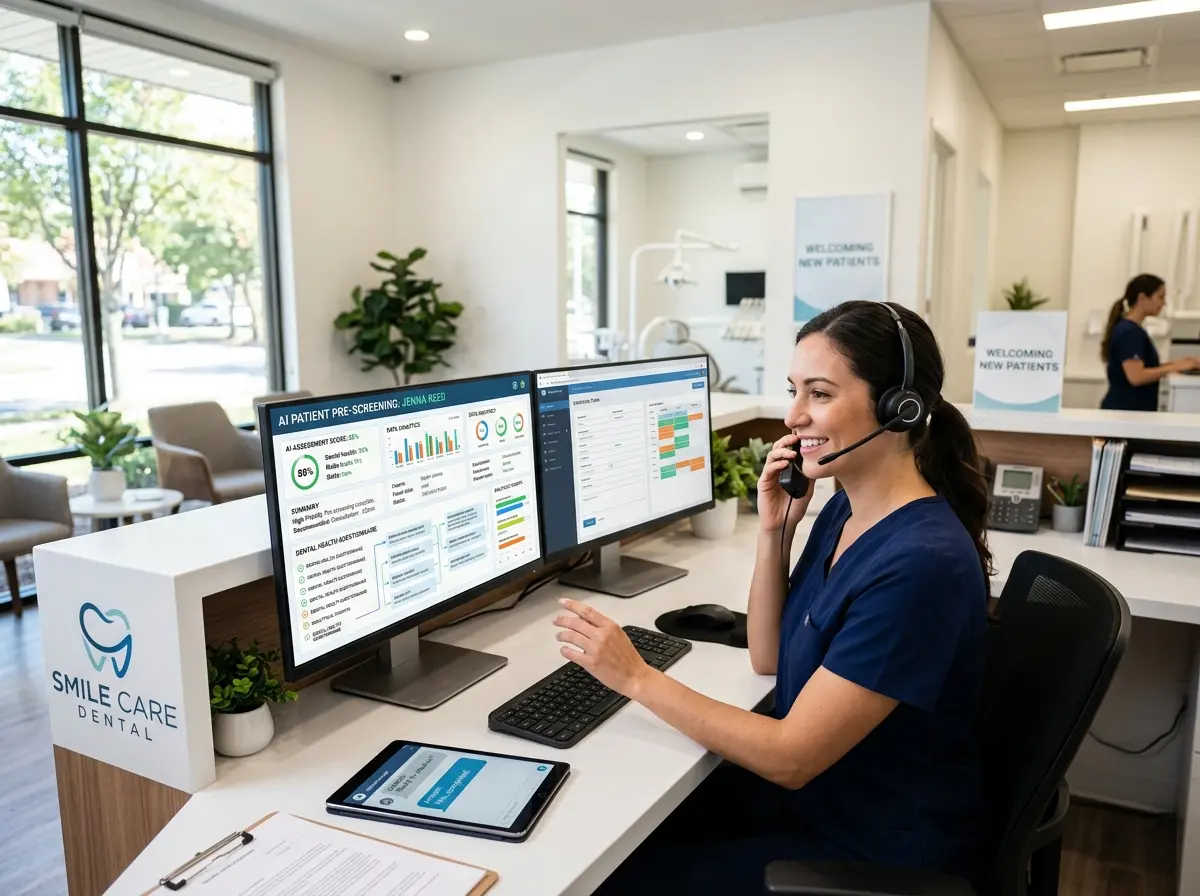
Stella is an AI robot employee and phone receptionist that, among many things, comes with a built-in CRM complete with custom fields, tags, notes, and AI-generated client profiles. When a new client calls to book an appointment, Stella answers the phone 24/7 and walks them through a conversational intake form — gathering their name, contact details, service interests, and any relevant preferences — all of which flow directly into her CRM without anyone on your team lifting a finger. For clients who walk in, her in-store kiosk presence can engage them proactively, capture information, and start building their profile from the very first interaction. It's the rare combination of front-desk charm and back-office organization, and it costs a flat $99 per month.
Using Your CRM Data to Actually Grow Your Salon
Segmentation: Stop Sending the Same Message to Everyone
Once your CRM has even a few months of data, you can begin segmenting your client list in ways that make your marketing dramatically more effective. Rather than blasting a generic promotion to your entire contact list, you can send a lash lift offer only to clients who have received eye-adjacent services before. You can target color clients specifically with a seasonal gloss promotion. You can reach out to clients who have only ever booked cuts and introduce them to your skin care or brow services with a first-time discount.
Segmentation isn't about being complicated — it's about being relevant. And relevant communication converts at a dramatically higher rate than generic blasts. Studies consistently show that segmented email campaigns generate up to 760% more revenue than one-size-fits-all broadcasts. That is not a typo.
Tracking What's Working (And Ditching What Isn't)
A CRM also gives you something invaluable: visibility into your own business. Which promotions drove the most rebookings? Which services have the highest client retention rates? Which stylists' clients are most likely to purchase retail? These aren't just interesting questions — they're the foundation of smart business decisions. Without data, you're making those decisions based on gut feeling and wishful thinking. With a CRM, you're making them based on evidence.
Set a monthly habit of reviewing your key metrics: new clients acquired, returning client rate, average spend per visit, and retail attachment rate. You don't need an MBA to interpret these numbers. You just need them in front of you, consistently, so you can spot trends before they become problems.
Automating the Follow-Up You Never Have Time For
The single most powerful thing a CRM enables is automated, personalized follow-up at scale. Rebooking reminders, birthday messages, post-appointment check-ins, lapsed client win-back campaigns — all of these can be triggered automatically based on client data and behavior. For a salon with hundreds of active clients, this is the difference between staying top-of-mind and being completely forgotten the moment a client steps outside.
The key is setting up these automations once, testing them, and letting them run. You'll spend a few hours upfront and save dozens of hours every month — hours that you and your team can spend actually doing what you're good at.
Quick Reminder About Stella
Stella is an AI robot employee and phone receptionist available for $99/month with no upfront hardware costs. She greets walk-in clients at her in-store kiosk, answers every phone call around the clock with full knowledge of your services and promotions, collects client information through conversational intake forms, and manages it all through a built-in CRM. She doesn't call in sick, she doesn't forget to update a client record, and she doesn't put a caller on hold while she helps someone else.
Your Action Plan: Start This Week, See Results This Quarter
If you've made it this far, you already understand that a CRM isn't optional — it's simply a modern tool for running a modern salon. The good news is that getting started doesn't require a six-month implementation project or a dedicated IT department. Here's a simple path forward:
- Audit what you already have. Most salon booking software includes basic client records. Export what you have and understand what fields you're already capturing versus what you're missing.
- Define your must-have fields. At minimum: contact info, service history, stylist preference, product preferences, and any health or allergy notes. Add birthday and communication preferences as soon as possible.
- Assign ownership. Someone on your team — or a tool like Stella — needs to be responsible for keeping records current after every appointment.
- Set up one automation. Start with a rebooking reminder that goes out 4–6 weeks after a client's last visit. Measure the response rate and build from there.
- Review your data monthly. Block 30 minutes at the end of each month to look at your key numbers. That habit alone will pay dividends.
The salons winning right now aren't just the ones with the best stylists or the prettiest interiors. They're the ones that treat client relationships as assets worth managing. A CRM is how you do that — professionally, consistently, and without relying on anyone's memory. Start small, stay consistent, and let the data do the heavy lifting. Your future self (and your rebooking rate) will thank you.