Introduction: Because Your Waiting Room Shouldn't Feel Like a Waiting Room
Let's paint a picture. It's 8:47 AM on a Tuesday. The phone is ringing. A dog is barking. A cat is expressing its displeasure loudly from inside a carrier. Someone at the front desk is trying to manually enter a new patient's information while simultaneously answering questions about flea prevention and locating a missing file. Your technicians are ready to go, but the first appointment is still filling out a paper form with a pen that barely works.
Sound familiar? If you're running a veterinary practice, this chaos isn't an anomaly — it's Tuesday. The good news is that digital patient intake has evolved dramatically, and implementing it doesn't require a computer science degree or a second mortgage on the clinic. Done right, it reduces stress for your staff, improves the experience for pet owners, and — perhaps most importantly — gets accurate information into your system before the appointment even begins.
This guide walks you through a practical, no-nonsense approach to modernizing your patient intake process so you can spend less time chasing down clipboards and more time doing what you actually went to veterinary school for.
The Real Cost of Manual Intake Processes
It's Slower Than You Think
Manual intake feels manageable — until you actually measure it. Studies in healthcare administration consistently show that paper-based intake processes take three to five times longer than their digital equivalents. For a veterinary clinic seeing 25 to 40 patients a day, that time adds up fast. We're talking anywhere from 30 minutes to over two hours of cumulative administrative drag, every single day, entirely consumed by data entry, verification, and the occasional archaeological dig through a client's chicken-scratch handwriting.
Every minute your front desk spends transcribing information from a paper form is a minute they're not answering the phone, not greeting incoming clients, and not doing the hundred other things that keep your practice running smoothly.
Errors Are Expensive (and Sometimes Dangerous)
Manual data entry introduces errors. This isn't a criticism of your staff — it's just physics. When someone is copying information from handwritten notes into a digital system under time pressure, mistakes happen. In a veterinary context, an error in a patient's medication history, weight, or known allergies isn't just an administrative inconvenience. It can have real consequences for the animal in your care.
Digital intake forms that feed directly into your practice management system eliminate the transcription step entirely. The client enters the information themselves — typically on their phone before the appointment — and it flows cleanly into the record. Fewer hands touching the data means fewer opportunities for it to go wrong.
Clients Actually Prefer It
There's a persistent myth in veterinary practice management that older clients won't adopt digital forms. The data doesn't support this. According to multiple surveys on patient and client experience in healthcare settings, over 70% of respondents across all age groups prefer completing intake forms digitally before their appointment rather than on paper in a waiting room. The reason is simple: they can do it from their couch, at their own pace, without a dog trying to eat the clipboard.
Building a Digital Intake System That Actually Works
Start With What You Actually Need to Know
Before you digitize anything, audit your current intake form ruthlessly. Most veterinary intake forms have accumulated fields over the years the way a garage accumulates old furniture — gradually, without intention, until suddenly you're asking new clients for information you haven't used in a decade. Trim the form down to what your team genuinely needs before the first appointment. Basic pet information, vaccination history, current medications, known allergies or sensitivities, the reason for today's visit, and emergency contact details. That's your core. Everything else can be collected progressively over subsequent visits.
A shorter form has a higher completion rate. This is not a coincidence.
Send It Ahead of Time — Automatically
The single highest-impact improvement most practices can make is simply sending the intake form before the client arrives. This sounds obvious. It isn't always practiced. Set up automated messages — via text, email, or both — that go out 24 to 48 hours before an appointment with a direct link to the intake form. Include a friendly reminder that completing it ahead of time means less waiting when they arrive.
When clients walk through your door having already completed their intake, your front desk can focus on welcoming them rather than processing them. It's a small shift with a significant impact on how your clinic feels to everyone involved.
Integrate With Your Practice Management Software
A digital intake form that requires manual import into your PMS is just a shinier version of the paper problem. True efficiency comes from integration — forms that push data directly into the patient record without any human intermediary step. Most modern practice management platforms support this either natively or through third-party connectors. If yours doesn't, that's worth factoring into your next software evaluation.
How Technology Can Handle the Front Desk Pressure
Letting Automation Carry the Administrative Load
Beyond intake forms, the front desk of a veterinary clinic is one of the most interrupt-driven environments in any business. Phone calls come in throughout the day — appointment confirmations, medication refill requests, general questions about services and pricing — often at the exact moment your staff is already occupied with a client standing right in front of them. This is where intelligent automation can genuinely change the quality of your team's workday.
Stella, the AI robot employee and phone receptionist, is built specifically for this kind of environment. For clinics with a physical location, she operates as a friendly, human-sized kiosk that can greet clients as they arrive, answer questions about your services, and even assist with intake. For handling the phone — which is where veterinary front desks often feel the most overwhelmed — she answers calls 24/7, collects information through conversational intake forms, and manages client contacts through a built-in CRM with custom fields, tags, and AI-generated profiles. Calls that genuinely need a human get forwarded; everything else gets handled professionally, every time, without burning out your staff.
Training Your Team to Work With Digital Systems
Change Management Is Half the Battle
Implementing digital intake isn't just a technology project — it's a people project. Your front desk team has built workflows, habits, and muscle memory around the existing system, whatever its flaws. Introducing new tools without proper onboarding tends to create a transitional period where things actually get worse before they get better, which is enough to kill buy-in entirely.
Invest in training upfront. Walk through the new system with your team before it goes live. Identify the staff member who's most comfortable with technology and designate them as the internal resource for questions. Run parallel processes for a week or two during transition — keeping the old method available as a fallback while the new one becomes familiar. Most practices find the learning curve is shorter than expected, but setting realistic expectations keeps frustration manageable.
Set Client Expectations Clearly
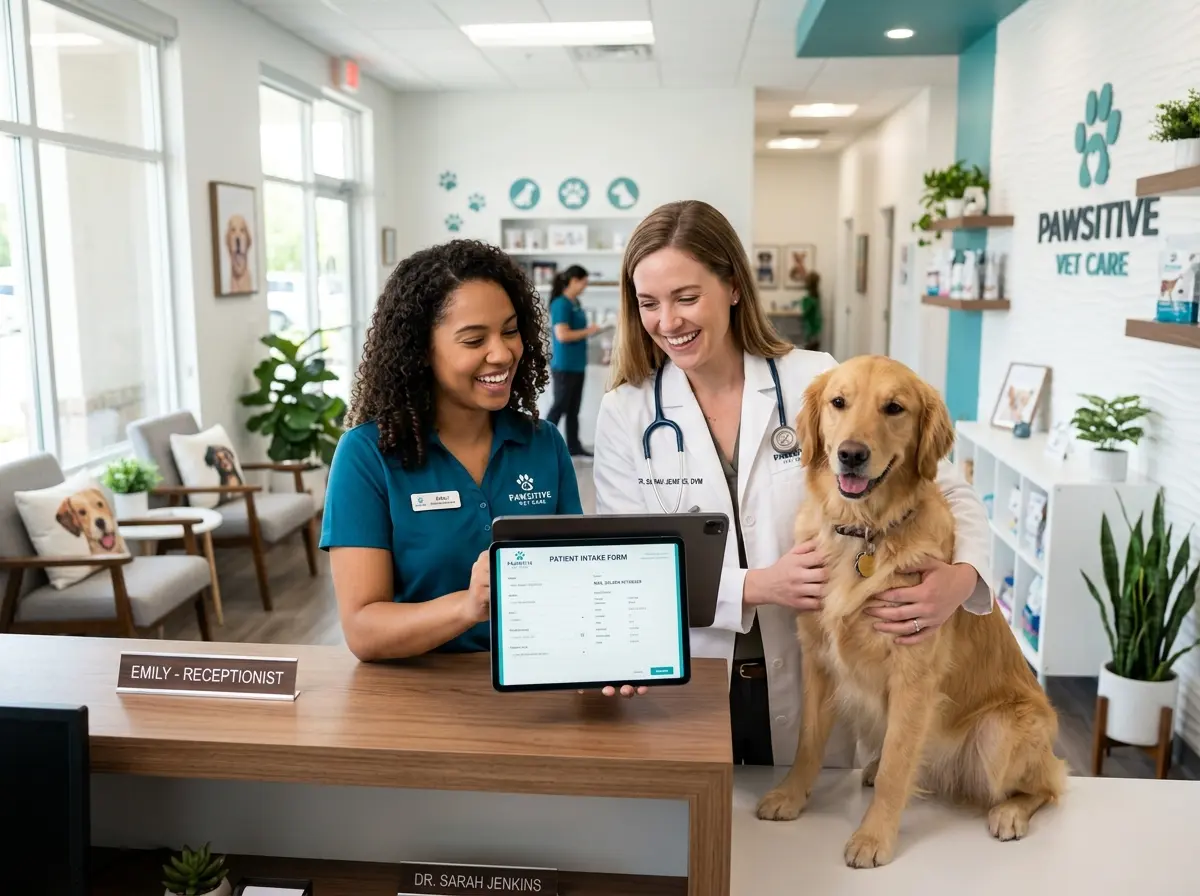
When you launch digital intake, communicate it proactively. Update your appointment confirmation messages to explain the new process. Brief your front desk on how to handle clients who arrive without having completed the form — because some will, and having a quick in-clinic option available (a tablet at the front desk works perfectly) ensures no one is turned away or delayed unnecessarily.
Most clients adapt quickly, especially when you frame it correctly: completing intake online means less time waiting when they arrive. That's a benefit they'll appreciate the first time they experience it.
Review and Refine Over Time
Digital intake isn't a set-it-and-forget-it solution. Revisit your forms every six months. Are there fields clients consistently leave blank? Remove them or make them optional. Are there questions your technicians wish they had answers to before the exam? Add them. Pay attention to completion rates — if a meaningful percentage of clients aren't finishing the form before arrival, that's a signal that either the form is too long or the reminder messaging isn't landing.
Continuous improvement doesn't require major effort. Small, regular adjustments keep the system working well and demonstrate to your team that leadership is paying attention.
Quick Reminder About Stella
Stella is an AI robot employee and phone receptionist available for $99/month with no upfront hardware costs. She greets clients in your clinic, answers your phones around the clock, handles intake through conversational forms, and keeps your CRM organized — so your human team can focus on the work that actually requires them. Easy to set up, always ready, and she never calls in sick on a busy Tuesday.
Conclusion: Small Changes, Significant Results
Modernizing your patient intake process doesn't require a complete practice overhaul or a significant capital investment. It requires a clear-eyed look at where time is being lost, a willingness to implement tools that already exist, and a commitment to bringing your team along through the transition.
Here's where to start:
- Audit your current intake form and cut anything that isn't genuinely necessary for the first appointment.
- Set up automated pre-appointment reminders that include a link to the digital intake form, sent 24 to 48 hours in advance.
- Confirm integration between your intake solution and your practice management software — or make it a priority if it doesn't exist yet.
- Train your team thoroughly before launch, and designate an internal point person for questions.
- Review your system every six months and adjust based on completion rates and staff feedback.
Your waiting room will be calmer. Your front desk will be less frazzled. Your records will be more accurate. And you'll be able to walk into an exam room knowing exactly what's needed before you even say hello to the patient — regardless of whether that patient is going to cooperate with the examination or not. That part, unfortunately, is still up to the cat.